How to install Vesta Control Panel on Ubuntu 16.04
To install Vesta Control Panel on Ubuntu 16.04
Vesta is an open-source, easy-to-use, web control panel used for web hosting purposes. Since it is packed with several features and uses lots of advanced technologies, it is considered to be highly secure. Its light weight built makes it to run smoothly even with low system specifications. It even allows you to host and manage your websites with ease on your VPS by default. In a nutshell, Vesta makes the tasks of system administrators easier, whether it is creating a Database to Website or managing E-Mail at a single place. This tutorial can help you understand the method to install Vesta Control Panel on Ubuntu 16.04.
Installing Vesta
Download the vesta package using curl command as follows.
root@linuxhelp:~# curl -O http://vestacp.com/pub/vst-install.sh
  % Total    % Received % Xferd  Average Speed   Time    Time     Time  Current
                                 Dload  Upload   Total   Spent    Left  Speed
100  1721  100  1721    0     0   1568      0  0:00:01  0:00:01 --:--:--  1568
After downloading, install the script using bash by executing the following command.
root@linuxhelp:~#  bash vst-install.sh --force
--2017-08-19 06:50:43--  http://vestacp.com/pub/vst-install-ubuntu.sh
Resolving vestacp.com (vestacp.com)... 104.236.66.100
Connecting to vestacp.com (vestacp.com)|104.236.66.100|:80...
connected.
HTTP request sent, awaiting response... 200 OK
.
.
We hope that you enjoy your installation of Vesta. Please feel free to contact us anytime if you have any questions.
Thank you.

--
Sincerely yours
vestacp.com team
You should install the dependencies before the installation of Vesta. Run the following command for the same purpose.
root@linuxhelp:~# bash vst-install.sh --nginx yes --phpfpm yes --apache no --named yes --remi no --vsftpd no --proftpd yes --iptables yes --fail2ban no --quota yes --exim yes --dovecot yes --spamassassin yes --clamav no --mysql yes --postgresql no --hostname your-domain.com --email admin@your-domain.com --password Y0ur_PaSSwD --force
--2017-08-19 04:30:25--  http://vestacp.com/pub/vst-install-ubuntu.sh
Resolving vestacp.com (vestacp.com)... 104.236.66.100
Connecting to vestacp.com (vestacp.com)|104.236.66.100|:80... connected.
HTTP request sent, awaiting response... 200 OK
Length: 45605 (45K) [text/plain]
Saving to: ‘ vst-install-ubuntu.sh’
.
.
Congratulations, you have just successfully installed Vesta Control Panel
    https://125.17.109.94:8083
    username: admin
  password: Y0ur_PaSSwD
We hope that you enjoy your installation of Vesta. Please feel free to contact us anytime if you have any questions.
Thank you.
--
Sincerely yours
vestacp.com team
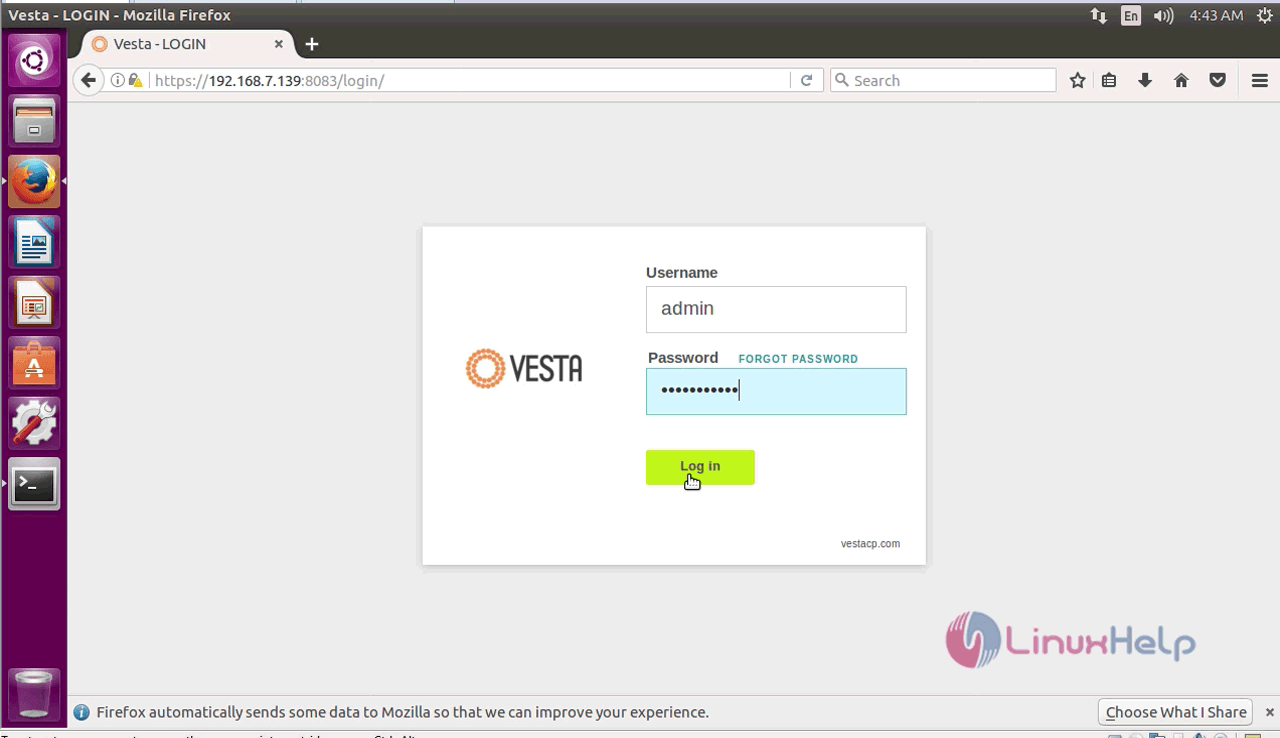
You are through with your installation, now graphically access your vesta CP and continue the process by the web browser. So, enter the ip address of your http:// server ip:8083. It shows the login page of vesta CP. Fill the details and click login.
The home page of Vesta CP application opens.
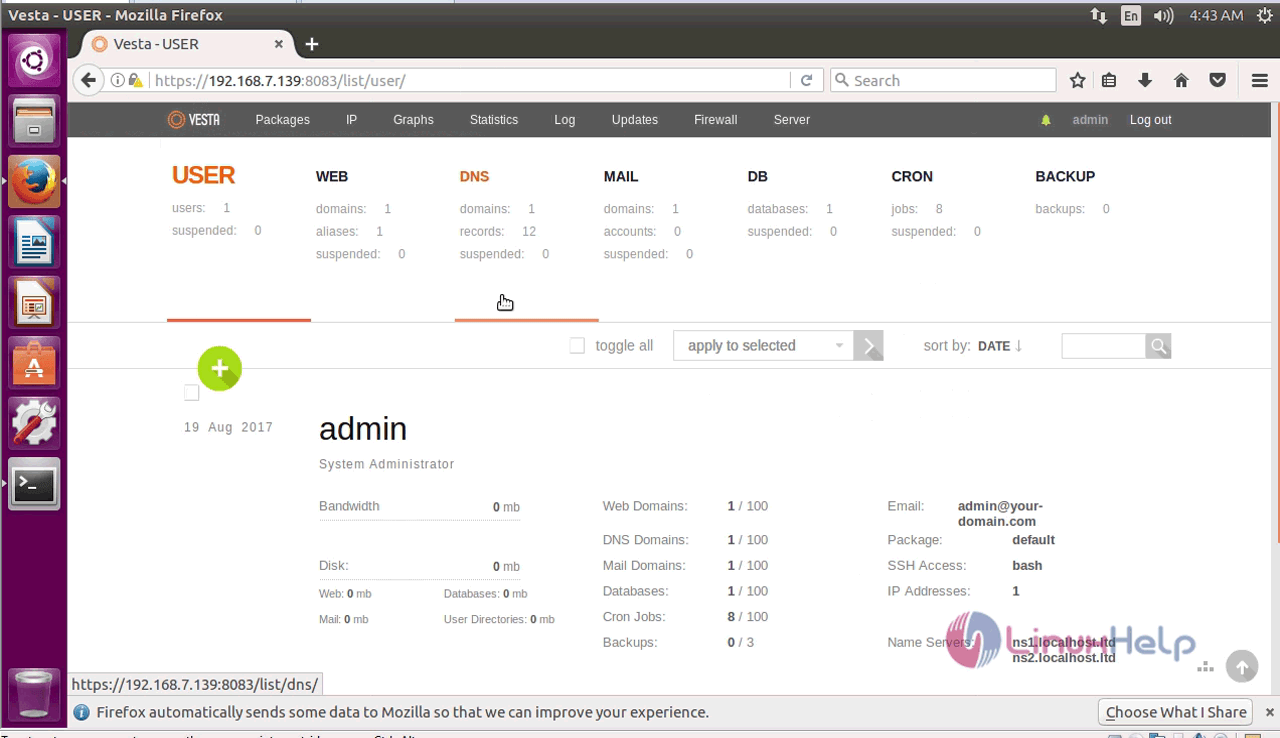
With this, the installation of Vesta CP on Ubuntu 16.04. is complete.
Comments ( 0 )
No comments available