How to install Vidcutter 5.5.0 on Pop OS
To install Vidcutter 5.5.0 on Pop OS
VidCutter is a cross-platform app for quick and easy video trimming/splitting and merging/joining for simple quick edits. FFmpeg drives the backend with a stylishly hand edited Qt5 UI. FFmpeg static binary is preinstalled for both Windows and macOS releases. The new version of Vidcutter 5.5.0 has several bugs fixed and they are listed.
Bugs Fixed
- Migrated main toolbar buttons from QToolBar + QActions to new custom
- widget VCToolBarButton handling QPushButton with attached. This allows
- working pressed states on existing toolbar buttons which QToolBar buttons
- (for reasons I cannot fathom) do not.
- End of file is now being observed in the mpv library event pool so that
- playback state resets position back to the start, in pause and all
- controls in their default states.
- Ability to set clip index list to the left or right (default) of main
- window.
- Support for WTV (.wtv - Windows Recorded TV Show) media files
- (playback and cutting/joining) added.
- Linux desktop and appdata metadata files switched to reverse domain
- notation file names as per freedesktop.org specs
- Fullscreen mode rewrite for Qt 5.10 changes + better support in wayland.
- OpenGL helpers added to X11 and Wayland based Linux platforms to better
- assist with fullscreen functionality and video render compatibility any
- where an OpenGL context can be created.
- Updated keyboard shortcuts information to include some added keyboard
- and mouse based shortcuts.
Installing Vidcutter
First, make sure add Vidcutter package into repository by making use of the following command.
root@linuxhelp:~# add-apt-repository ppa:ozmartian/apps
Press [ENTER] to continue or Ctrl-c to cancel adding it.
.
.
.
gpg: keybox ' /tmp/tmp0pz8ixz6/pubring.gpg'  created
gpg: /tmp/tmp0pz8ixz6/trustdb.gpg: trustdb created
gpg: key 9BCA8B4F51A082C4: public key " Launchpad PPA for ozmartian"  imported
gpg: Total number processed: 1
gpg:               imported: 1
OK
Once it is done, you need to update your system by making use of the following command.
root@linuxhelp:~# apt-get update
Hit:1 http://ppa.launchpad.net/ozmartian/apps/ubuntu artful InRelease
Hit:2 http://security.ubuntu.com/ubuntu artful-security InRelease
Hit:3 http://us.archive.ubuntu.com/ubuntu artful InRelease
Hit:4 http://ppa.launchpad.net/system76/pop/ubuntu artful InRelease
Hit:5 http://us.archive.ubuntu.com/ubuntu artful-updates InRelease
Hit:6 http://us.archive.ubuntu.com/ubuntu artful-backports InRelease
Reading package lists... Done
Once it is done, you shall install the Vidcutter package.
root@linuxhelp:~# apt-get install vidcutter
Reading package lists... Done
Building dependency tree
Reading state information... Done
The following package was automatically installed and is no longer required:
  libdbusmenu-gtk4
.
.
.
Setting up ffmpeg (7:3.3.4-2) ...
Setting up mpv (0.26.0-3ubuntu1) ...
Setting up vidcutter (5.5.0~201802070610~ubuntu17.10.1) ...
Processing triggers for libc-bin (2.26-0ubuntu2) ...
After the installation, you shall launch the Vidcutter package from the dashboard.
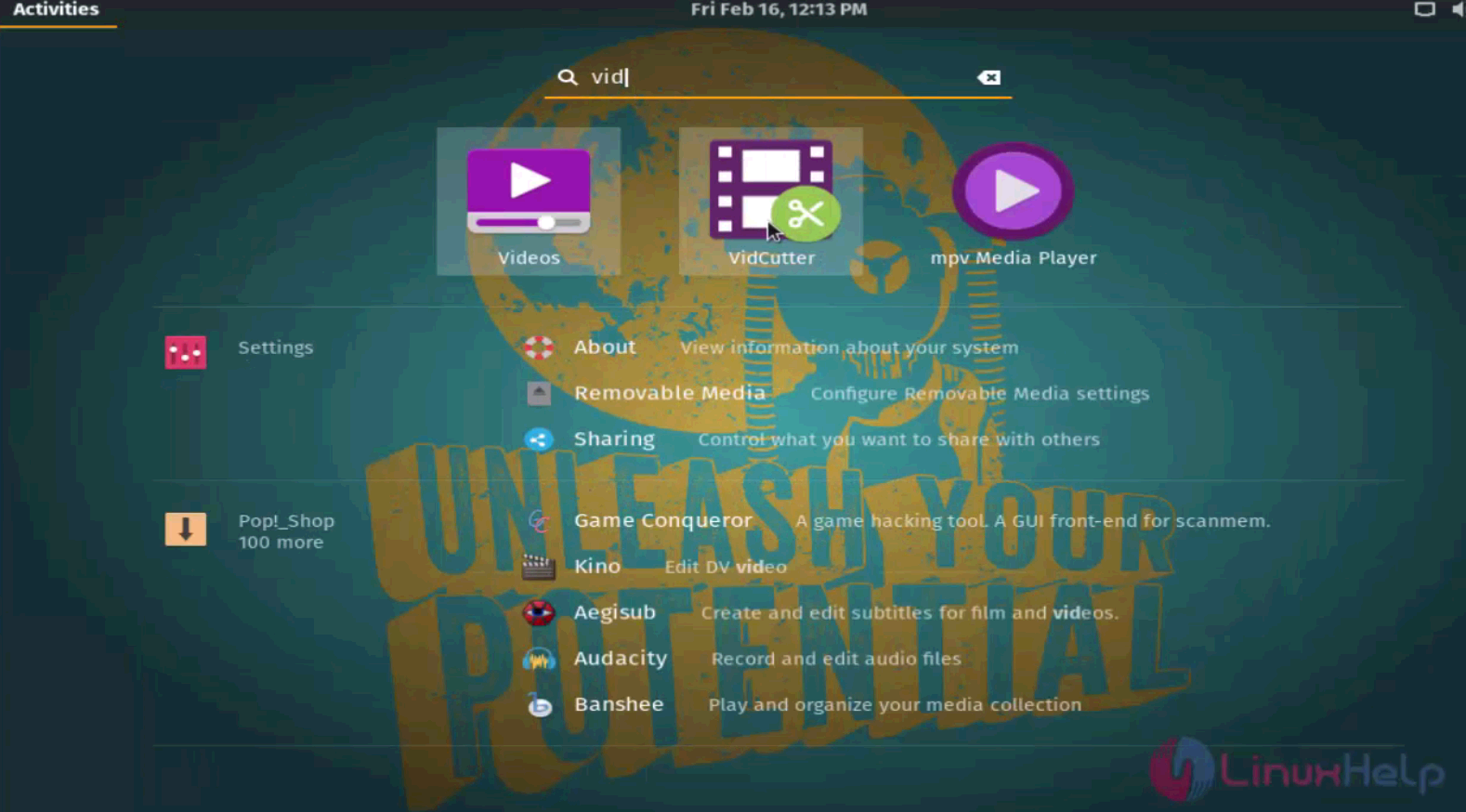
Vidcutter is launched now cut or merge your favourite videos.
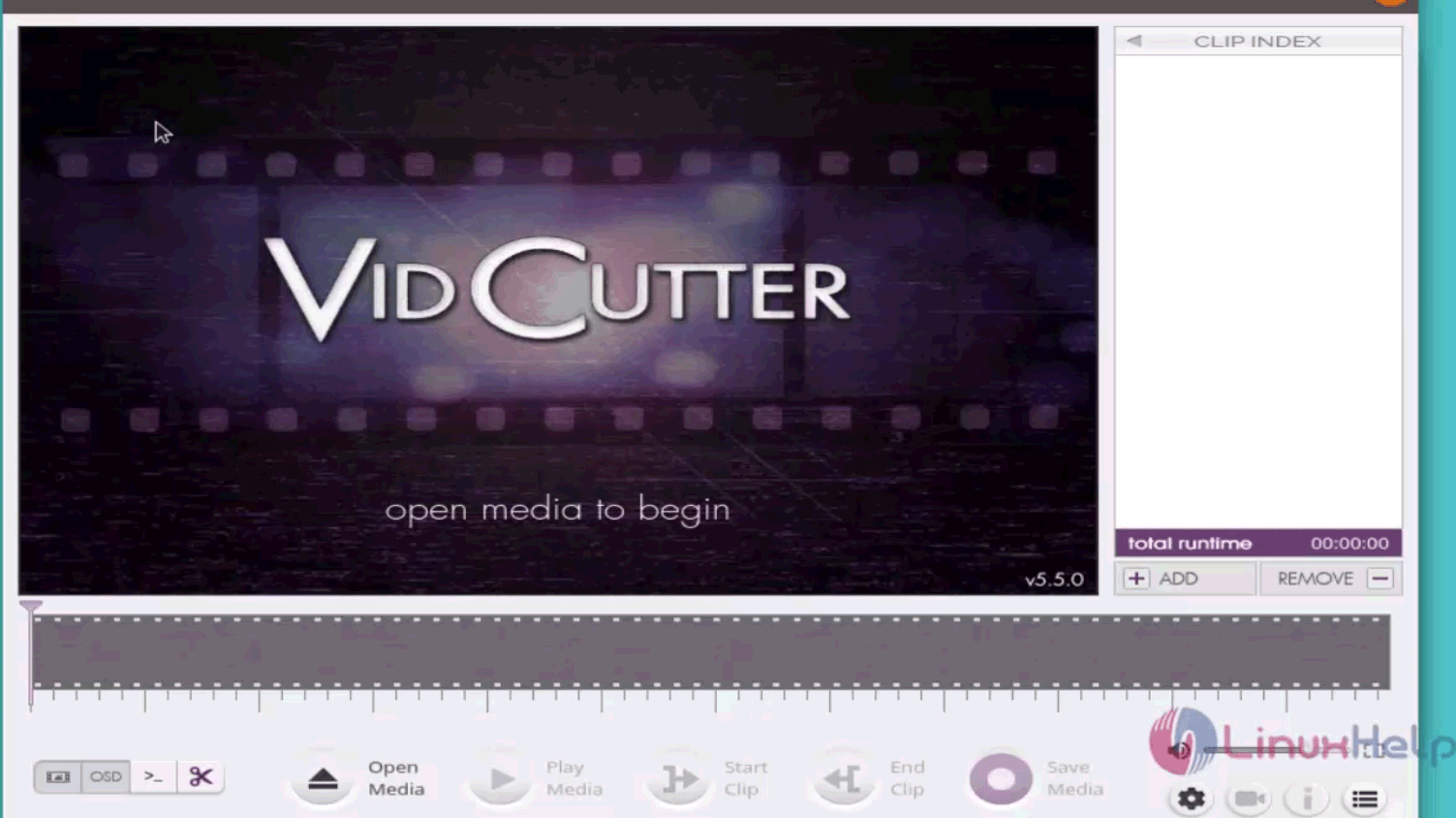
With this, the installation of Vidcutter 5.5.0 on Pop OS comes to an end.
Comments ( 0 )
No comments available