How to install VidCutter on Ubuntu 16.04
To install VidCutter on Ubuntu 16.04
VidCutter is an open-source video trimmer which is built using Python and Qt5. It is supported by several operating system such as Linux, Windows, MacOS, etc. It uses FFmpeg as its decoding and encoding backend. It lets you cut, split or trim large video files in to smaller and easy-to-share videos. This tutorial will guide you through the installation of VidCutter on Ubuntu.
Features
- Supports popular video formats such as AVI, MP4, MOV and FLV.
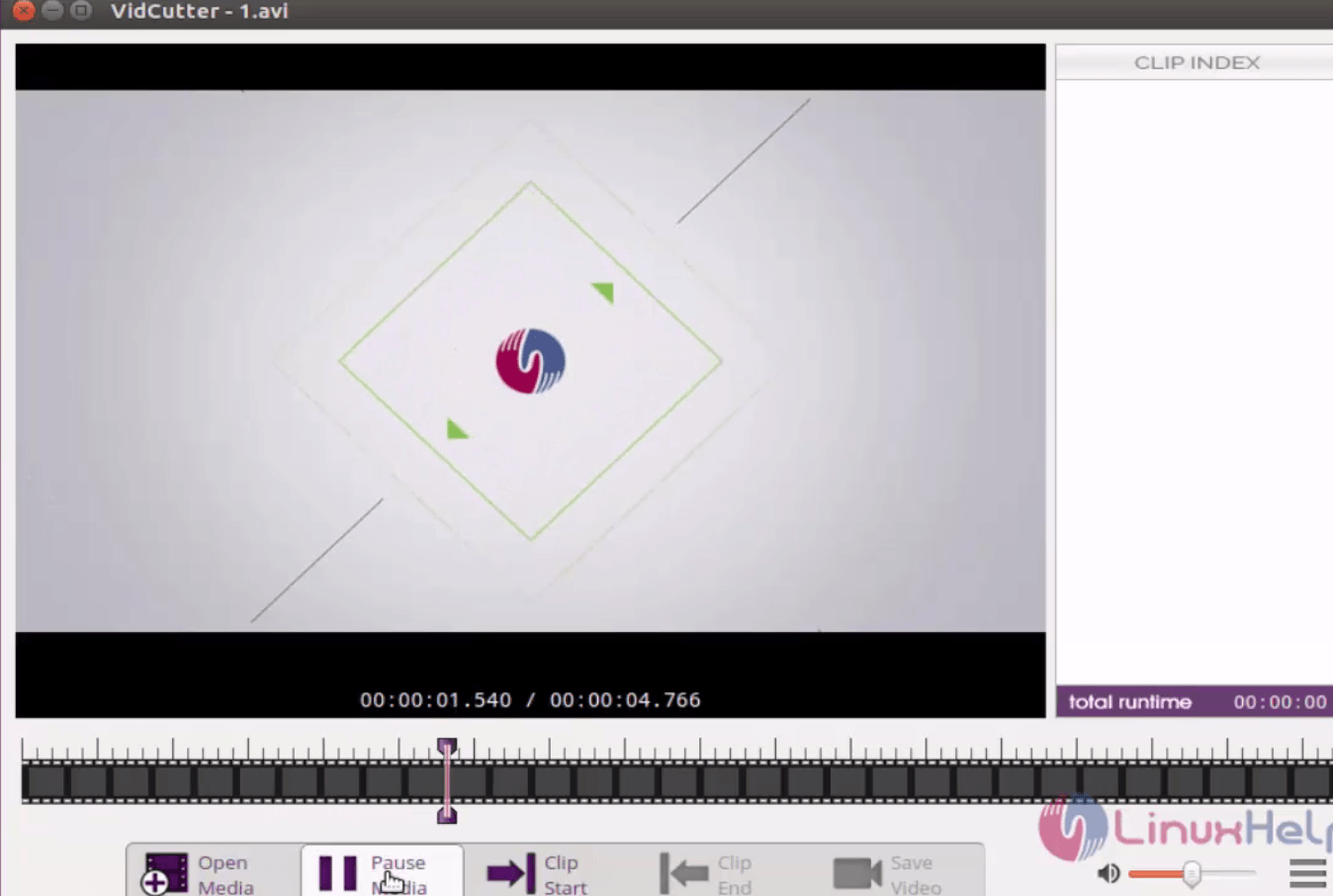
- Easy to use application: just open a video file, move the start and stop markers to highlight the section you want to trim to or cut, and then hit save.
- Exports the video in its original format.
Installing Vidcutter
Initiate the VidCutter installation by adding the vidcutter package into repository via ppa.
root@linuxhelp1:/home/user1# add-apt-repository ppa:ozmartian/apps
 Various apps for public distribution
 More info: https://launchpad.net/~ozmartian/+archive/ubuntu/apps
Press [ENTER] to continue or ctrl-c to cancel adding it
.
.
.
gpg: key 51A082C4: public key " Launchpad PPA for ozmartian"  imported
gpg: Total number processed: 1
gpg:               imported: 1  (RSA: 1)
OK
Once its added to the repository, update the machine by triggering the following command.
root@linuxhelp1:/home/user1# apt-get update
Hit:1 http://in.archive.ubuntu.com/ubuntu xenial InRelease
Hit:2 http://ppa.launchpad.net/ozmartian/apps/ubuntu xenial InRelease
.
.
.
Fetched 102 kB in 2s (44.3 kB/s)
Reading package lists... Done
Now is the time to install the Vidcutter package. Use the following command for the same purpose.
root@linuxhelp1:/home/user1# apt-get install vidcutter
Reading package lists... Done
Building dependency tree
Reading state information... Done
The following packages were automatically installed and are no longer required:
  libapparmor-perl squashfs-tools
.
.
.
Setting up vdpau-driver-all:amd64 (1.1.1-3ubuntu1) ...
Setting up vidcutter (2.6.5-0~201702030832~ubuntu16.04.1) ...
Processing triggers for libc-bin (2.23-0ubuntu3) ...
Vidcutter is installed successfully, launch it from Ubuntu dashboard.
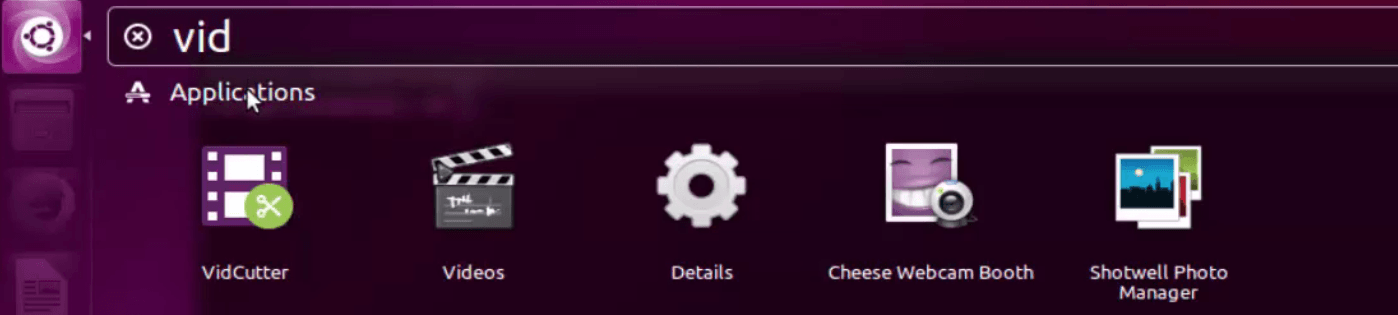
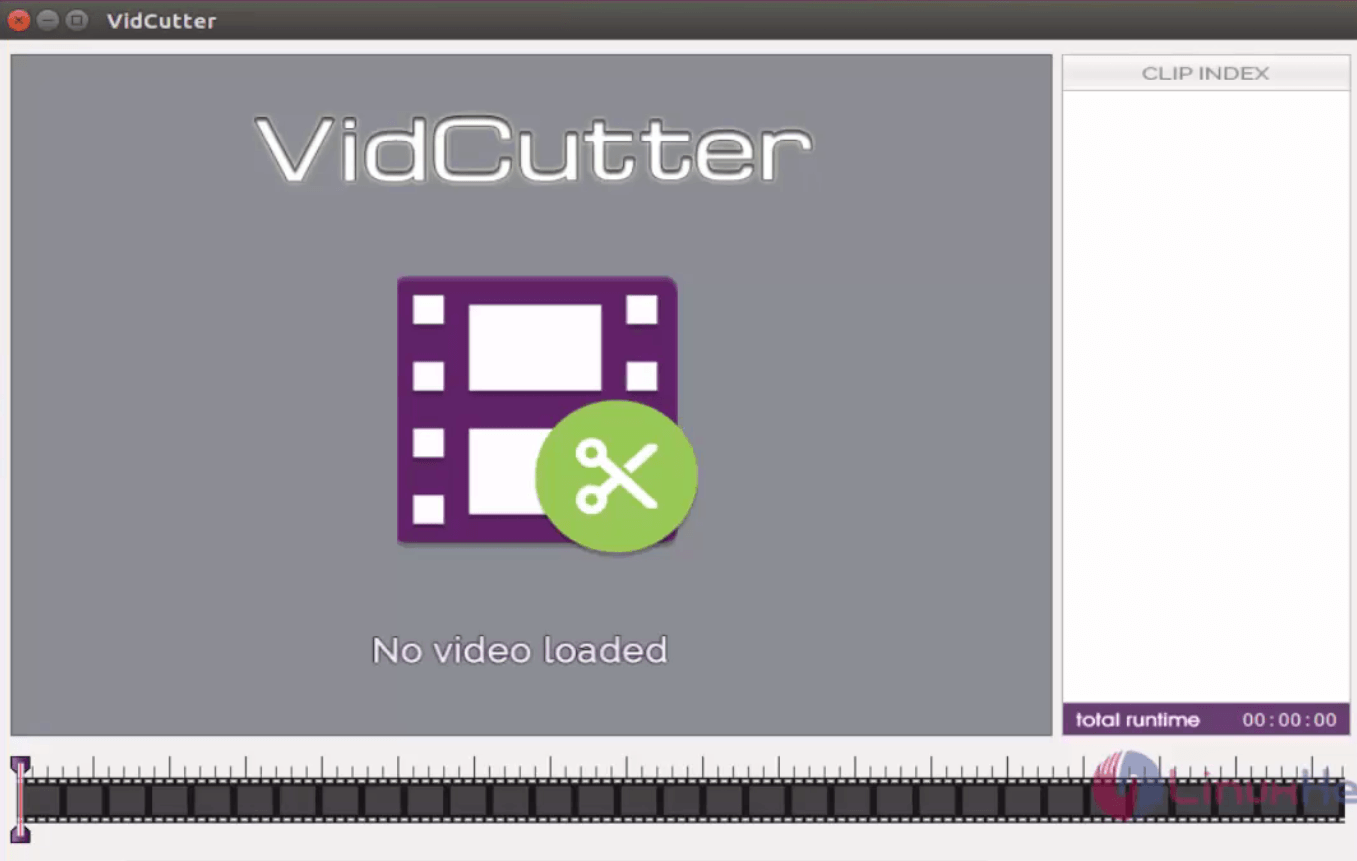
Edit the video through vidcutter.
To Remove Vidcutter
Remove the Vidcutter packages by invoking the following command.
root@linuxhelp1:~# apt-get remove vidcutter
Reading package lists... Done
Building dependency tree
Reading state information... Done
The following packages were automatically installed and are no longer required:
  libqgsttools-p1 libqt5clucene5 libqt5designer5 libqt5help5 libqt5multimedia5-plugins
.
.
.
Rebuilding /usr/share/applications/bamf-2.index...
Processing triggers for mime-support (3.59ubuntu1) ...
Processing triggers for hicolor-icon-theme (0.15-0ubuntu1) ...
You can remove the package permanently by running the following command.
root@linuxhelp1:~# apt-get autoremove
Reading package lists... Done
Building dependency tree
Reading state information... Done
The following packages will be REMOVED:
  libqgsttools-p1 libqt5clucene5 libqt5designer5 libqt5help5 libqt5multimedia5-plugins libqt5multimediawidgets5
.
.
.
Removing libqt5multimediawidgets5:amd64 (5.5.1-4ubuntu2) ...
Removing python3-sip (4.17+dfsg-1build1) ...
Processing triggers for libc-bin (2.23-0ubuntu3) ...
Comments ( 0 )
No comments available