How to Install Vuze BitTorrent Client 5.7.4 in Ubuntu 16.04
How to Install Vuze BitTorrent Client 5.7.4 in Ubuntu 16.04
Vuze 5.7.4 Bittorrent Client is a multimedia BitTorrent client based on Azureus intended for DVD and HD videos. It includes some social-networking features to share videos among friends. This tutorial covers the ground of installation procedure of Vuze BitTorrent client.
Features of Vuze 5.7.4
- Support for additional DHT stats/operation views
- Subscription’ s can now be named and marked as anonymous during creation
- Added share ratio to archived files view
- Network indicator for discovered tags
- Menu option to revert redirected files within a download
- Added option to make subscription downloads non-public
Install Vuze 5.7.3
The Vuze BitTorrent should be installed in the system. Type the following command in the terminal to add the Getdeb repository
user1@linuxhelpubnt:~$ sudo sh -c ' echo " deb http://archive.getdeb.net/ubuntu xenial-getdeb apps"  > >  /etc/apt/sources.list.d/getdeb.list'
[sudo] password for user1:
Now the repositories is added. Run the following command to install the key so your system trust the packages from that repository:
user1@linuxhelpubnt:~$ wget -q -O- http://archive.getdeb.net/getdeb-archive.key | sudo apt-key add -
OK
The repositories and the key is installed. Next update the apt sources-list to build the dependency.
user1@linuxhelpubnt:~$ sudo apt update
Get:1 http://security.ubuntu.com/ubuntu xenial-security InRelease [102 kB]
Hit:2 http://in.archive.ubuntu.com/ubuntu xenial InRelease
Hit:4 http://in.archive.ubuntu.com/ubuntu xenial-updates InRelease
Hit:5 http://in.archive.ubuntu.com/ubuntu xenial-backports InRelease
Get:3 http://screenshots.getdeb.net xenial-getdeb InRelease [8,139 B]
Get:6 http://screenshots.getdeb.net xenial-getdeb/apps amd64 Packages [65.7 kB]
Get:7 http://screenshots.getdeb.net xenial-getdeb/apps i386 Packages [66.6 kB]
Fetched 243 kB in 6s (38.7 kB/s)
AppStream cache update completed, but some metadata was ignored due to errors.
Reading package lists... Done
Building dependency tree
Reading state information... Done
458 packages can be upgraded. Run ' apt list --upgradable'  to see them.
The dependencies has been added. Now run the following command to finally install Vuze BitTorrent Client.
user1@linuxhelpubnt:~$ sudo apt install vuze
Reading package lists... Done
Building dependency tree
Reading state information... Done
The following additional packages will be installed:
  azureus ca-certificates-java fonts-dejavu-extra java-common java-wrappers libbonobo2-0
  libbonobo2-common libbonoboui2-0 libbonoboui2-common libcommons-cli-java libgif7 libglade2-0
  libgnome-2-0 libgnome2-0 libgnome2-bin libgnome2-common libgnomecanvas2-0 libgnomecanvas2-common
  libgnomeui-0 libgnomeui-common libgnomevfs2-0 libgnomevfs2-common libjavascriptcoregtk-1.0-0
  liblog4j1.2-java liborbit-2-0 libswt-cairo-gtk-3-jni libswt-gnome-gtk-3-jni libswt-gtk-3-java
  libswt-gtk-3-jni libswt-webkit-gtk-3-jni libwebkitgtk-1.0-0 libwebkitgtk-1.0-common openjdk-8-jre
  openjdk-8-jre-headless
Suggested packages:
  default-jre libbonobo2-bin desktop-base gnome-icon-theme libgnomevfs2-bin libgnomevfs2-extra gamin
  | fam gnome-mime-data libgnumail-java liblog4j1.2-java-doc libswt-gtk-3-java-gcj icedtea-8-plugin
  openjdk-8-jre-jamvm fonts-ipafont-gothic fonts-ipafont-mincho ttf-wqy-microhei | ttf-wqy-zenhei
  fonts-indic
.
.
Setting up azureus (5.7.4.0-1~getdeb1) ...
Setting up vuze (5.7.4.0-1~getdeb1) ...
Processing triggers for libc-bin (2.23-0ubuntu3) ...
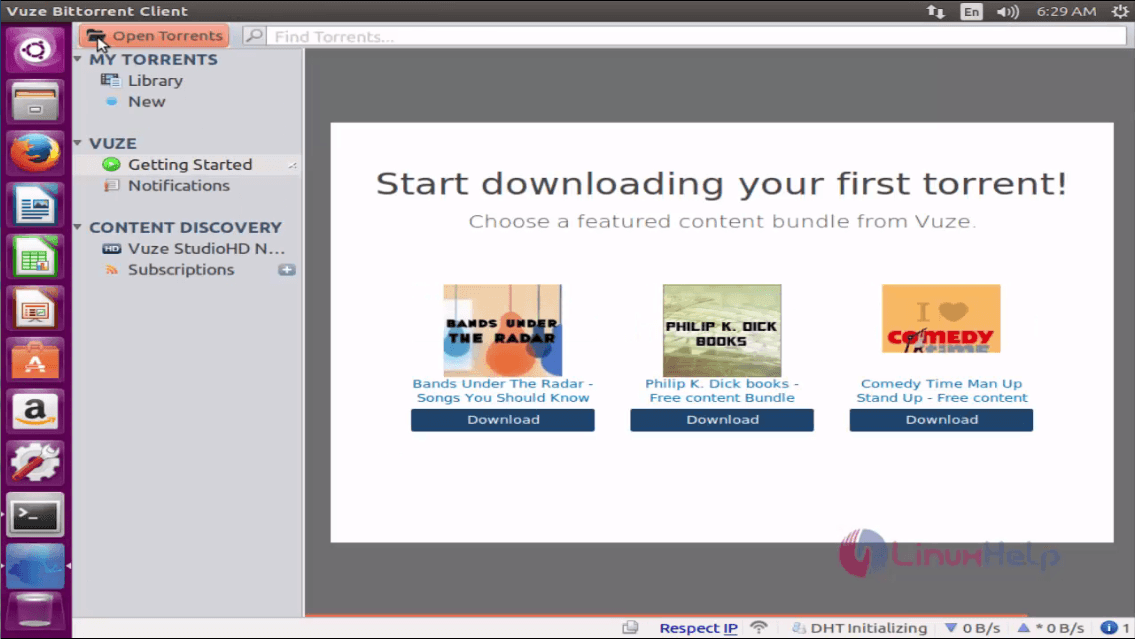
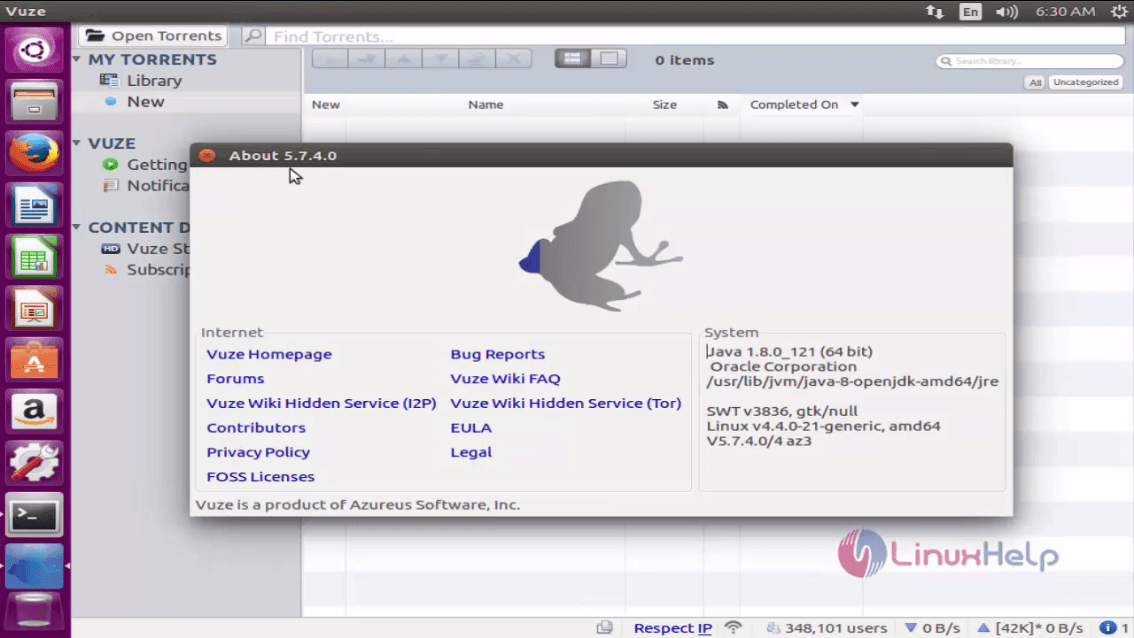
Once installed, next open the Ubuntu dash and type vuze
Comments ( 0 )
No comments available