How to install Webuzo in Ubuntu
Installation of Webuzo Control Panel in Ubuntu
Webuzo is a control panel Manager that allows the end users to setup web applications like Word Press, Zoomla, drupal etc., which is similar to Cpanel. It also supports web applications,plugins,system applications like MongoDB, Apache, NGINX, Java etc. Installation of Webuzo is explained in this article.
To install webuzo control panel
Download the Webuzo installer script file by using the following command.
root@linuxhelp:/home/user1# wget http://files.webuzo.com/install.sh
--2016-08-03 10:27:24--  http://files.webuzo.com/install.sh
Resolving files.webuzo.com (files.webuzo.com)... 216.18.221.243
Connecting to files.webuzo.com (files.webuzo.com)|216.18.221.243|:80... connected.
HTTP request sent, awaiting response... 200 OK
Length: 6680 (6.5K) [application/x-sh]
Saving to: ‘ install.sh’
install.sh                                         100%[================================================================================================================> ]   6.52K  29.1KB/s    in 0.2s
2016-08-03 10:27:25 (29.1 KB/s) - ‘ install.sh’  saved [6680/6680]
Run the following command to set the permission of the file.
root@linuxhelp:/home/user1# chmod 755 install.sh
Now execute the install script as shown below.
root@linuxhelp:/home/user1# ./install.sh

--------------------------------------------------------
 Welcome to Webuzo Installer
--------------------------------------------------------
 Installation Logs : tail -f /root/webuzo-install.log
--------------------------------------------------------

1)    Installing Libraries and Dependencies
..
root@linuxhelp:/home/user1# tail -f /root/webuzo-install.log
Configuring EMPS for use
insserv: warning: script ' webuzo'  missing LSB tags and overrides
Generating the SSL Certificates
Generating RSA private key, 1024 bit long modulus
.......++++++
......++++++
e is 65537 (0x10001)
Signature ok
subject=/C=US/ST=Berkshire/L=Newbury/O=My Company/CN=linuxhelp/emailAddress=test@test.com
Getting Private key
$Starting php-fpm: Done...
$Starting nginx: Done...
Downloading necessary packages
[1470201045] Downloading MySQL
[1470201407] Finished MySQL
[1470201407] Downloading Apache
[1470201506] Finished Apache
[1470201506] Downloading Pure-FTPd
[1470201644] Finished Pure-FTPd
[1470201644] Downloading BIND
[1470201646] Finished BIND
[1470201646] Downloading PHP 5.5
[1470203219] Finished PHP 5.5
&hellip
&hellip
Saving to: ' /usr/local/webuzo/enduser/webuzo/email.inc'

     0K ...                                                   100% 1.16M=0.003s

2016-08-03 11:30:12 (1.16 MB/s) - ' /usr/local/webuzo/enduser/webuzo/email.inc'  saved [3804/3804]

Cleaning up the installer
Finished the cleaning process !
Webuzo is now Installed
[email] Sending email ... [email] Done !
root@linuxhelp:/home/user1# ./install.sh
    --------------------------------------------------------
 Welcome to Webuzo Installer
--------------------------------------------------------
 Installation Logs : tail -f /root/webuzo-install.log
--------------------------------------------------------

1) Installing Libraries and Dependencies
2) Setting UP WEBUZO
3) Downloading and Installing Webuzo
4) Downloading System Apps

-------------------------------------
 Installation Completed
-------------------------------------
Congratulations, Webuzo has been successfully installed

You can now configure Softaculous Webuzo at the following URL :
http://192.168.7.123:2004/
 Thank you for choosing Webuzo !
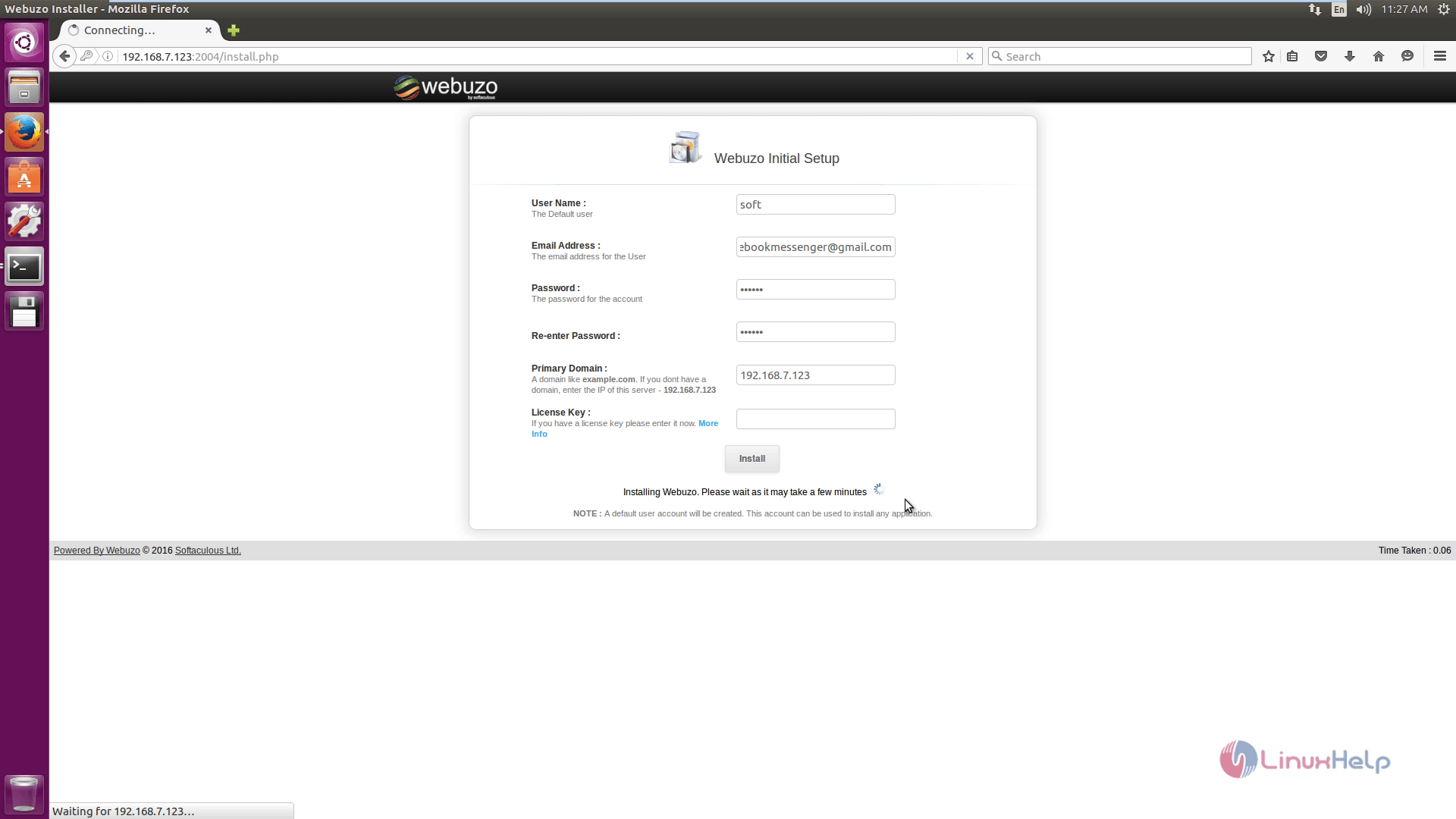
Open the browser and navigate to https://< IP_address> :2004/install.php. Enter the username, e-mail address, password and IP. Then click Install.
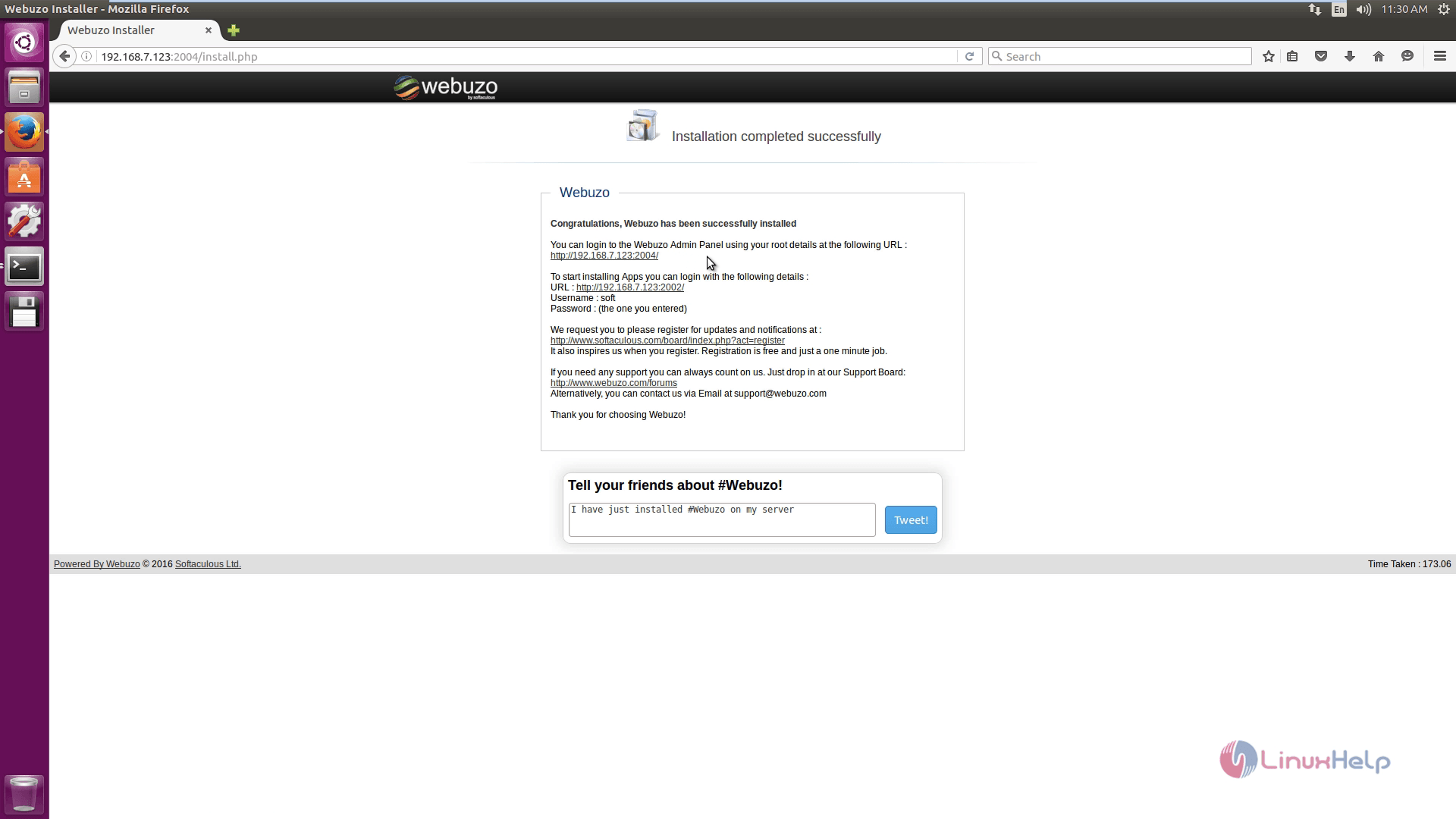
The installation completed wizard appears.
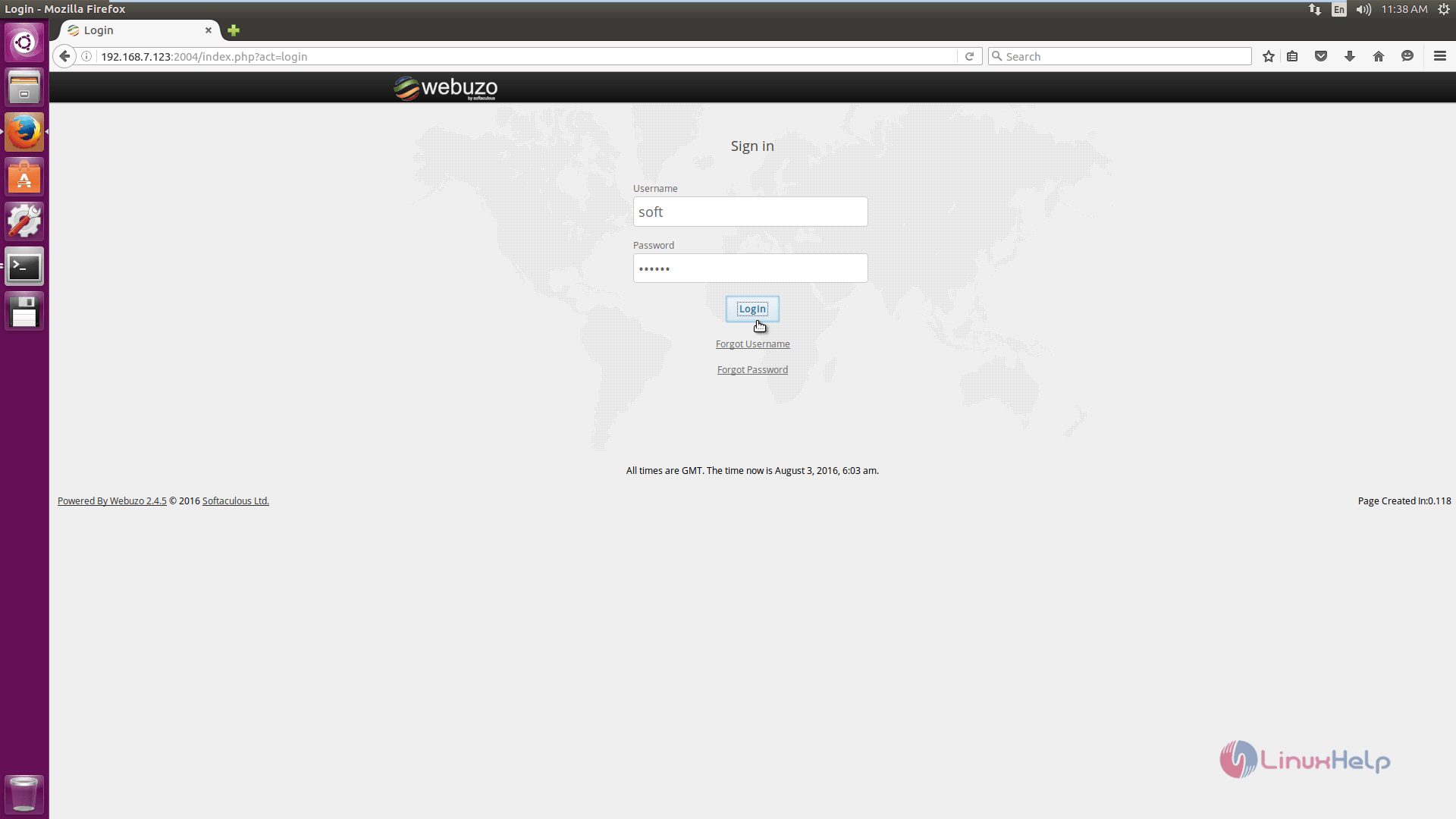
Login to webuzo page.
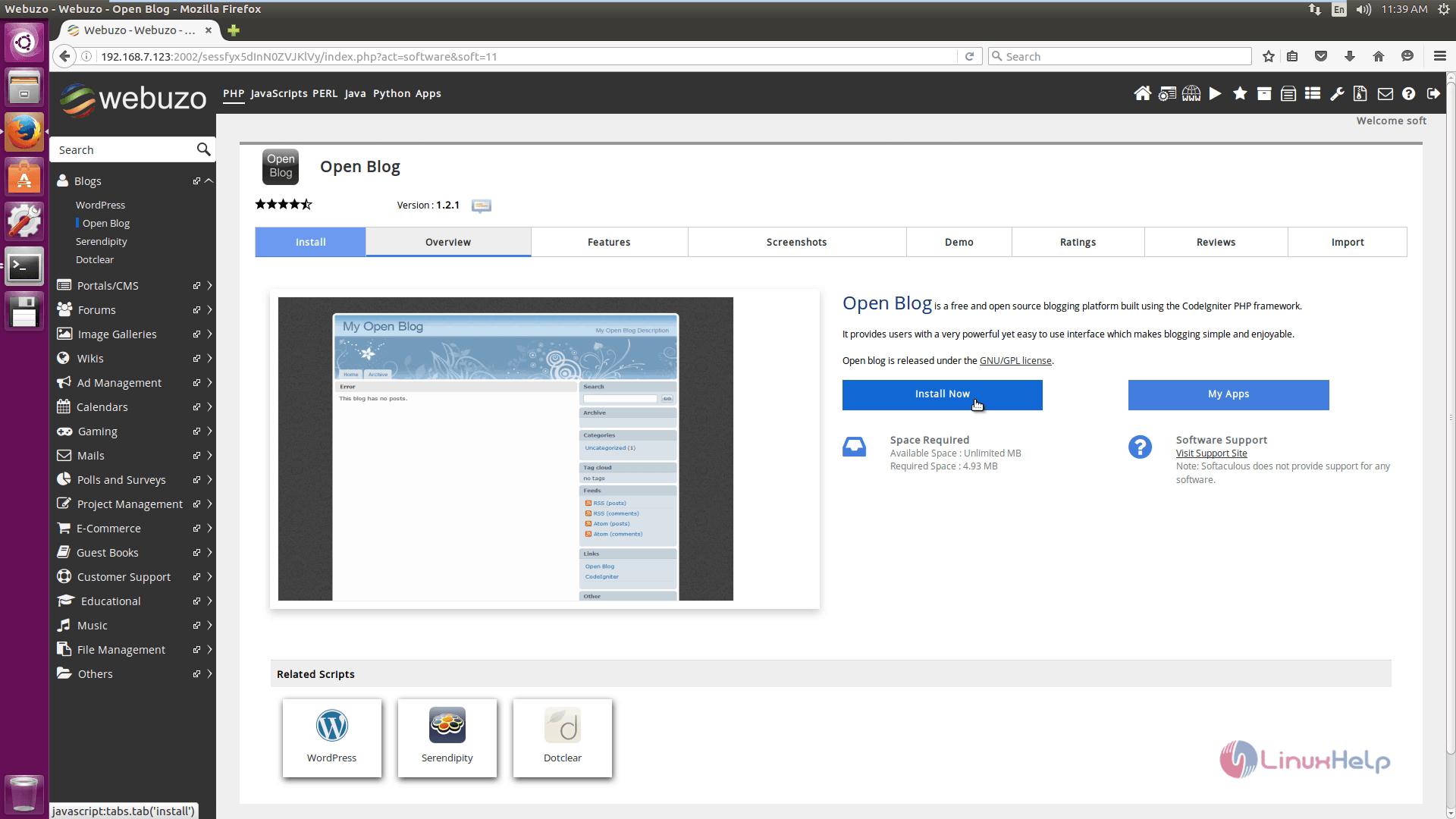
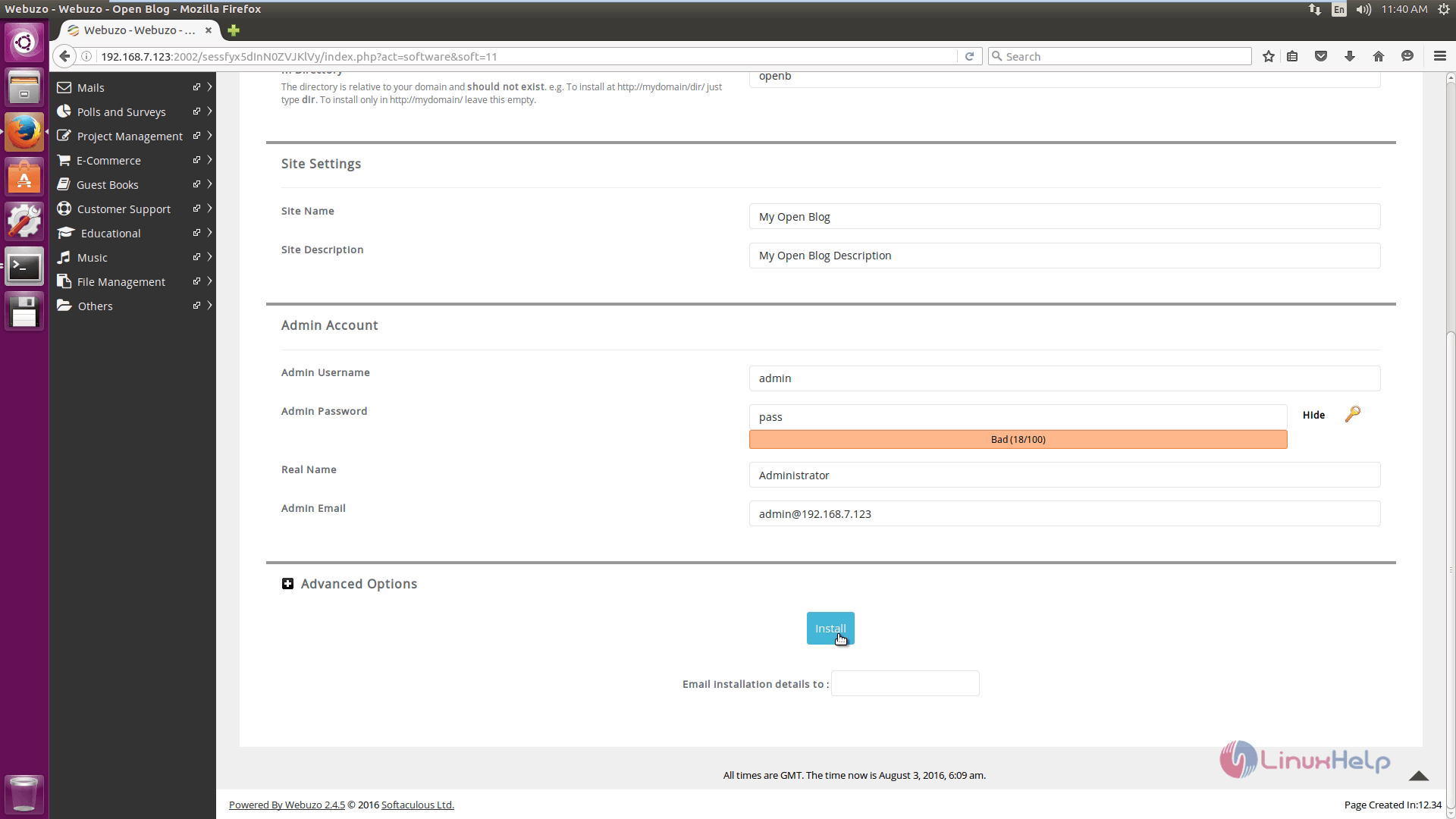
Open the end user panel in the left side corner of the screen. Select Blogs and then select open blog to install it.
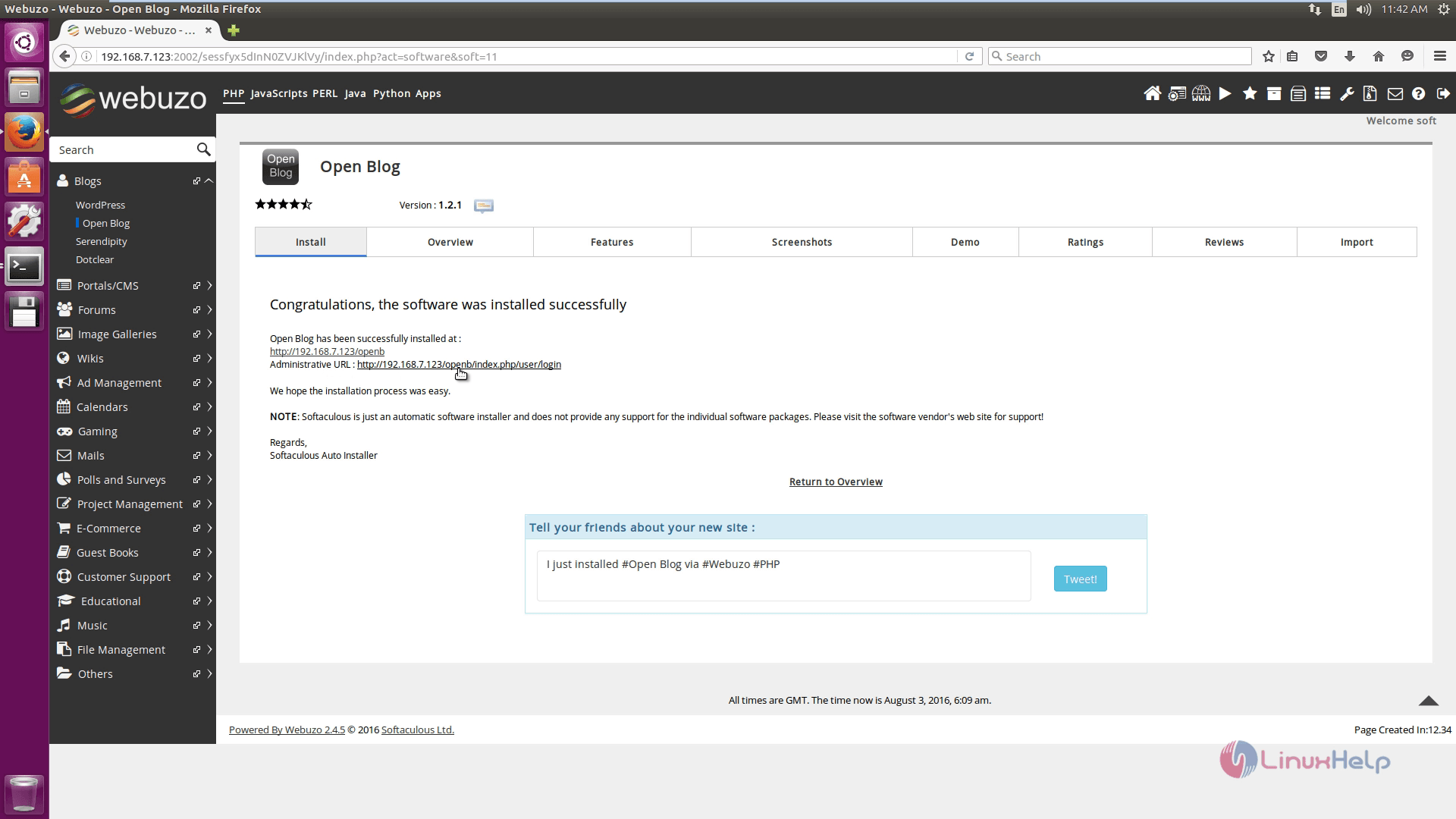
Openblog is installed successfully, now click administrative URL.
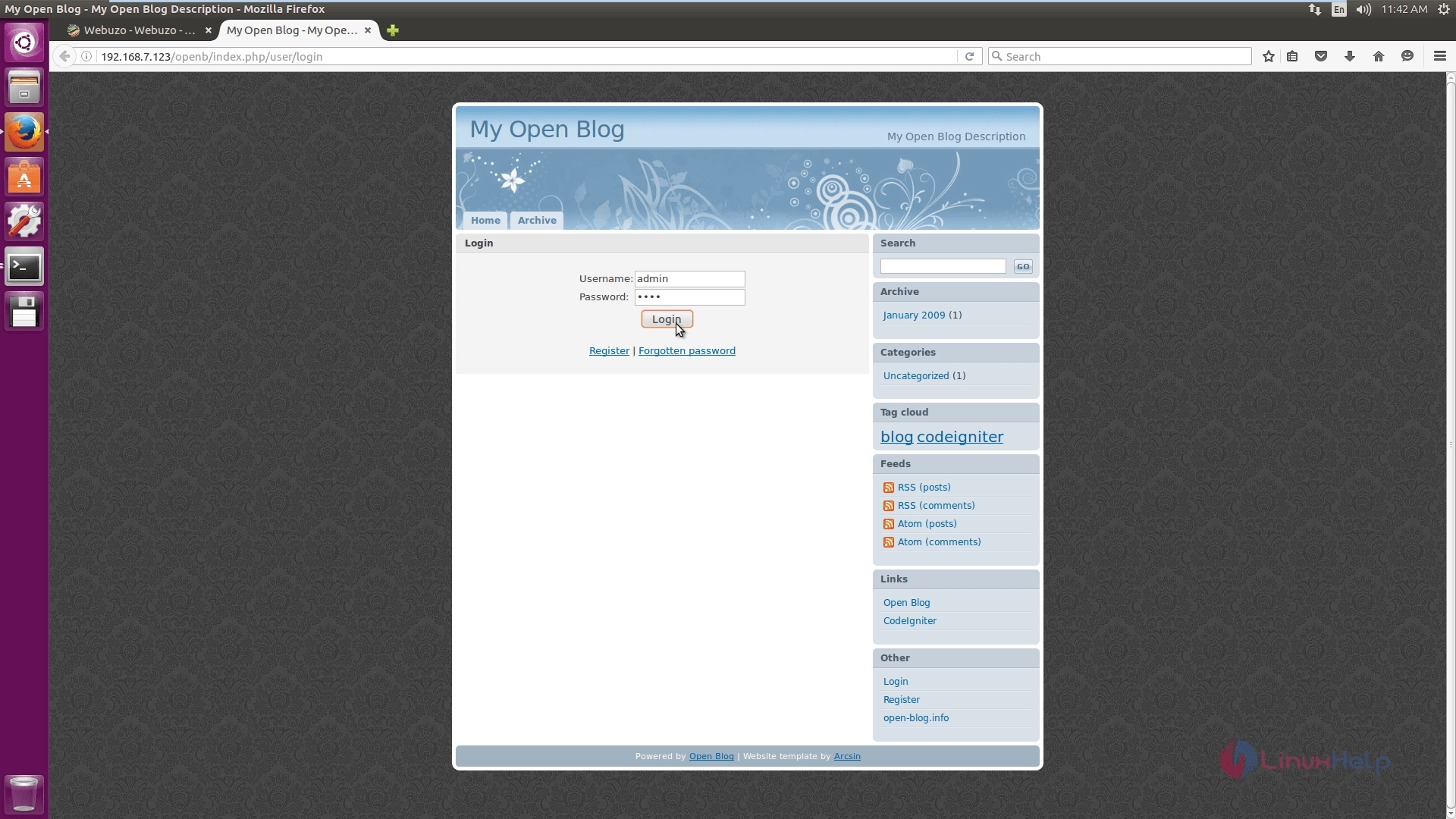
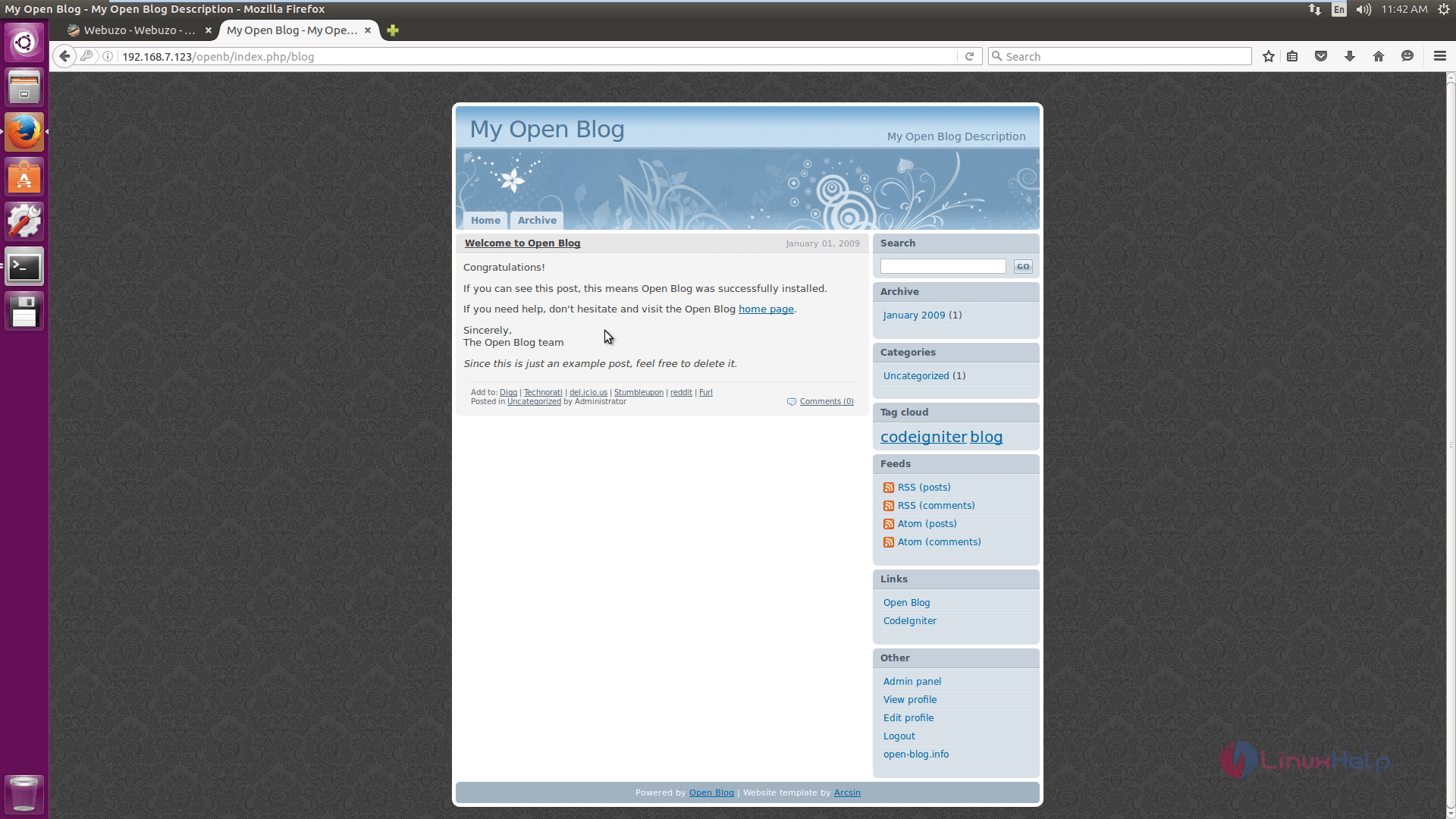
Login into the blog using the credentials.
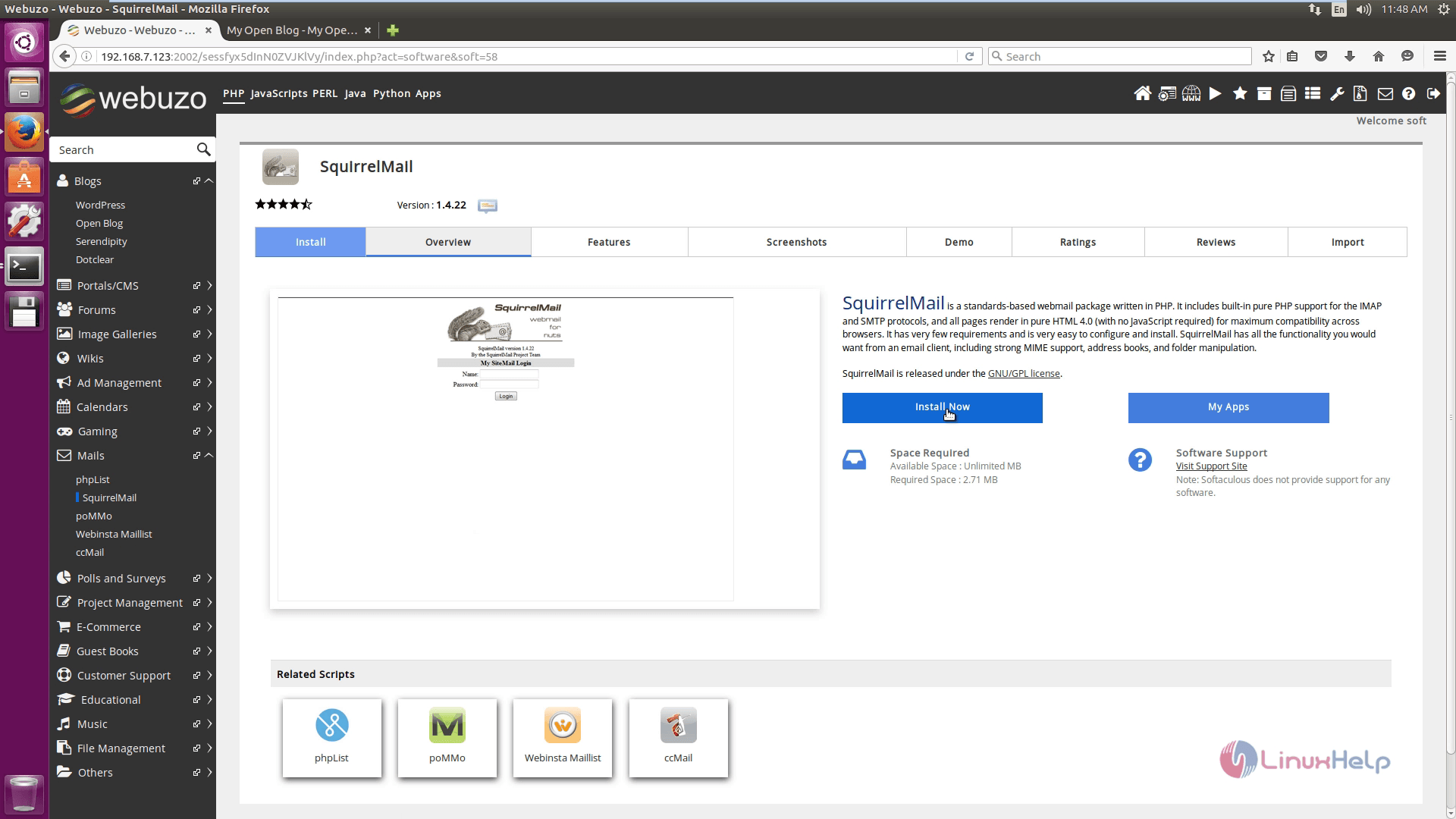
Select mails and install squirrel mail.
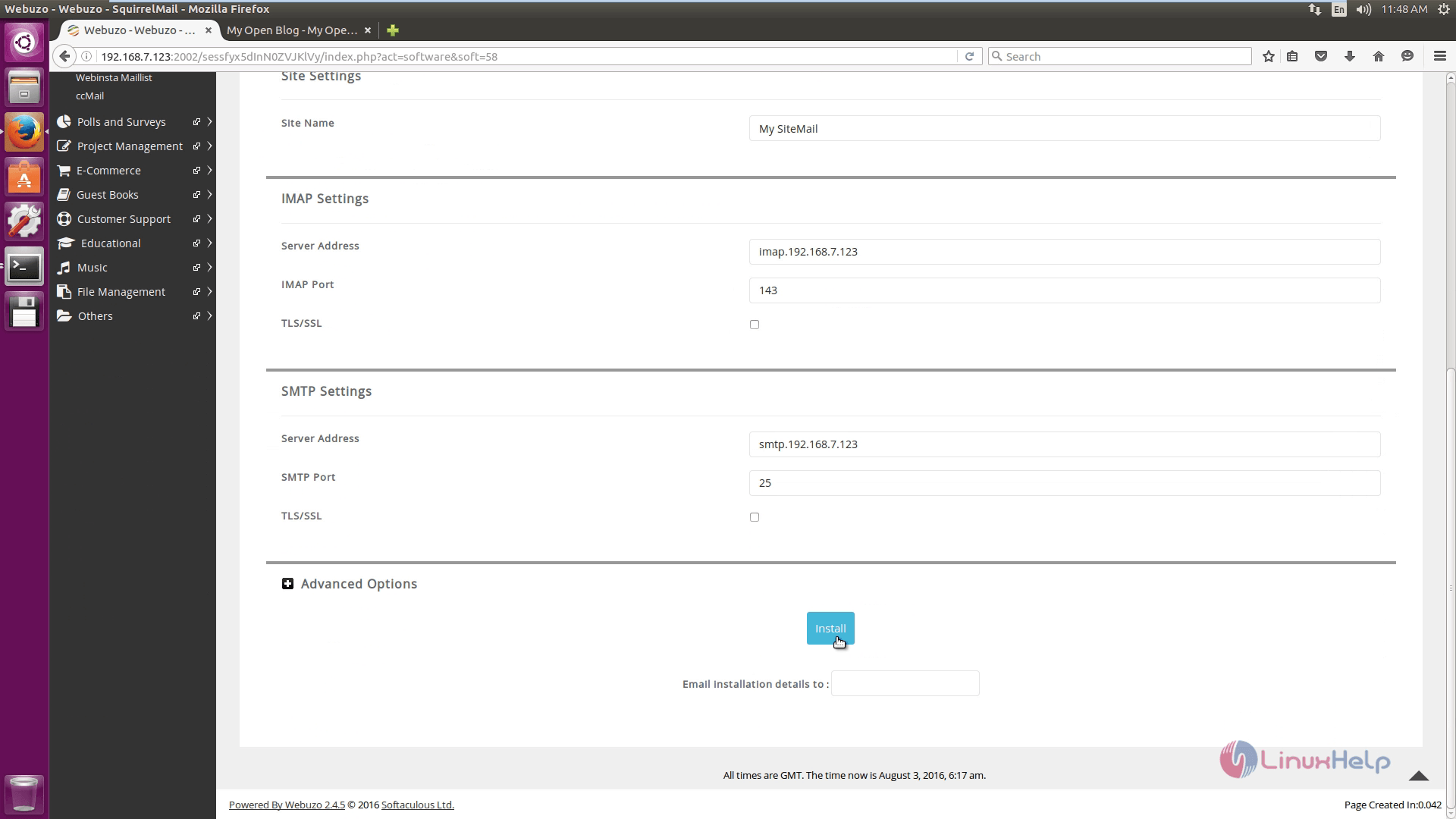
Configure the mail and click install.
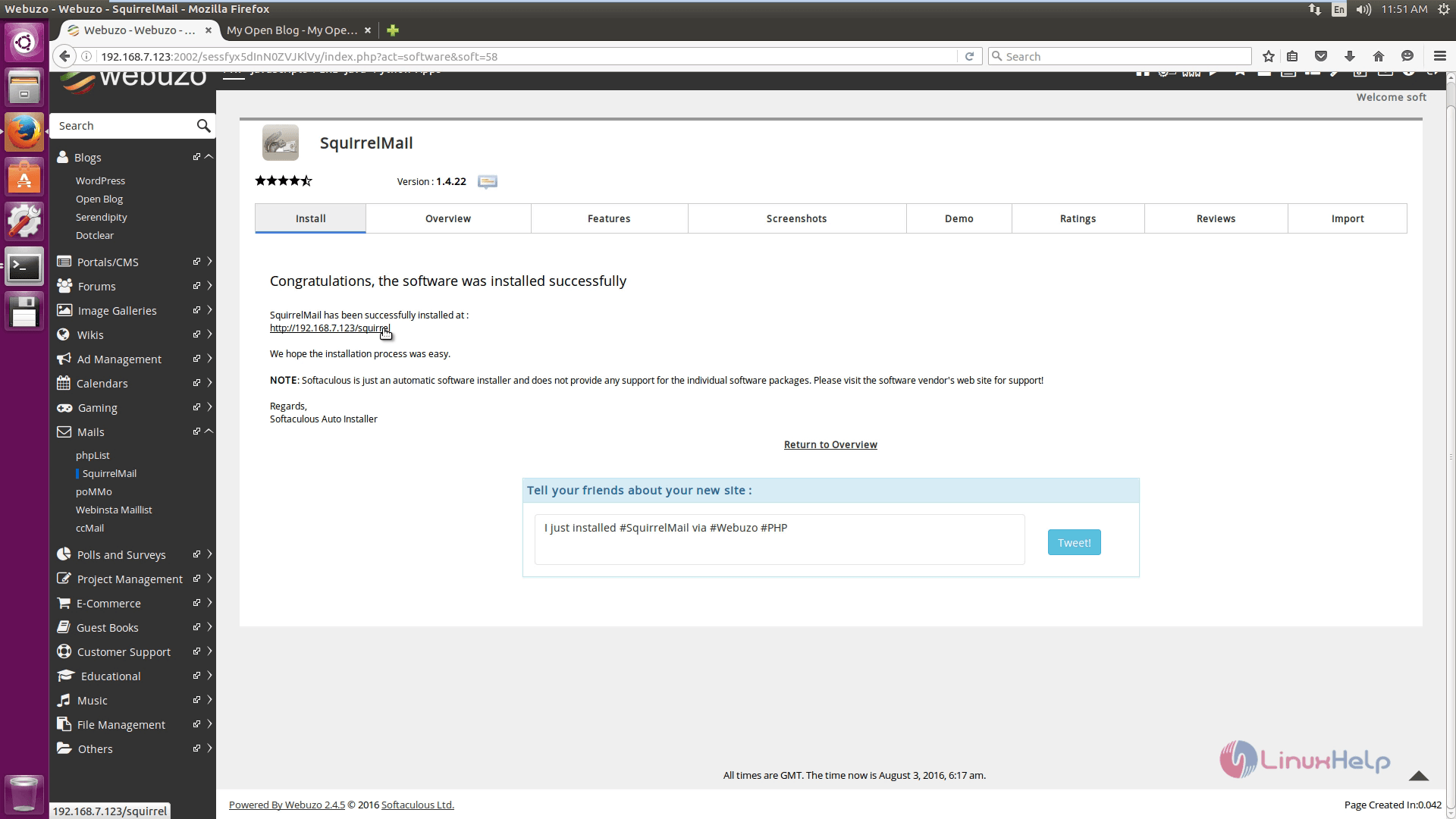
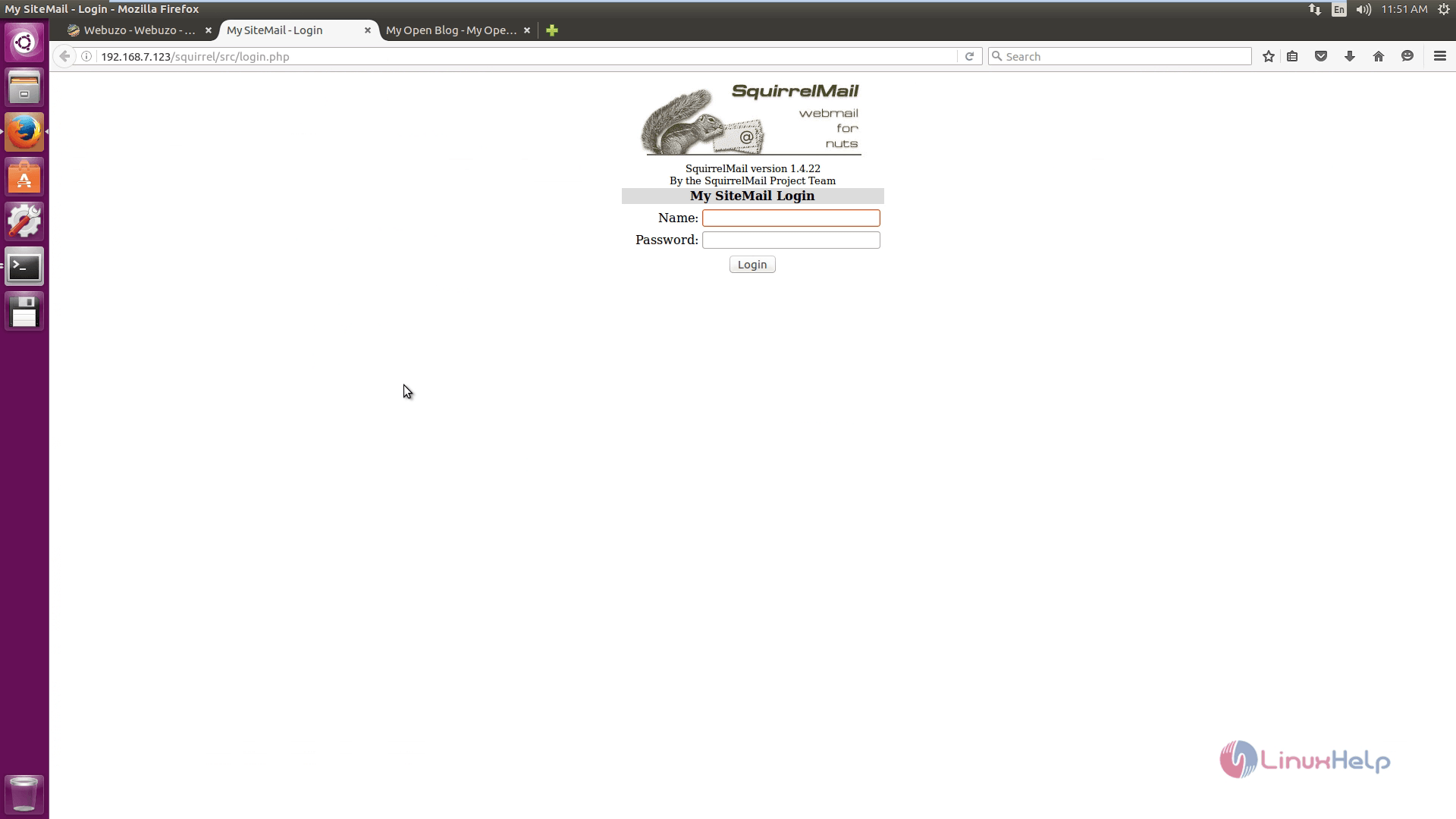
Click URL to navigate to the login page.
To create a new domain
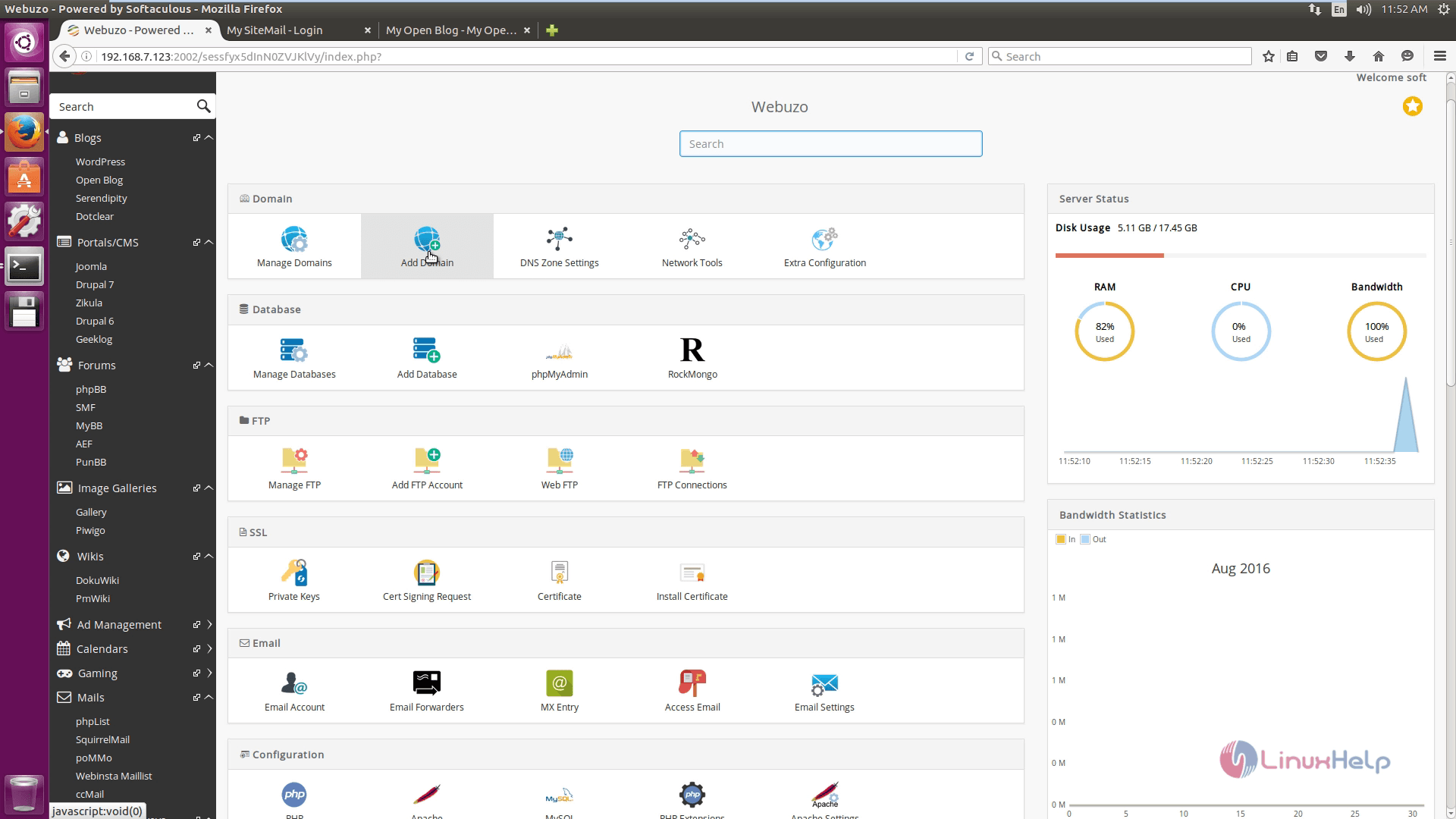
In the Domains section, select Add domain.
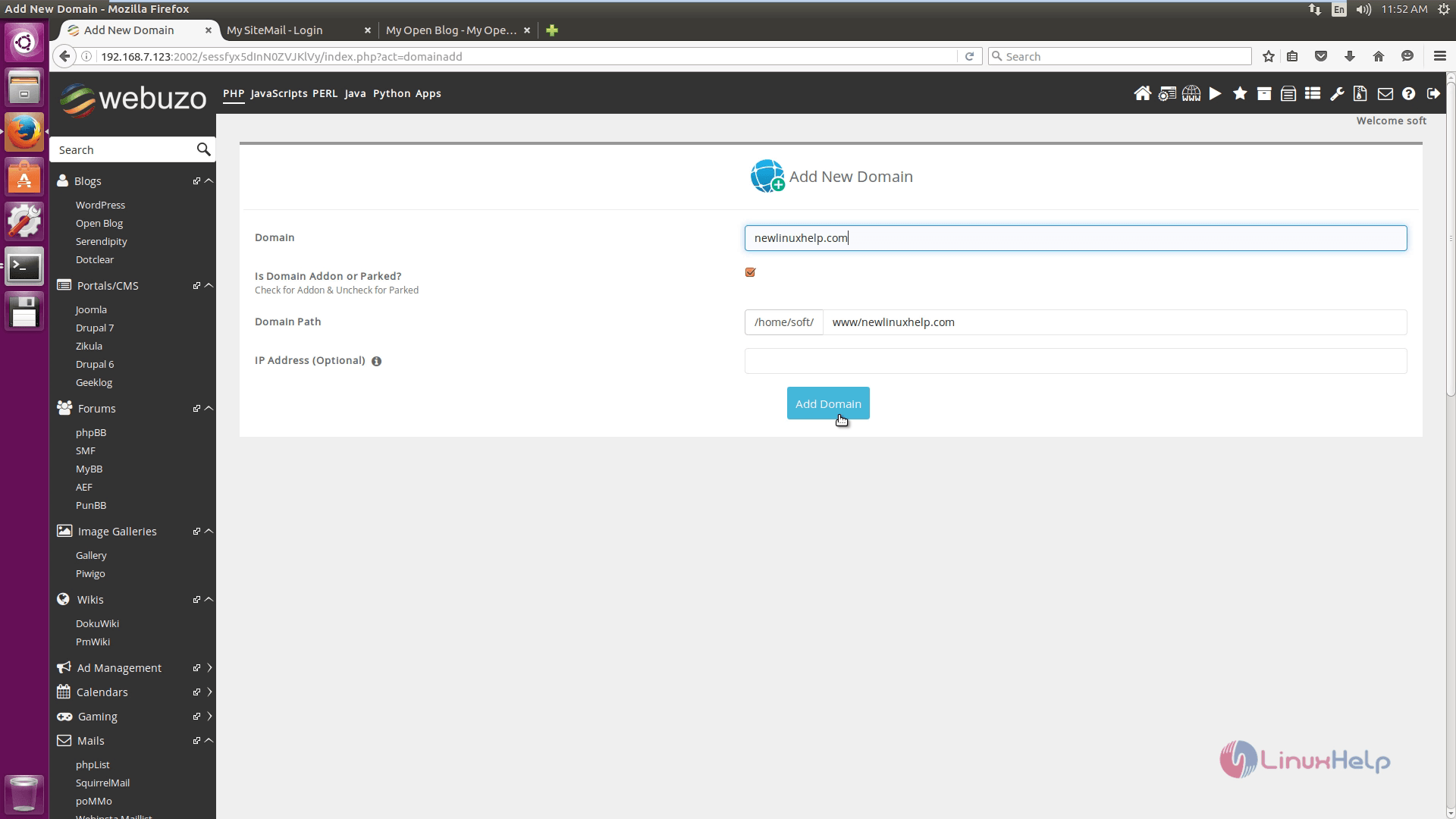
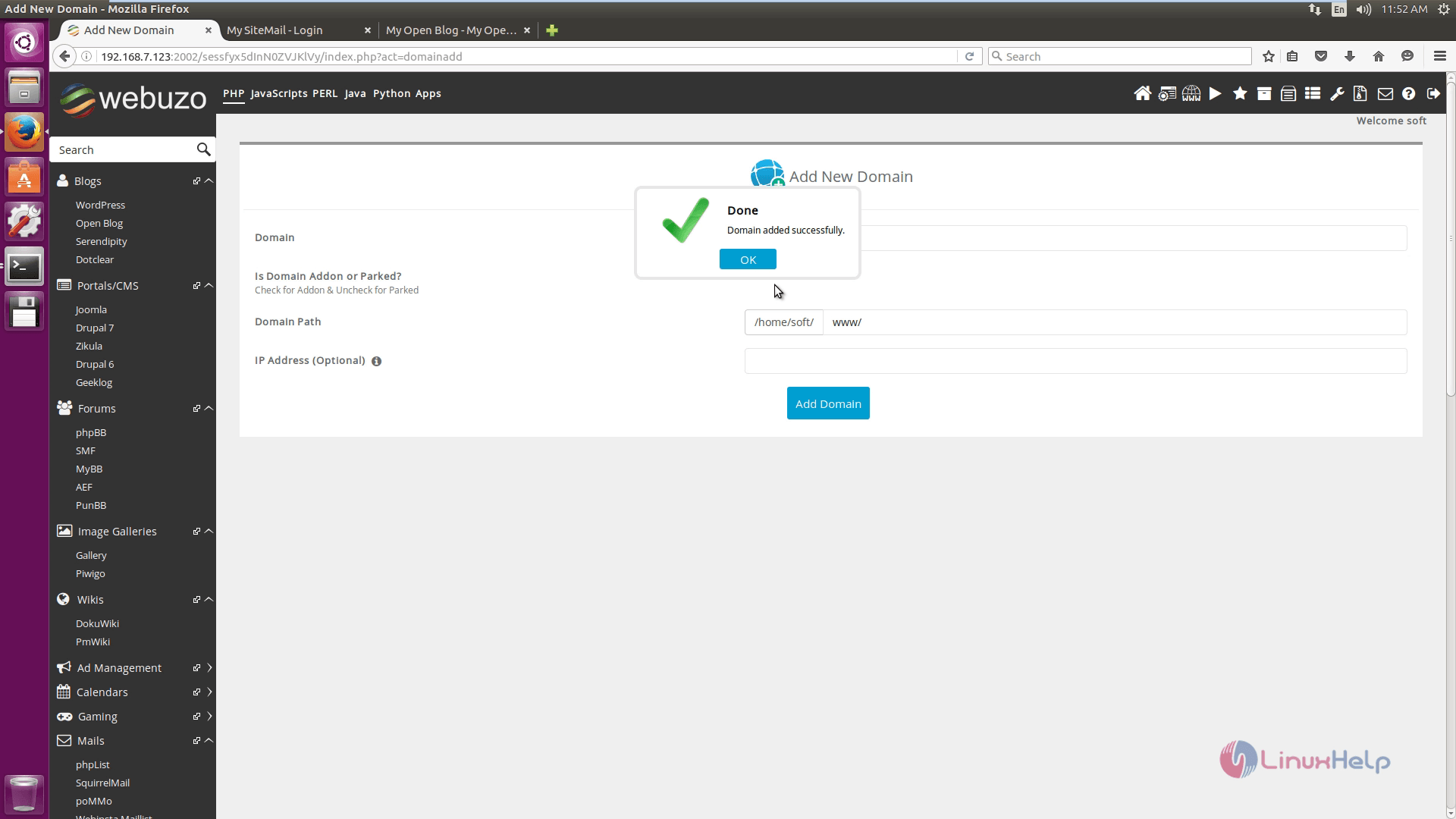
Enter the domain name, domain path and click Add domain.
Comments ( 0 )
No comments available