How to Install Whatsie in Ubuntu
To install Whatsie in Ubuntu
Whatsie is an desktop client for whatsapp Messenger. Installation of Whatstie is explained in this manual.
To install Whatsie
To download whatsie package, visit the following link,
https://github.com/Aluxian/Whatsie/releases/tag/v2.0.19
Run the following command to download whatsie.
[root@linuxhelp ~]# wget https://bintray.com/aluxian/rpm/rpm -O /etc/yum.repos.d/bintray-aluxian-rpm.repo
For 32 bit
[root@linuxhelp ~]# yum install whatsie.i386
for 64 bit
[root@linuxhelp ~]# yum install whatsie.x86_64
For fedora replace dnf instead of yum.
Run the following command to add the PPA repository.
root@linuxhelp:~# gpg --keyserver pool.sks-keyservers.net --recv-keys 1537994D
gpg: directory `/home/user1/.gnupg'  created
gpg: new configuration file `/home/user1/.gnupg/gpg.conf'  created
gpg: WARNING: options in `/home/user1/.gnupg/gpg.conf'  are not yet active during this run
gpg: keyring `/home/user1/.gnupg/secring.gpg'  created
gpg: keyring `/home/user1/.gnupg/pubring.gpg'  created
gpg: requesting key 1537994D from hkp server pool.sks-keyservers.net
gpg: /home/user1/.gnupg/trustdb.gpg: trustdb created
gpg: key 1537994D: public key " Alexandru Rosianu Bintray < me@aluxian.com> "  imported
gpg: Total number processed: 1
gpg:               imported: 1  (RSA: 1)
root@linuxhelp:~# gpg --export --armor 1537994D | sudo apt-key add -
OK
Run the following command to add the below line in sources.list file.
root@linuxhelp:~# echo " deb https://dl.bintray.com/aluxian/deb stable main"  | sudo tee -a /etc/apt/sources.list
deb https://dl.bintray.com/aluxian/deb stable main
Use the following command to update the repositories.
root@linuxhelp:~# apt-get update
Get:1 http://security.ubuntu.com wily-security InRelease [65.9 kB]
Hit http://in.archive.ubuntu.com wily InRelease
Get:2 http://in.archive.ubuntu.com wily-updates InRelease [65.9 kB]
Get:3 http://security.ubuntu.com wily-security/main Sources [55.3 kB]
Hit http://in.archive.ubuntu.com wily-backports InRelease
Get:4 https://dl.bintray.com stable InRelease
.
.
.
Hit http://in.archive.ubuntu.com wily-backports/universe i386 Packages
Hit http://in.archive.ubuntu.com wily-backports/multiverse i386 Packages
Hit http://in.archive.ubuntu.com wily-backports/main Translation-en
Hit http://in.archive.ubuntu.com wily-backports/multiverse Translation-en
Hit http://in.archive.ubuntu.com wily-backports/restricted Translation-en
Hit http://in.archive.ubuntu.com wily-backports/universe Translation-en
Fetched 1,891 kB in 36s (52.3 kB/s)
Reading package lists... Done
Now install the whatsie by using the following command.
root@linuxhelp:~# apt-get install whatsie -y
Reading package lists... Done
Building dependency tree
Reading state information... Done
The following extra packages will be installed:
  git git-man hunspell libappindicator1 liberror-perl libindicator7
Suggested packages:
  git-daemon-run git-daemon-sysvinit git-doc git-el git-email git-gui gitk gitweb git-arch git-cvs git-mediawiki git-svn
The following NEW packages will be installed:
  git git-man hunspell libappindicator1 liberror-perl libindicator7 whatsie
.
.
.
Setting up libindicator7 (12.10.2+14.10.20140922-0ubuntu1) ...
Setting up libappindicator1 (12.10.1+15.04.20141110-0ubuntu1) ...
Setting up liberror-perl (0.17-1.1) ...
Setting up git-man (1:2.5.0-1ubuntu0.2) ...
Setting up git (1:2.5.0-1ubuntu0.2) ...
Setting up hunspell (1.3.3-3ubuntu3) ...
Setting up whatsie (2.0.14-353) ...
Processing triggers for libc-bin (2.21-0ubuntu4) ...
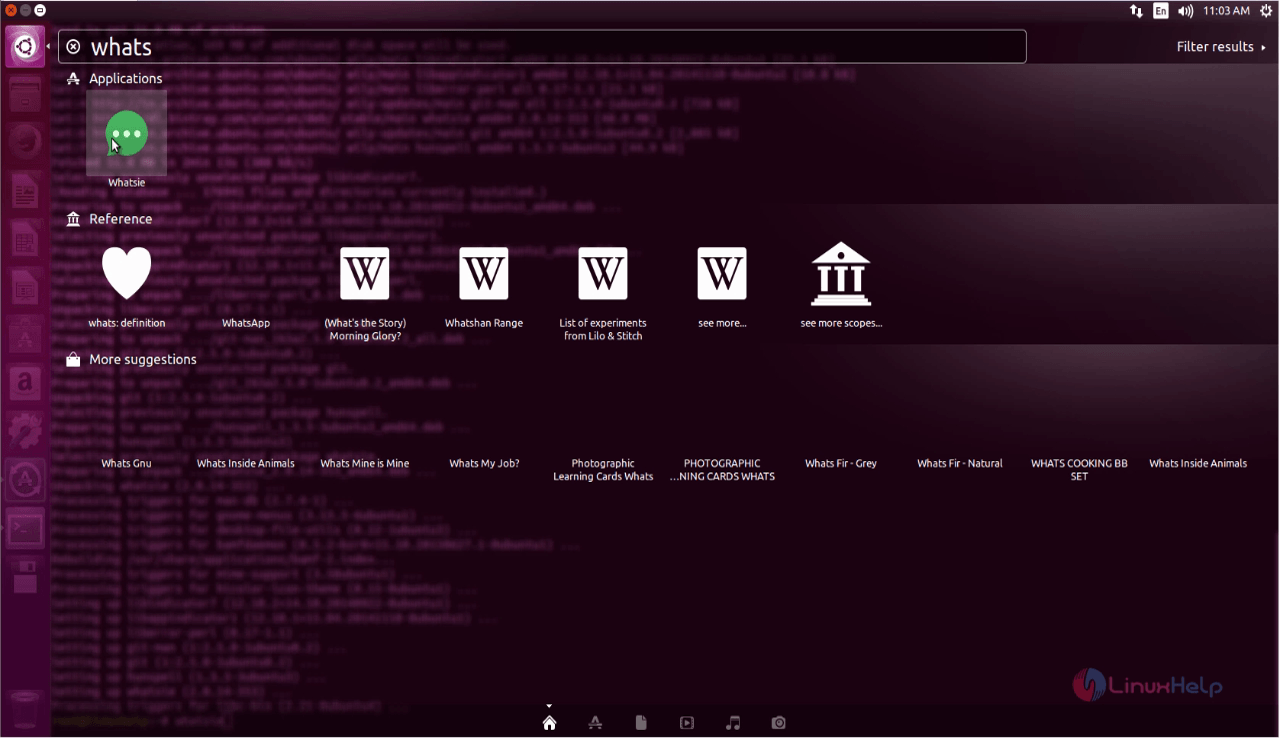
Search and Open the whatsie application from the dashboard.
After opening the application, the QR code appears.
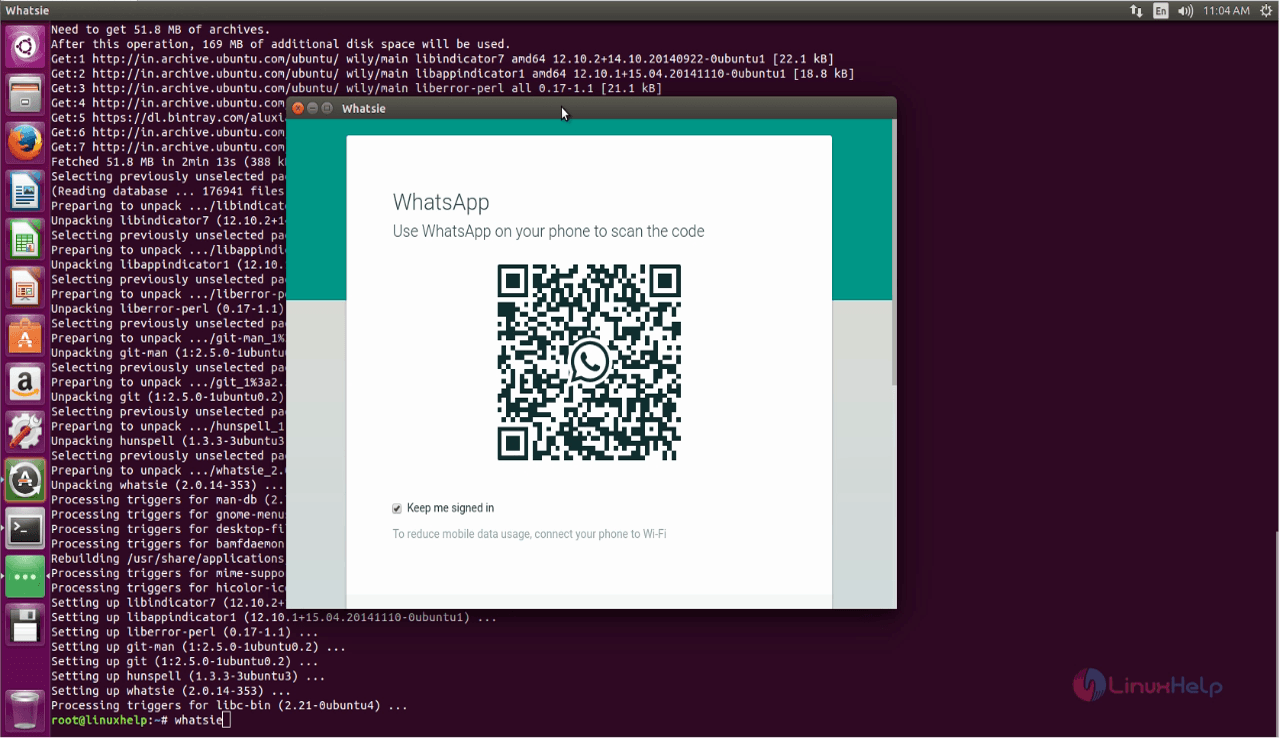
Open Whatsapp application from your android mobile . choose the “ whatsapp web” option and start scanning the Whatsie code.
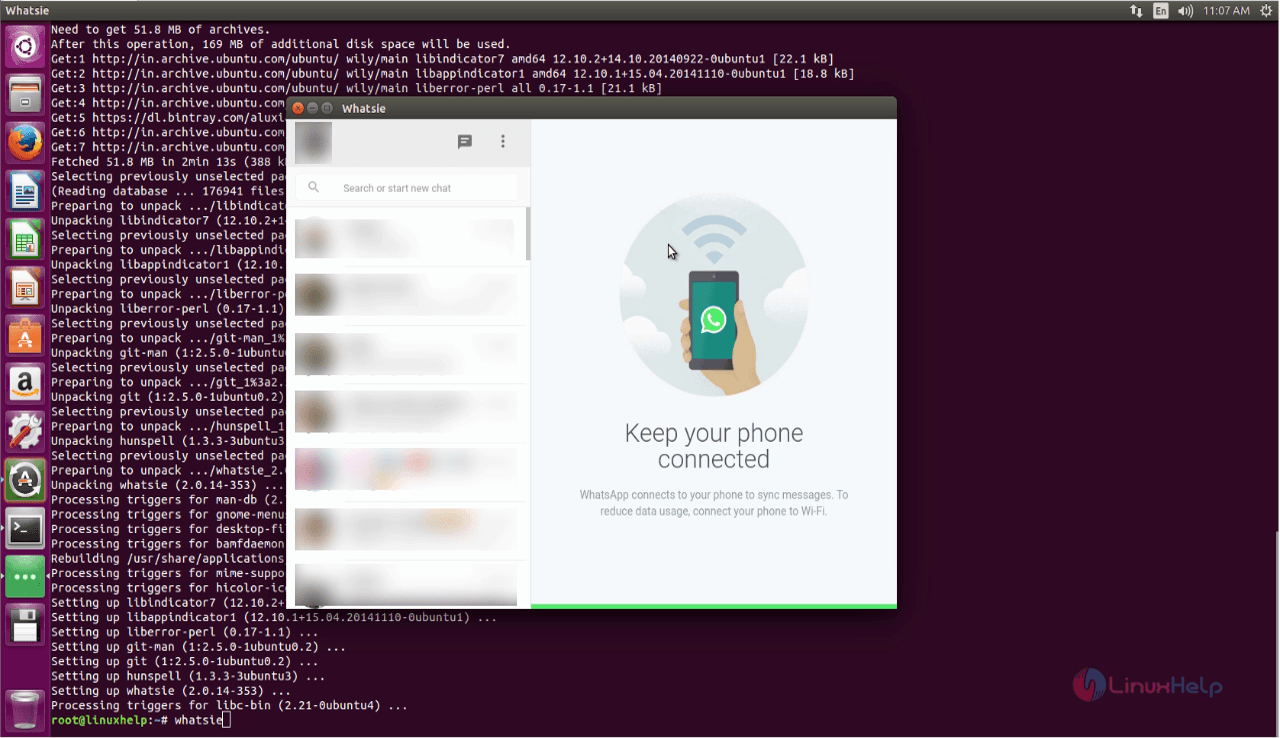
Make sure you are connected to internet on both PC and mobile.
Comments ( 0 )
No comments available