How to install WinFF 1.5.5 on Ubuntu 18.04
To install WinFF 1.5.5 on Ubuntu 18.04
WinFF has a basic GUI with a multitude of options and functionalities that will help you select the videos you need, previsualize them and define the format of the conversion. In addition, there are other specialized options such as the ability to change the ratio of the conversion, the resolution or the quality of the audio track. In this tutorial, we will cover the installation of WinFF on Ubuntu 18.04.
Installation
Update the system repository using the following command
root@linuxhelp1:~# apt-get update
Hit:1 http://in.archive.ubuntu.com/ubuntu bionic InRelease
Hit:2 http://security.ubuntu.com/ubuntu bionic-security InRelease
Hit:3 http://in.archive.ubuntu.com/ubuntu bionic-updates InRelease
Hit:4 http://in.archive.ubuntu.com/ubuntu bionic-backports InRelease
Reading package lists... Done
Install the WinFF package using the following command
root@linuxhelp1:~# apt-get install winff -y
Reading package lists... Done
Building dependency tree
Reading state information... Done
The following packages were automatically installed and are no longer required:
  apache2-bin apache2-data apache2-utils libapr1 libaprutil1 libaprutil1-dbd-sqlite3
  libaprutil1-ldap
Use ' sudo apt autoremove'  to remove them.
The following additional packages will be installed:
  ffmpeg i965-va-driver libaacs0 libass9 libavcodec57 libavdevice57 libavfilter6
  libavformat57 libavresample3 libavutil55 libbdplus0 libbluray2 libbs2b0 libchromaprint1
  libcrystalhd3 libdc1394-22 libflite1 libgme0 libmysofa0 libnorm1 libopenal-data libopenal1
  libopenjp2-7 libopenmpt0 libpgm-5.2-0 libpostproc54 librubberband2 libsdl2-2.0-0 libshine3
  libsnappy1v5 libsndio6.1 libsoxr0 libssh-gcrypt-4 libswresample2 libswscale4 libva-drm2
  libva-x11-2 libva2 libvdpau1 libx264-152 libx265-146 libxvidcore4 libzmq5 libzvbi-common
  libzvbi0 mesa-va-drivers mesa-vdpau-drivers va-driver-all vdpau-driver-all winff-data
  winff-gtk2
Suggested packages:
.
.
Setting up libswresample2:amd64 (7:3.4.2-2) ...
Setting up libsdl2-2.0-0:amd64 (2.0.8+dfsg1-1ubuntu1.18.04.1) ...
Setting up libswscale4:amd64 (7:3.4.2-2) ...
Setting up va-driver-all:amd64 (2.1.0-3) ...
Setting up libpostproc54:amd64 (7:3.4.2-2) ...
Setting up libopenal1:amd64 (1:1.18.2-2) ...
Setting up vdpau-driver-all:amd64 (1.1.1-3ubuntu1) ...
Setting up libavresample3:amd64 (7:3.4.2-2) ...
Setting up libavcodec57:amd64 (7:3.4.2-2) ...
Setting up libchromaprint1:amd64 (1.4.3-1) ...
Setting up libavformat57:amd64 (7:3.4.2-2) ...
Setting up libavfilter6:amd64 (7:3.4.2-2) ...
Setting up libavdevice57:amd64 (7:3.4.2-2) ...
Setting up ffmpeg (7:3.4.2-2) ...
Setting up winff-gtk2 (1.5.5-4) ...
update-alternatives: using /usr/bin/winff-gtk2 to provide /usr/bin/winff (winff) in auto mode
Setting up winff (1.5.5-4) ...
Processing triggers for libc-bin (2.27-3ubuntu1) ...
Once Installation is done you can access the WinFF from the Menu as shown here
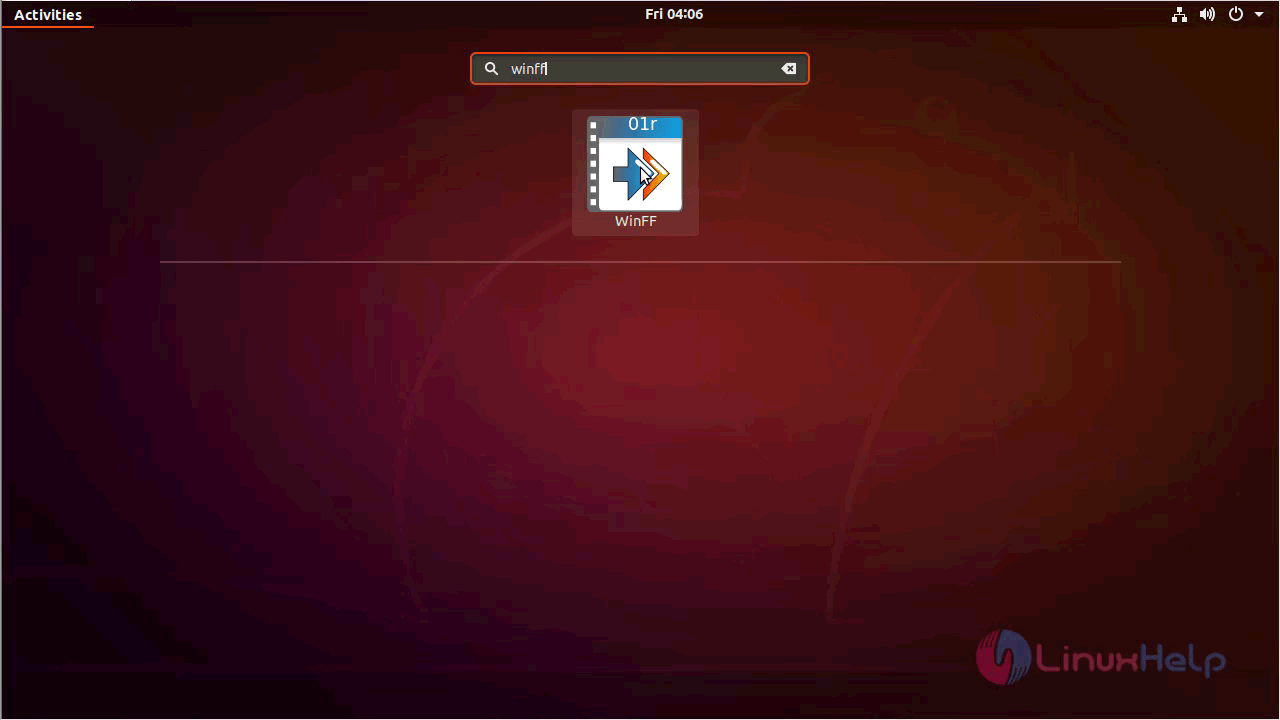
WinFF application
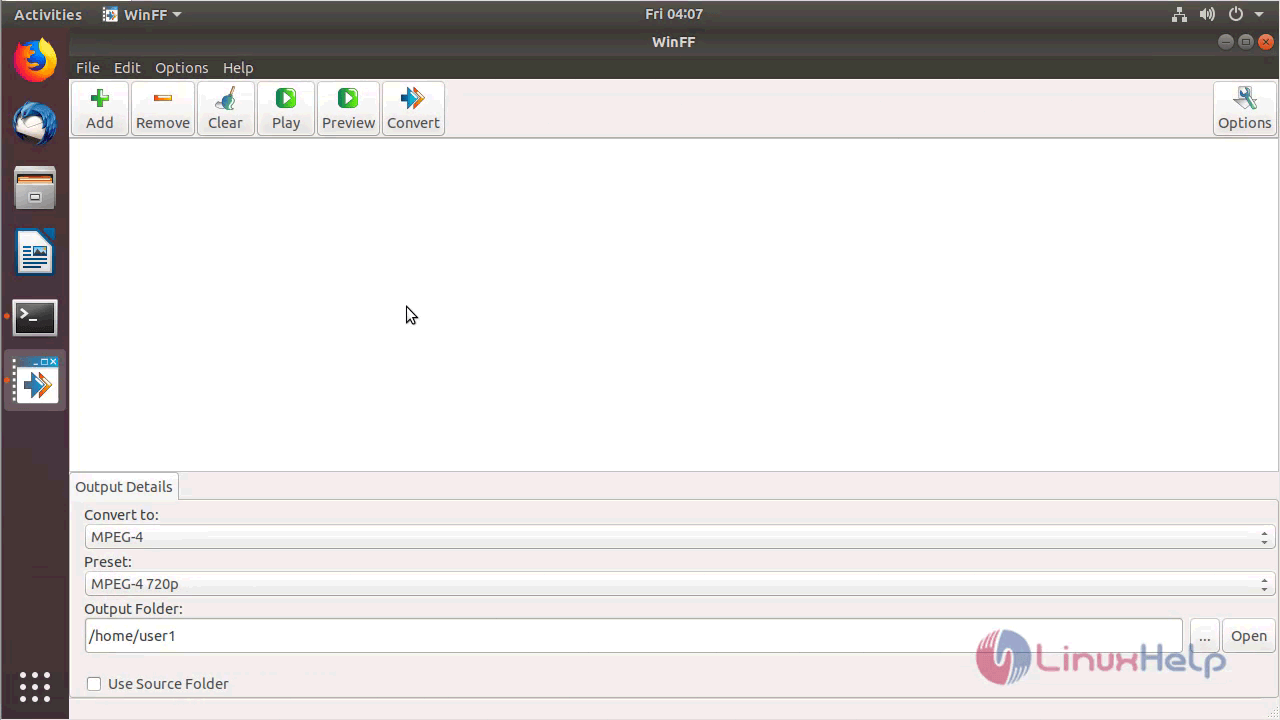
The version of WinFF can be found in Help-> About
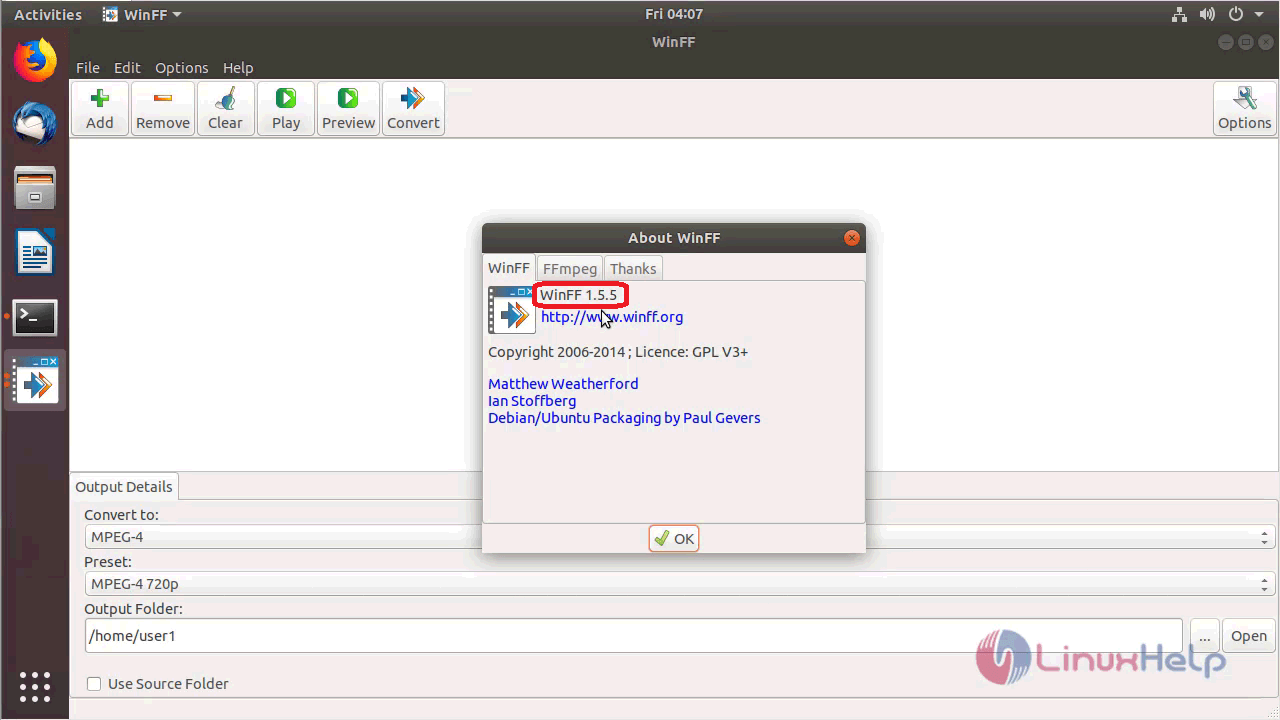
With this, the method to install WinFF 1.5.5 on Ubuntu 18.04 comes to an end.
Comments ( 0 )
No comments available