How to install Wireshark 2.4.0 on Ubuntu 16.04
How to install Wireshark 2.4.0 on Ubuntu 16.04
Wireshark is a free, cross platform and open source packet analyzer using the Qt widget toolkit. It is used for network troubleshooting, analysis, software and communications protocol development, and education. It supports GUI and allows the user to put network interface controllers on the network' s traffic. This tutorial covers the ground on the installation of Wireshark 2.4.0 on Ubuntu 16.04.
Features
- Used for deep inspection of numerous protocols
- Can be used to capture live events for offline analysis
- Comes with a standard three-pane packet browser
- Added support for TLS 1.3 (draft 21) dissection and decryption
- RSA keys dialog for SSL keys feedback improvement made for invalid settings and no longer requires the IP address, Port or Protocol fields to be set in addition to the Key File
Installation procedure
To start with the installation procedure, add the dependency package into repository via ppa.
root@linuxhelp:~#  add-apt-repository ppa:dreibh/ppa
This is Thomas Dreibholz' s software repository. It contains the following packages:
- rsplib - The Open Source implementation of Reliable Server Pooling (RSerPool)
URL: http://tdrwww.iem.uni-due.de/dreibholz/rserpool/
- sctplib/socketapi - An userland SCTP implementation
.
.
gpg:               imported: 1  (RSA: 1)
OK
After adding the dependency packages. Update the machine by executing the apt-get update command.
root@linuxhelp:~#  apt-get update
Hit:1 http://in.archive.ubuntu.com/ubuntu xenial InRelease
Get:2 http://ppa.launchpad.net/dreibh/ppa/ubuntu xenial InRelease [23.8 kB]
Hit:3 http://ppa.launchpad.net/webupd8team/brackets/ubuntu xenial InRelease
.
.
Fetched 1,496 kB in 5s (258 kB/s)
Reading package lists... Done
To install the WireShark application in your system. Execute the following install command as follows.
root@linuxhelp:~# apt-get install wireshark
Reading package lists... Done
Building dependency tree
Reading state information... Done
The following additional packages will be installed:
.
.
Setting up wireshark (2.5.0+git20170712152247~ee699eb7-0ubuntu1~xenial1~ppa0) ...
Processing triggers for libc-bin (2.23-0ubuntu3) ...
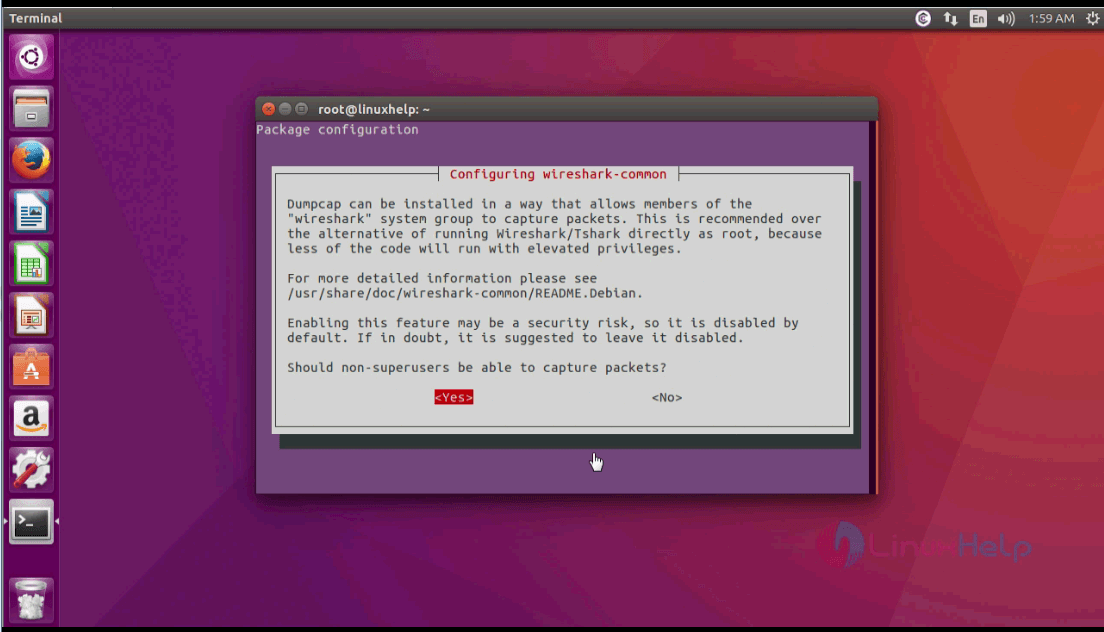
While installating a pop-up window will appear on the screen containing the configuration procedure and click yes.
After the configuration procedure, go to Ubuntu dashboard and type wireshark in the search bar. Click on the icon to run the application.
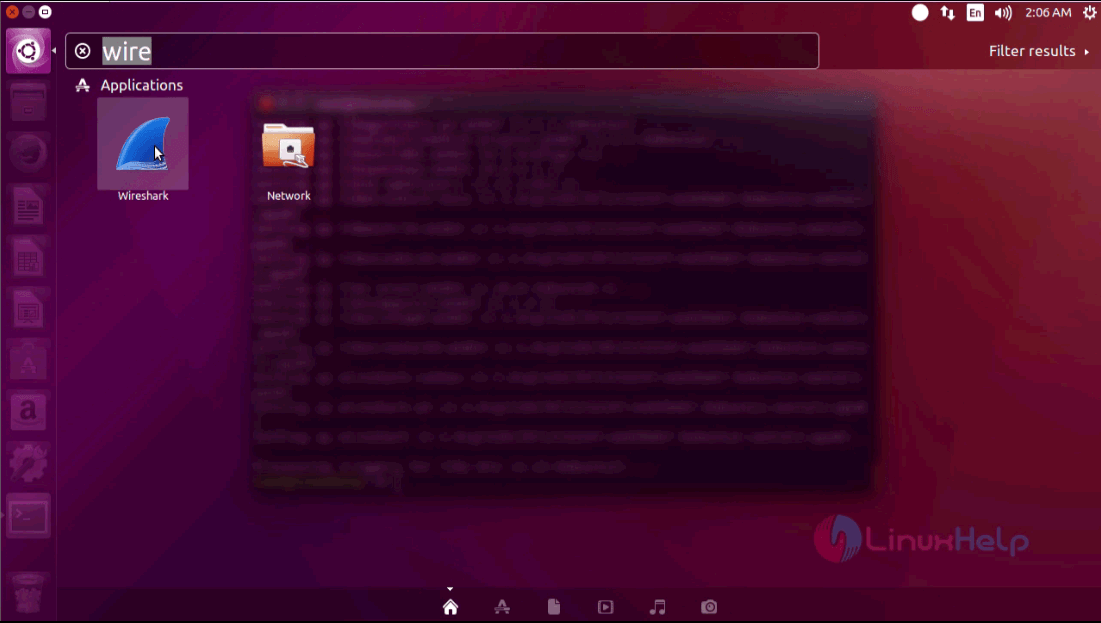
The Wireshark application is running successfully in your system.

The installation procedure is compelete. The Wireshark implements the user interface using the pcap to capture packets.
Comments ( 0 )
No comments available