How to Install Wonder CMS 2.7.0 on CentOS 7.6
Installation of Wonder CMS 2.7.0 On CentOS 7.6
WonderCMS is a free and open source flat file CMS, aimed to be extremely simple and small.Its built with PHP,HTML,JQuery and CSS developed since 2008.No Initial configuration is required and the installation process is straight-forward.All files can be easily moved and backed up to another location.No database is required.
Pre-requisites:
Apache 2.4.34
PHP 7.2
PHP Modules:
php php-gd php-curl php-mbstring php-zip php-mcrypt
Installation Procedure:
Open the browser and enter the URL as follows


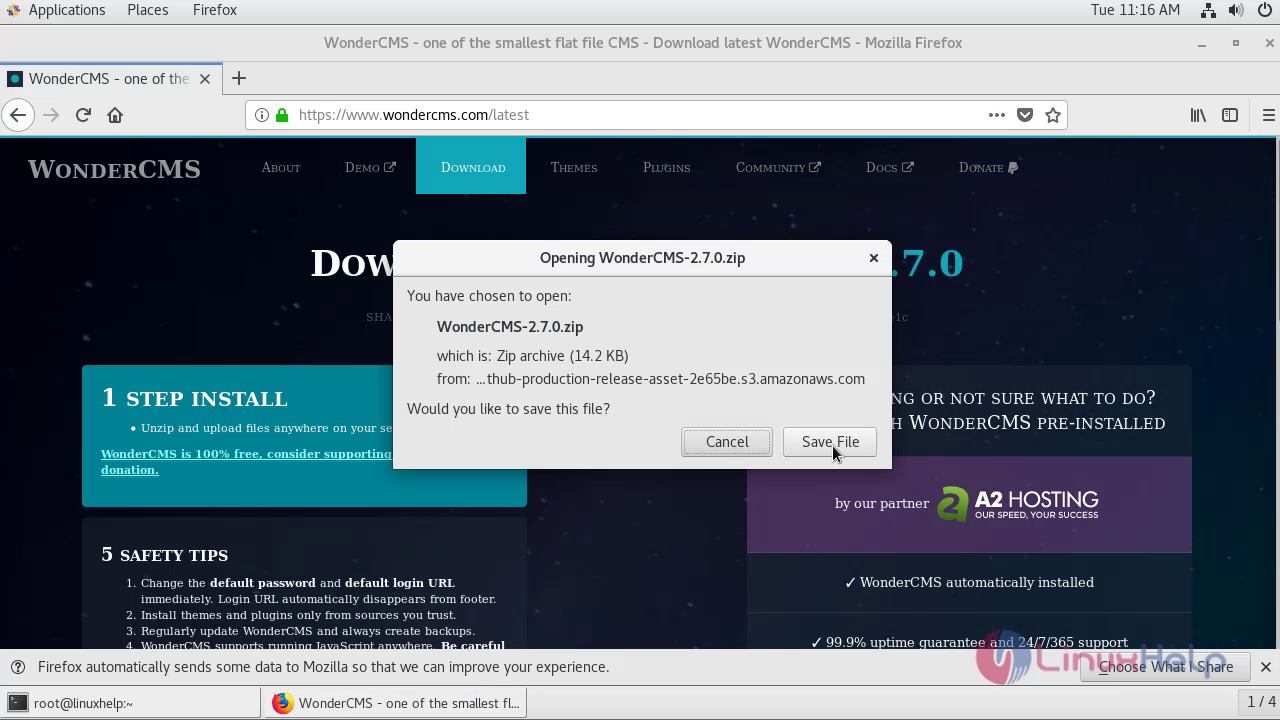
Open the wonder cms site ,click on Download WONDERCMS 2.7.0

 After Saving the Zip file of Wonder CMS 2.7.0.Get back to the terminal
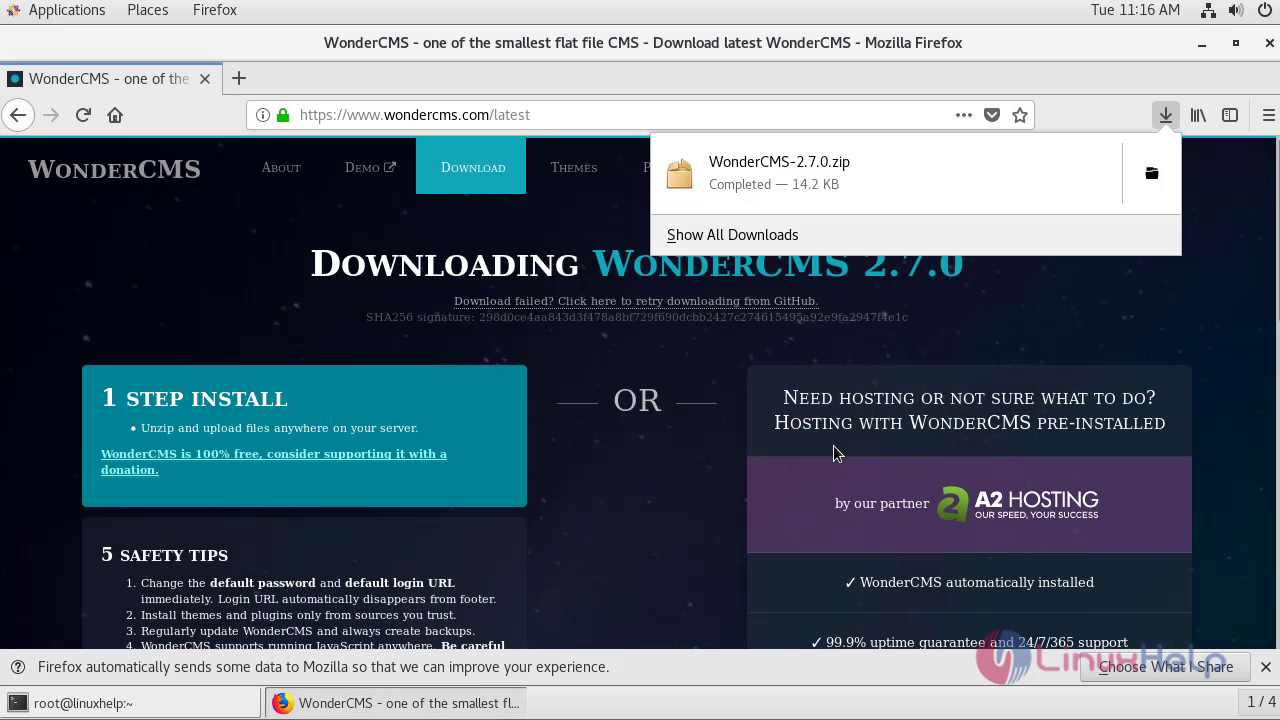
Go To Downloads Directory,to view the zip file of Wonder CMS
[root@linuxhelp ~]# cd Downloads/
[root@linuxhelp Downloads]# ll
total 16
-rw-r--r-- 1 root root 14561 Apr 23 11:16 WonderCMS-2.7.0.zip
Move the Zip file Of Wonder CMS into the Apache’s Document root directory
[root@linuxhelp Downloads]# mv WonderCMS-2.7.0.zip /var/www
Change the directory to Apaches document root directory to unzip the file of Wonder CMS
[root@linuxhelp Downloads]# cd /var/www
Create a directory for Wonder CMS to extract the zip file of Wonder CMS
[root@linuxhelp www]# mkdir w
Extract the zip file Of Wonder CMS 2.7.0 inside the directory of w as follows:
[root@linuxhelp www]# unzip WonderCMS-2.7.0.zip -d w
Archive:  WonderCMS-2.7.0.zip
   creating: w/wondercms/
  inflating: w/wondercms/.htaccess
   creating: w/wondercms/themes/
   creating: w/wondercms/themes/default/
   creating: w/wondercms/themes/default/css/
  inflating: w/wondercms/themes/default/css/style.css
  inflating: w/wondercms/themes/default/theme.php
  inflating: w/wondercms/index.php
Change thew directory to w by executing the following command.
[root@linuxhelp www]# cd w
List the contents ot view the extracted files from Zip file of Wonder CMS
[root@linuxhelp w]# ll
total 0
drwxrwxr-x 3 root root 54 Mar 31 16:47 wondercms
Rename the directory that has created during extraction of wonder cms Zip file
[root@linuxhelp w]# mv wondercms/ final
Change the directory to final as follows:
[root@linuxhelp w]# cd final
List the contents of the final directory
[root@linuxhelp final]# ll
total 44
-rw-r--r-- 1 root root 45010 Mar 31 16:46 index.php
drwxrwxr-x 3 root root    21 Mar 31 16:47 themes
Create an empty file named functions.php which is essential for the loading of Wonder Cms login page.
[root@linuxhelp final]# touch functions.php
Assign Ownership permissions to final directory.
[root@linuxhelp final]# chown -R apache. ./
Assign Writable permissions to the final directory.
[root@linuxhelp final]# chmod -R 775 ./
Create a virtual Hosting for Wonder CMS as follows:
[root@linuxhelp final]# vim /etc/httpd/conf.d/w.conf
<virtualhost *:80>
servername www.linuxhelp1.com
documentroot /var/www/w/final/0
<directory /var/www/w/final/>
allowoverride all
allow from all
</directory>
</virtualhost>
Restart the service of Apache .
[root@linuxhelp final]# systemctl restart httpd
Open the Browser and Enter the Servername In the URL to load the wonder CMS


Home Page Of Wonder CMS has opened.Just copy the password and click login

Paste the password and click login

Change the password by clicking on settingssecurity.

 Enter the old password and create a new password ,click Change password to update the password

Click logout

Enter the new password in the login page and click login

I have successfully Logged in to the Wonder CMS 2.7.0 with the new password
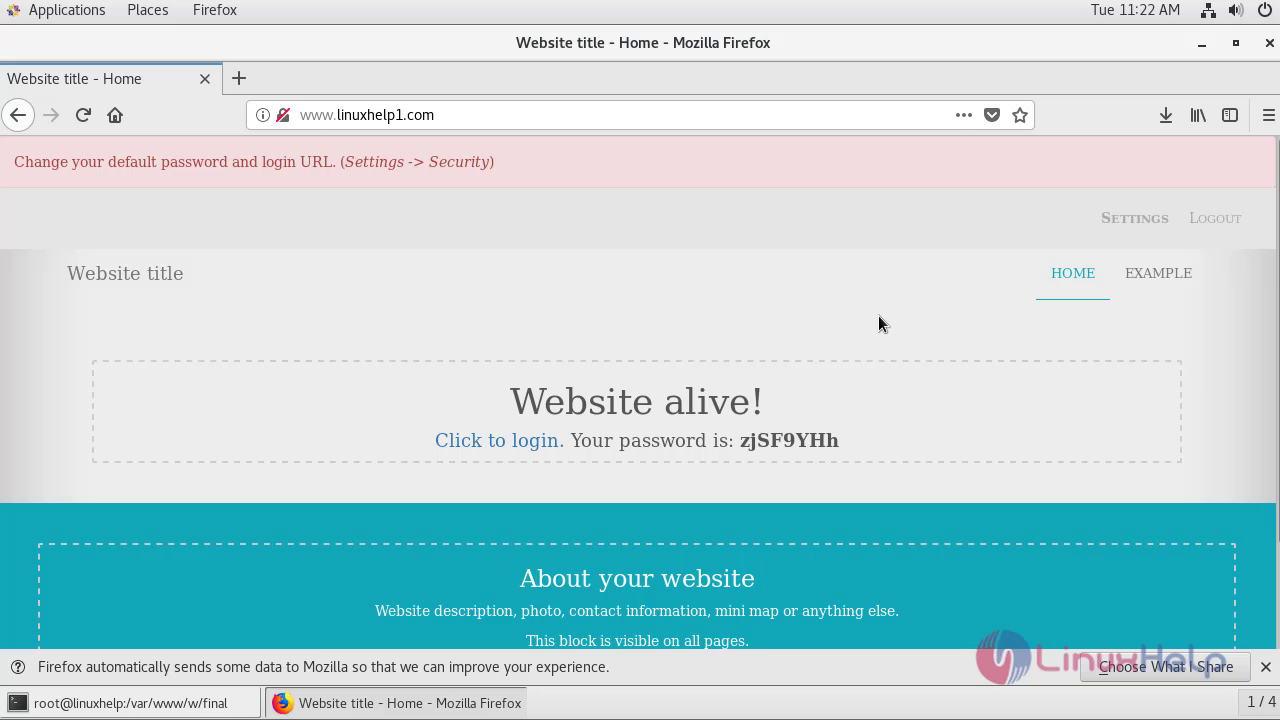
Installation Of Wonder CMS 2.7.0 On Centos 7.6 comes to end.
Comments ( 0 )
No comments available