How to install Xiphos on Ubuntu 17.04
To install Xiphos on Ubuntu 17.04
Xiphos is a Bible study program for GNOME desktop environment. It is a framework for developing Bible study tools and contains inbuilt commentaries and dictionaries. It also contains viewing multiple versions of the Bible and parallel reading of alternatives or translations. This tutorial explains the installation procedure of Xiphos on Ubuntu 17.04.
Installation procedure
To proceed with the installation procedure, add the required repository by executing the following commands.
root@linuxhelp:~# add-apt-repository ppa:unit193/crosswire
 More info: https://launchpad.net/~unit193/+archive/ubuntu/crosswire
Press [ENTER] to continue or ctrl-c to cancel adding it

gpg: keybox ' /tmp/tmpvu9m4m_5/pubring.gpg'  created
gpg: /tmp/tmpvu9m4m_5/trustdb.gpg: trustdb created
gpg: key 03647209B58A653A: public key " Launchpad PPA for Unit 193"  imported
gpg: Total number processed: 1
gpg:               imported: 1
OK
Next update the system by running the apt-get update command.
root@linuxhelp:~# apt-get update
Get:1 http://ppa.launchpad.net/unit193/crosswire/ubuntu zesty InRelease [15.4 kB]
Hit:2 http://security.ubuntu.com/ubuntu zesty-security InRelease
Get:3 http://ppa.launchpad.net/unit193/crosswire/ubuntu zesty/main amd64 Packages [2,468 B]
Hit:4 http://in.archive.ubuntu.com/ubuntu zesty InRelease
Get:5 http://ppa.launchpad.net/unit193/crosswire/ubuntu zesty/main i386 Packages [2,468 B]
Hit:6 http://in.archive.ubuntu.com/ubuntu zesty-updates InRelease
Hit:7 http://in.archive.ubuntu.com/ubuntu zesty-backports InRelease
Get:8 http://ppa.launchpad.net/unit193/crosswire/ubuntu zesty/main Translation-en [1,676 B]
Fetched 22.0 kB in 3s (5,526 B/s)
Reading package lists... Done
The target system has been updated with the required repositories. Next install the Xiphos application by executing the following command and press y to continue with the installation procedure.
root@linuxhelp:~# apt-get install xiphos -y
Reading package lists... Done
Building dependency tree
Reading state information... Done
The following additional packages will be installed:
  gconf-service gconf-service-backend gconf2-common libbiblesync1.1
  libgconf-2-4 libgsf-1-114 libgsf-1-common libjavascriptcoregtk-3.0-0
  libsword-common libsword11v5 libwebkitgtk-3.0-0 xiphos-data
Suggested packages:
  sword-text
.
.
.
.
Processing triggers for libc-bin (2.24-9ubuntu2) ...
Setting up libbiblesync1.1:amd64 (1.1.2-1) ...
Processing triggers for man-db (2.7.6.1-2) ...
Processing triggers for gnome-menus (3.13.3-6ubuntu5) ...
Processing triggers for hicolor-icon-theme (0.15-1) ...
Setting up libwebkitgtk-3.0-0:amd64 (2.4.11-3) ...
Setting up libgconf-2-4:amd64 (3.2.6-3ubuntu7) ...
Setting up gconf-service-backend (3.2.6-3ubuntu7) ...
Setting up gconf-service (3.2.6-3ubuntu7) ...
Setting up xiphos (4.0.7+dfsg1-1~17.04) ...
Processing triggers for libc-bin (2.24-9ubuntu2) ...
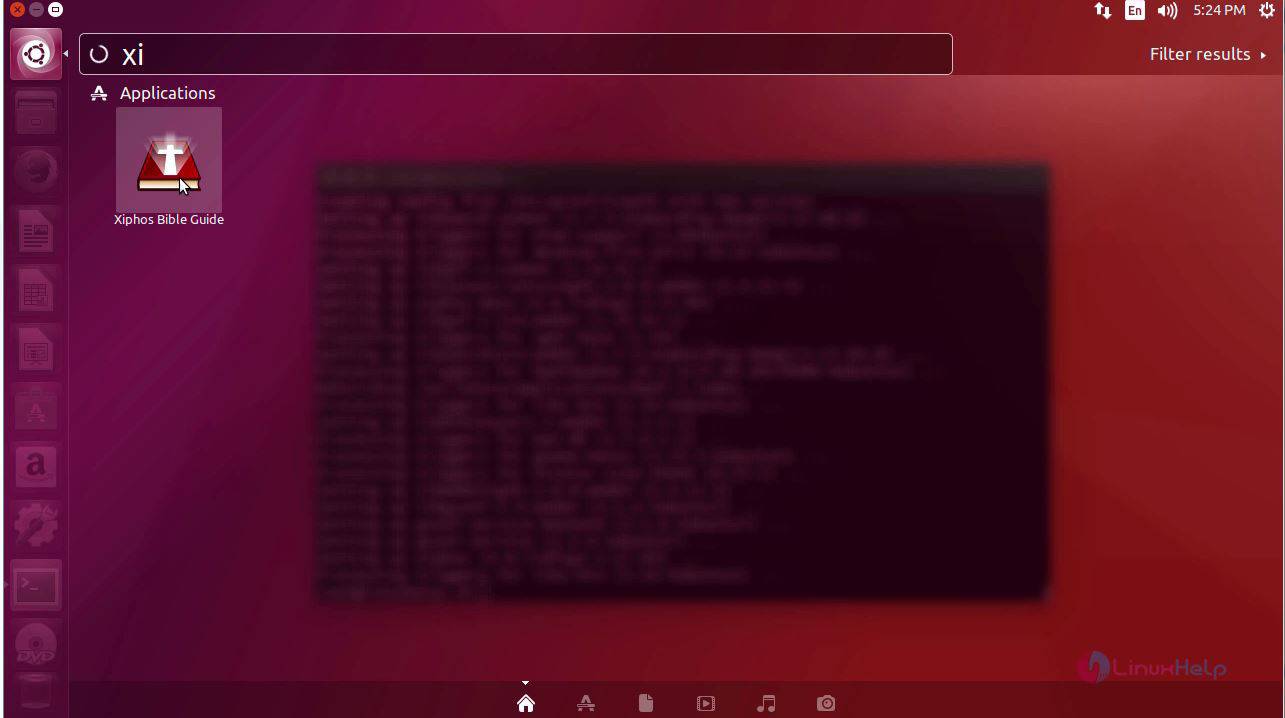
The application is installed successfully in the system. Type the application name in the Ubuntu dashboard and click on the icon to run the application.
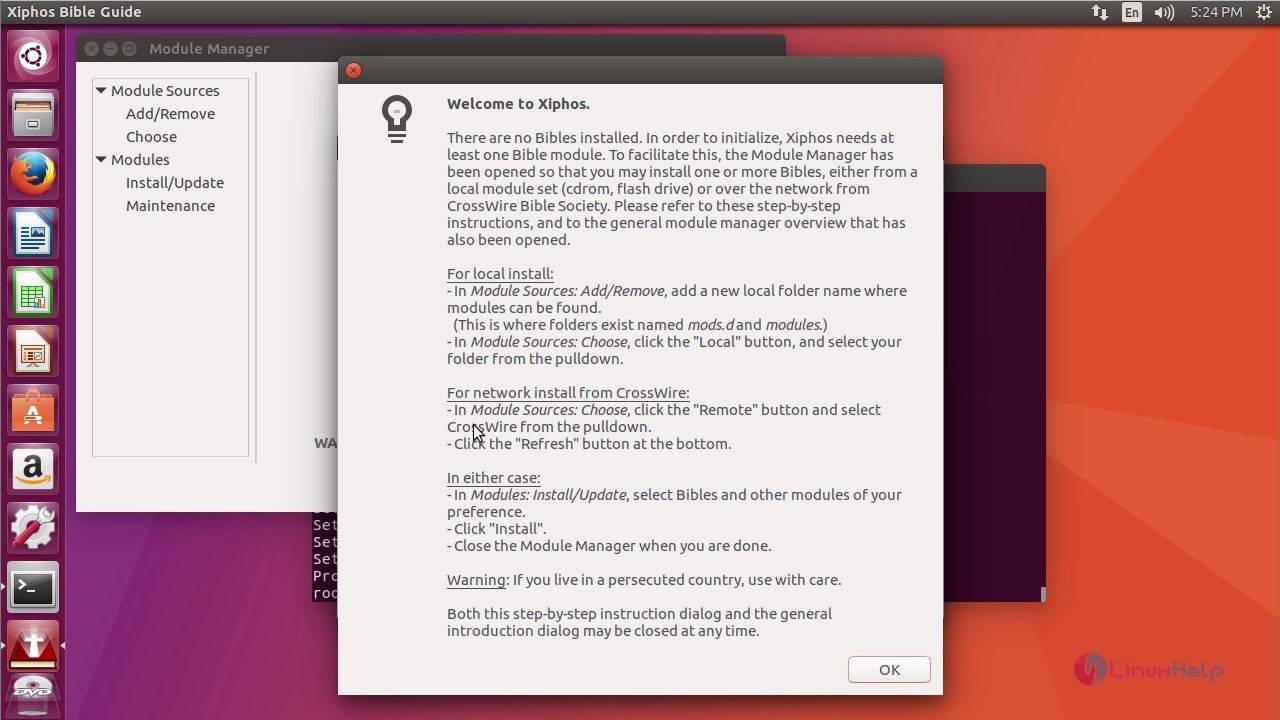
The welcome page of Xiphos appears on the screen.
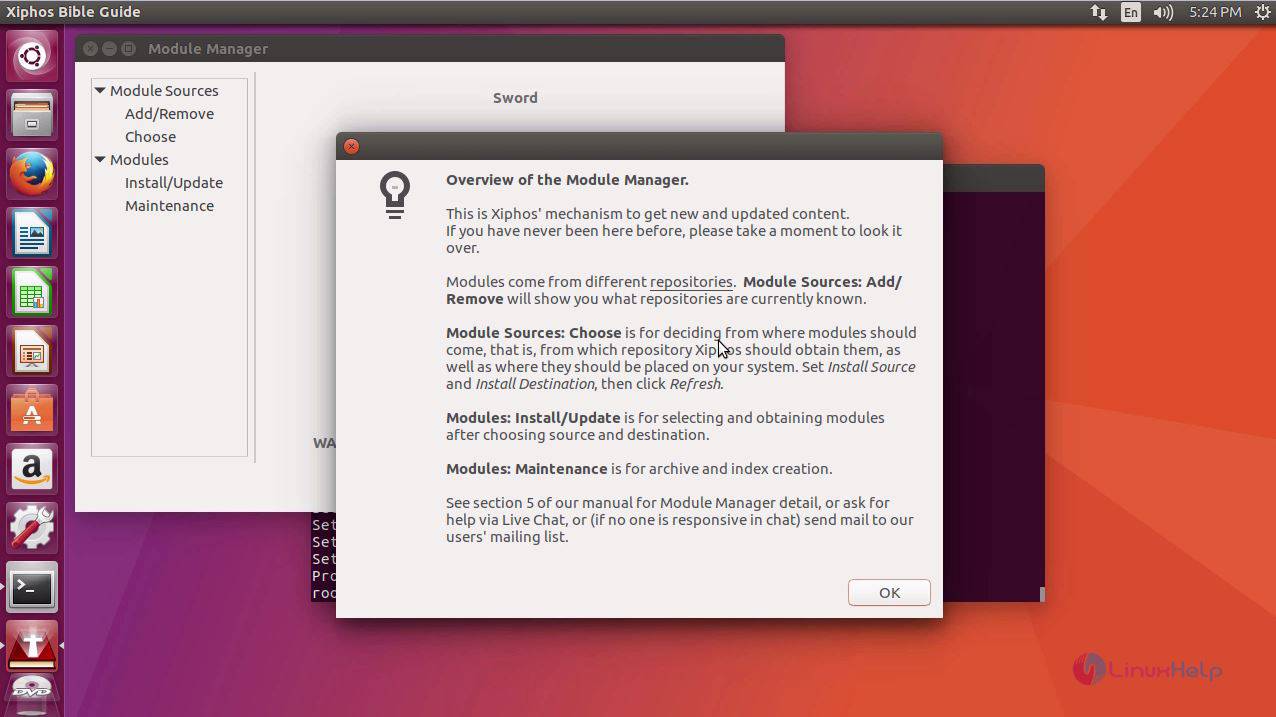
Next page shows the overview of all the modules in Xiphos.
The home page of the Xiphos appears on the screen. Now you can read the Bible within these modules.
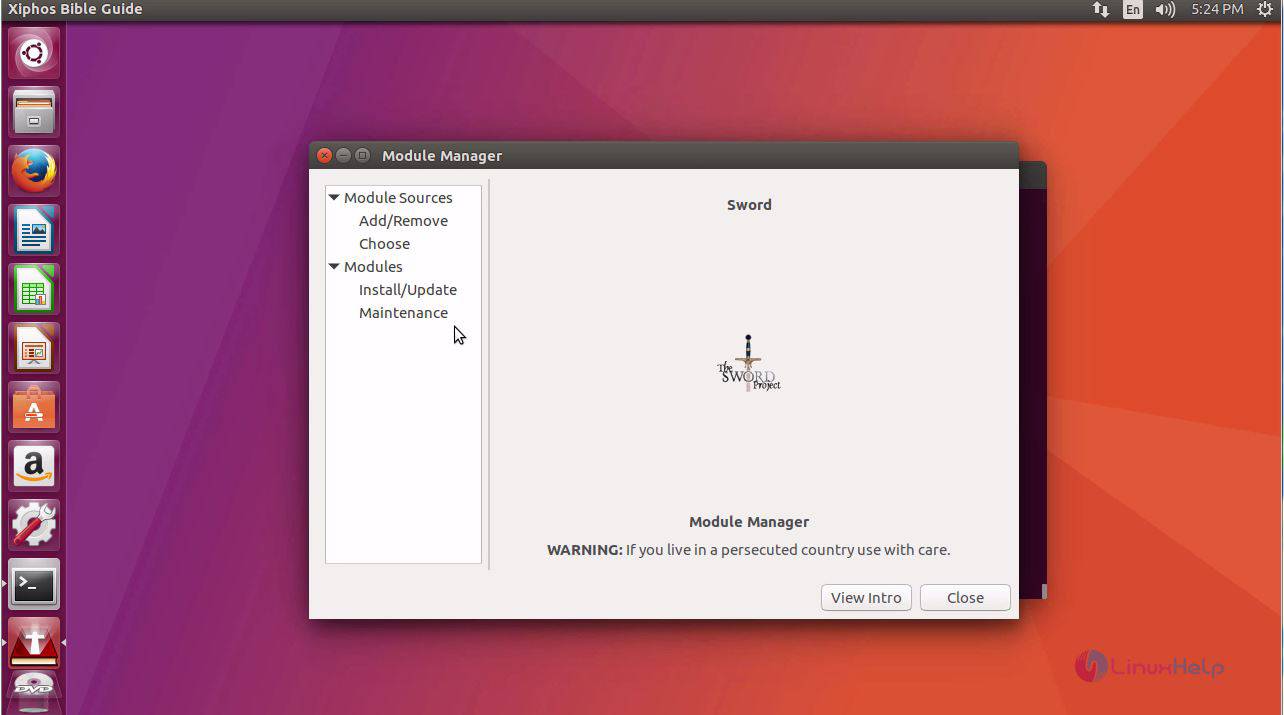
Thus concludes the installation procedure of Xiphos on Ubuntu 17.04.
Comments ( 0 )
No comments available