How to Install Xoops CMS 2.5.10 on CentOS 7.6
Installation of Xoops 2.5.10 Cms On centos 7.6
XOOPS CMS is an acronym of eXtensible, OO (Object Oriented) portal System.It is very easy to use dynamic web content management system (CMS) written in PHP.XOOPS is the ideal tool for developing small to large dynamic community websites,intra company portals, corporate portals, weblogs.
Requirements:
Apache 2.4.34
MariaDB 5.5
PHP 7.2
PHP Modules:
php php-gd php-curl php-zip php-mbstring php-mcrypt php-simplexml php-mysql
Features:
Database driven
Personalization
User Management
Multi-Byte language Support
Versatile group permission System
Theme Based skinnable interface
Installation
Configure the MariaDB for xoops CMS
[root@linuxhelp ~]# mysql -u root -p
Enter password:
Welcome to the MariaDB monitor.  Commands end with ; or \g.
Your MariaDB connection id is 19
Server version: 5.5.60-MariaDB MariaDB Server

Copyright (c) 2000, 2018, Oracle, MariaDB Corporation Ab and others.

Type 'help;' or '\h' for help. Type '\c' to clear the current input statement.

MariaDB [(none)]> create database xoops character set utf8mb4;
Query OK, 1 row affected (0.00 sec)

MariaDB [(none)]> use xoops;
Database changed

MariaDB [xoops]> grant all on xoops.* to user@localhost identified by 'linuxc';
Query OK, 0 rows affected (0.00 sec)

MariaDB [xoops]> flush privileges;
Query OK, 0 rows affected (0.00 sec)

MariaDB [xoops]> exit
Bye
Change the directory to Apaches Document root directory and create a directory for Xoops CMS
[root@linuxhelp ~]# cd /var/www
[root@linuxhelp www]# mkdir xoops
Change the directory to xoops to download the Xoops CMS
[root@linuxhelp www]# cd xoops
Download the Xoops CMS using wget as follows:
 [root@linuxhelp xoops]# wget https://github.com/XOOPS/XoopsCore25/archive/master.zip
--2019-04-16 07:56:43--  https://github.com/XOOPS/XoopsCore25/archive/master.zip
Resolving github.com (github.com)... 192.30.253.112, 192.30.253.113
Connecting to github.com (github.com)|192.30.253.112|:443... connected.
HTTP request sent, awaiting response... 302 Found
Location: https://codeload.github.com/XOOPS/XoopsCore25/zip/master [following]
--2019-04-16 07:56:44--  https://codeload.github.com/XOOPS/XoopsCore25/zip/master
Resolving codeload.github.com (codeload.github.com)... 192.30.253.121, 192.30.253.120
Connecting to codeload.github.com (codeload.github.com)|192.30.253.121|:443... connected.
HTTP request sent, awaiting response... 200 OK
Length: unspecified [application/zip]
Saving to: ‘master.zip’

    [                                                       <=>                                          ] 12,334,198  1.12MB/s   in 12s

2019-04-16 07:56:57 (1015 KB/s) - ‘master.zip’ saved [12334198]
List the contents to check the downloaded zip file of Xoops CMS
[root@linuxhelp xoops]# ll
total 12048
-rw-r--r-- 1 root root 12334198 Apr 16 07:56 master.zip

Extract the zip file of Xoops CMS using unzip command
[root@linuxhelp xoops]# unzip master.zip
Archive:  master.zip
dcaba5cea1a673cde4d81d2755682a4f45dfc1de
   creating: XoopsCore25-master/
  inflating: XoopsCore25-master/CONTRIBUTING.md
  inflating: XoopsCore25-master/LICENSE
  inflating: XoopsCore25-master/README.md
   creating: XoopsCore25-master/docs/
  inflating: XoopsCore25-master/docs/README.txt
  inflating: XoopsCore25-master/docs/changelog.250.txt
.
.
.
.
inflating: XoopsCore25-master/upgrade/upd-2.5.8-to-2.5.9/index.php
   creating: XoopsCore25-master/upgrade/upd-2.5.9-to-2.5.10/
  inflating: XoopsCore25-master/upgrade/upd-2.5.9-to-2.5.10/index.php
  inflating: XoopsCore25-master/upgrade/upgrade_tpl.php
finishing deferred symbolic links:
  XoopsCore25-master/htdocs/class/libraries/vendor/bin/reloadpsl -> ../geekwright/regdom/bin/reloadpsl
List the contents to check the directory that had created after extracting.
[root@linuxhelp xoops]# ll
total 12048
-rw-r--r-- 1 root root 12334198 Apr 16 07:56 master.zip
drwxr-xr-x 6 root root      141 Mar 28 03:19 XoopsCore25-master
Rename the extracted directory of Xoops CMS to final
[root@linuxhelp xoops]# mv XoopsCore25-master/ final
[root@linuxhelp xoops]# cd final/
[root@linuxhelp final]# ll
total 52
-rw-r--r--  1 root root  1481 Mar 28 03:19 CONTRIBUTING.md
drwxr-xr-x  2 root root   160 Mar 28 03:19 docs
drwxr-xr-x  2 root root    99 Mar 28 03:19 extras
drwxr-xr-x 17 root root  4096 Mar 28 03:19 htdocs
-rw-r--r--  1 root root 18047 Mar 28 03:19 LICENSE
-rw-r--r--  1 root root  8391 Mar 28 03:19 README.md
-rw-r--r--  1 root root  4106 Mar 28 03:19 release_notes.txt
drwxr-xr-x 20 root root  4096 Mar 28 03:19 upgrade
Assign the writable permissions to the final directory
[root@linuxhelp final]# chmod -R 775 ./
Assign the ownership permissions to the final directory.
[root@linuxhelp final]# chown -R apache. ./
Change the directory to htdocs directory which contains the site supported files .
[root@linuxhelp final]# cd htdocs/
[root@linuxhelp htdocs]# ll
total 292
-rwxrwxr-x  1 apache apache  5908 Mar 28 03:19 admin.php
-rwxrwxr-x  1 apache apache  5781 Mar 28 03:19 ajaxfineupload.php
-rwxrwxr-x  1 apache apache  3110 Mar 28 03:19 backend.php
-rwxrwxr-x  1 apache apache 17858 Mar 28 03:19 banners.php
-rwxrwxr-x  1 apache apache  3027 Mar 28 03:19 browse.php
drwxrwxr-x  2 apache apache    42 Mar 28 03:19 cache
drwxrwxr-x 17 apache apache  4096 Mar 28 03:19 class
-rwxrwxr-x  1 apache apache 20538 Mar 28 03:19 edituser.php
-rwxrwxr-x  1 apache apache  1150 Mar 28 03:19 favicon.ico
-rwxrwxr-x  1 apache apache  3003 Mar 28 03:19 footer.php
drwxrwxr-x  6 apache apache   109 Mar 28 03:19 Frameworks
-rwxrwxr-x  1 apache apache  4968 Mar 28 03:19 header.php
-rwxrwxr-x  1 apache apache 10109 Mar 28 03:19 imagemanager.php
-rwxrwxr-x  1 apache apache 25385 Mar 28 03:19 image.php
drwxrwxr-x  6 apache apache  4096 Mar 28 03:19 images
drwxrwxr-x  2 apache apache  4096 Mar 28 03:19 include
-rwxrwxr-x  1 apache apache  3772 Mar 28 03:19 index.php
drwxrwxr-x  7 apache apache  4096 Mar 28 03:19 install
drwxrwxr-x  2 apache apache  4096 Mar 28 03:19 kernel
drwxrwxr-x  3 apache apache    39 Mar 28 03:19 language
-rwxrwxr-x  1 apache apache  4068 Mar 28 03:19 lostpass.php
-rwxrwxr-x  1 apache apache  3477 Mar 28 03:19 mainfile.dist.php
drwxrwxr-x  4 apache apache    65 Mar 28 03:19 media
-rwxrwxr-x  1 apache apache 13618 Mar 28 03:19 misc.php
drwxrwxr-x  6 apache apache    80 Mar 28 03:19 modules
-rwxrwxr-x  1 apache apache  9629 Mar 28 03:19 notifications.php
-rwxrwxr-x  1 apache apache  1716 Mar 28 03:19 pda.php
-rwxrwxr-x  1 apache apache  6906 Mar 28 03:19 pmlite.php
-rwxrwxr-x  1 apache apache  6008 Mar 28 03:19 readpmsg.php
-rwxrwxr-x  1 apache apache 15502 Mar 28 03:19 register.php
-rwxrwxr-x  1 apache apache   248 Mar 28 03:19 robots.txt
-rwxrwxr-x  1 apache apache 12306 Mar 28 03:19 search.php
drwxrwxr-x  2 apache apache    42 Mar 28 03:19 templates_c
drwxrwxr-x  5 apache apache    72 Mar 28 03:19 themes
drwxrwxr-x  7 apache apache   128 Mar 28 03:19 uploads
-rwxrwxr-x  1 apache apache  9618 Mar 28 03:19 userinfo.php
-rwxrwxr-x  1 apache apache  6528 Mar 28 03:19 user.php
-rwxrwxr-x  1 apache apache  5991 Mar 28 03:19 viewpmsg.php
-rwxrwxr-x  1 apache apache  2740 Mar 28 03:19 xmlrpc.php
-rwxrwxr-x  1 apache apache 17401 Mar 28 03:19 xoops.css
drwxrwxr-x  6 apache apache   117 Mar 28 03:19 xoops_data
drwxrwxr-x  4 apache apache    92 Mar 28 03:19 xoops_lib
Assign full permissions to the mainfile.dist.php which is a requirement for Xoops CMS
[root@linuxhelp htdocs]# chmod 777 mainfile.dist.php
Create A Customised Configuration file for Xoops CMs
 root@linuxhelp htdocs]# vim /etc/httpd/conf.d/xoops.conf
<virtualhost *:80>
Servername www.linuxhelp1.com
Documentroot /var/www/xoops/final/htdocs/

<directory /var/www/xoops/final/htdocs/>
Allowoverride all
Allow from all
</directory>
</virtualhost>
start the service of Apache.
[root@linuxhelp htdocs]# systemctl restart httpd
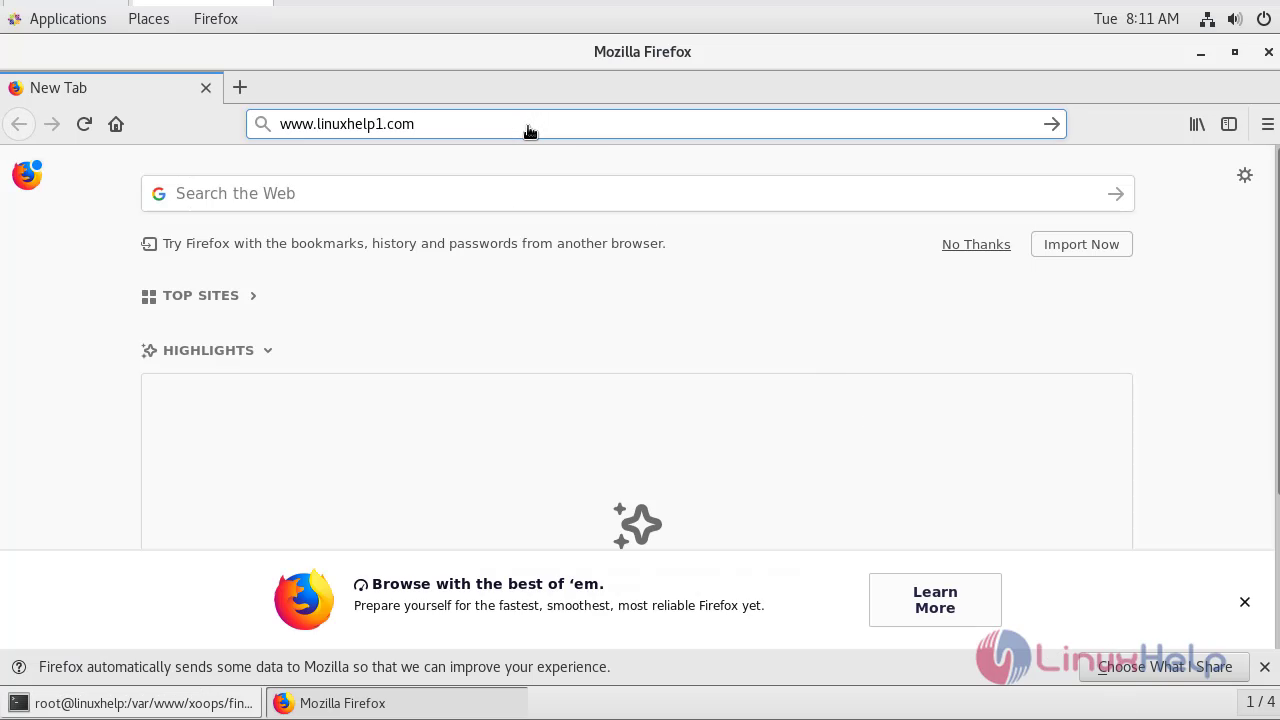
Enter the servername that was configured inside the virtual hosting of xoops.conf
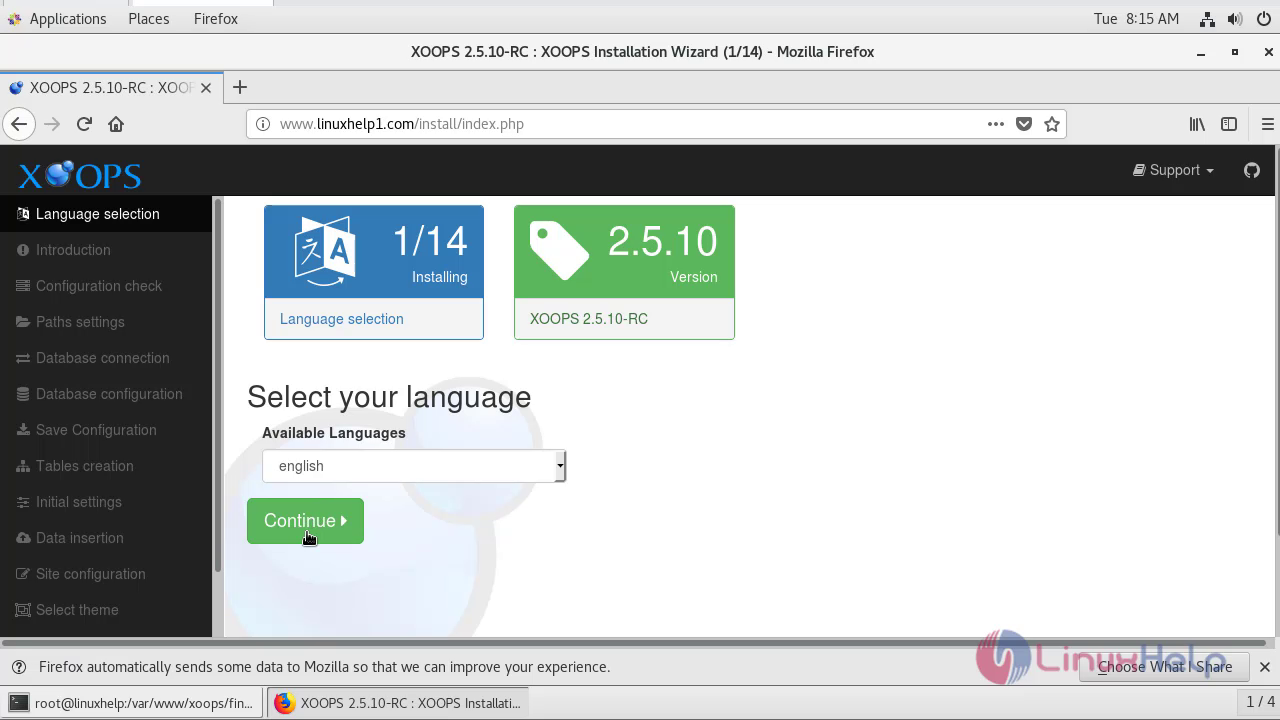
Select the language and click continue.
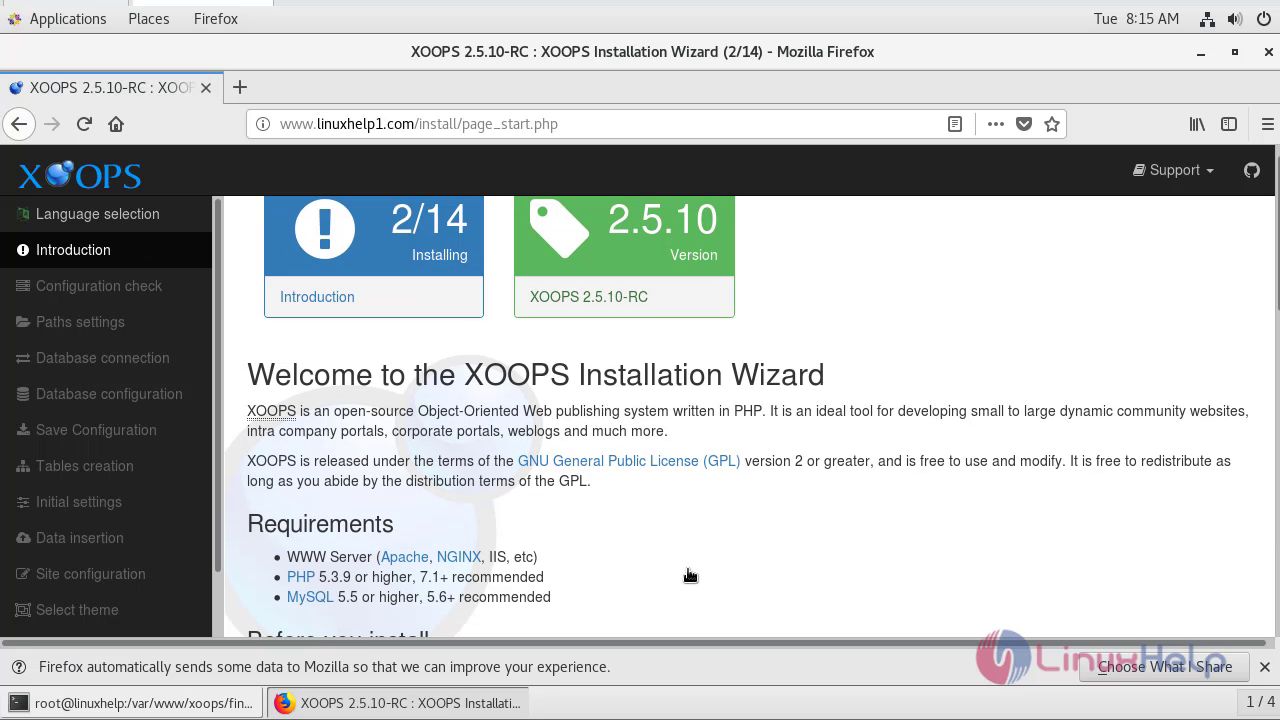
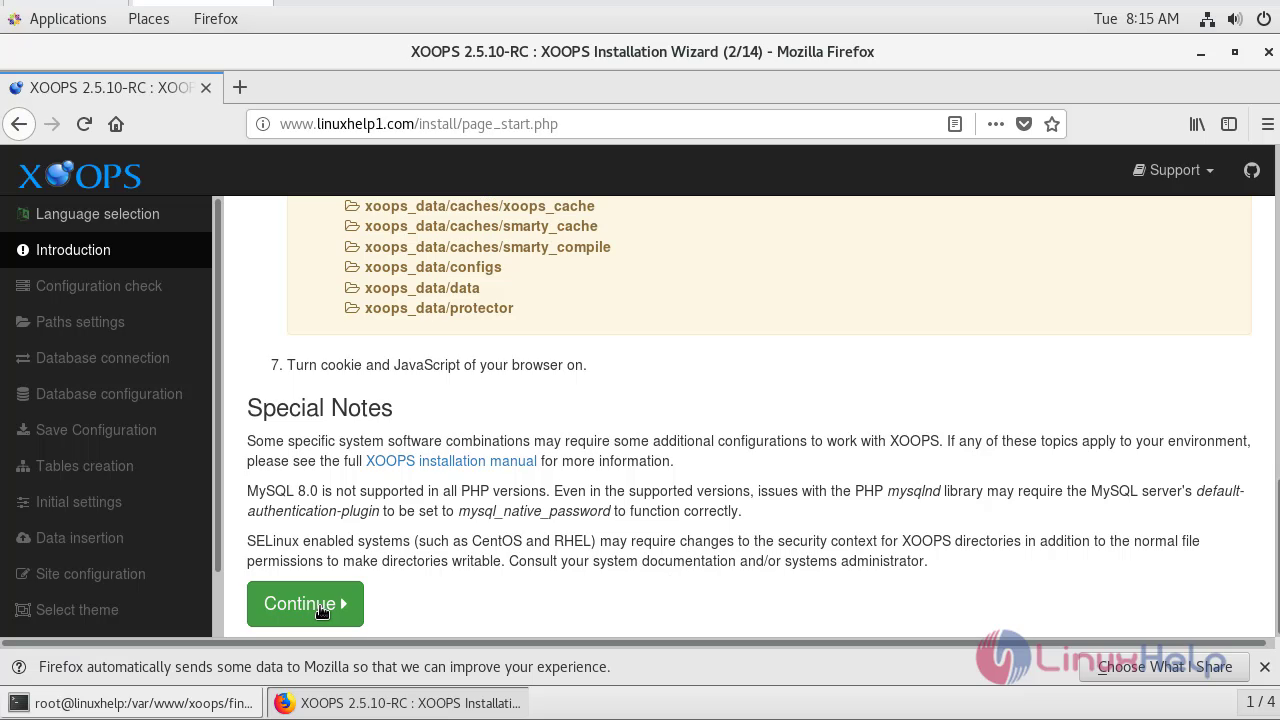
Check the Installation wizard of Xoops CMS 2.5.10 and click continue.
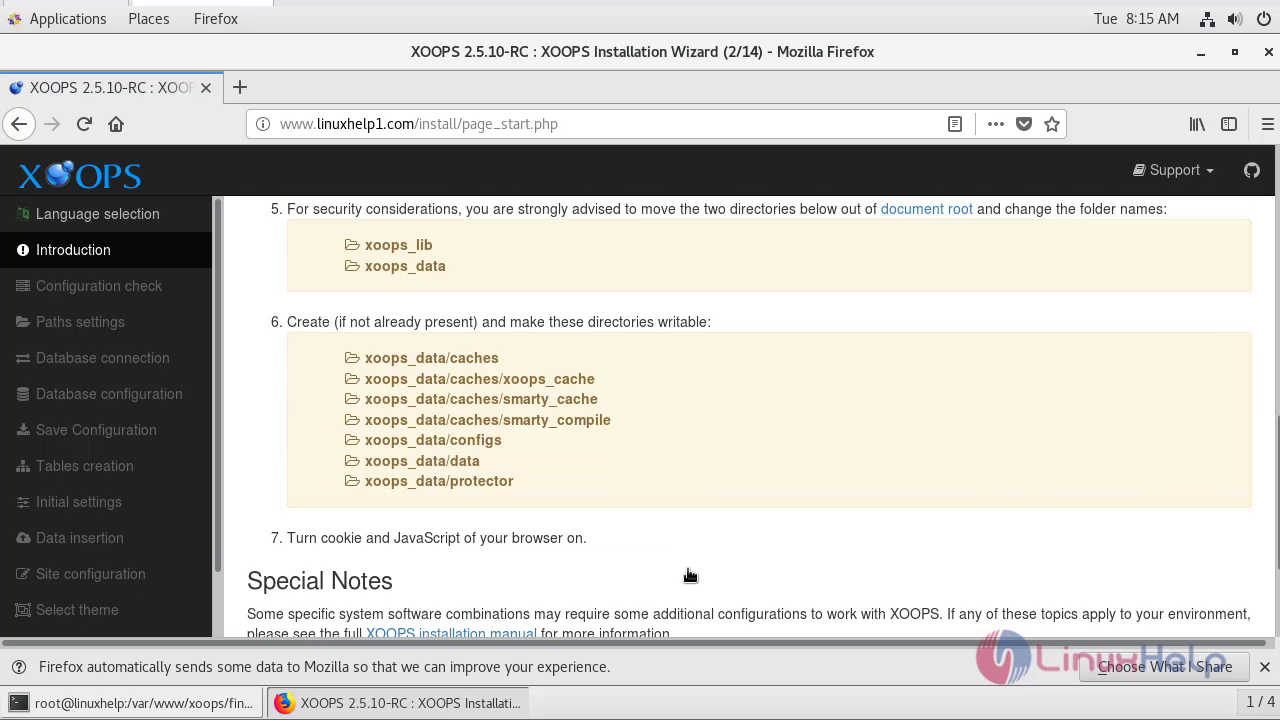
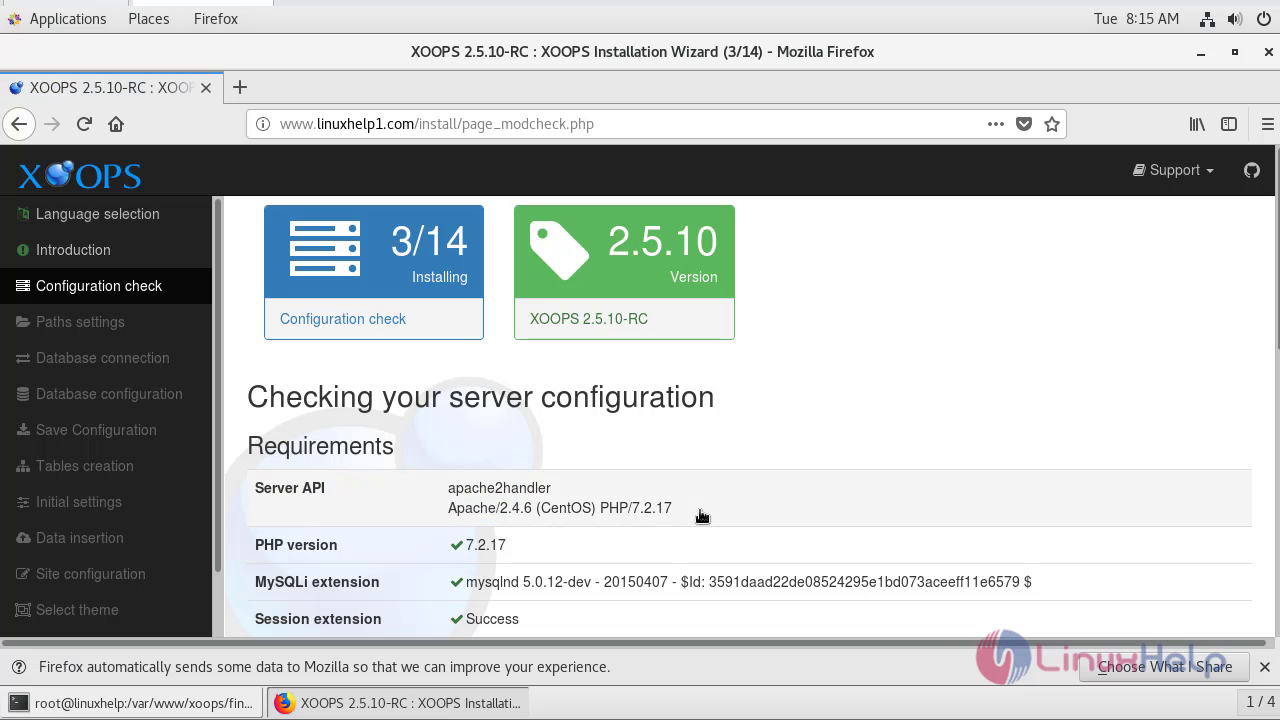
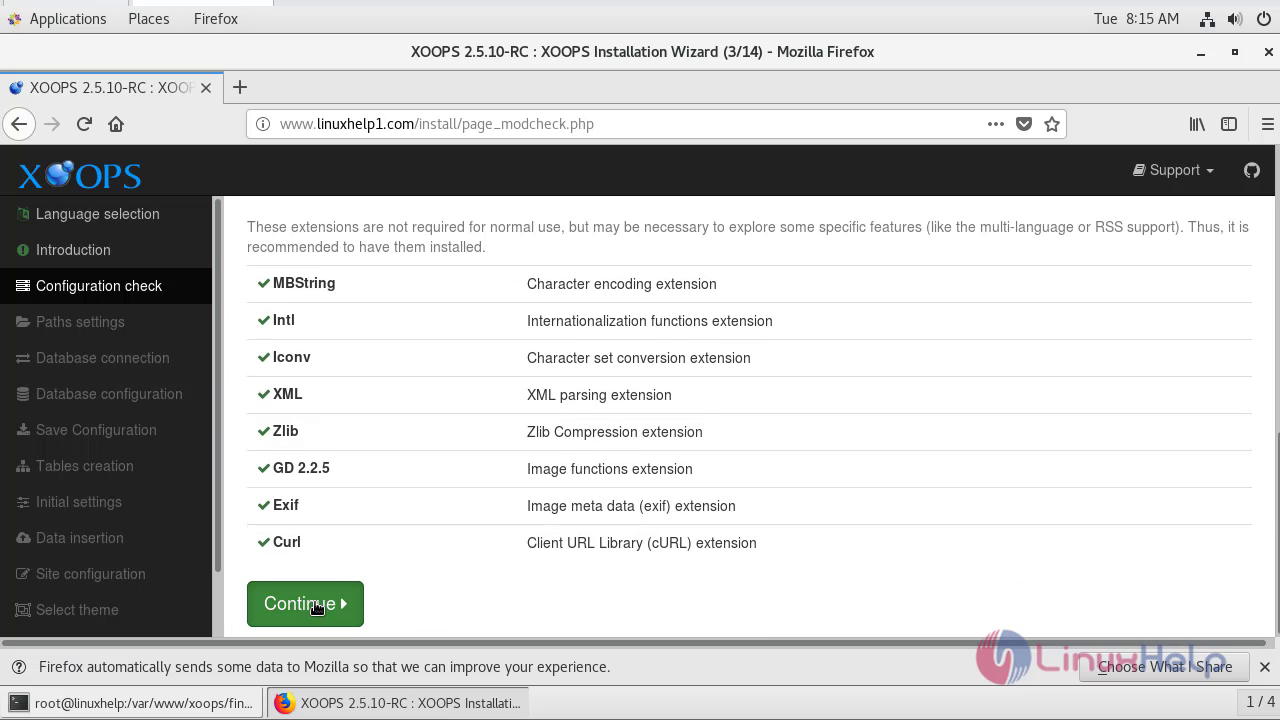
Check the server configuration and click continue.
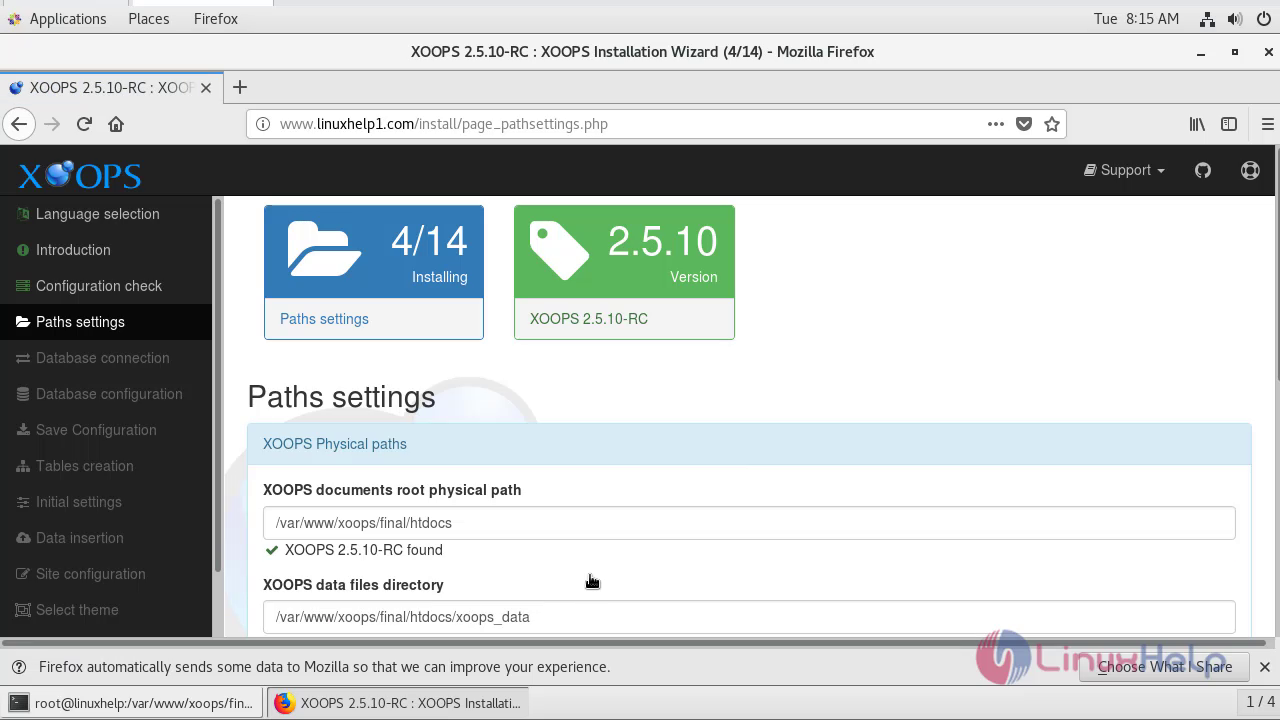
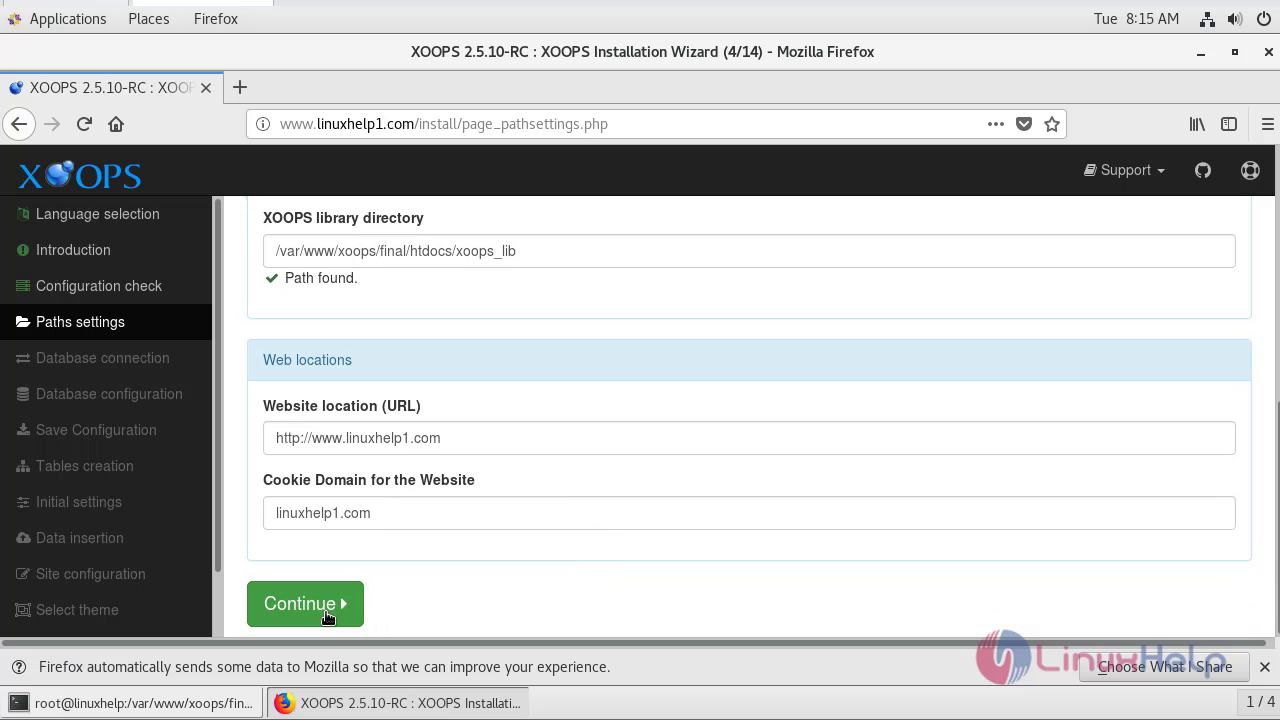
Check the path settings of the Xoops CMS ,website location and click continue.
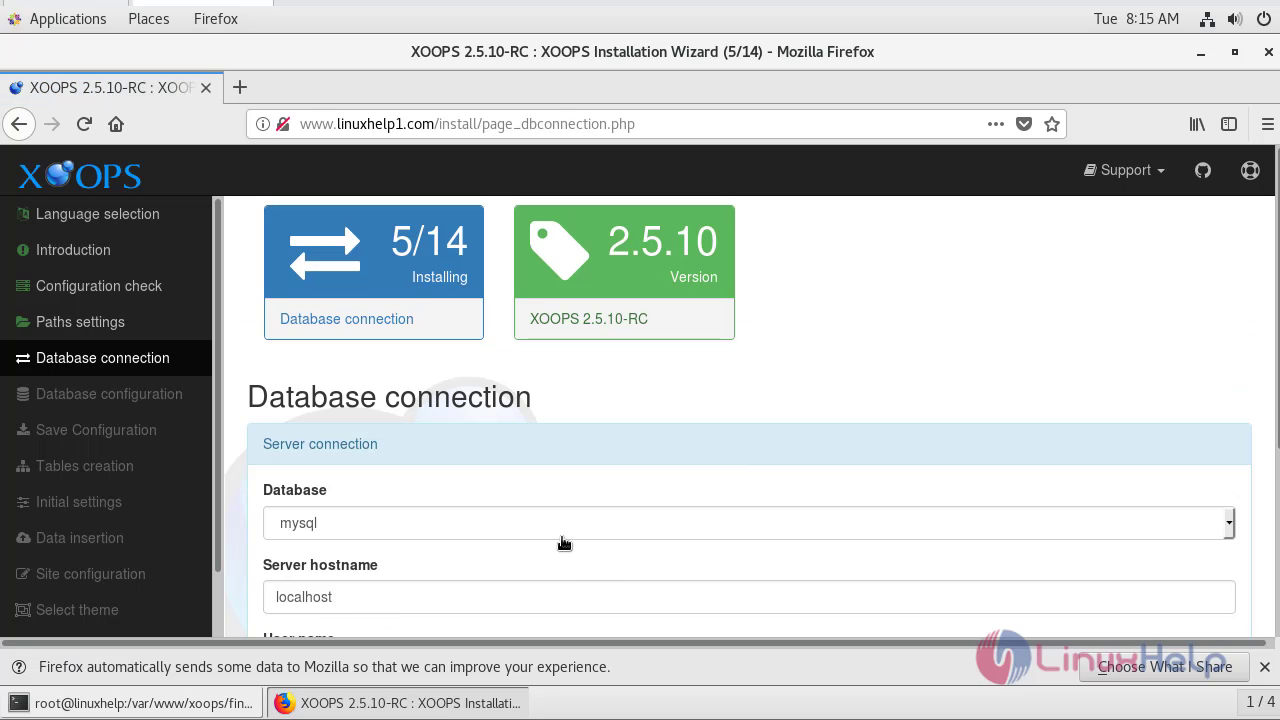
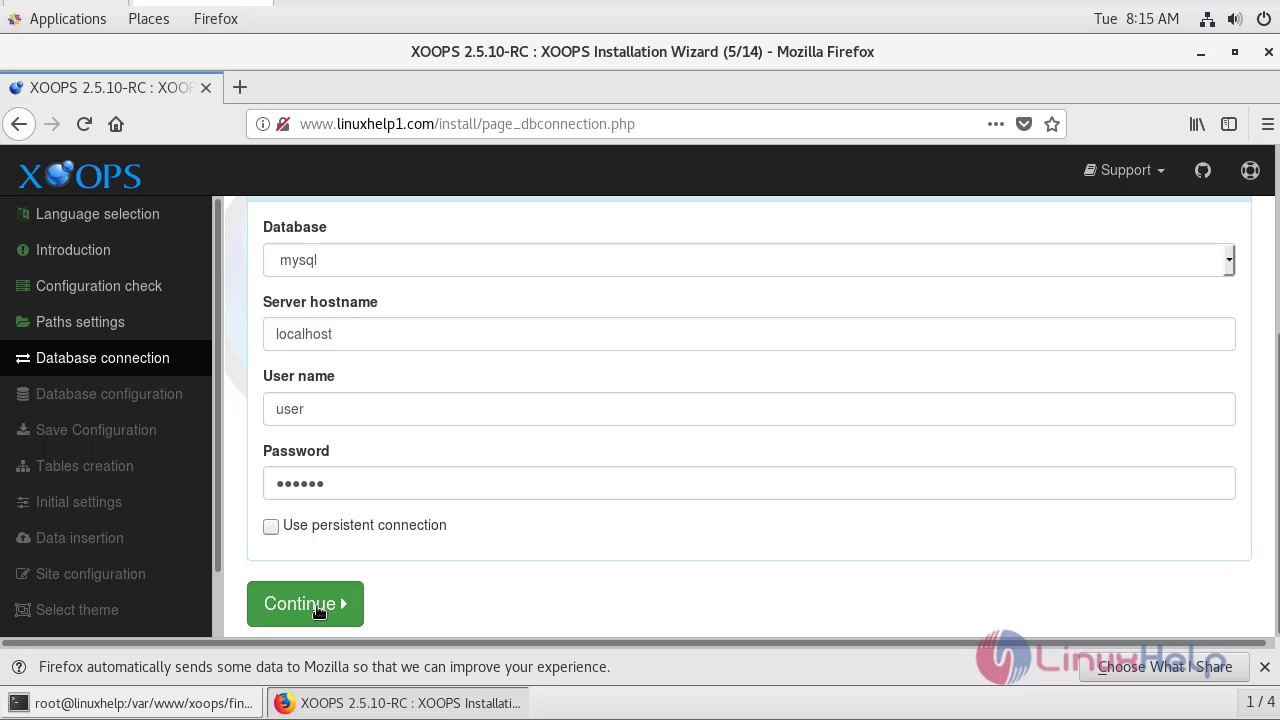
Check the database connection by entering the username and password that had created during the configuration of mariaDB and click continue.
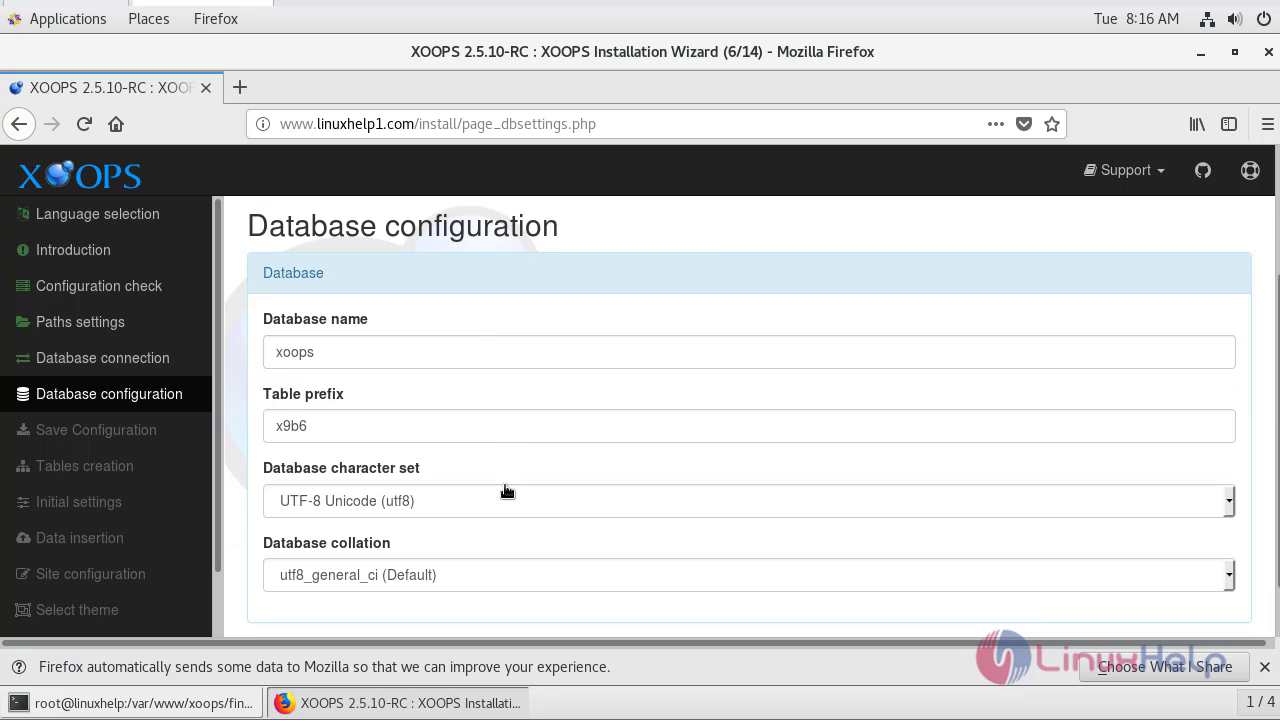
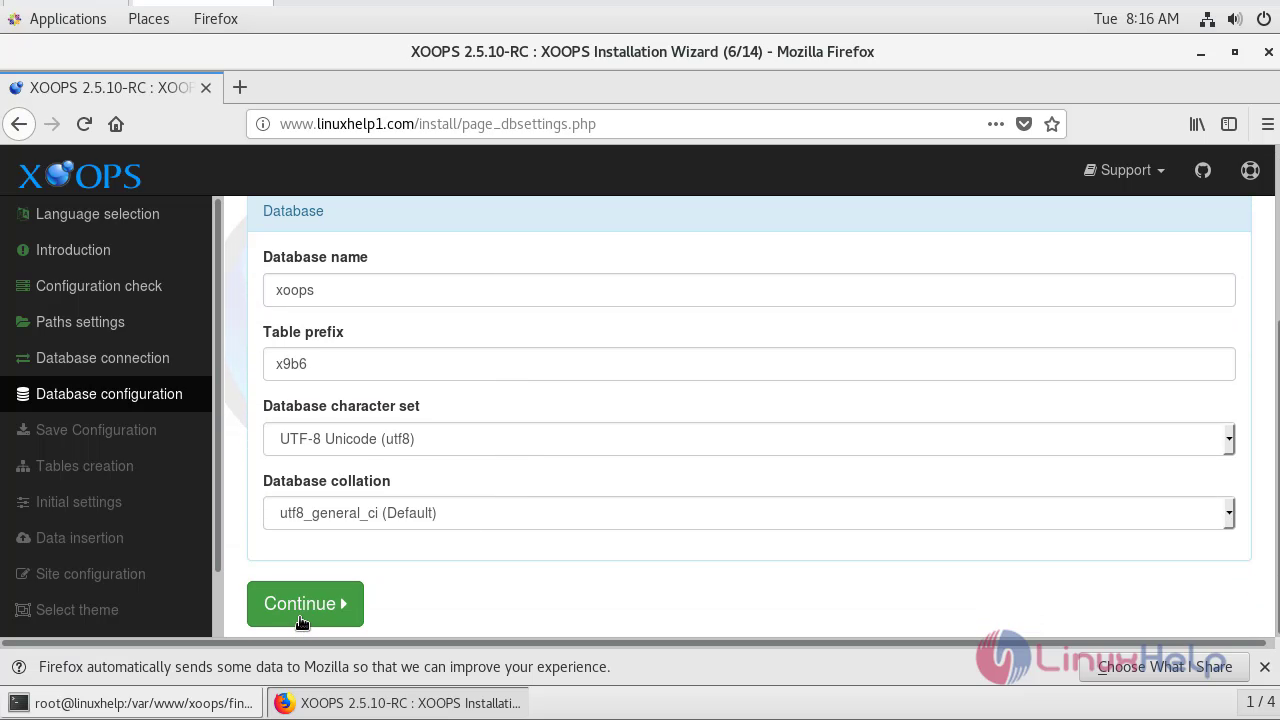
Enter the database name and click continue.
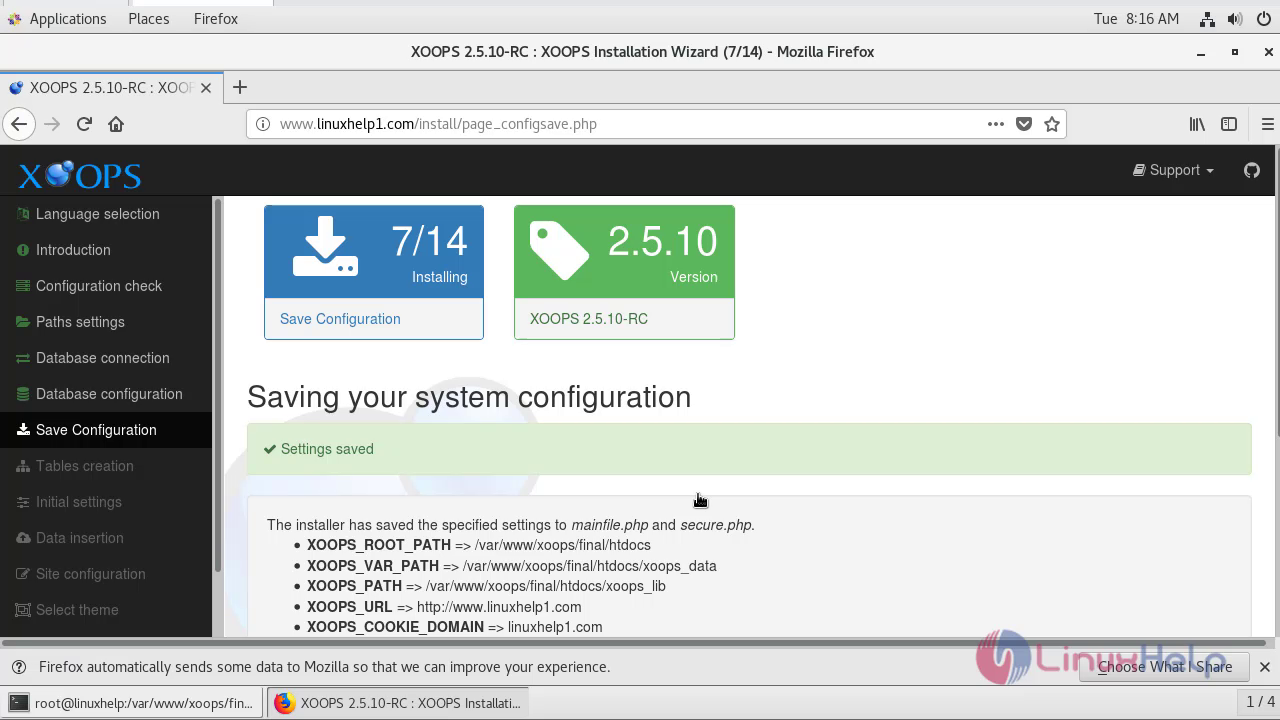
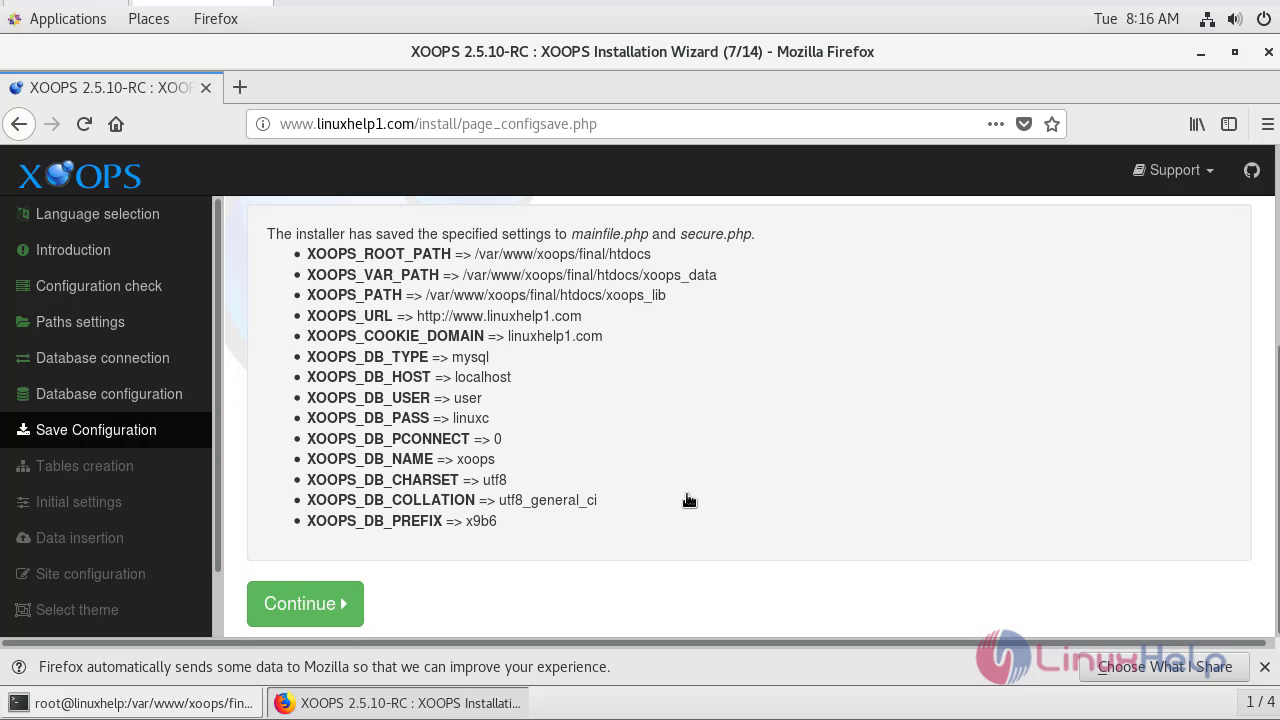
System Configuration settings has been saved and click continue.
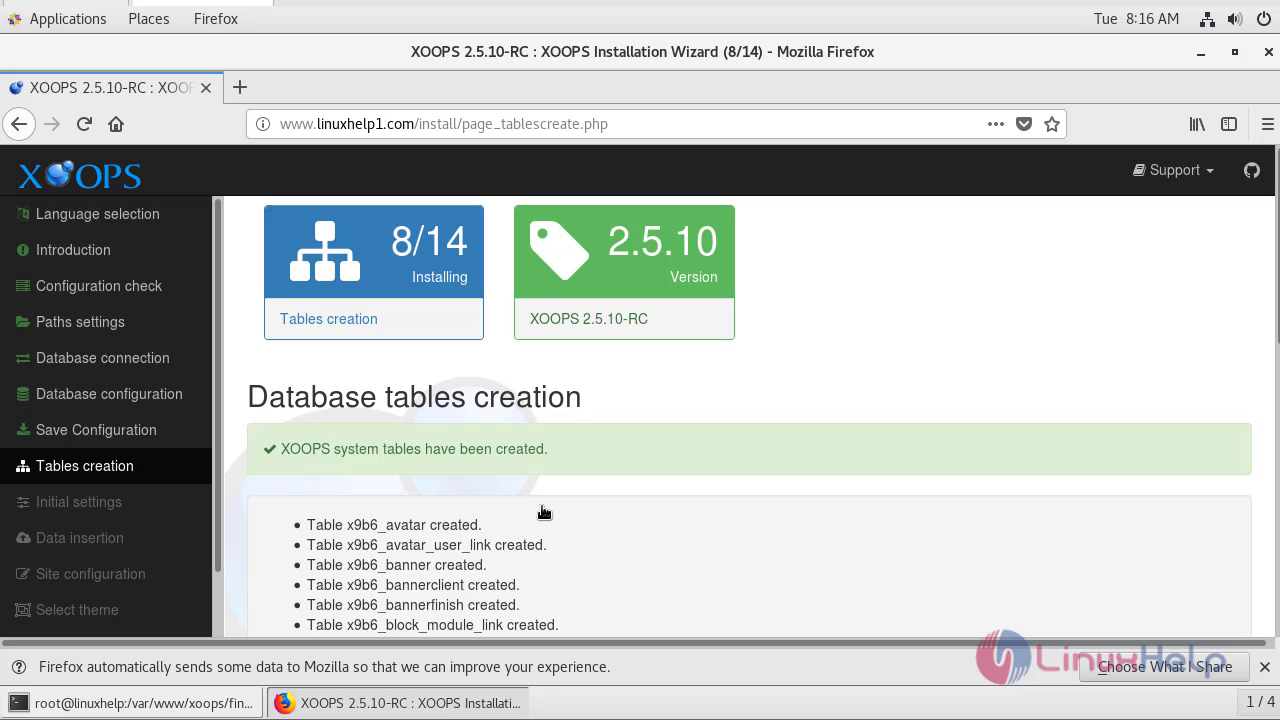
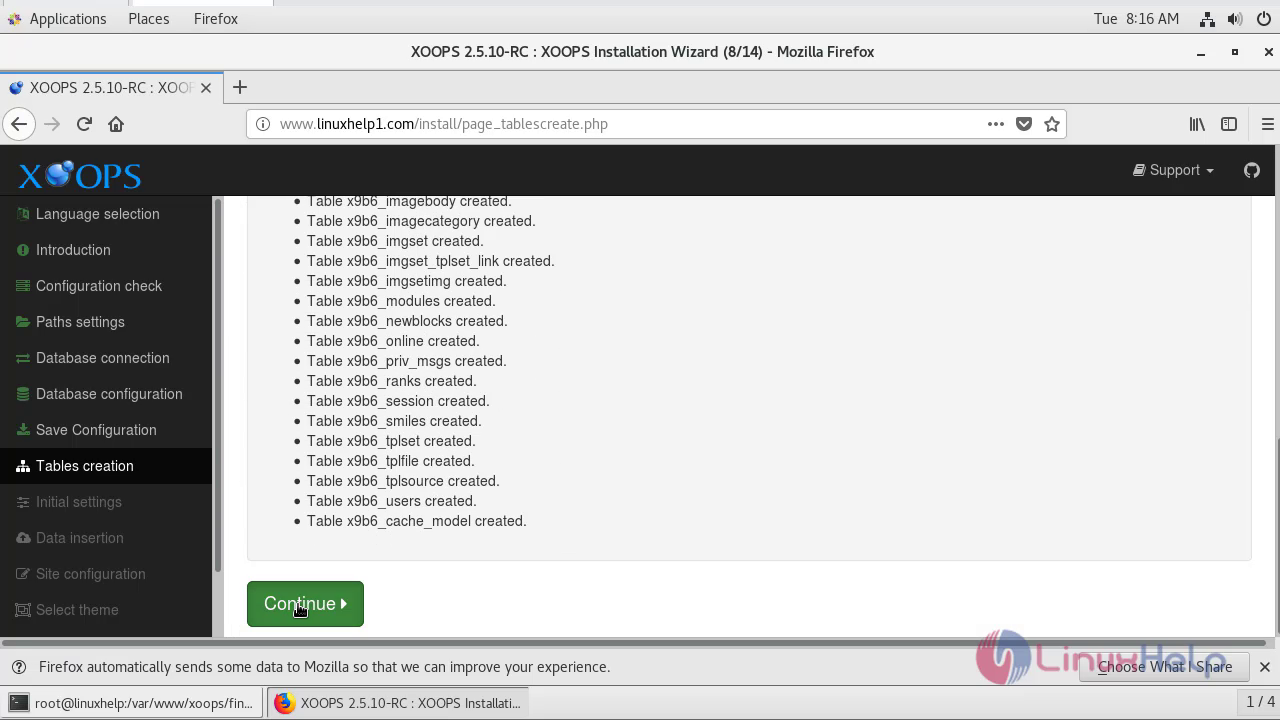
Database tables have been created and click continue.
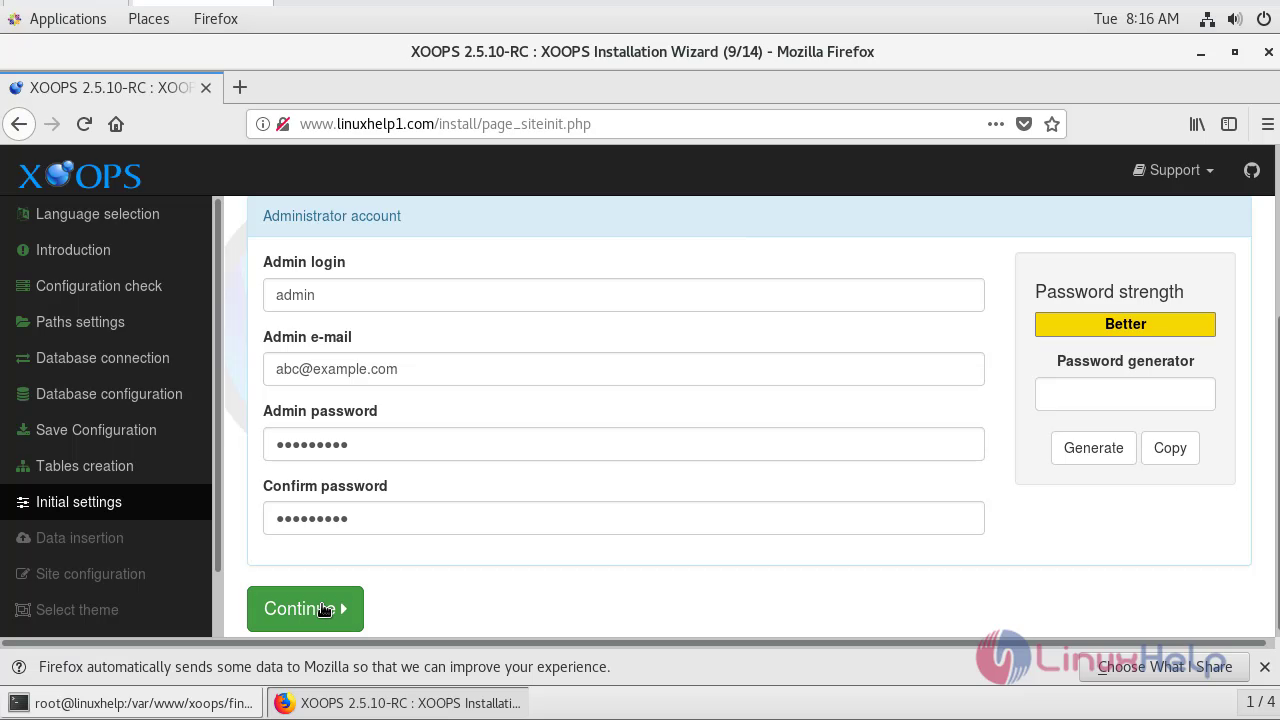
After Enrolingl your admin credentials like username,password and email id ,click continue.

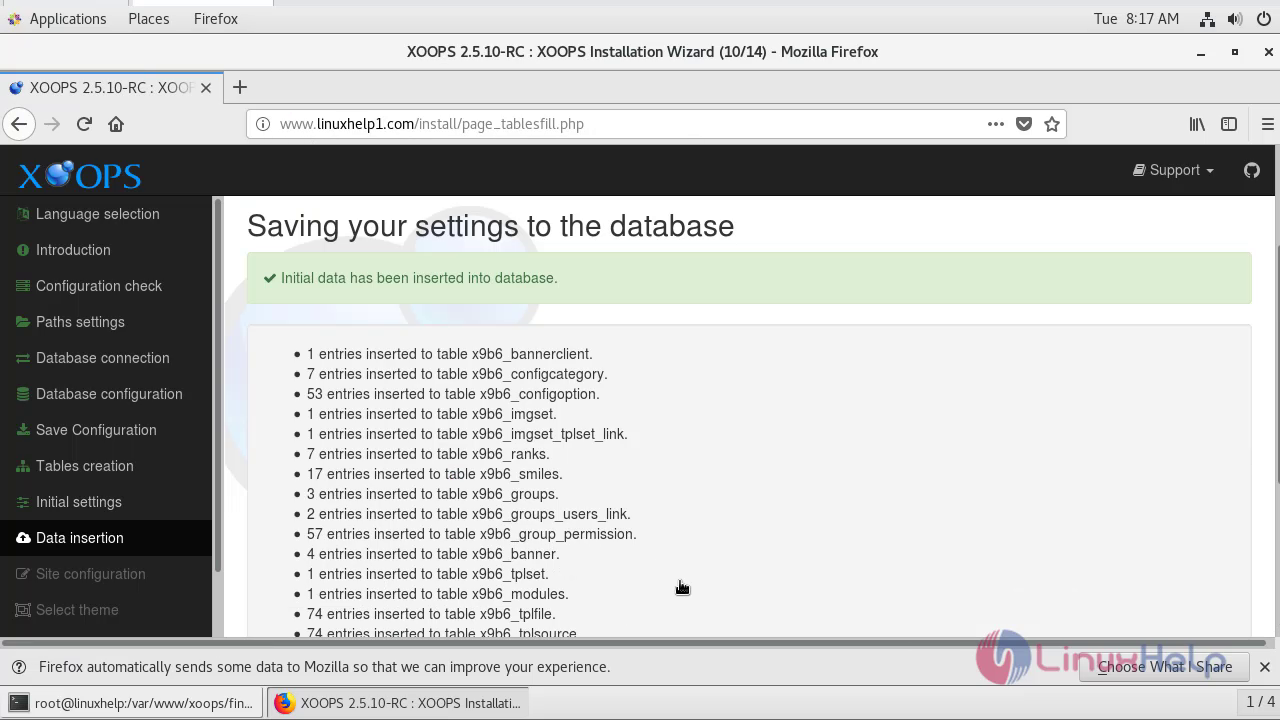
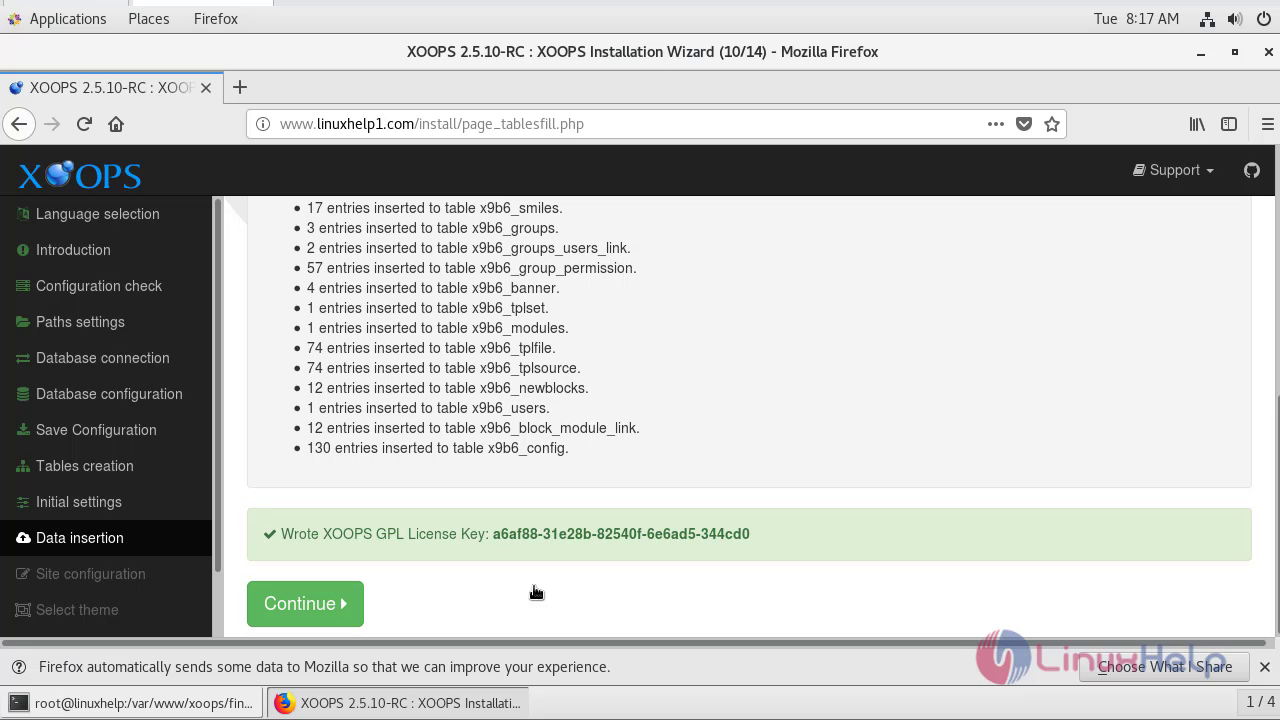
Save your database settings and click Continue.
Configure the site details by setting a site name and click continue.
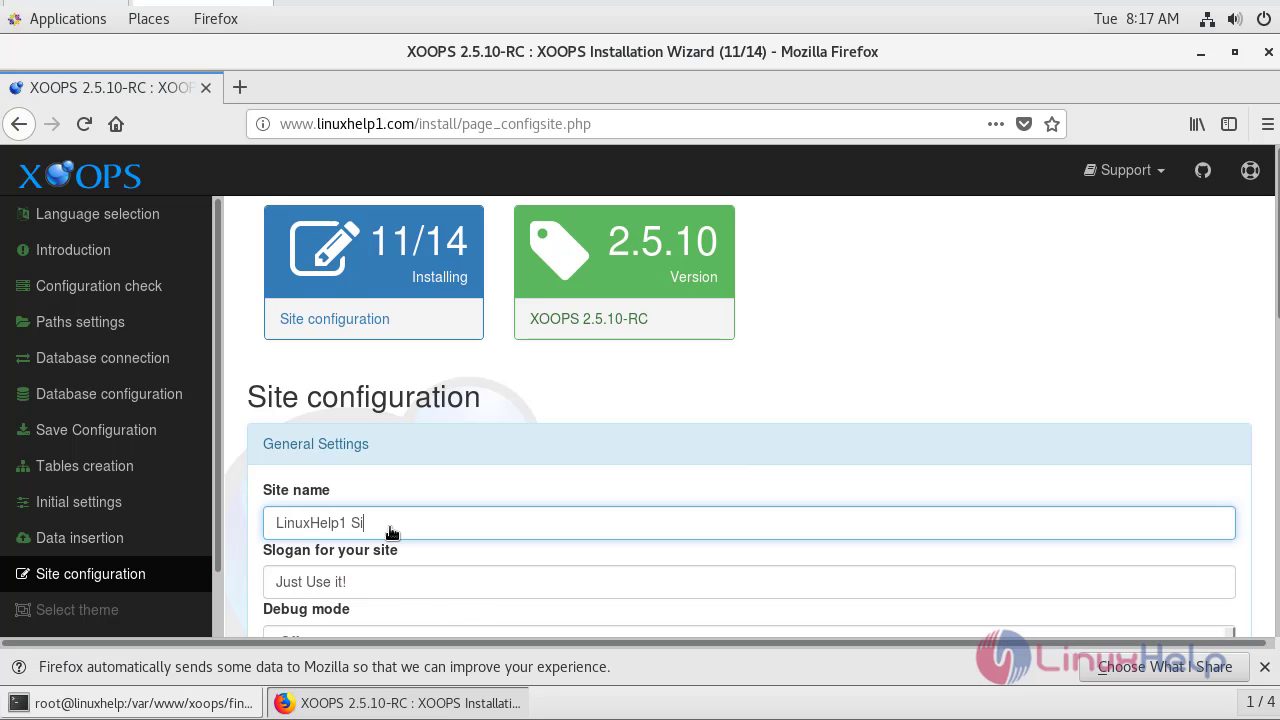
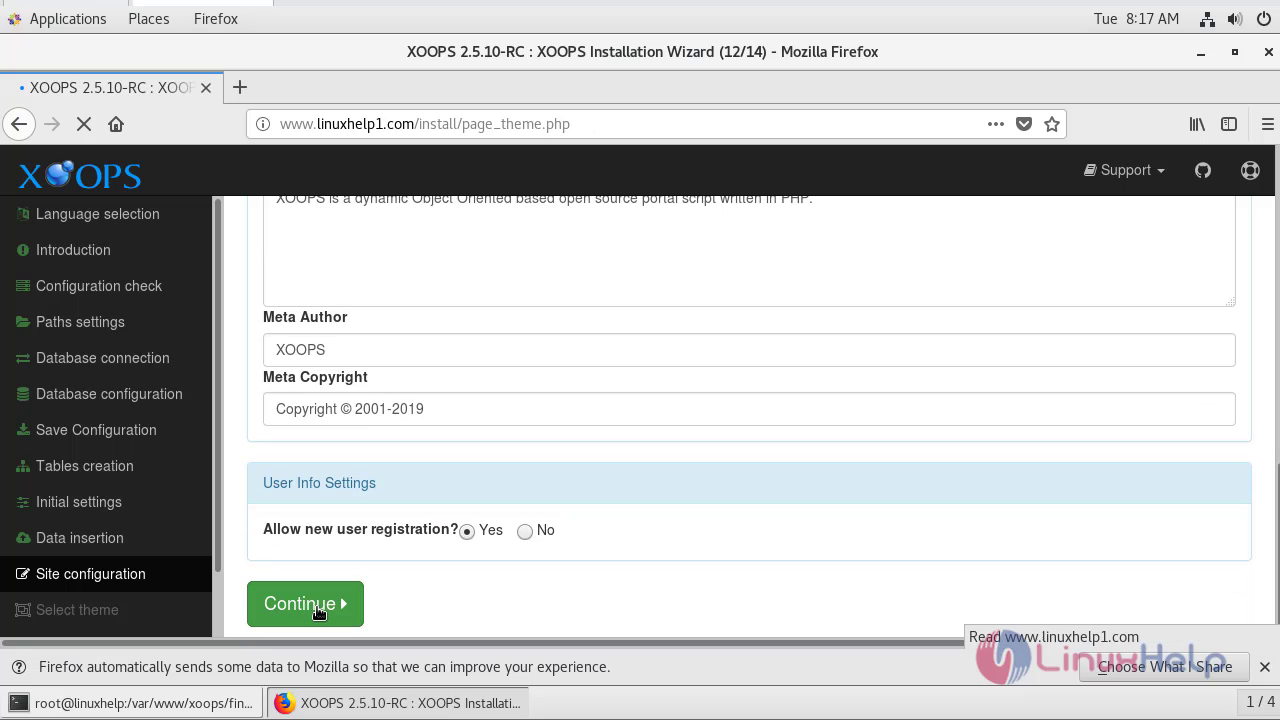
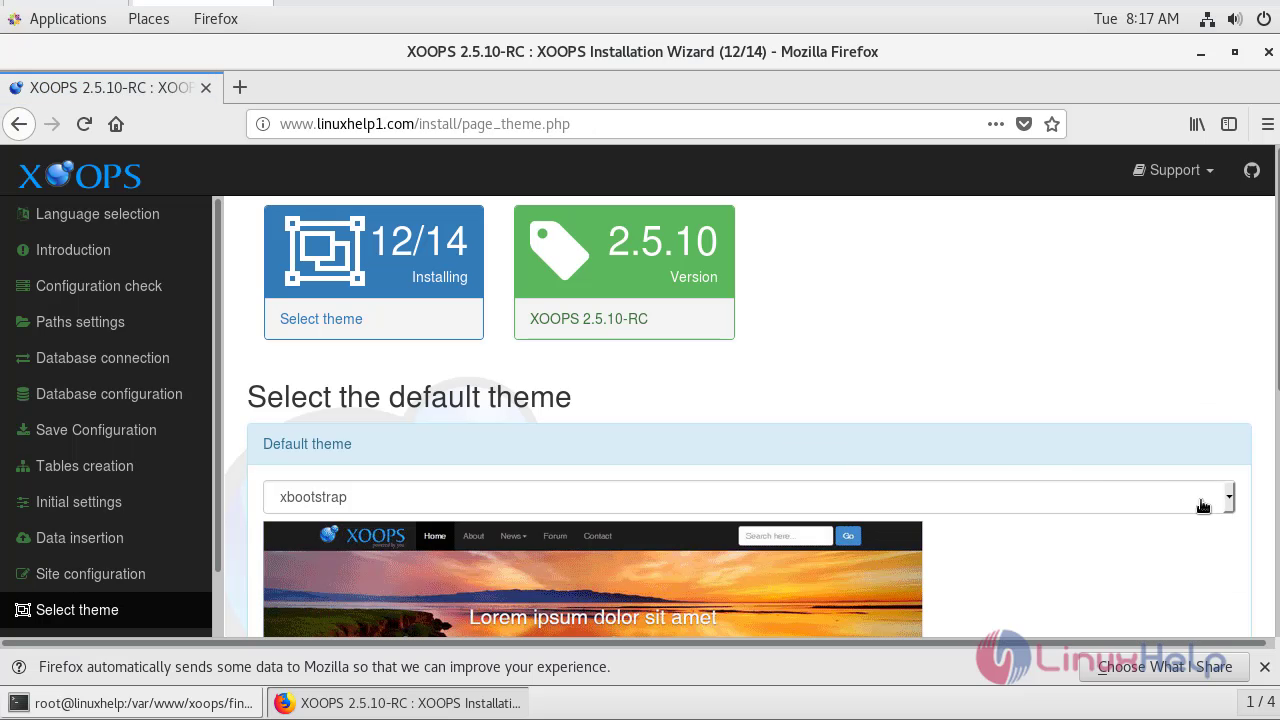
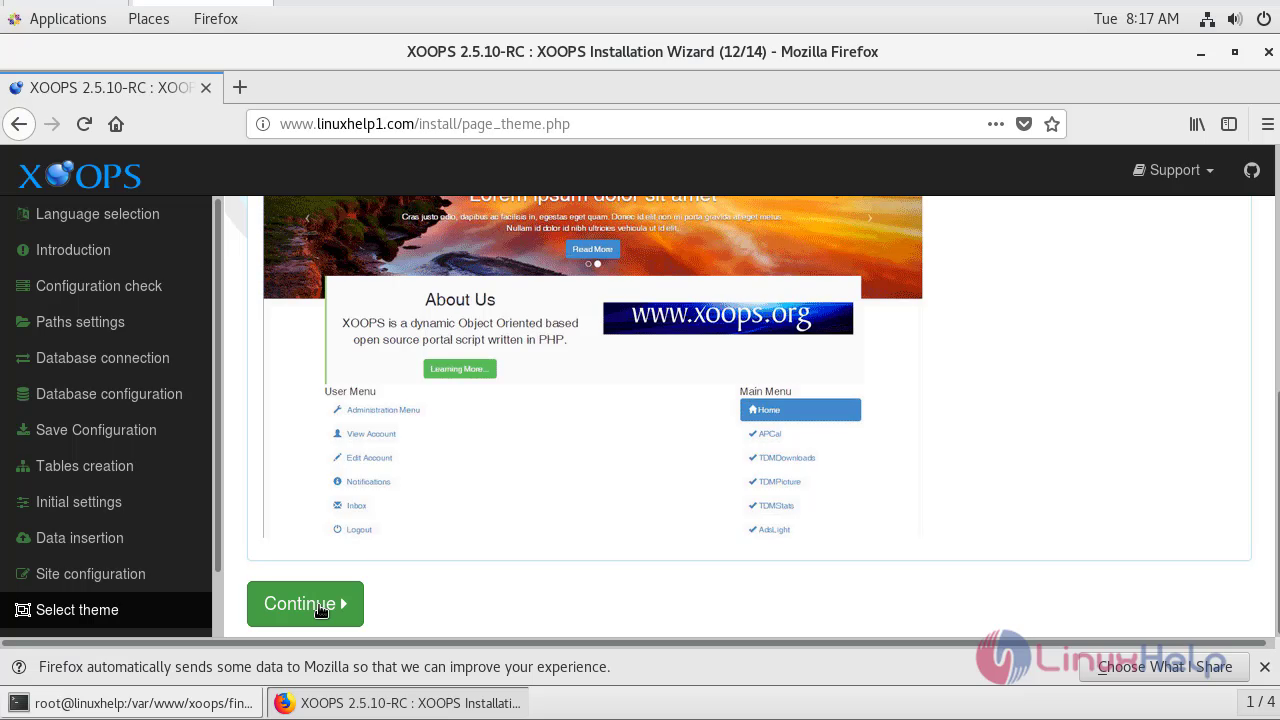
Select the default theme for your Xoops Cms Site and click continue.
Select the modules that you would want to install and click continue.
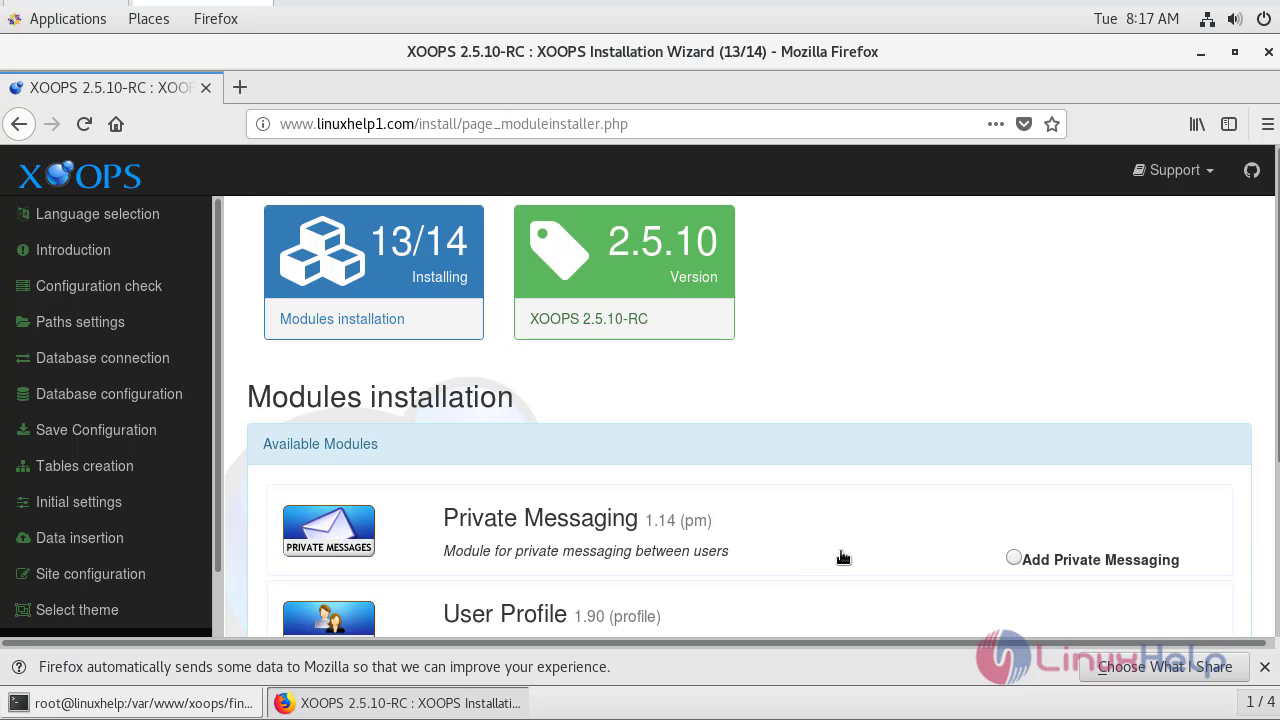
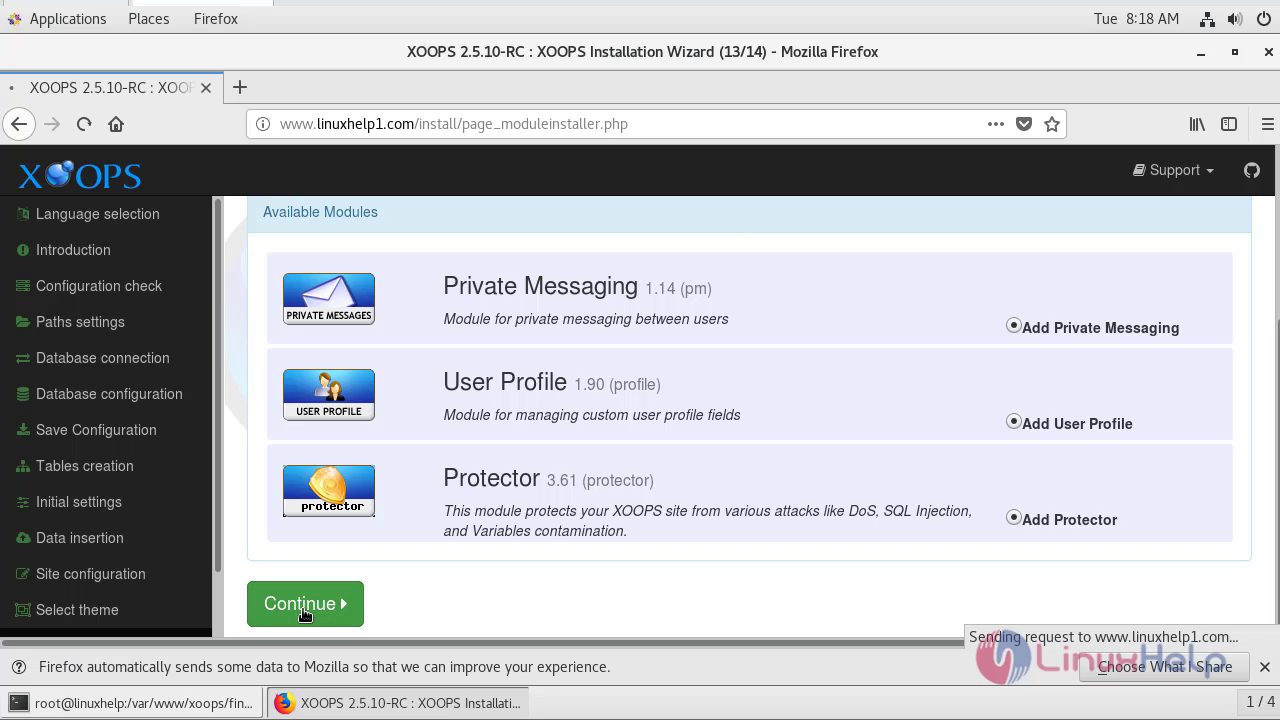
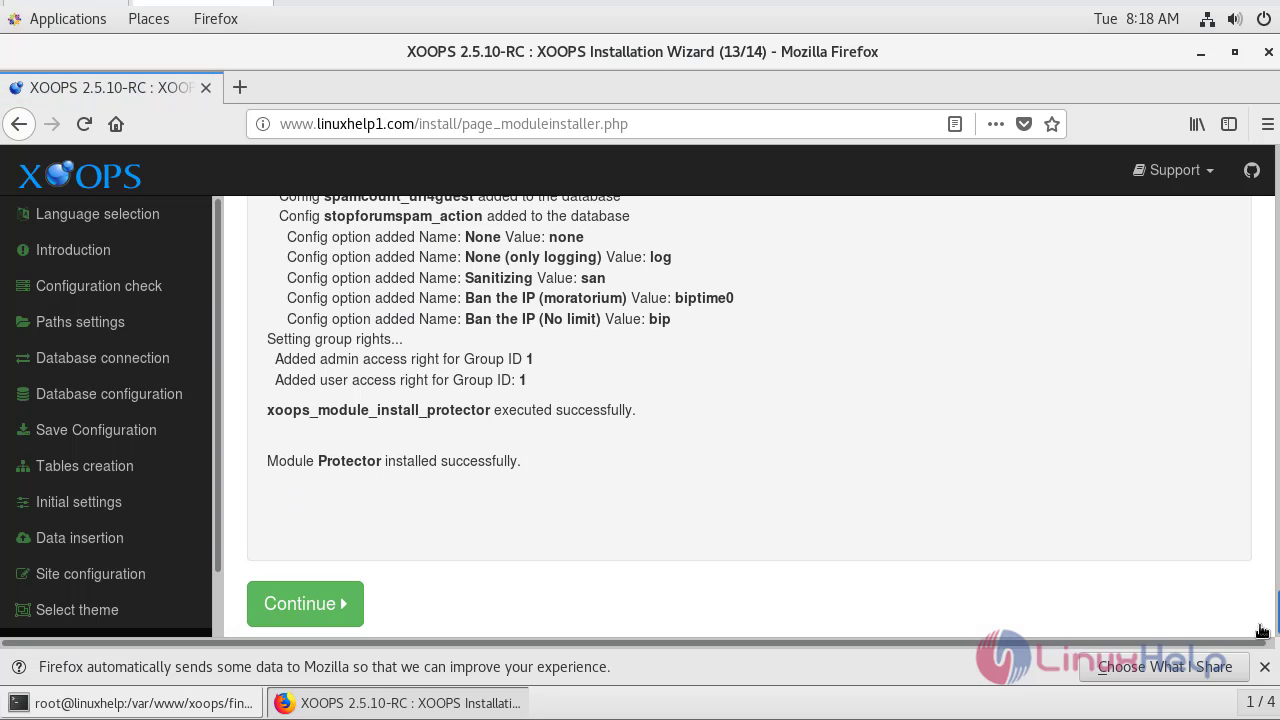
The installation of modules has been finished and click continue.

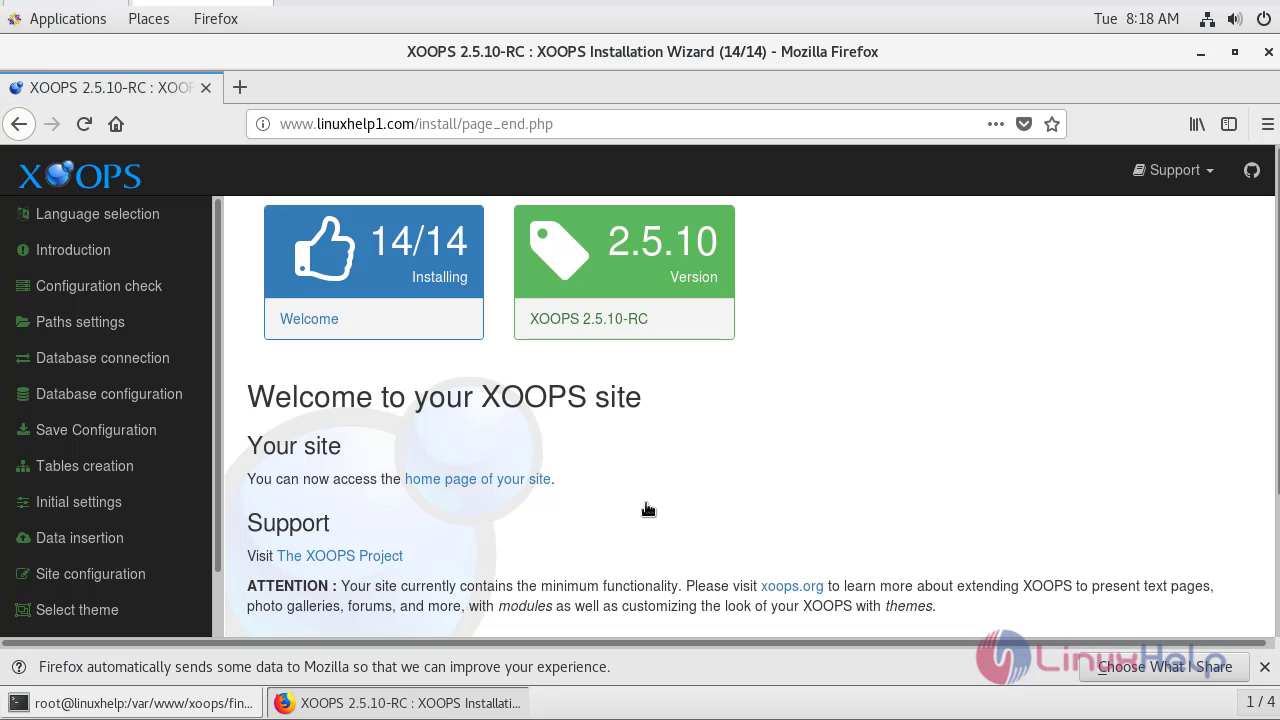
In the welcome page of Xoops Cms site click continue.
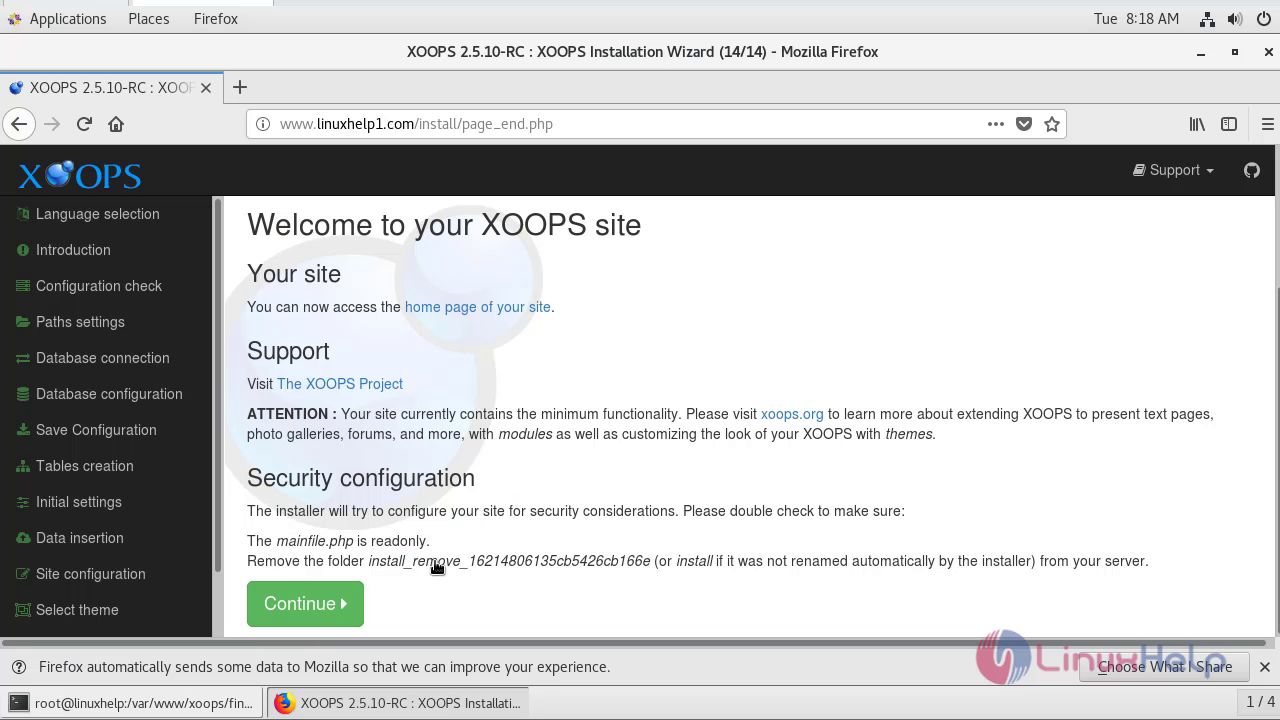
the website of Linuxhelp1 site has opened with the installed modules and themes.
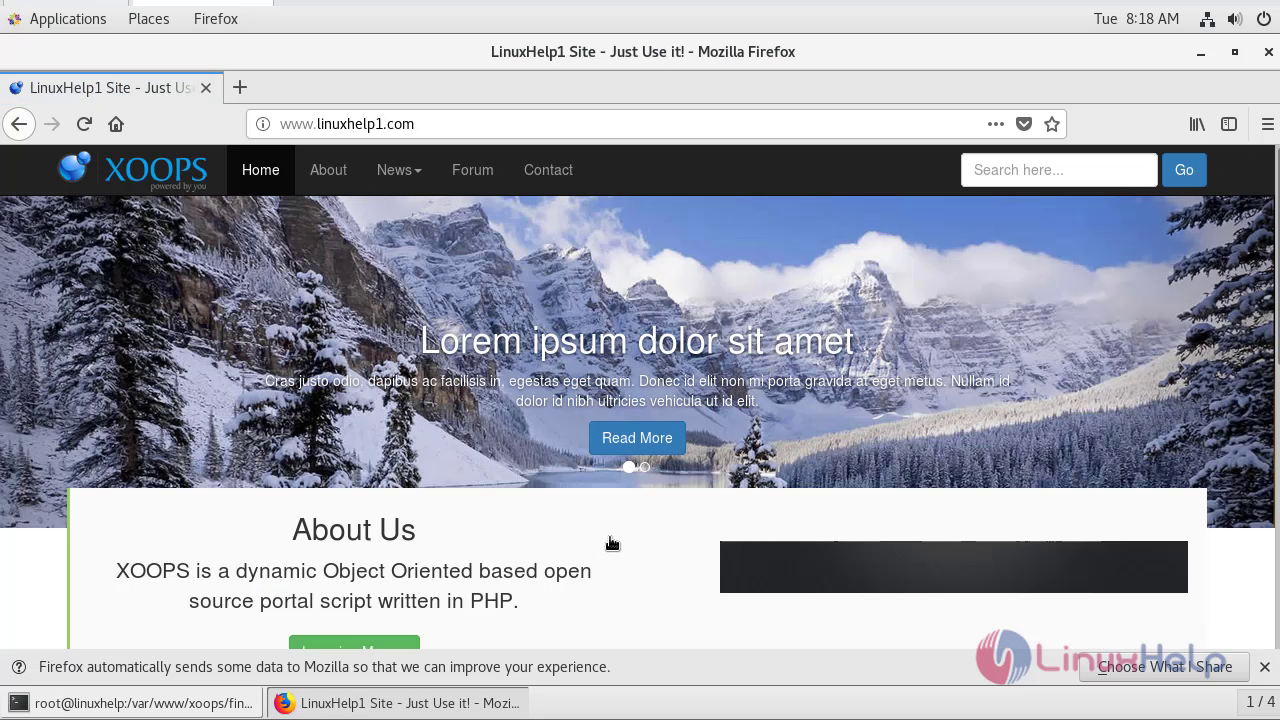
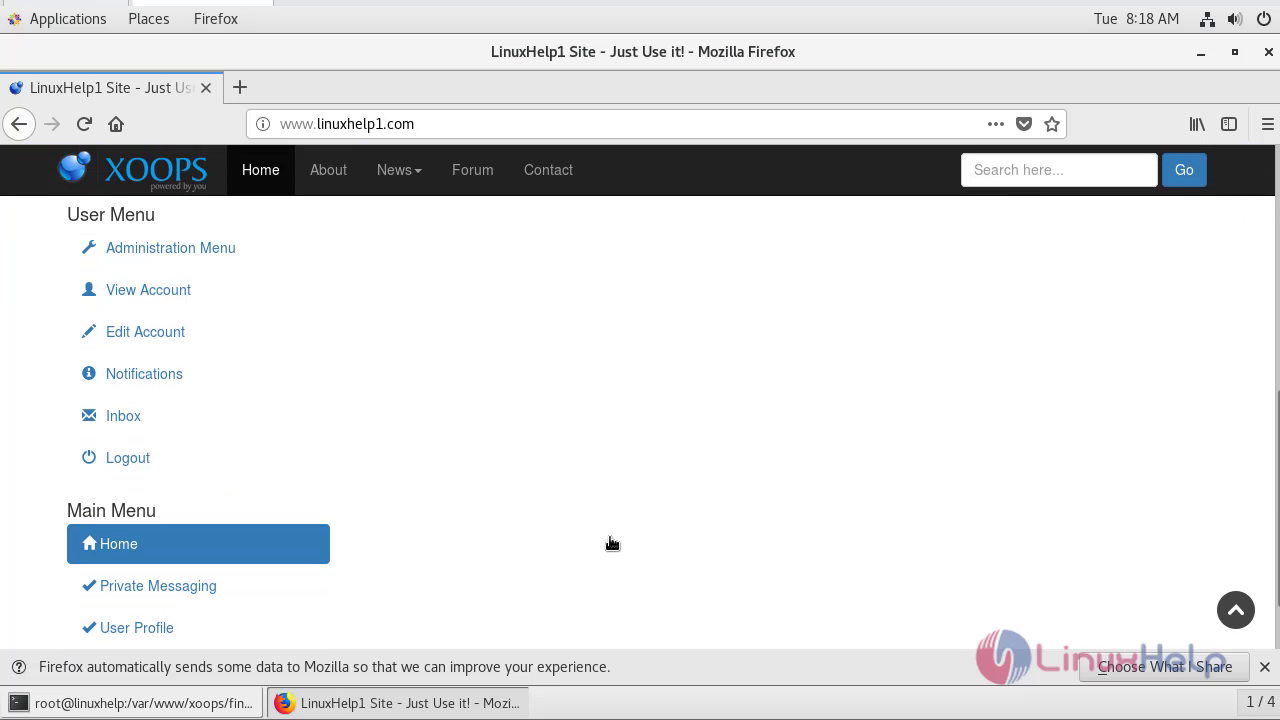
Thus Installation Of Xoops CMs 2.5.10 On centos 7.6 comes to end.
Comments ( 0 )
No comments available