How to install Xournal 0.4.8 on Ubuntu 18.04
{{postValue.id}}
To install Xournal 0.4.8 on Ubuntu 18.04
Xournal is an application for notetaking, sketching, keeping a journal using a stylus. It is free software (GNU GPL) and runs on Linux (recent distributions) and other GTK+/Gnome platforms. It is similar to Microsoft Windows Journal or to other alternatives such as Jarnal, Gournal, and NoteLab. In this tutorial, we will cover the installation of Xournal on Ubuntu 18.04.
Installation
Download a Xournal package using the following URL
root@linuxhelp1:~# wget http://archive.ubuntu.com/ubuntu/pool/universe/x/xournal/xournal\_0.4.8-1build1\_amd64.deb
--2018-08-19 03:51:59--  http://archive.ubuntu.com/ubuntu/pool/universe/x/xournal/xournal\_0.4.8-1build1\_amd64.deb
Resolving archive.ubuntu.com (archive.ubuntu.com)... 91.189.88.161, 91.189.88.162, 91.189.88.152, ...
Connecting to archive.ubuntu.com (archive.ubuntu.com)|91.189.88.161|:80... connected.
HTTP request sent, awaiting response... 200 OK
Length: 272492 (266K) \[application/x-debian-package\]
Saving to: ‘xournal\_0.4.8-1build1\_amd64.deb’

xournal\_0.4.8-1build1\_a 100%\[==============================>\] 266.11K  --.-KB/s    in 0.02s

2018-08-19 03:52:01 (10.8 MB/s) - ‘xournal\_0.4.8-1build1\_amd64.deb’ saved \[272492/272492\]
Install Gdebi package as shown below
root@linuxhelp1:~# apt-get install gdebi -y
Reading package lists... Done
Building dependency tree
Reading state information... Done
The following packages were automatically installed and are no longer required:
  apache2-bin apache2-data apache2-utils libapr1 libaprutil1 libaprutil1-dbd-sqlite3
  libaprutil1-ldap
Use 'sudo apt autoremove' to remove them.
The following additional packages will be installed:
  gdebi-core gnome-icon-theme libgtk2-perl libpango-perl
Suggested packages:
  libgtk2-perl-doc
The following NEW packages will be installed:
.
.
Preparing to unpack .../libgtk2-perl\_2%3a1.24992-1build1\_amd64.deb ...
Unpacking libgtk2-perl (2:1.24992-1build1) ...
Processing triggers for mime-support (3.60ubuntu1) ...
Processing triggers for desktop-file-utils (0.23-1ubuntu3.18.04.1) ...
Setting up gdebi-core (0.9.5.7+nmu2) ...
Setting up gnome-icon-theme (3.12.0-3) ...
update-alternatives: using /usr/share/icons/gnome/scalable/places/debian-swirl.svg to provide /usr/share/icons/gnome/scalable/places/start-here.svg (start-here.svg) in auto mode
Processing triggers for man-db (2.8.3-2) ...
Processing triggers for gnome-menus (3.13.3-11ubuntu1.1) ...
Setting up libpango-perl (1.227-2build1) ...
Setting up gdebi (0.9.5.7+nmu2) ...
Setting up libgtk2-perl (2:1.24992-1build1) ...
Install the Xournal package using the following command
root@linuxhelp1:~# gdebi xournal\_0.4.8-1build1\_amd64.deb
Reading package lists... Done
Building dependency tree
Reading state information... Done
Reading state information... Done
Requires the installation of the following packages: libglade2-0 libgnomecanvas2-0 libgnomecanvas2-common

GTK+ Application for note taking
 Xournal is a GTK+ application for notetaking, sketching and
 keeping a journal using a stylus. It can also be used to
 add annotations to PDF files.
Do you want to install the software package? \[y/N\]:y
.
.
Processing triggers for libc-bin (2.27-3ubuntu1) ...
Selecting previously unselected package xournal.
(Reading database ... 183116 files and directories currently installed.)
Preparing to unpack xournal\_0.4.8-1build1\_amd64.deb ...
Unpacking xournal (1:0.4.8-1build1) ...
Setting up xournal (1:0.4.8-1build1) ...
Processing triggers for gnome-menus (3.13.3-11ubuntu1.1) ...
Processing triggers for desktop-file-utils (0.23-1ubuntu3.18.04.1) ...
Processing triggers for mime-support (3.60ubuntu1) ...
Processing triggers for hicolor-icon-theme (0.17-2) ...
Processing triggers for man-db (2.8.3-2) ...
Processing triggers for shared-mime-info (1.9-2) ...
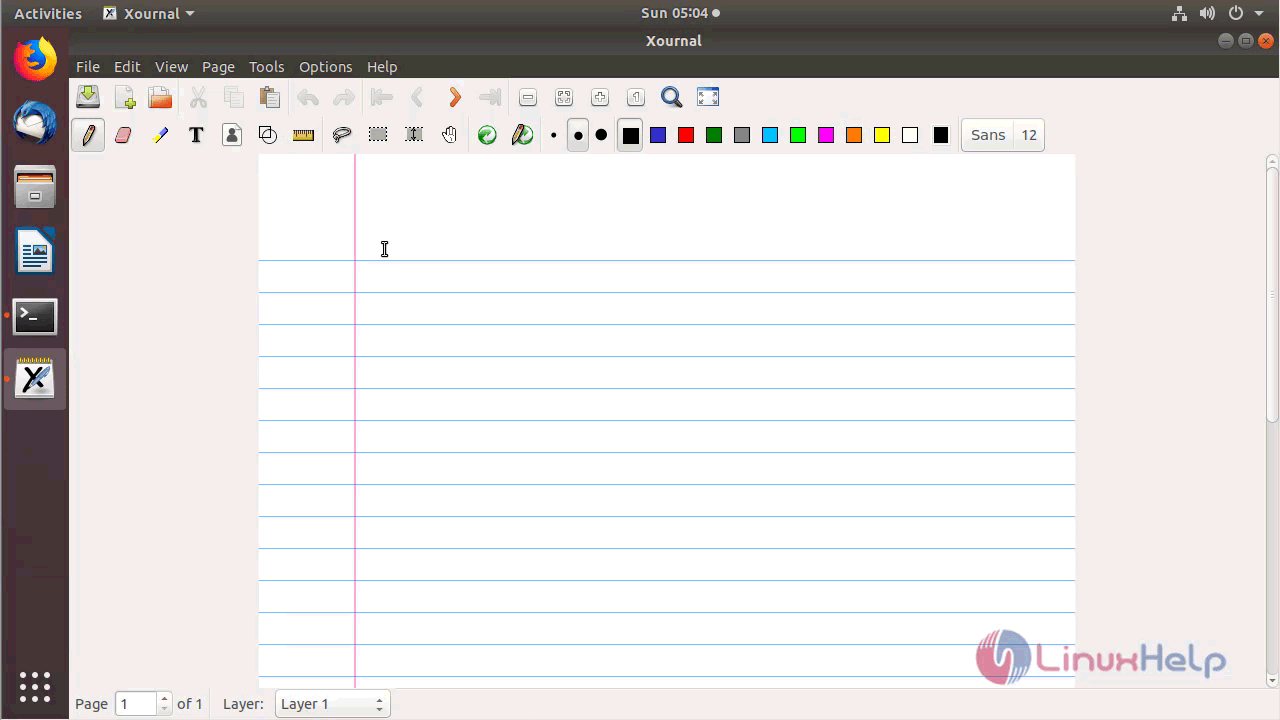
Once Installation is done you can access the Xournal from the Menu as shown here
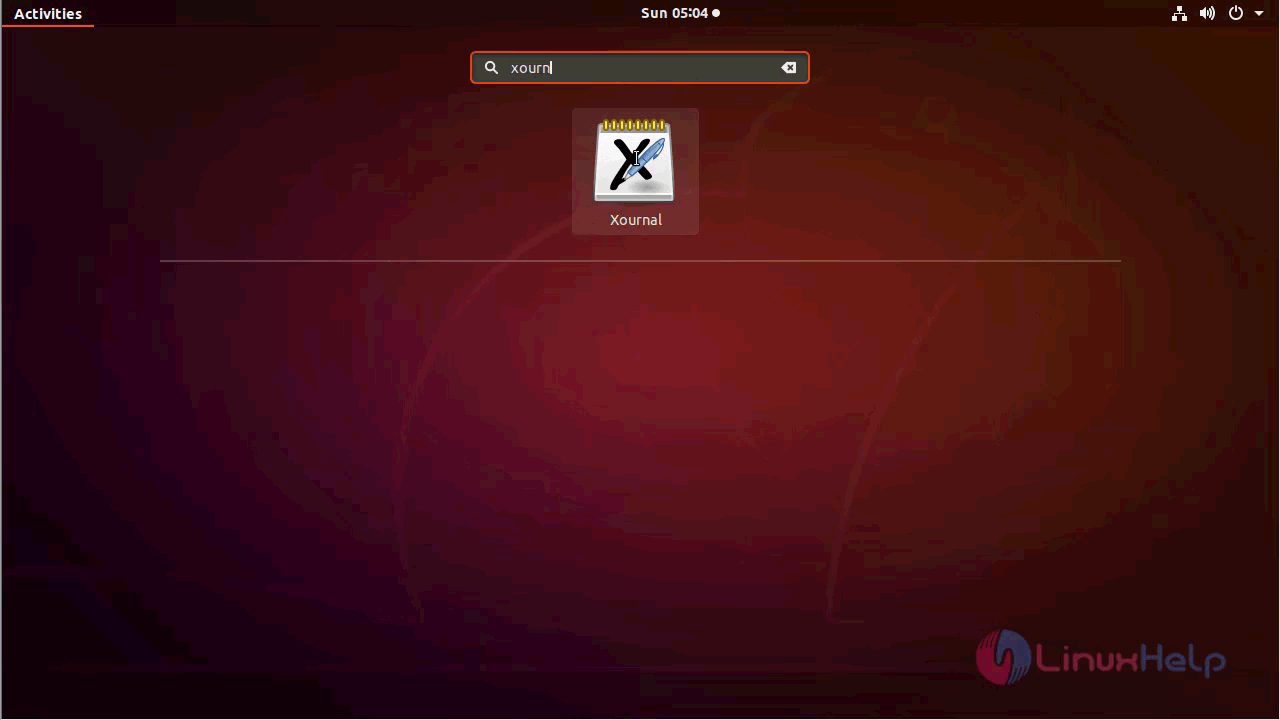
Xournal application
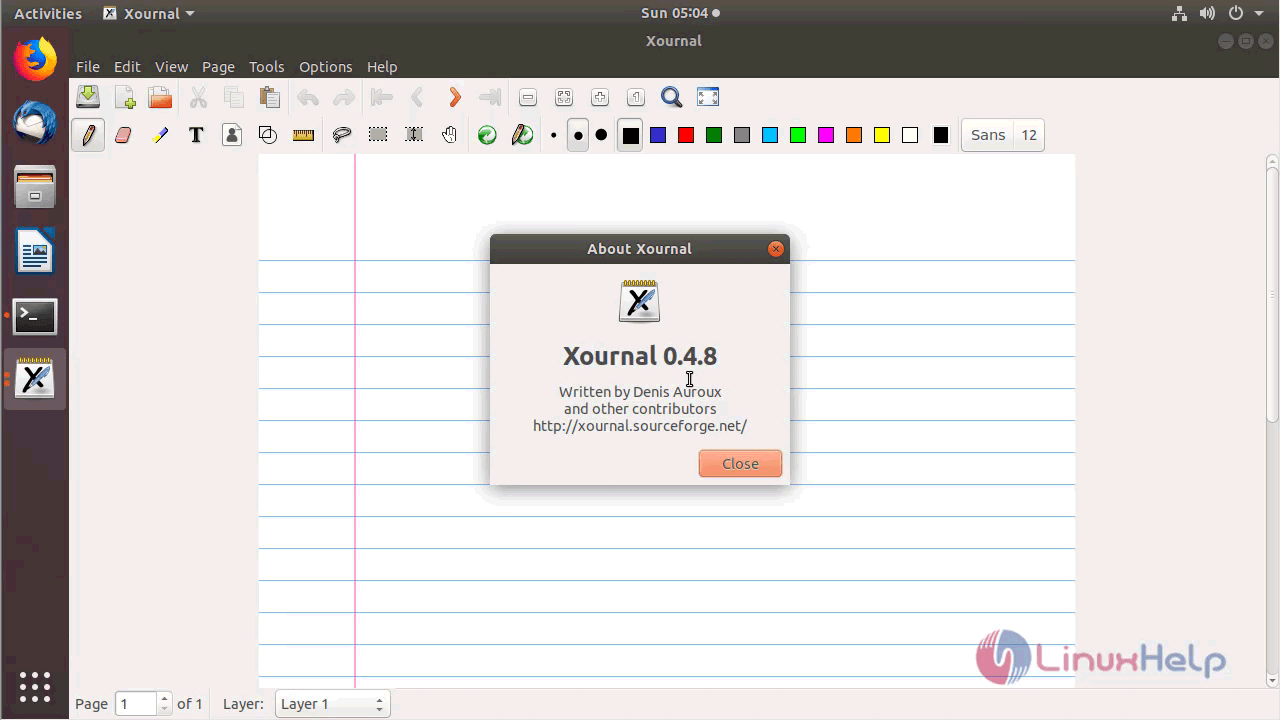
The version of Xournal can be found in Help-> About
With this, the method to install Xournal 0.4.8 on Ubuntu 18.04 comes to an end.
Comments ( 1 )