How to Install Zen Cart on CentOS 7.6
- 00:41 rpm -q centos-release
- 00:58 mysql -u root -p
- 02:16 wget https://nchc.dl.sourceforge.net/project/zencart/CURRENT%20-%20Zen%20Cart%201.5.x%20Series/zen-cart-v1.5.6a-01042019.zip
- 02:29 unzip zen-cart-v1.5.6a-01042019.zip
- 02:38 mv zen-cart-v1.5.6a-01042019 /var/www/zen
- 02:49 chown -R apache:apache /var/www/zen
- 03:03 chmod -R 755 /var/www/zen
- 03:15 vim /etc/httpd/conf.d/zen.conf
- 04:29 systemctl restart httpd
- 06:32 rm -rf zc_install
Installation of Zen cart On Centos 7.6
Zen Cart is an online store management system. It is PHP-based, using a MySQL database and HTML components. Zen Cart truly is free, user-friendly, open source shopping cart software. It contains features such as customization, integration with payment, works with any hosting company and can choose own domain name. This tutorial explains the installation of Zen Cart on Centos 7.6
Requirements for Zen Cart:
Apache
MySQL
PHP and its modules
Installation procedure
Check the Centos version by using the following command.
[root@linuxhelp ~]# rpm -q centos-release
centos-release-7-6.1810.2.el7.centos.x86_64
Configure the MySQL database. Log into MySQL as a root user and make the necessary settings.
[root@linuxhelp ~]# mysql -u root -p
Enter password:
Welcome to the MariaDB monitor.  Commands end with ; or \g.
Your MariaDB connection id is 10
Server version: 5.5.60-MariaDB MariaDB Server
Copyright (c) 2000, 2018, Oracle, MariaDB Corporation Ab and others.
Type 'help;' or '\h' for help. Type '\c' to clear the current input statement.
MariaDB [(none)]> create database zendb;
Query OK, 1 row affected (0.01 sec)
MariaDB [(none)]> create user 'zenuser'@localhost identified by 'Linuxc';
Query OK, 0 rows affected (0.03 sec)
MariaDB [(none)]> grant all privileges on zendb.* to 'zenuser'@localhost;
Query OK, 0 rows affected (0.00 sec)
MariaDB [(none)]> flush privileges;
Query OK, 0 rows affected (0.00 sec)
MariaDB [(none)]> Ctrl-C -- exit!
Aborted
Once the database configuration is done, download the Zen Cart Installation package by using the wget command.
[root@linuxhelp ~]# wget https://nchc.dl.sourceforge.net/project/zencart/CURRENT%20-%20Zen%20Cart%201.5.x%20Series/zen-cart-v1.5.6a-01042019.zip
--2019-06-06 19:16:17--  https://nchc.dl.sourceforge.net/project/zencart/CURRENT%20-%20Zen%20Cart%201.5.x%20Series/zen-cart-v1.5.6a-01042019.zip
Resolving nchc.dl.sourceforge.net (nchc.dl.sourceforge.net)... 211.79.60.17, 2001:e10:ffff:1f02::17
Connecting to nchc.dl.sourceforge.net (nchc.dl.sourceforge.net)|211.79.60.17|:443... connected.
HTTP request sent, awaiting response... 200 OK
Length: 8923438 (8.5M) [application/octet-stream]
Saving to: ‘zen-cart-v1.5.6a-01042019.zip’

100%[======================================================================>] 8,923,438   1.10MB/s   in 8.0s

2019-06-06 19:16:26 (1.07 MB/s) - ‘zen-cart-v1.5.6a-01042019.zip’ saved [8923438/8923438]
Once the download is completed extract the downloaded package using unzip command.
[root@linuxhelp ~]# unzip zen-cart-v1.5.6a-01042019.zip
Archive:  zen-cart-v1.5.6a-01042019.zip
   creating: zen-cart-v1.5.6a-01042019/
  inflating: zen-cart-v1.5.6a-01042019/README.md
   creating: zen-cart-v1.5.6a-01042019/admin/
  inflating: zen-cart-v1.5.6a-01042019/admin/.htaccess
  inflating: zen-cart-v1.5.6a-01042019/admin/admin_account.php
  inflating: zen-cart-v1.5.6a-01042019/admin/admin_activity.php
.
.
.
  inflating: zen-cart-v1.5.6a-01042019/zc_install/sql/updates/mysql_upgrade_zencart_151.sql
  inflating: zen-cart-v1.5.6a-01042019/zc_install/sql/updates/mysql_upgrade_zencart_152.sql
  inflating: zen-cart-v1.5.6a-01042019/zc_install/sql/updates/mysql_upgrade_zencart_153.sql
  inflating: zen-cart-v1.5.6a-01042019/zc_install/sql/updates/mysql_upgrade_zencart_154.sql
  inflating: zen-cart-v1.5.6a-01042019/zc_install/sql/updates/mysql_upgrade_zencart_155.sql
  inflating: zen-cart-v1.5.6a-01042019/zc_install/sql/updates/mysql_upgrade_zencart_156.sql
Move the ZenCart directory to apache root directory.
[root@linuxhelp ~]# mv zen-cart-v1.5.6a-01042019 /var/www/zen
Set the ownership and permission for ZenCart by using the following command.
[root@linuxhelp ~]# chown -R apache:apache /var/www/zen
[root@linuxhelp ~]# chmod -R 755 /var/www/zen
Configure the virtualhost for accessing the Zen Cart.
[root@linuxhelp ~]# vim /etc/httpd/conf.d/zen.conf
<Virtualhost *:80>
        Servername www.linuxhelp1.com
        Documentroot /var/www/zen
<directory /var/www/zen>
allowoverride all
allow from all
</directory>
</Virtualhost>
Restart the apache service by using the following command.
[root@linuxhelp ~]# systemctl restart httpd
Open it is done, switch to your browser and enter the domain name.
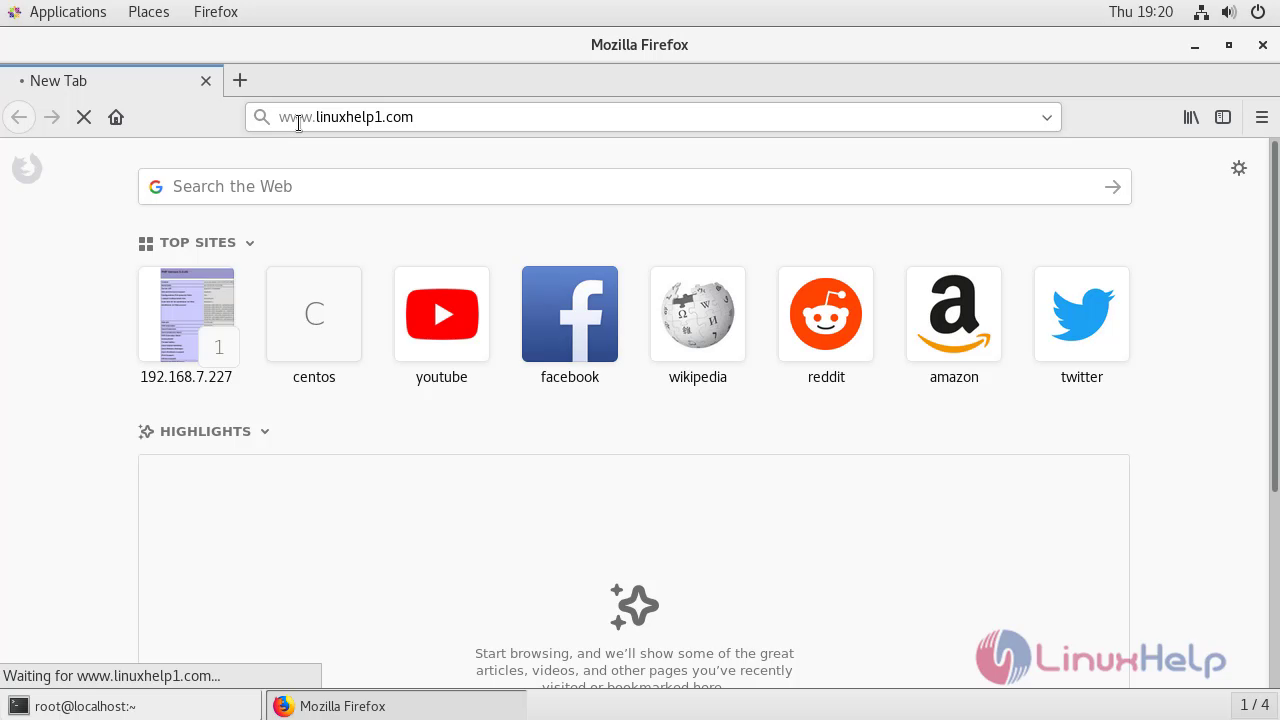 Welcome page of Zen Cart.
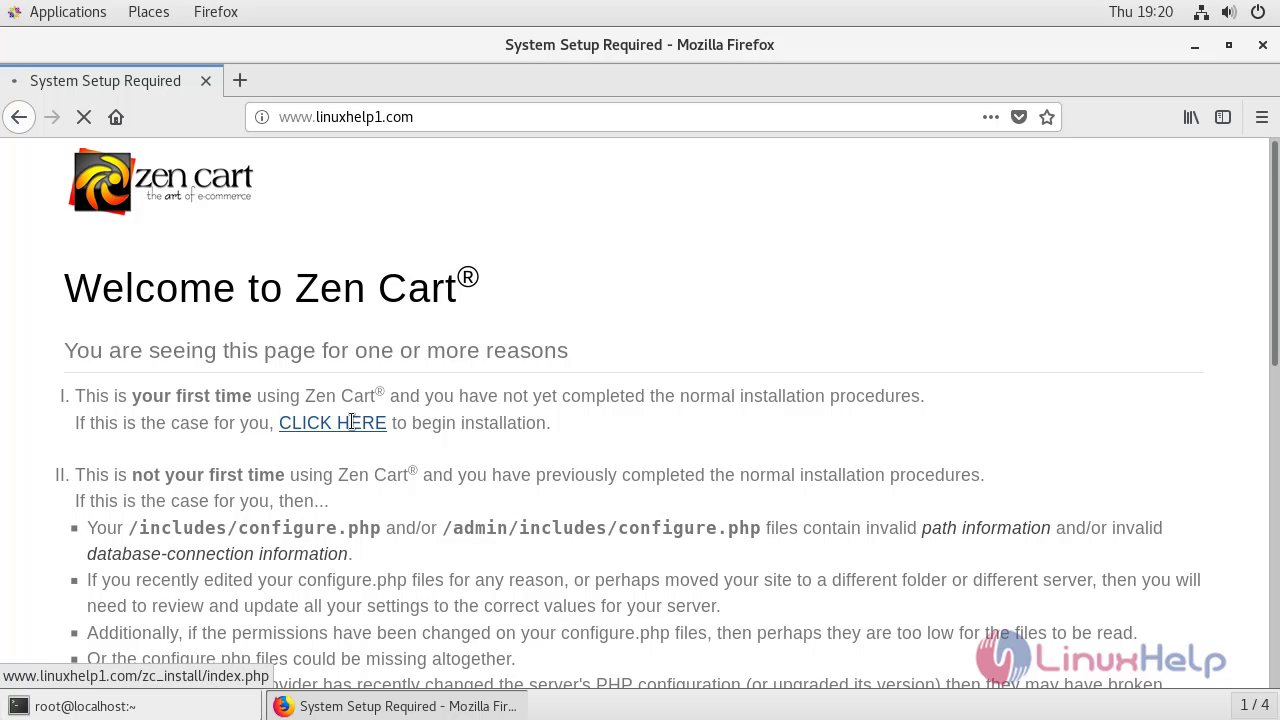 Check the system inspection.
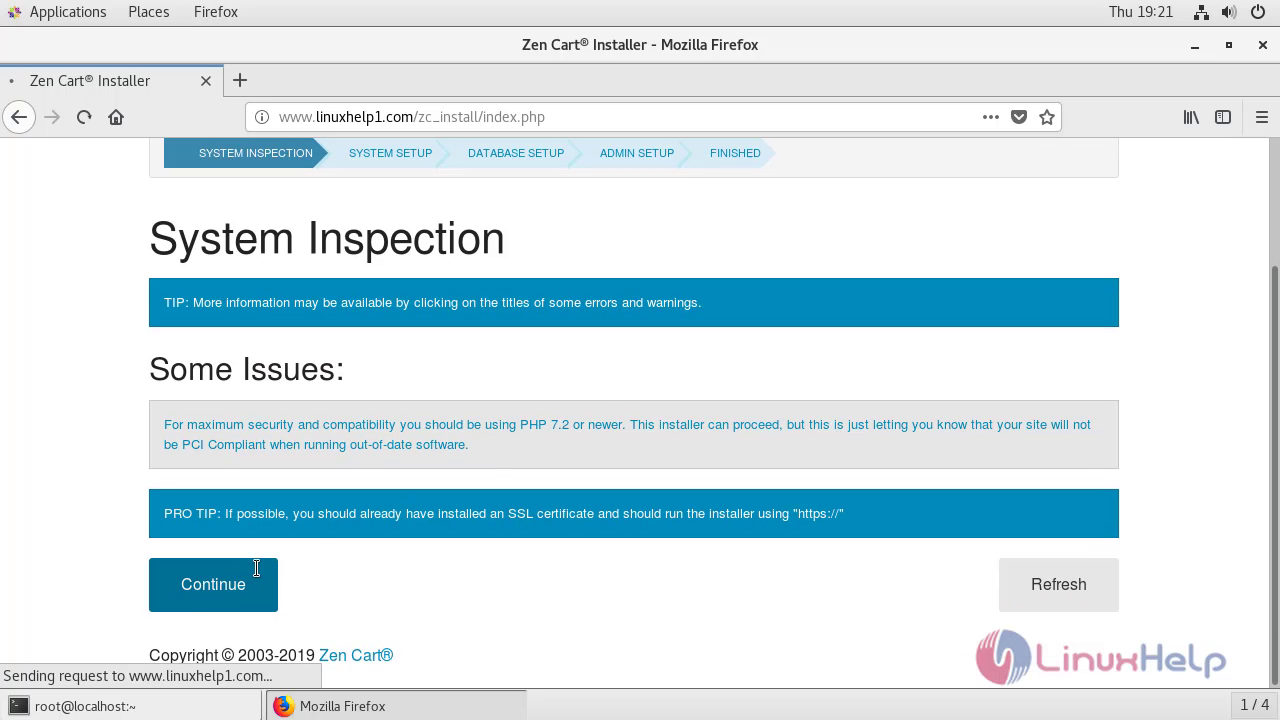 Accept the given license agreement and click continue.
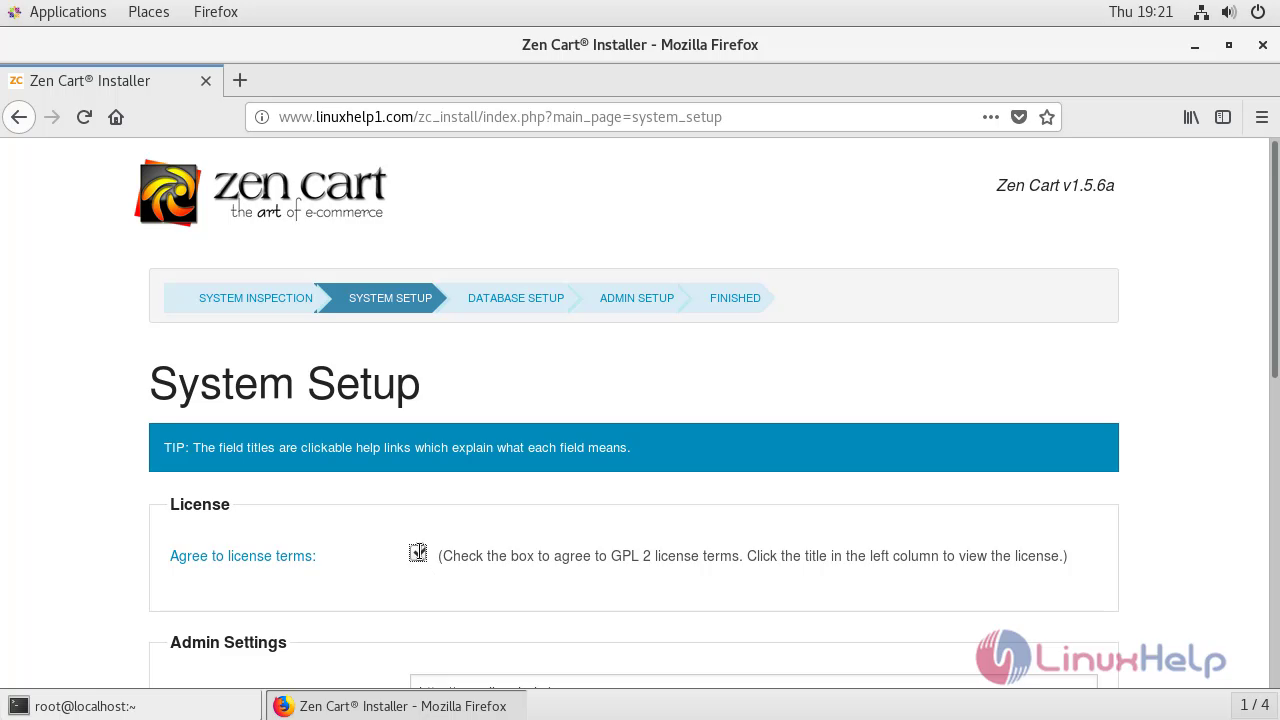 Configure the database setting.
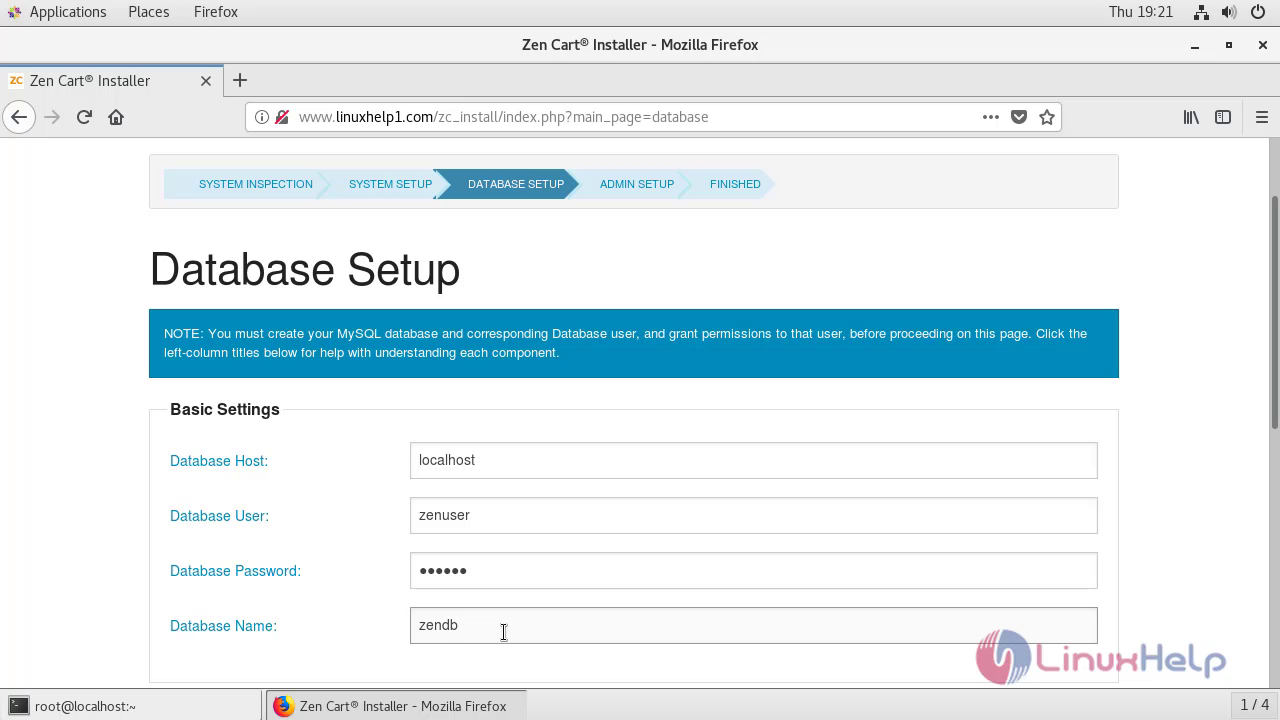
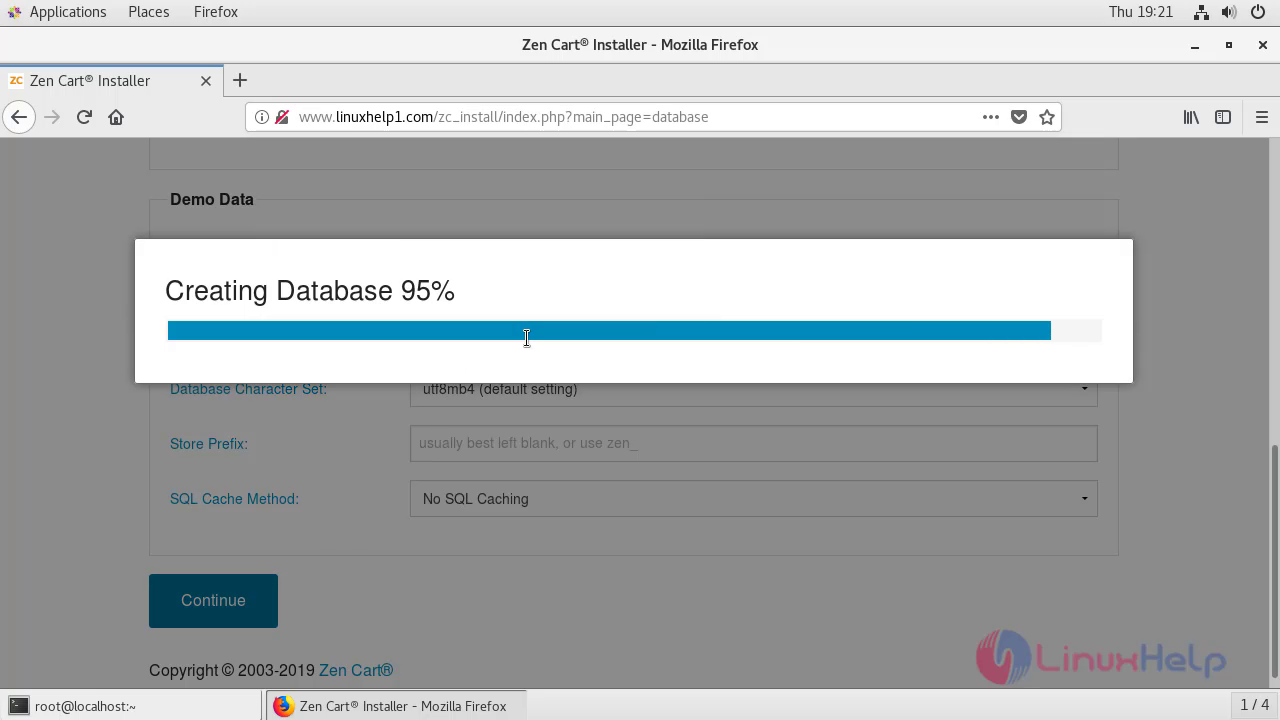 Create your admin credentials.
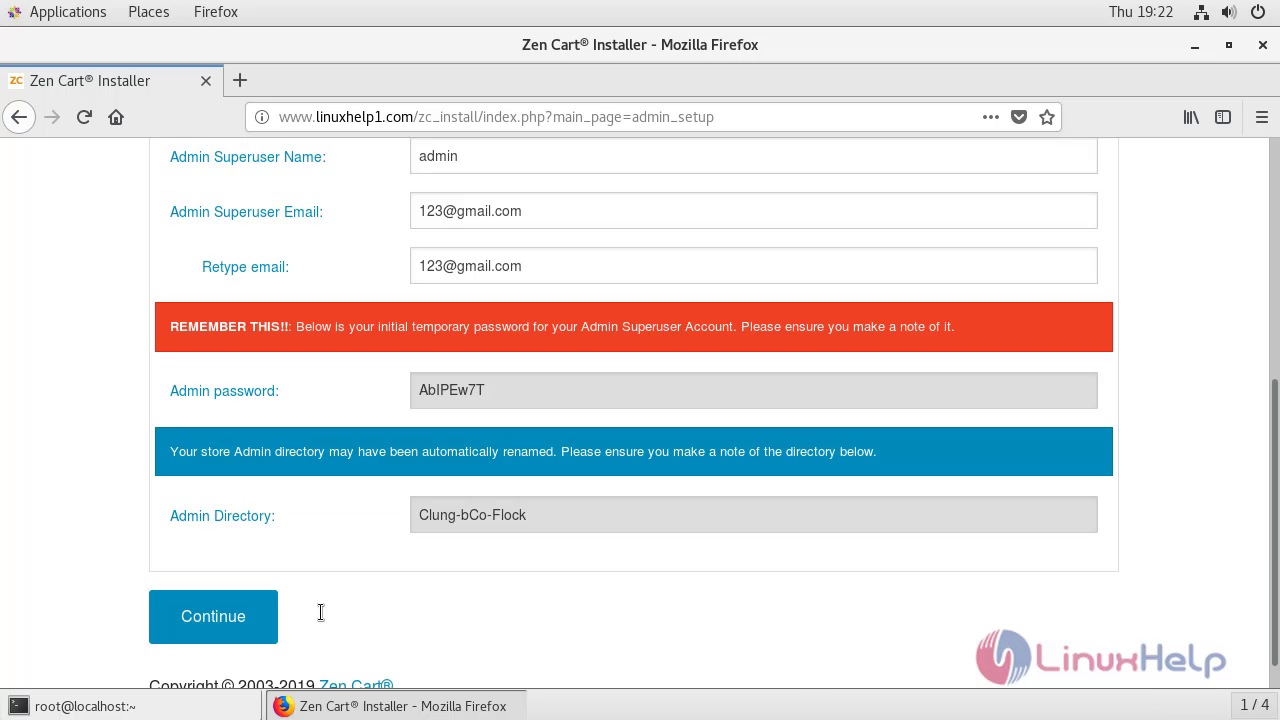 Go to the admin page before that delete the zc_install go back to the terminal.
 Enter into the Zen Cart directory.
[root@linuxhelp ~]# cd /var/www/zen

[root@linuxhelp zen]# ls
ajax.php         editors      includes              logs                 pub                  zc_install
cache            email        index.php             mcs_learn_more.html  README.md
Clung-bCo-Flock  extras       install.txt           media                robots_example.txt
docs             favicon.ico  ipn_main_handler.php  nddbc.html           square_handler.php
download         images       license.txt           page_not_found.php   vbv_learn_more.html
Remove the zc install by using the following command.
[root@linuxhelp zen]# rm -rf zc_install
Restart the apache service
[root@linuxhelp zen]# systemctl restart httpd
Enter your admin credentials to login Zen Cart.
 Enter a new password for admin.
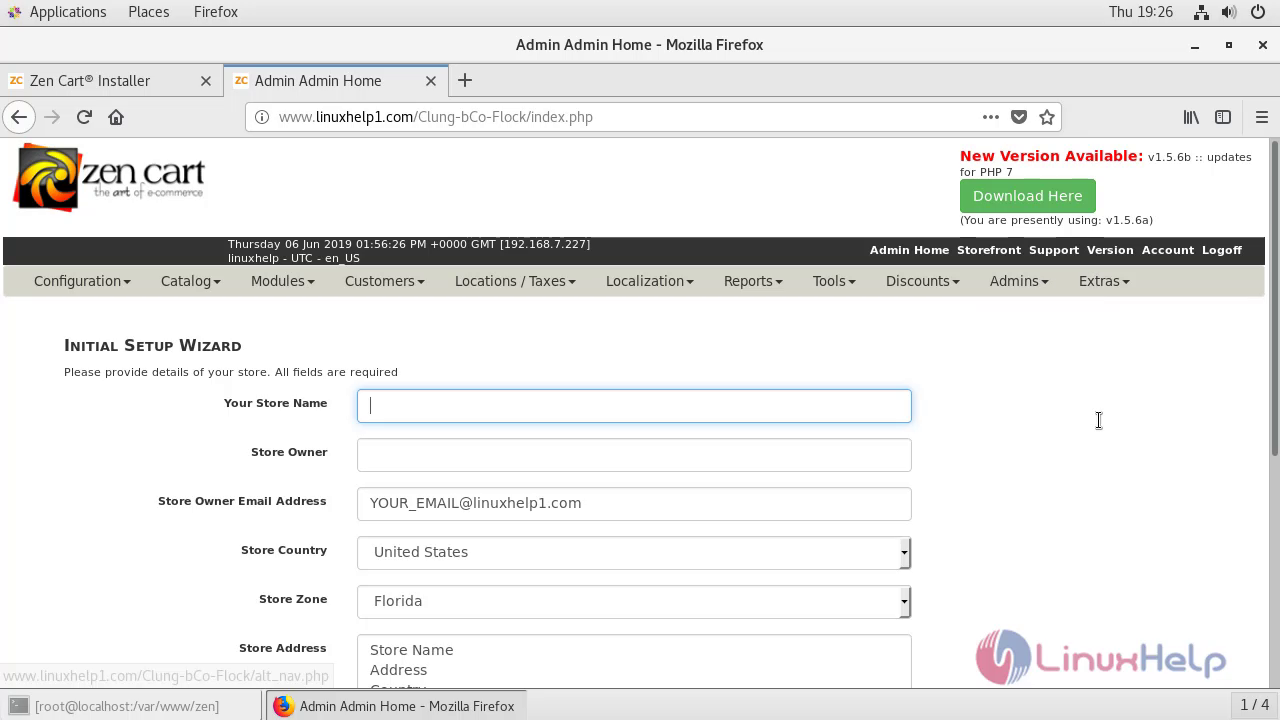
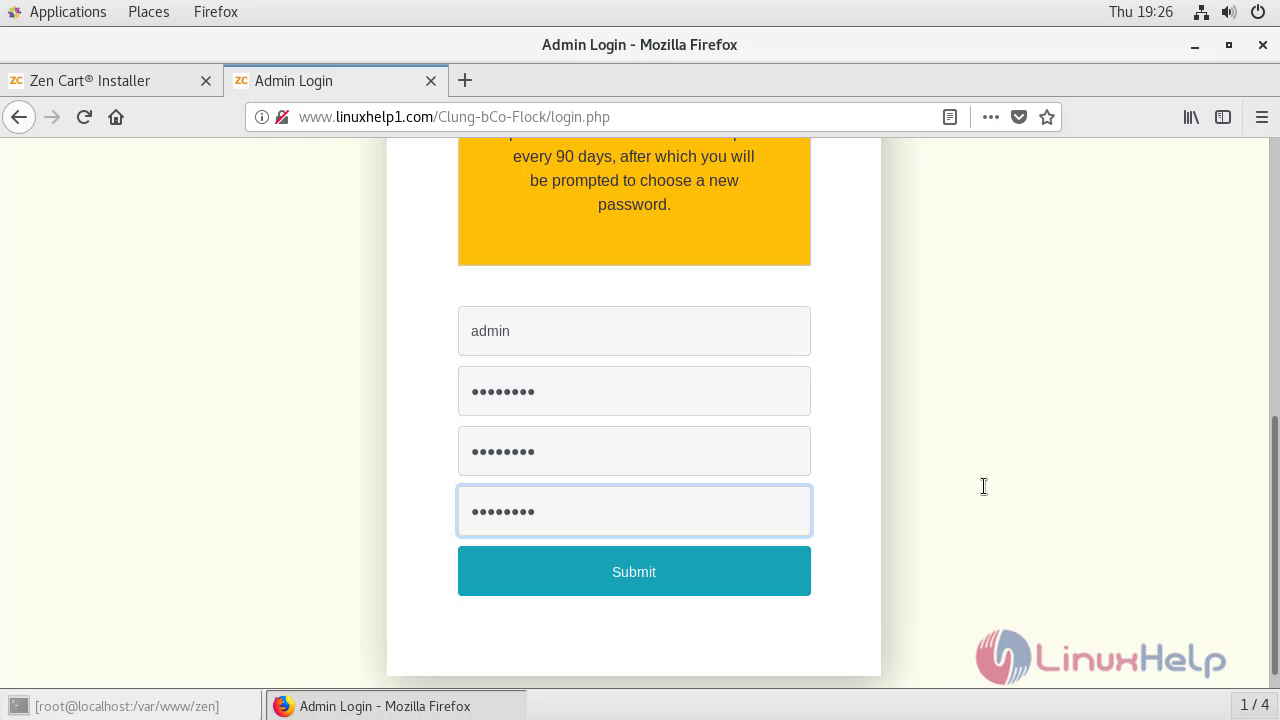 This is the dashboard of Zen Cart.
With this, the method to install Zen Cart on Centos 7.6 comes to an end.
Comments ( 0 )
No comments available