How to install Zencart – 1.5.5 on CentOS - 7
To install Zencart 1.5.5 on CentOS 7
Zen Cart is free, user-friendly, open source online store management system. It is a PHP-based application, using a MySQL database and HTML components. It contains features such as customization, integration with payment, works with any hosting company and can choose own domain name.
Prerequisites
- Install LAMP(Apache, MariaDB, php7)
In MariaDB (create database and user and give privileges to that user )
- Php installation with required following modules
rpm -Uvh https://dl.fedoraproject.org/pub/epel/epel-release-latest-7.noarch.rpm
rpm -Uvh https://mirror.webtatic.com/yum/el7/webtatic-release.rpm
yum install php56w php56w-opcache php56w-mysql php56w-curl php56w-xml  php56w-mcrypt php56w-gd
Installation
First, Let' s download the ZenCart package from the terminal using the wget command.
[root@linuxhelp1 ~]# cd Downloads/
[root@linuxhelp1 Downloads]# wget https://sourceforge.net/projects/zencart/files/latest/download --no-check-certificate -O zencart.zip
--2018-04-16 03:30:08--  https://sourceforge.net/projects/zencart/files/latest/download
Resolving sourceforge.net (sourceforge.net)... 216.105.38.13
Connecting to sourceforge.net (sourceforge.net)|216.105.38.13|:443... connected.
HTTP request sent, awaiting a response... 302 Found
Location: https://downloads.sourceforge.net/project/zencart/CURRENT%20-%20Zen%20Cart%201.5.x%20Series/zen-cart-v1.5.5f-12312017b.zip?r=& ts=1524252853& use_mirror=excellmedia [following]
.
.
HTTP request sent, awaiting response... 200 OK
Length: 8143085 (7.8M) [application/octet-stream]
Saving to: ‘ zencart.zip’

100%[==================================================================================================> ] 8,143,085   1.10MB/s   in 7.1s

2018-04-16 03:30:17 (1.10 MB/s) - ‘ zencart.zip’  saved [8143085/8143085]
Now run the following command to unzip the downloaded package
[root@linuxhelp1 Downloads]# unzip download?source=typ_redirect
Archive:  download?source=typ_redirect
   creating: zen-cart-v1.5.5f-12312017b/
   creating: zen-cart-v1.5.5f-12312017b/admin/
  inflating: zen-cart-v1.5.5f-12312017b/admin/.htaccess
  inflating: zen-cart-v1.5.5f-12312017b/admin/admin_account.php
  inflating: zen-cart-v1.5.5f-12312017b/admin/admin_activity.php
.
.
  inflating: zen-cart-v1.5.5f-12312017b/zc_install/sql/updates/mysql_upgrade_zencart_139.sql
  inflating: zen-cart-v1.5.5f-12312017b/zc_install/sql/updates/mysql_upgrade_zencart_150.sql
  inflating: zen-cart-v1.5.5f-12312017b/zc_install/sql/updates/mysql_upgrade_zencart_151.sql
  inflating: zen-cart-v1.5.5f-12312017b/zc_install/sql/updates/mysql_upgrade_zencart_152.sql
  inflating: zen-cart-v1.5.5f-12312017b/zc_install/sql/updates/mysql_upgrade_zencart_153.sql
  inflating: zen-cart-v1.5.5f-12312017b/zc_install/sql/updates/mysql_upgrade_zencart_154.sql
  inflating: zen-cart-v1.5.5f-12312017b/zc_install/sql/updates/mysql_upgrade_zencart_155.sql
After unzipping the package move the Zencart application directory into the following path
[root@linuxhelp1 Downloads]# mv zen-cart-v1.5.5f-12312017b /var/www/zencart
Now switch to the following directory
[root@linuxhelp1 Downloads]# cd /var/www/
we have to change the file ownership and permission of the Zencart directory
[root@linuxhelp1 www]# chown -R apache.apache zencart
[root@linuxhelp1 www]# chmod -R 775 zencart
Then we should create a virtual host configuration for accessing a Zencart application
[root@linuxhelp1 www]# vim /etc/httpd/conf.d/zencart.conf
< VirtualHost *:80>
ServerName www.linuxhelp1.com
DocumentRoot /var/www/zencart/

< Directory /var/www/zencart/>
AllowOverride All
allow from all
< /Directory>

< /VirtualHost>
After then restart the httpd service to make the changes effect
[root@linuxhelp1 www]# systemctl restart httpd
Next, proceed the further installation graphically by navigating to the following URL of http://local IP (or) domain name
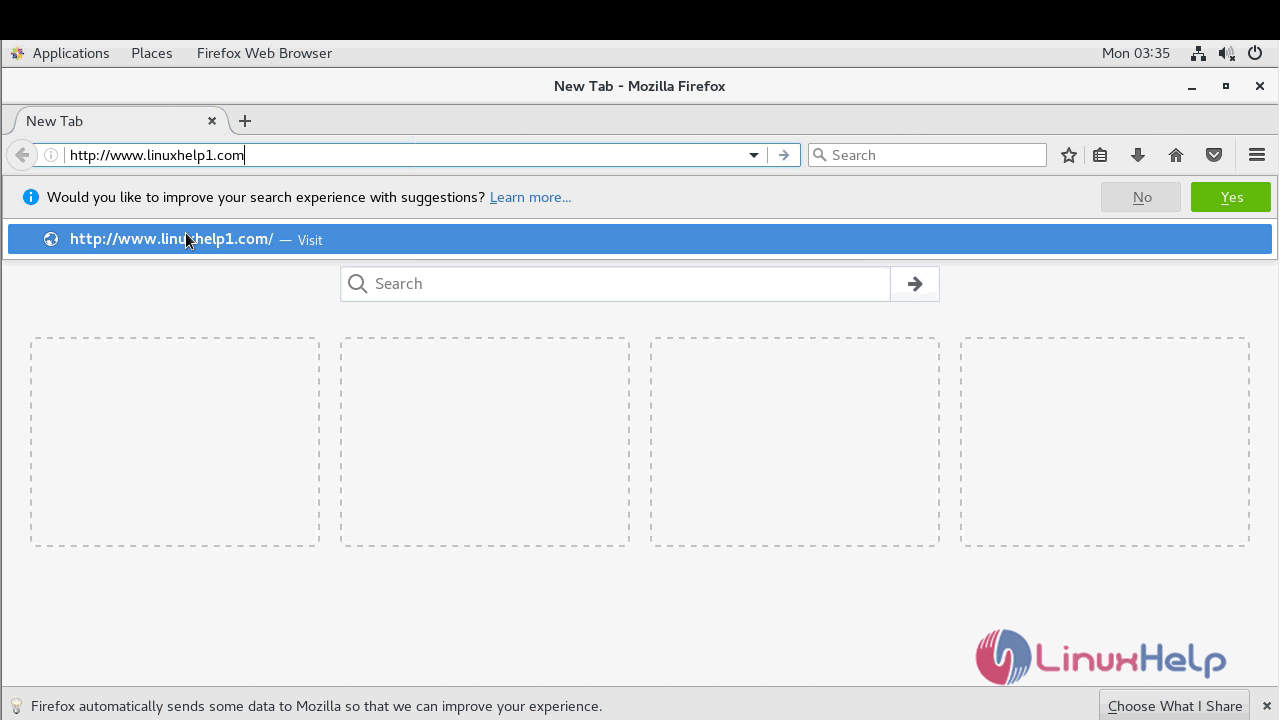
You will see the welcome page of ZenCart installer
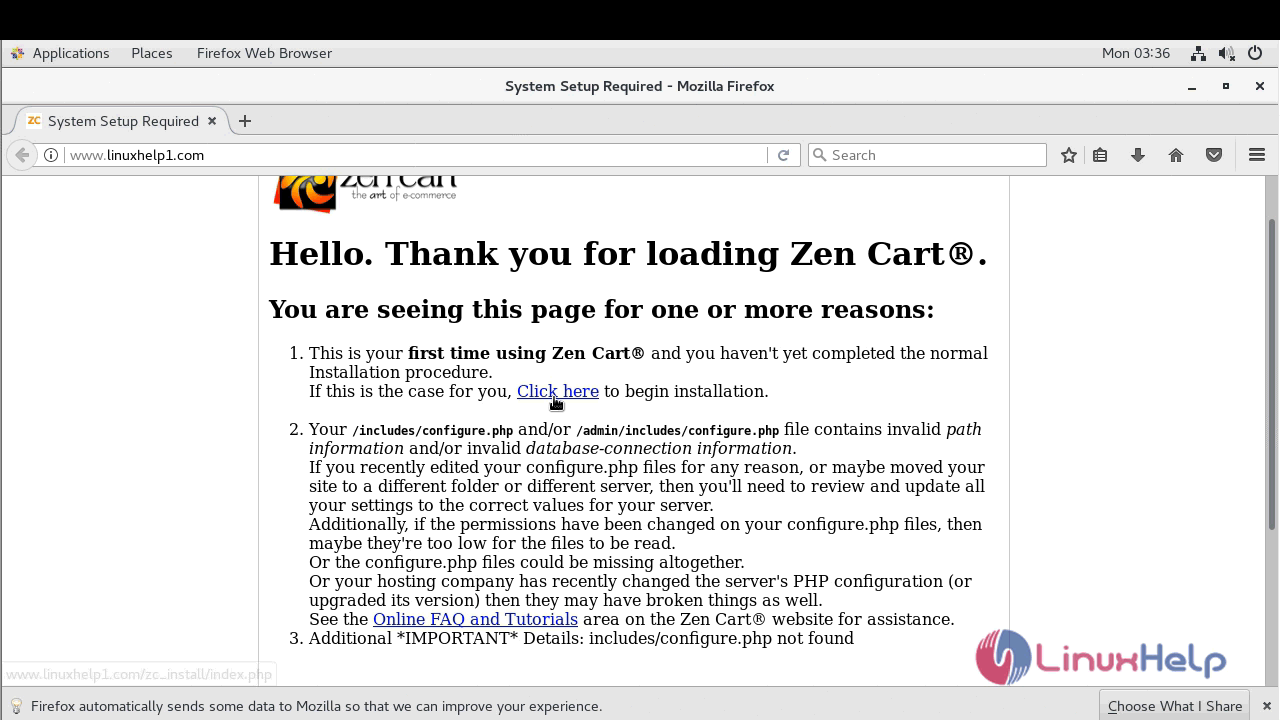
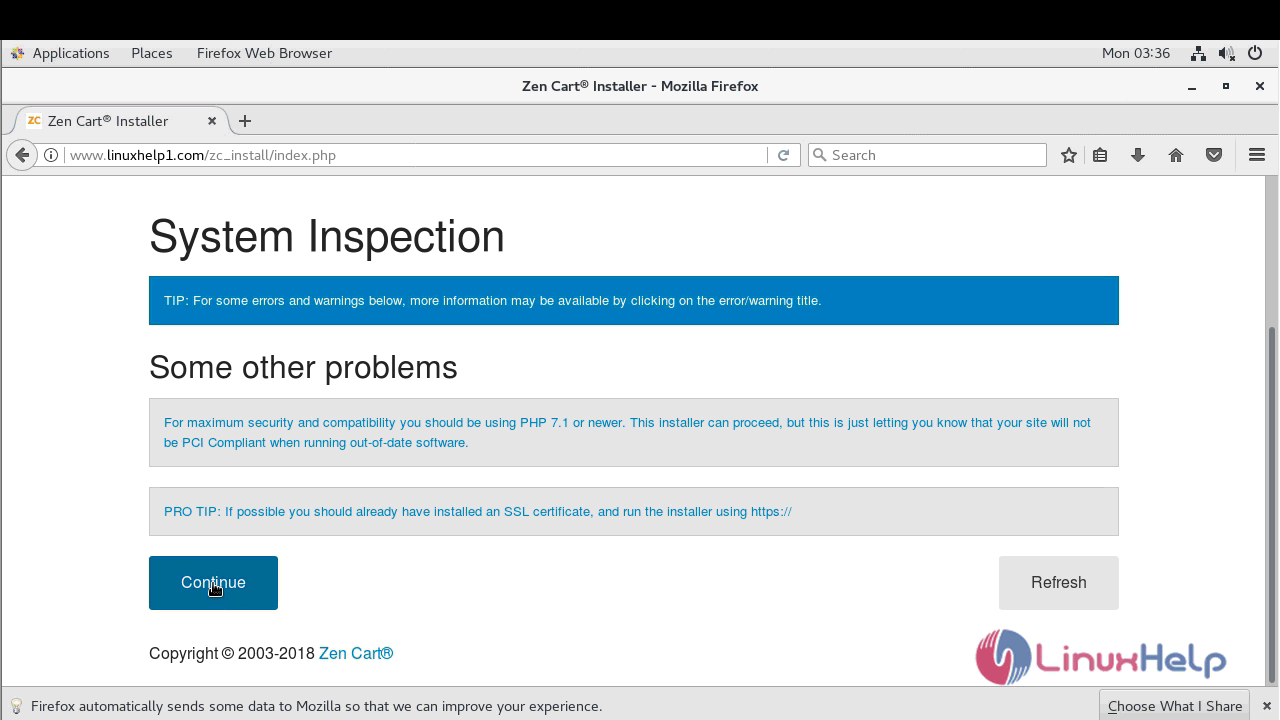
Then get to the system inspection page to proceed to continue
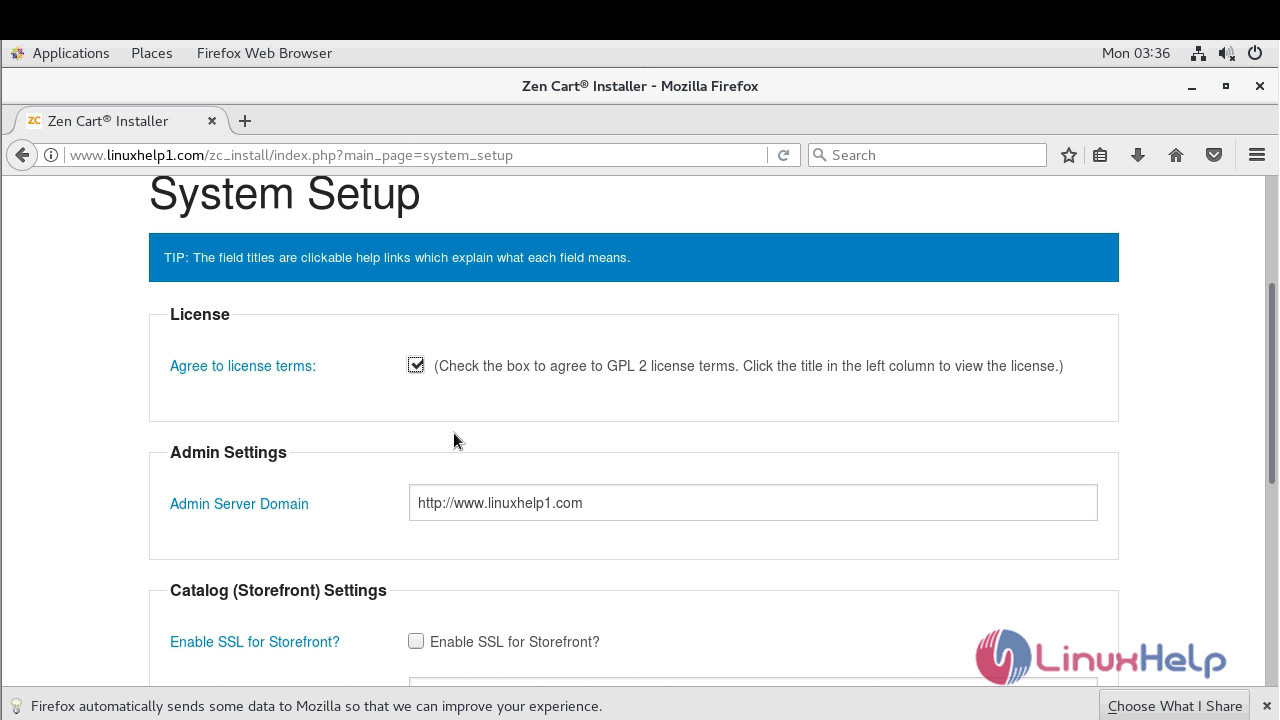
And then accept the license for Zencart and configure the site setting
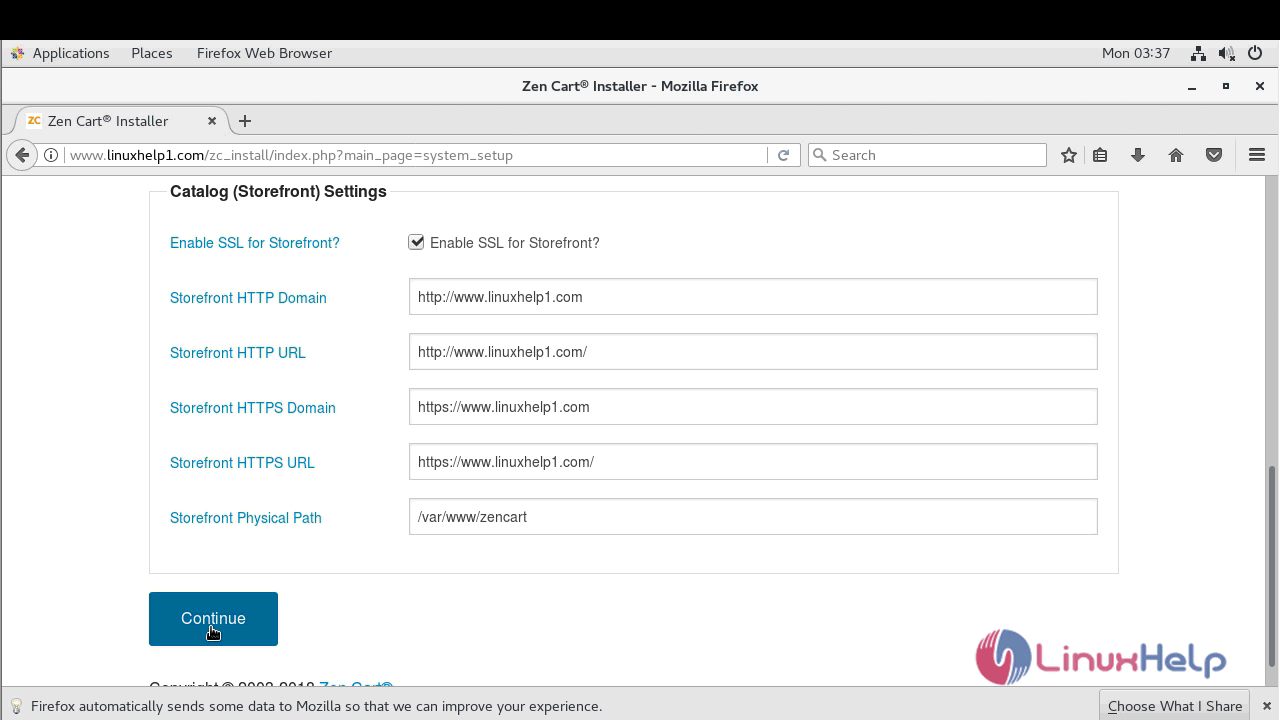
next, you have to configure the database detail and proceed to admin setup
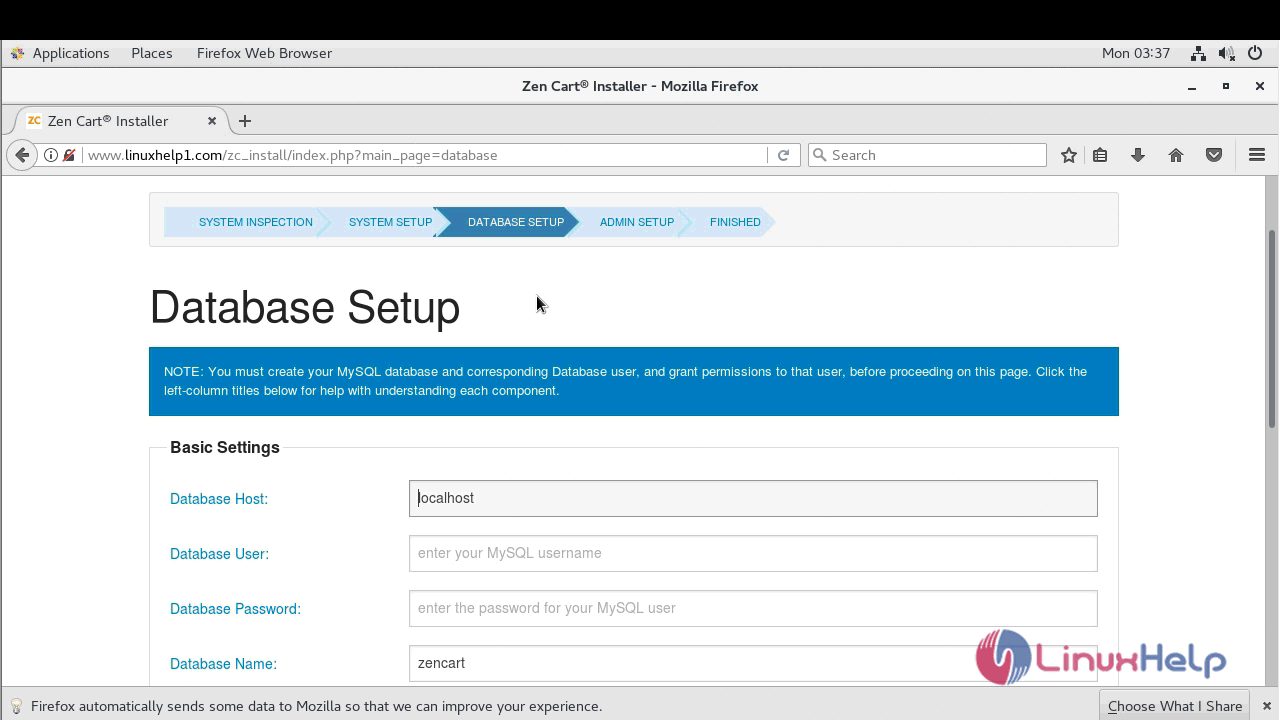
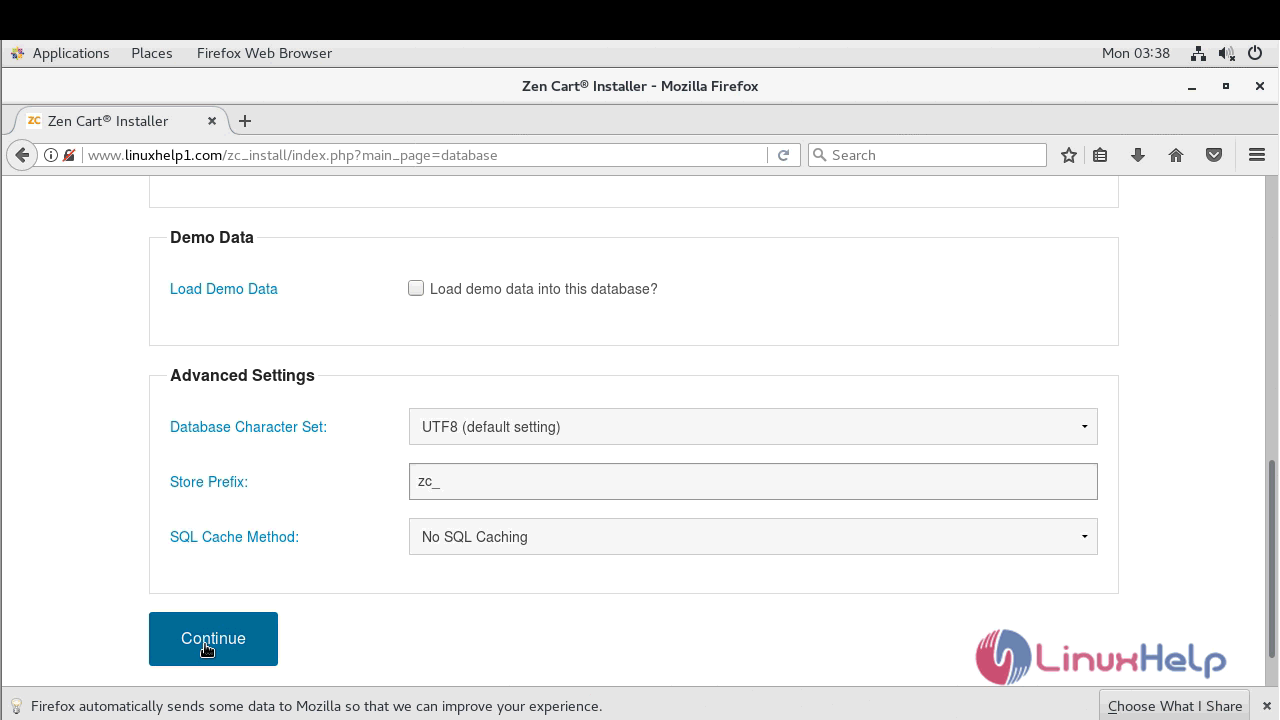
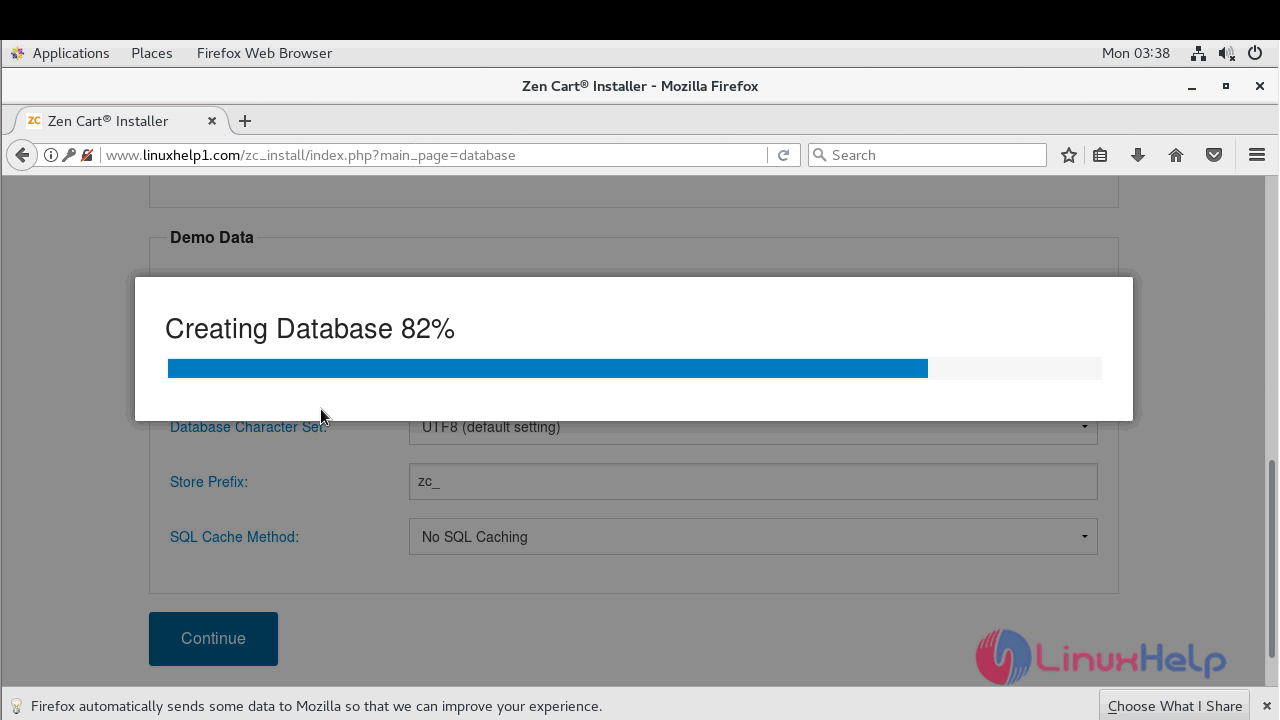
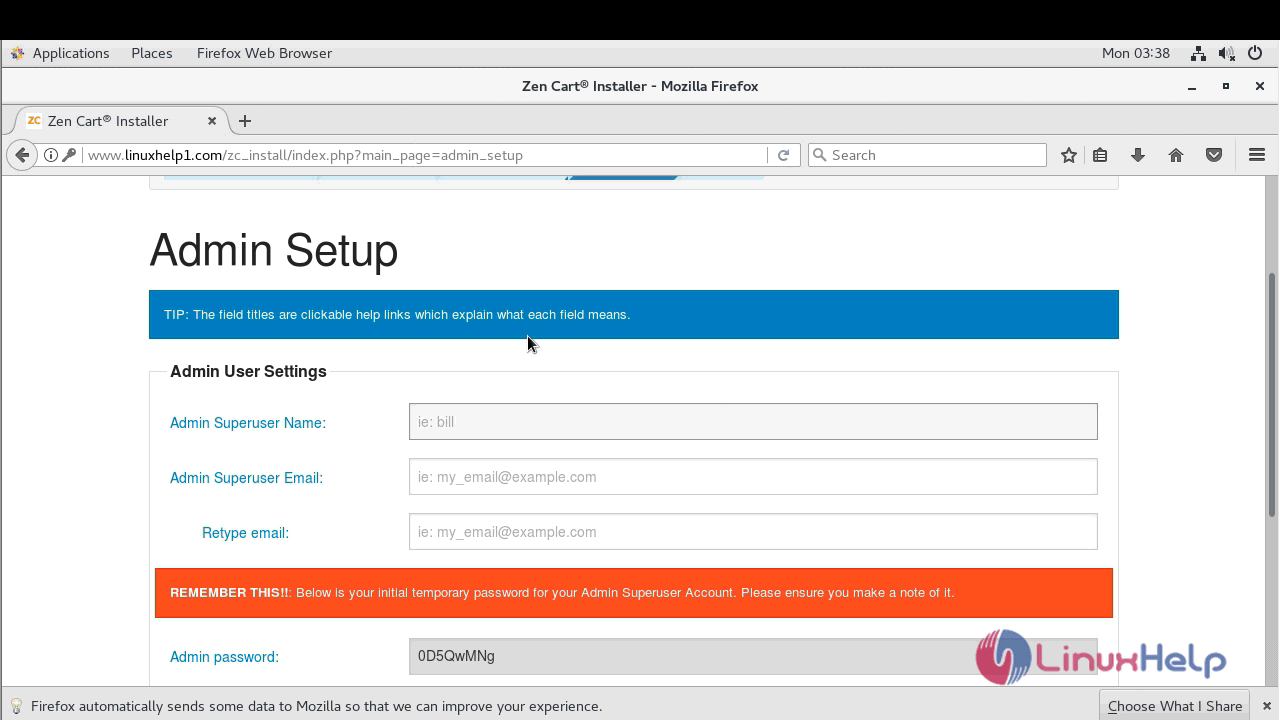
After establishing a connection with the database you have to setup admin account
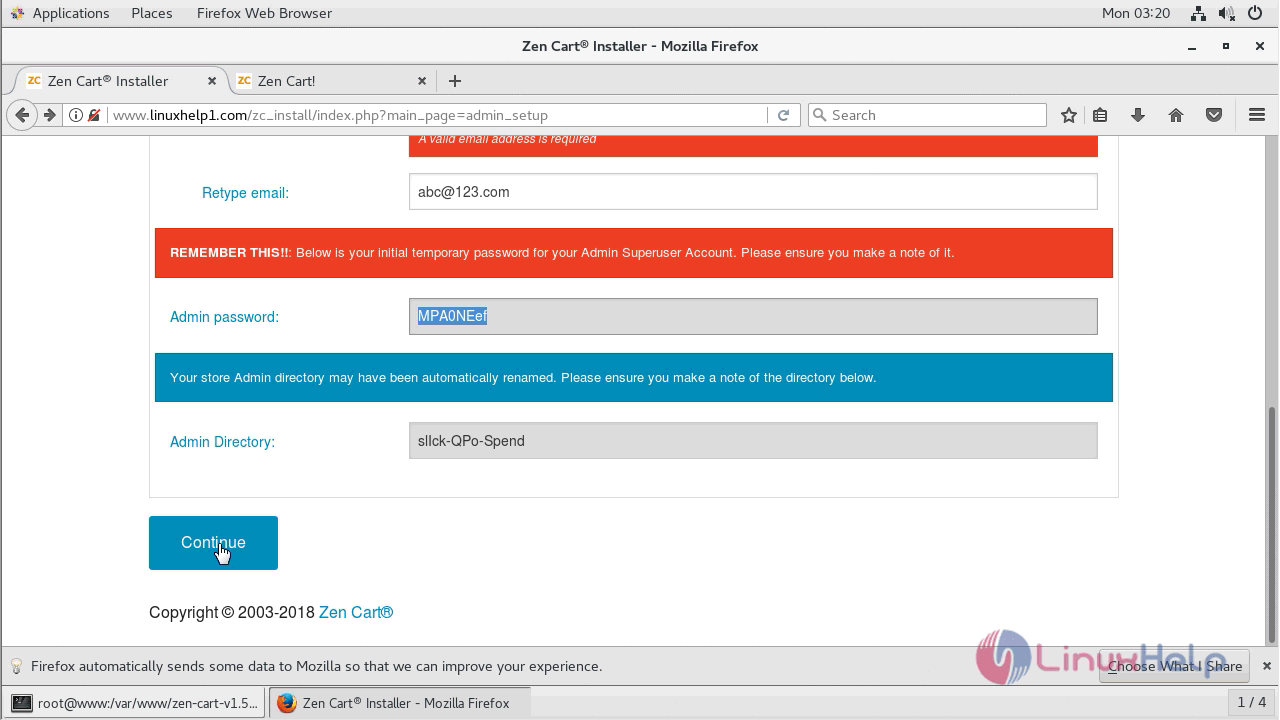
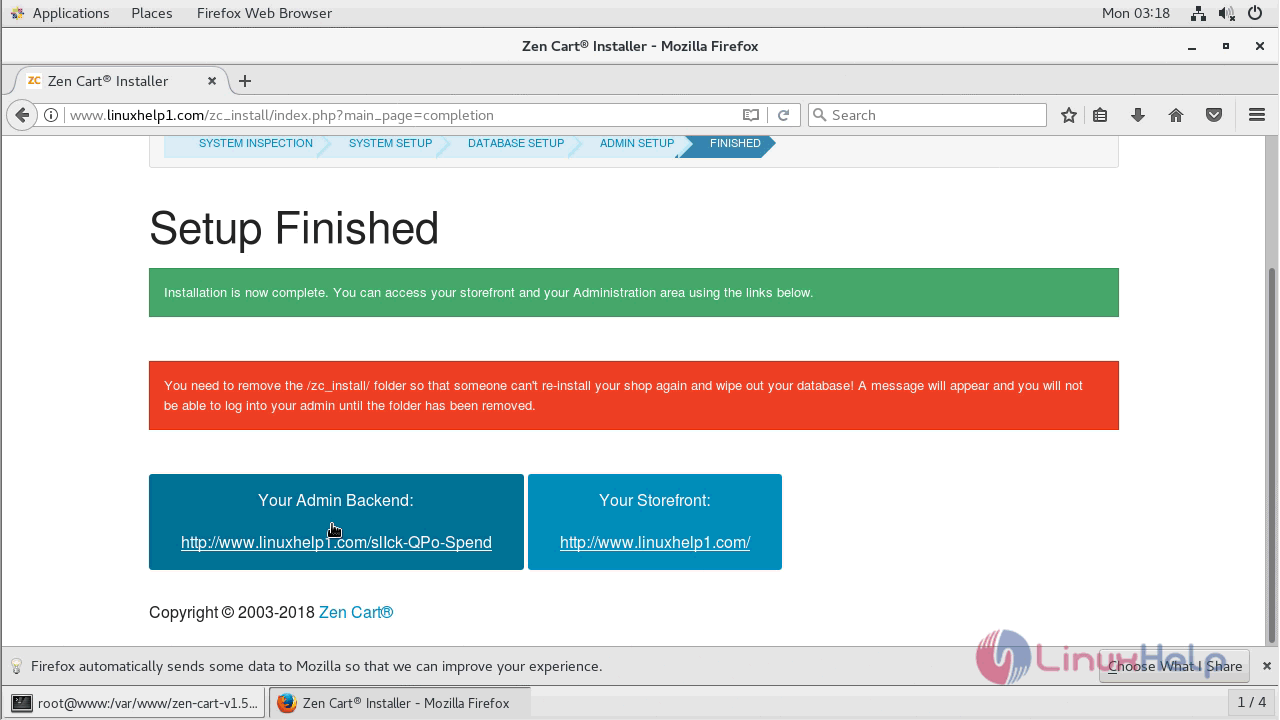
After, the setup is finished navigate to admin backend
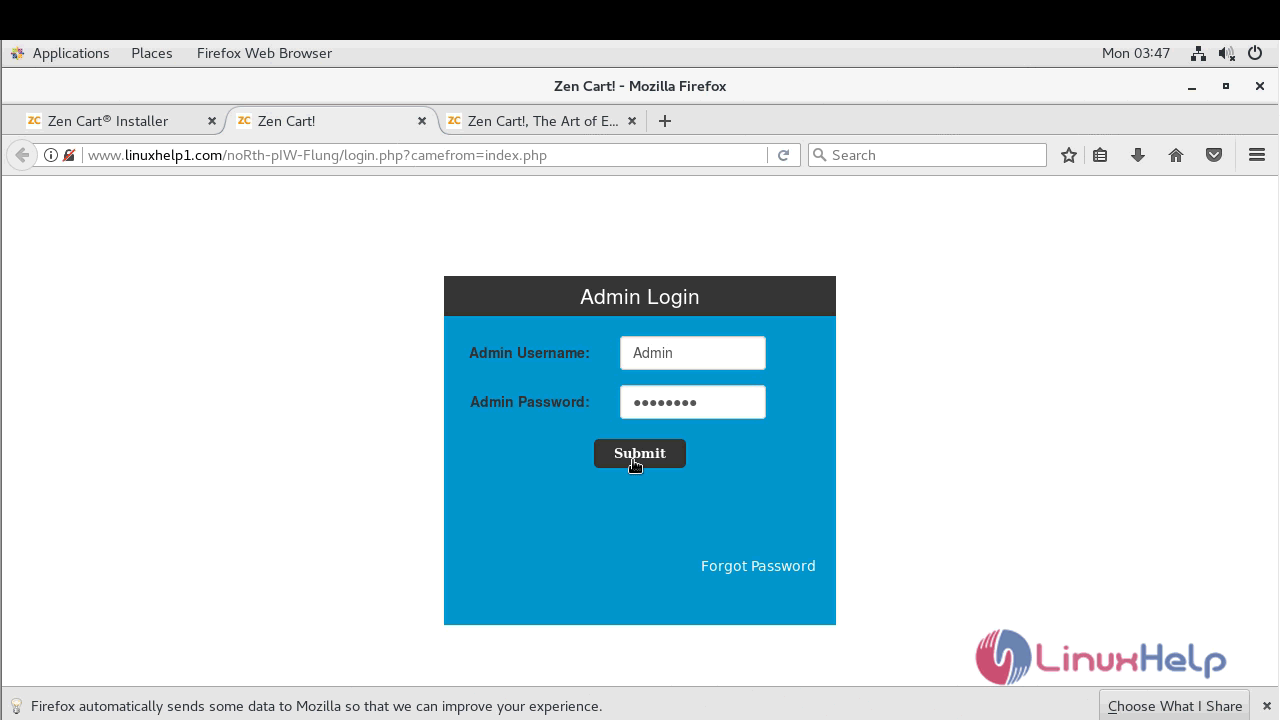
login page of the ZenCart application will appear now. use the admin user credential to login
And then if you want to reset or customize password for admin user you can do it in next window
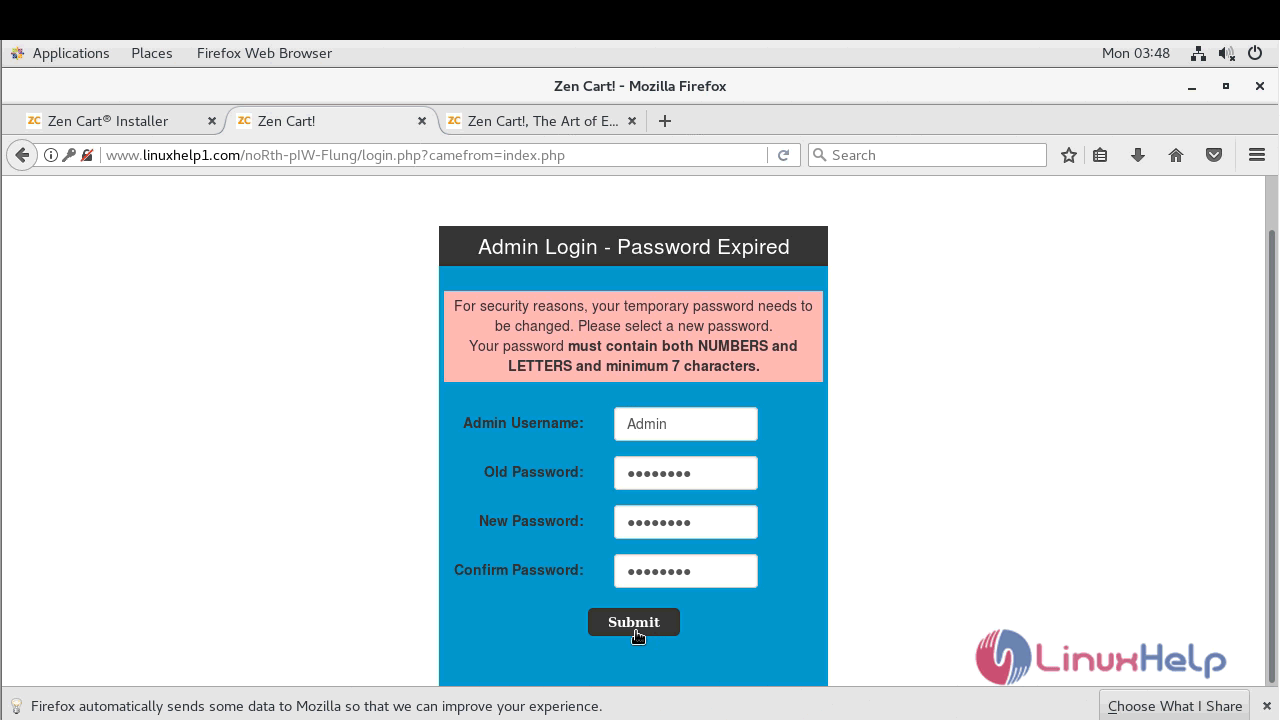
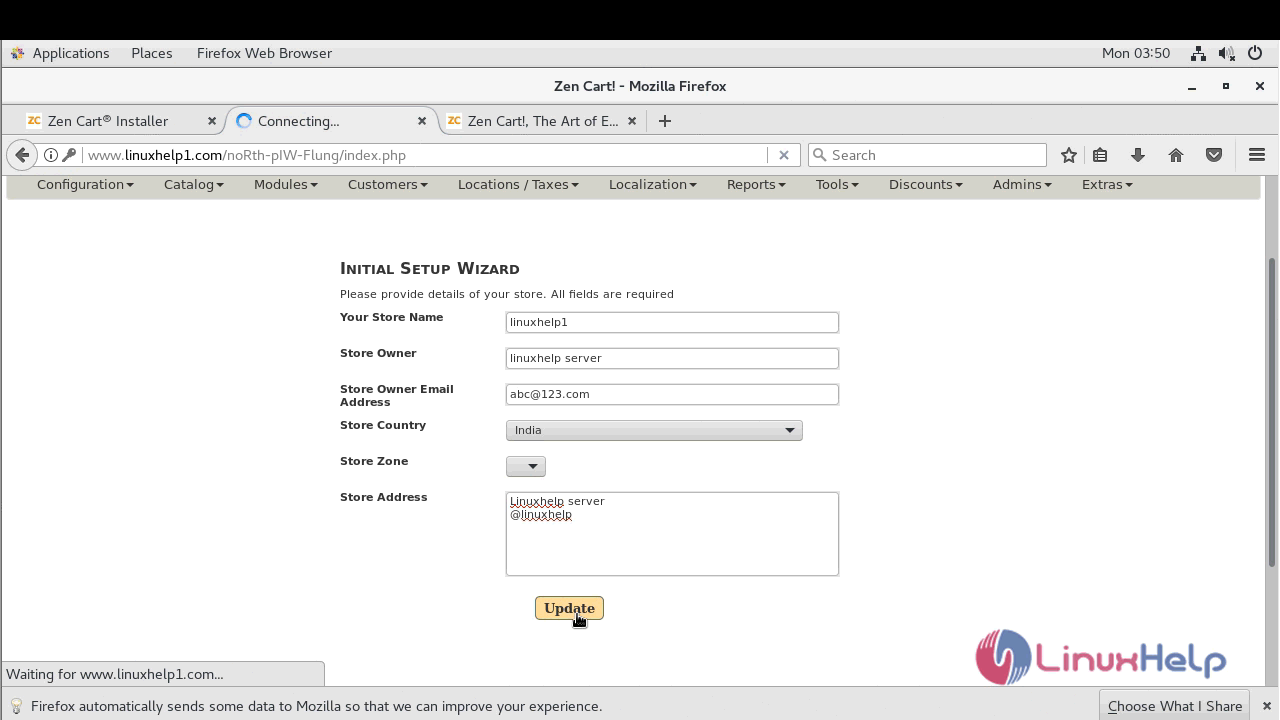
Next, configure the site owner setup wizard
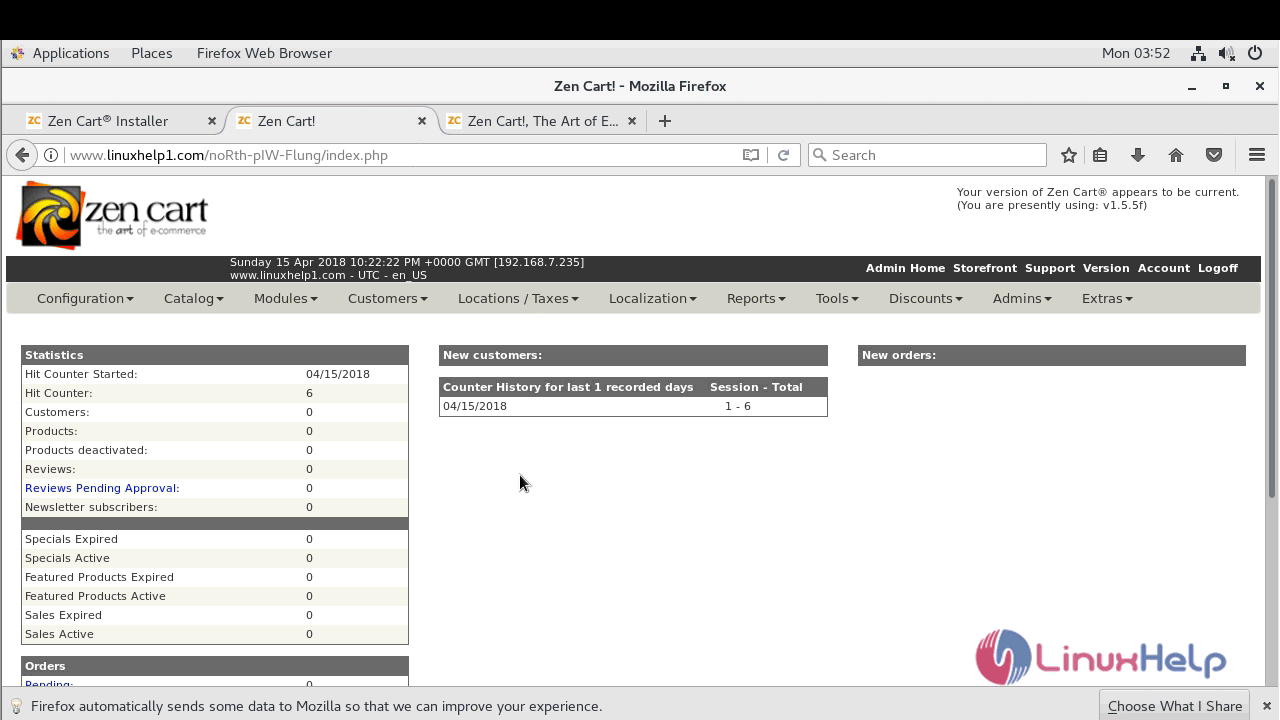
And then you will see the Administration dashboard
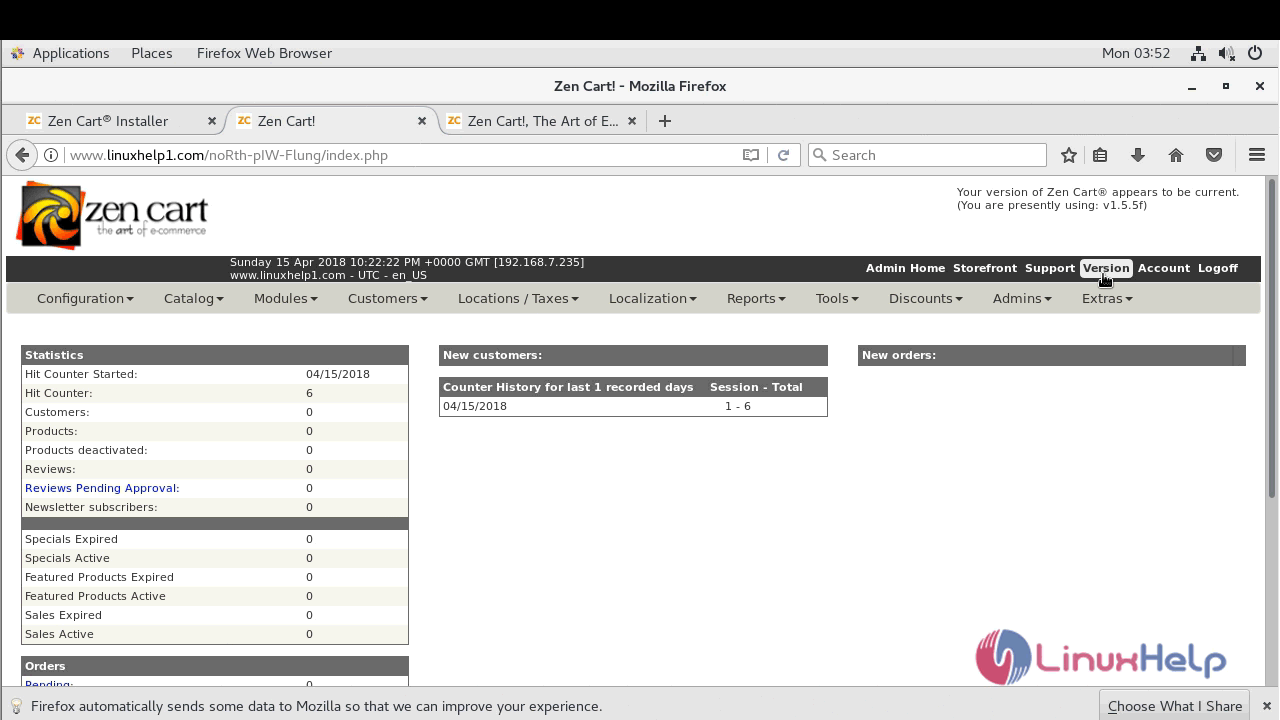
If you want to check out the version of the ZenCart application, please click on the version
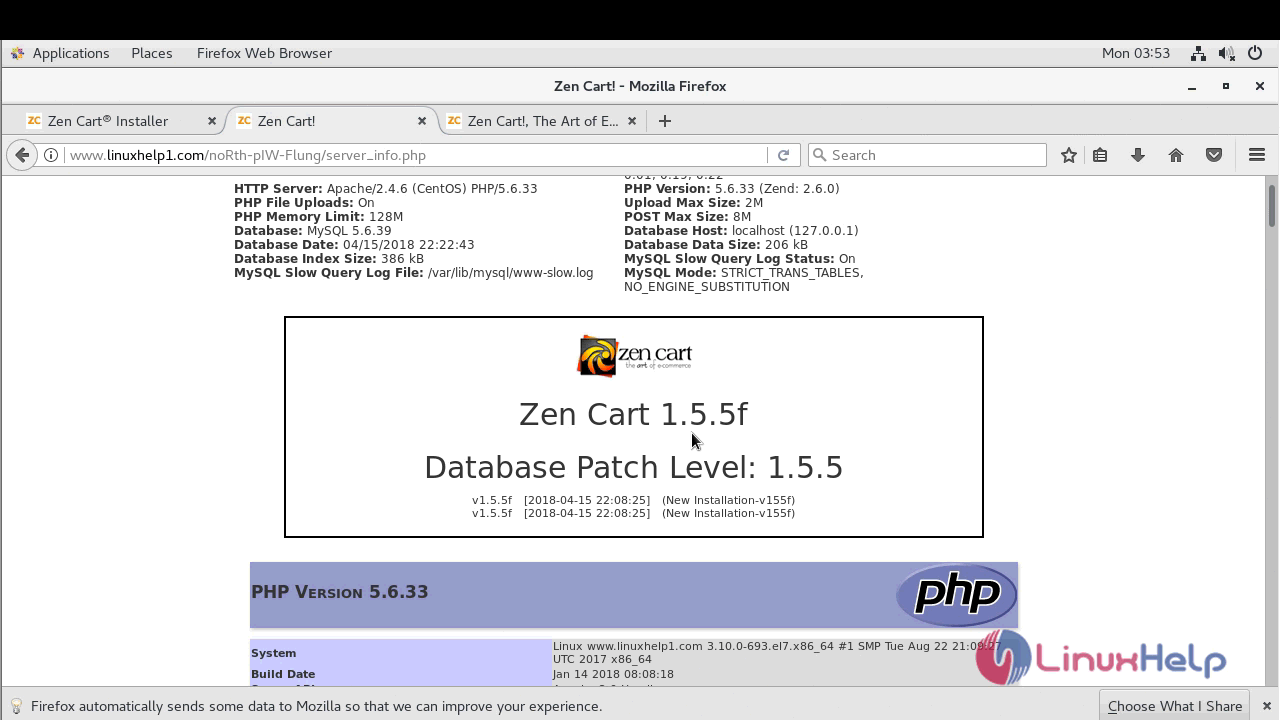
with this, the method to install Zencart &ndash 1.5.5 on CentOS 7 comes to an end.
Comments ( 0 )
No comments available