How to install Zend Studio on Ubuntu 17.04
To install Zend Studio on Ubuntu 17.04
Zend Studio is an Code Editor IDE based application designed for business solutions. Zend studio is a simple-to-install tool. It is integrated with Zend server. This integration allows developers to set up a complete PHP environment and detect root cause analysis of any testing problem. It is also integrated with Zend framework to provide a MVC architecture of application. It contains features such as servers view, import and debug zend server events, integrated PHPUnit, web services support, and remote project support. This tutorial explains the installation of Zend Studio on Ubuntu 17.04.
Installation procedure
To proceed with the installation procedure, download the Zend package from its official site. Once it is downloaded, go to downloads folder and list the files.
root@linuxhelp:/tmp/mozilla_user10# ll
total 336484
drwx------  2 user1 user1      4096 Oct 24 12:19 ./
drwxrwxrwt 17 root  root       4096 Oct 24 12:23 ../
-r--------  1 user1 user1 344551181 Oct 24 12:19 ZendStudio-13.6.1-linux.gtk.x86_64.tar.gz
Extract the downloaded package using tar command.
root@linuxhelp:/tmp/mozilla_user10# tar -xvzf ZendStudio-13.6.1-linux.gtk.x86_64.tar.gz
ZendStudio/
ZendStudio/p2/
ZendStudio/p2/org.eclipse.equinox.p2.engine/
ZendStudio/p2/org.eclipse.equinox.p2.engine/profileRegistry/
ZendStudio/p2/org.eclipse.equinox.p2.engine/profileRegistry/DefaultProfile.profile/
ZendStudio/p2/org.eclipse.equinox.p2.engine/profileRegistry/DefaultProfile.profile/1498231541265.profile.gz
ZendStudio/p2/org.eclipse.equinox.p2.engine/profileRegistry/DefaultProfile.profile/.lock
ZendStudio/p2/org.eclipse.equinox.p2.engine/profileRegistry/DefaultProfile.profile/.data/
ZendStudio/p2/org.eclipse.equinox.p2.engine/profileRegistry/DefaultProfile.profile/.data/org.eclipse.equinox.internal.p2.touchpoint.eclipse.actions/
ZendStudio/p2/org.eclipse.equinox.p2.engine/profileRegistry/DefaultProfile.profile/.data/org.eclipse.equinox.internal.p2.touchpoint.eclipse.actions/jvmargs
ZendStudio/p2/org.eclipse.equinox.p2.engine/profileRegistry/DefaultProfile.profile/.data/.settings/
ZendStudio/p2/org.eclipse.equinox.p2.engine/profileRegistry/DefaultProfile.profile/.data/.settings/org.eclipse.equinox.p2.metadata.repository.prefs
ZendStudio/p2/org.eclipse.equinox.p2.engine/profileRegistry/DefaultProfile.profile/.data/.settings/org.eclipse.equinox.p2.artifact.repository.prefs
ZendStudio/p2/org.eclipse.equinox.p2.engine/profileRegistry/DefaultProfile.profile/1498231541415.profile.gz
ZendStudio/p2/org.eclipse.equinox.p2.engine/profileRegistry/DefaultProfile.profile/1498231792378.profile.gz
.
.
.
.
ZendStudio/ZendStudio.ini
ZendStudio/configuration/
ZendStudio/configuration/org.eclipse.equinox.simpleconfigurator/
ZendStudio/configuration/org.eclipse.equinox.simpleconfigurator/bundles.info
ZendStudio/configuration/config.ini
ZendStudio/configuration/org.eclipse.update/
ZendStudio/configuration/org.eclipse.update/platform.xml
The package has been extracted and now enter into the Zend Studio directory and list the files in the specified directory.
root@linuxhelp:/tmp/mozilla_user10# cd ZendStudio/
root@linuxhelp:/tmp/mozilla_user10/ZendStudio# ll
total 420
drwxr-xr-x  7 root  root    4096 Jun 23 21:02 ./
drwx------  3 user1 user1   4096 Oct 24 12:24 ../
-rw-r--r--  1 root  root  166333 Jun 23 20:59 artifacts.xml
drwxr-xr-x  4 root  root    4096 Jun 23 21:02 configuration/
-rw-r--r--  1 root  root      60 Jan  3  2017 .eclipseproduct
-rw-r--r--  1 root  root   15551 Nov  9  2016 epl-v10.html
drwxr-xr-x 96 root  root   12288 Jun 23 20:59 features/
-rwxr-xr-x  1 root  root   52546 Jun 23 20:23 icon.xpm*
-rw-r--r--  1 root  root    6487 Nov  9  2016 notice.html
drwxr-xr-x  4 root  root    4096 Jun 23 20:55 p2/
drwxr-xr-x 21 root  root   57344 Jun 23 20:59 plugins/
drwxr-xr-x  2 root  root    4096 Jun 23 20:59 readme/
-rwxr-xr-x  1 root  root   80385 Jun 23 20:23 ZendStudio*
-rw-r--r--  1 root  root     434 Jun 23 21:00 ZendStudio.ini
In the Zend Studio directory, there will be a script file named ' ZendStudio' and run it as follows.
root@linuxhelp:/tmp/mozilla_user10/ZendStudio# ./ZendStudio
Oct 24, 2017 12:33:11 PM org.apache.http.impl.client.DefaultRequestDirector tryExecute
INFO: I/O exception (java.net.SocketException) caught when processing request to {}-> http://download.eclipse.org:80: Connection reset
Oct 24, 2017 12:33:13 PM org.apache.http.impl.client.DefaultRequestDirector tryExecute
INFO: Retrying request to {}-> http://download.eclipse.org:80
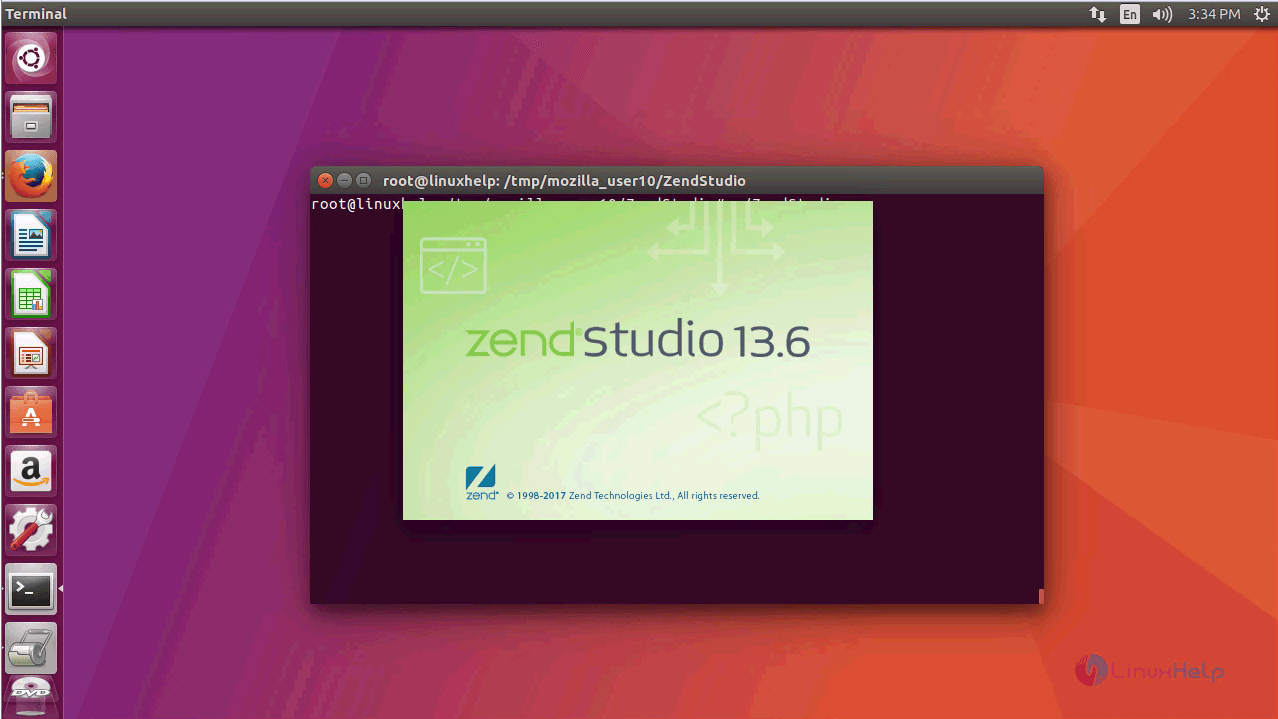
A Graphical launcher appears on the screen.
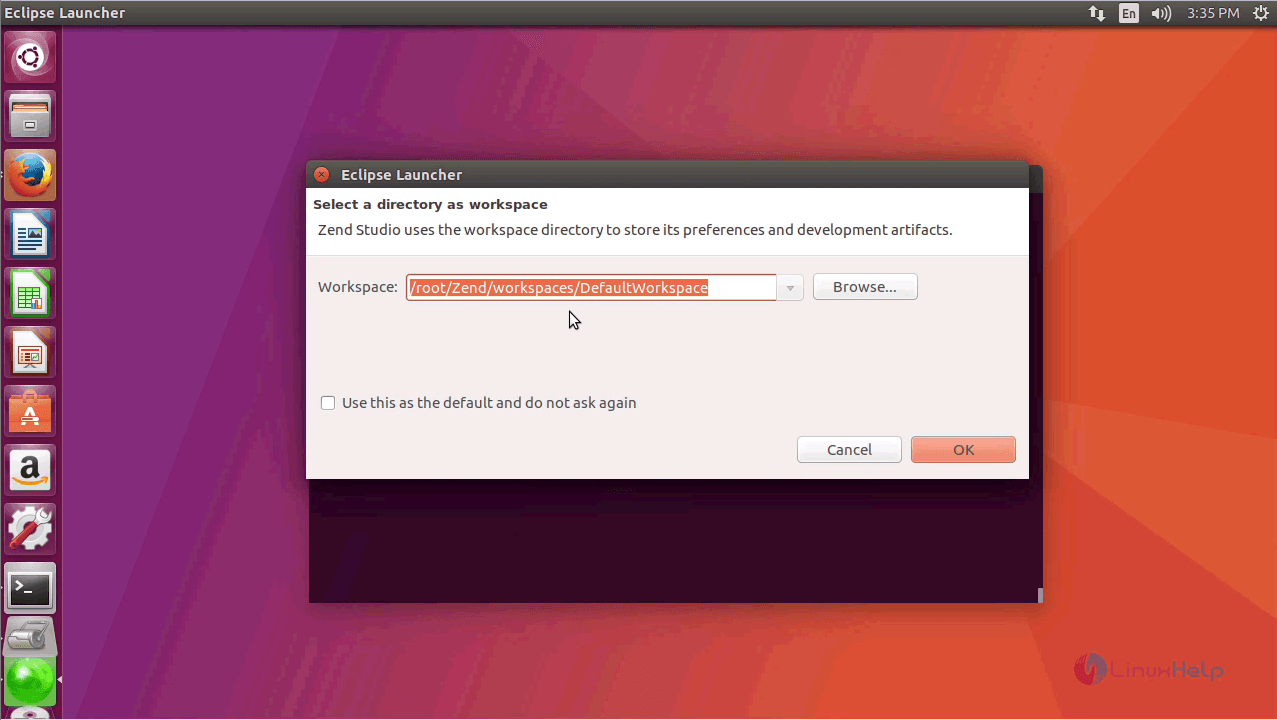
Choose the Workspace from the Workspace Launcher. Either you can select the default workspace or browse for other directory.
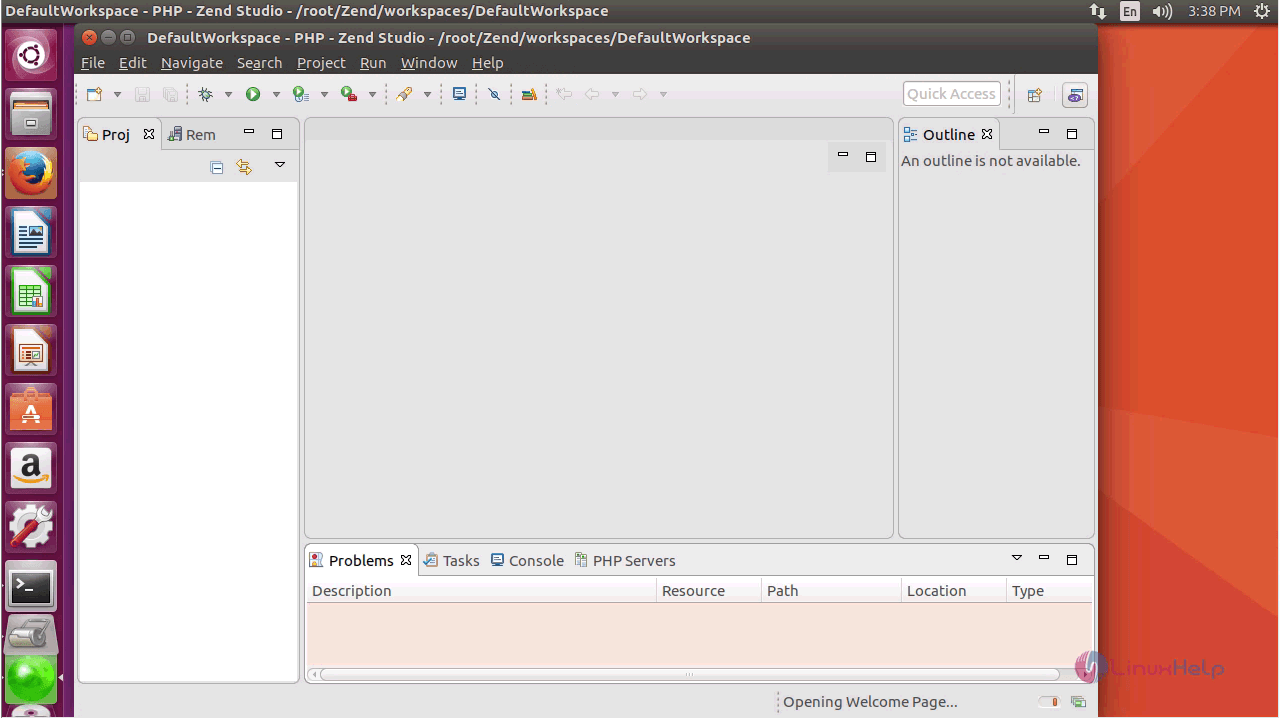
A workspace will be displayed as follows.
Thus we conclude the installation procedure of Zend Studio of Ubuntu 17.04.
Comments ( 0 )
No comments available