How to Install Zim Editor 0.68 on Ubuntu 18.04
To Install Zim Editor 0.68 on Ubuntu 18.04
Zim is a graphical text editor advised to maintain a collection of locally stored wiki-pages. Wiki-page contains text with links to other wiki-pages, attachments, simple formatting, and images. Zim is programmed in Python using GTK+ libraries. In this tutorial, the installation of Zim Editor on PopOS is covered.
Feature
• Supports all forms of Multimedia contents.
• Possess a direct Links to other pages
• Supports Tagging system
• Multi-documents tabs can be accessed.
• Auto-saving per-character option.
• Cursor position memory for every note
• Tasks/Todo list interface.
• Lightweight text markup system.
Installation
Download a Zim editor application package using the following URL
root@linuxhelp1:~# wget http://zim-wiki.org/downloads/zim_0.68_all.deb
--2018-05-23 00:17:32--  http://zim-wiki.org/downloads/zim_0.68_all.deb
Resolving zim-wiki.org (zim-wiki.org)... 95.170.72.161, 2a01:7c8:eb:0:95:170:72:161
Connecting to zim-wiki.org (zim-wiki.org)|95.170.72.161|:80... connected.
HTTP request sent, awaiting response... 200 OK
Length: 1112796 (1.1M) [application/x-debian-package]
Saving to: ‘;zim_0.68_all.deb’;

zim_0.68_all.deb        100%[==============================>]   1.06M  --.-KB/s    in 0.05s

2018-05-23 00:17:36 (20.9 MB/s) - ‘;zim_0.68_all.deb’; saved [1112796/1112796]
Now, install a Gdebi package, which will be used to resolve the dependencies for installing Debian packages
root@linuxhelp1:~# apt-get install gdebi -y
Reading package lists... Done
Building dependency tree
Reading state information... Done
The following packages were automatically installed and are no longer required:

  apache2-bin apache2-data apache2-utils libapr1 libaprutil1 libaprutil1-dbd-sqlite3
  libaprutil1-ldap
.
.
update-alternatives: using /usr/share/icons/gnome/scalable/places/debian-swirl.svg to provide /usr/share/icons/gnome/scalable/places/start-here.svg (start-here.svg) in auto mode
Processing triggers for man-db (2.8.3-2) ...
Processing triggers for gnome-menus (3.13.3-11ubuntu1) ...
Setting up libpango-perl (1.227-2build1) ...
Setting up gdebi (0.9.5.7+nmu2) ...
Setting up libgtk2-perl (2:1.24992-1build1) ...
Now, install Zim editor application using the Gdebi command
root@linuxhelp1:~# gdebi zim_0.68_all.deb
Reading package lists... Done
Building dependency tree
Reading state information... Done
Reading state information... Done
Requires the installation of the following packages: python-cairo python-gobject-2 python-gtk2 python-xdg

Desktop Wiki Editor
.
.
Unpacking zim (0.68) ...
Setting up zim (0.68) ...
Processing triggers for gnome-menus (3.13.3-11ubuntu1) ...
Processing triggers for desktop-file-utils (0.23-1ubuntu3) ...
Processing triggers for mime-support (3.60ubuntu1) ...
Processing triggers for hicolor-icon-theme (0.17-2) ...
Processing triggers for man-db (2.8.3-2) ...
Processing triggers for shared-mime-info (1.9-2) ...
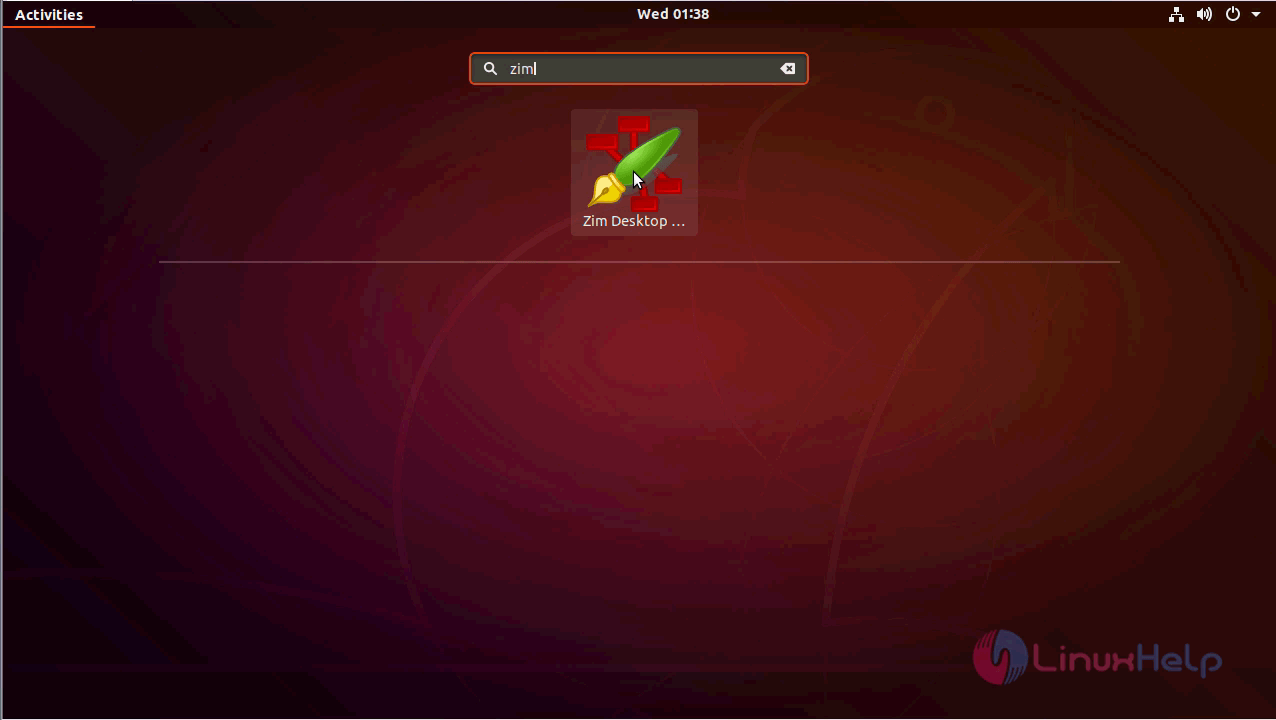
After the installation, you can access the application from the menu as follows
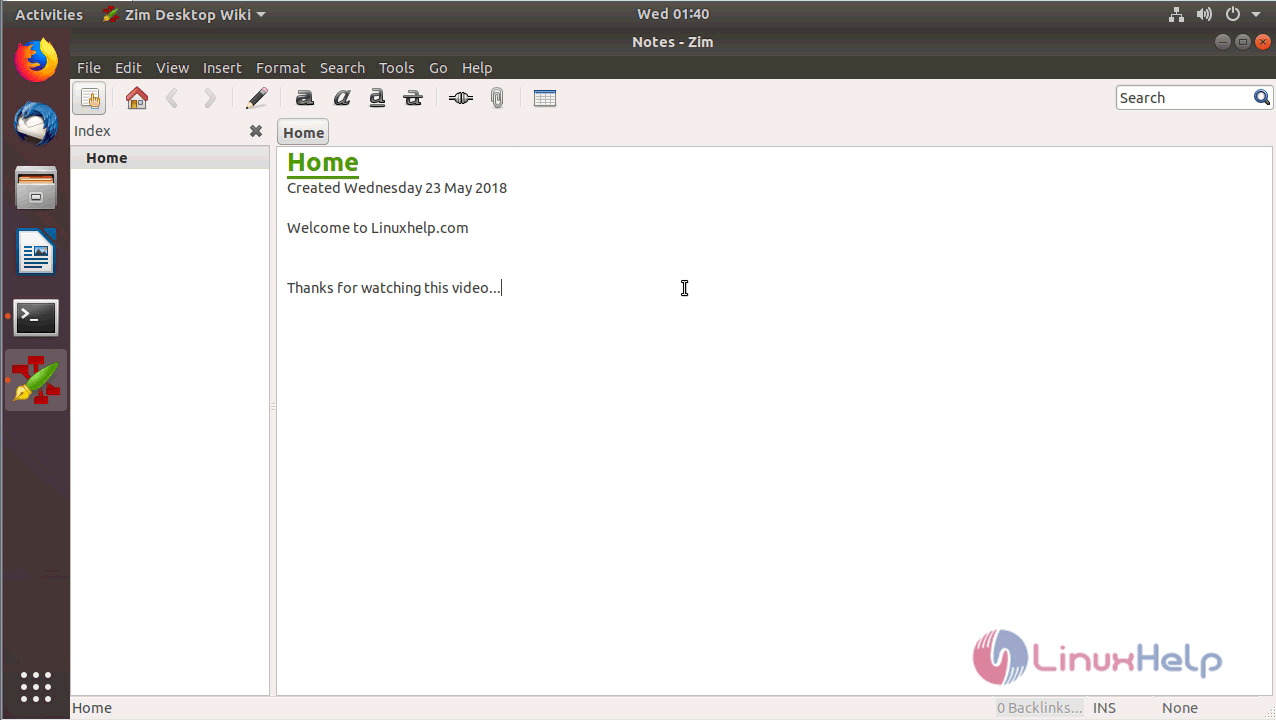
Choose the Name and Location for the notebook

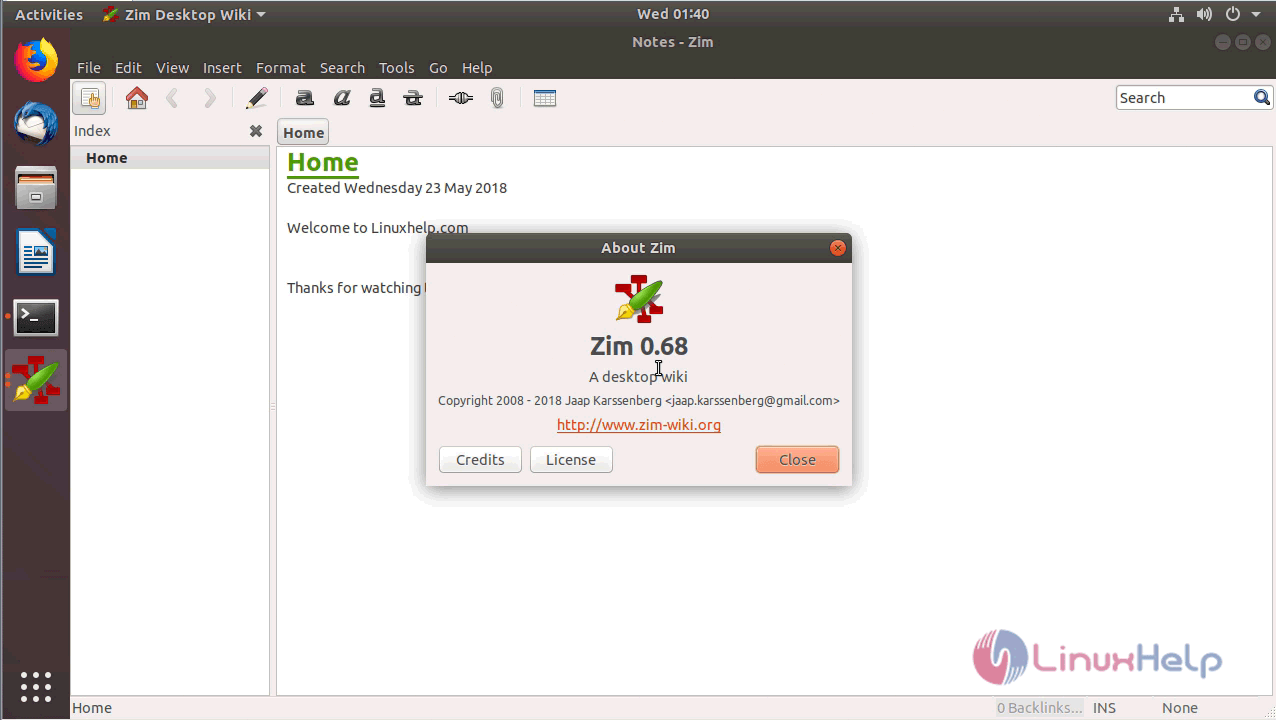
You can verify the version by navigating to the Help menu
With this, the method to install Zim Editor 0.68 on Ubuntu 18.04 comes to an end.
Comments ( 0 )
No comments available