How to install Zotero 5.0 on Ubuntu 18.04
To install Zotero 5.0 on Ubuntu 18.04
Zotero is an open source tool used to collect, organize, cite and share research sources in the Linux distributions. Its searchable interface allows the users to add PDFs files, images, audio and video content, snapshots of web pages, indexes. In this tutorial, we will cover the installation of Zotero on Ubuntu 18.04.
Prerequisites
Install and configure JAVA
Installation
Add the repository of Zotero using PPA
root@linuxhelp1:~# add-apt-repository ppa:smathot/cogscinl
 Contains the following packages:
- Qnotero (formerly Gnotero), a standalone sidekick to
  the Zotero reference manager
- QuiEdit, a distraction-free, full-text editor

- OpenSesame, a graphical experiment builder for the
  social sciences

- Expyriment, a set of Python modules for creating
  psychological experiments

- Zotero standalone, a reference manager

For more information, see http://www.cogsci.nl/
 More info: https://launchpad.net/~smathot/+archive/ubuntu/cogscinl
Press \[ENTER\] to continue or Ctrl-c to cancel adding it.

Hit:1 http://in.archive.ubuntu.com/ubuntu bionic InRelease
Hit:2 http://security.ubuntu.com/ubuntu bionic-security InRelease
Hit:3 http://in.archive.ubuntu.com/ubuntu bionic-updates InRelease
Get:4 http://ppa.launchpad.net/smathot/cogscinl/ubuntu bionic InRelease \[15.4 kB\]
Hit:5 http://in.archive.ubuntu.com/ubuntu bionic-backports InRelease
Get:6 http://ppa.launchpad.net/smathot/cogscinl/ubuntu bionic/main i386 Packages \[1,916 B\]
Get:7 http://ppa.launchpad.net/smathot/cogscinl/ubuntu bionic/main amd64 Packages \[1,916 B\]
Get:8 http://ppa.launchpad.net/smathot/cogscinl/ubuntu bionic/main Translation-en \[668 B\]
Fetched 19.9 kB in 2s (9,004 B/s)
Reading package lists... Done
Install the Zotero package using the following command
root@linuxhelp1:~# apt-get install zotero-standalone -y
Reading package lists... Done
Building dependency tree
Reading state information... Done
The following packages were automatically installed and are no longer required:
  apache2-bin apache2-data apache2-utils libapr1 libaprutil1 libaprutil1-dbd-sqlite3
  libaprutil1-ldap libfltk1.3 libfluidsynth1 libmad0 libmikmod3 libopenal-data libopenal1
  libsdl-image1.2 libsdl-mixer1.2 libsdl-pango1 libsdl-ttf2.0-0 libsdl1.2debian libsdl2-2.0-0
  timgm6mb-soundfont tuxpaint tuxpaint-config tuxpaint-data tuxpaint-plugins-default
  tuxpaint-stamps-default
Use 'sudo apt autoremove' to remove them.
The following NEW packages will be installed:
.
.
HTTP request sent, awaiting response... 200 OK
Length: 59368261 (57M) \[application/x-tar\]
Saving to: ‘/tmp/zotero.tar.bz2’

/tmp/zotero.tar.bz2     100%\[==============================>\]  56.62M  1.12MB/s    in 54s

2018-08-27 02:09:47 (1.05 MB/s) - ‘/tmp/zotero.tar.bz2’ saved \[59368261/59368261\]

>>> Extracting Zotero
>>> Target folder: /opt/zotero
>>> Creating menu entry
>>> Creating startup script
>>> Done!

>>> Don't forget to check out Qnotero, the Zotero sidekick!
>>> URL: http://www.cogsci.nl/qnotero
Once Installation is done you can access the Zotero from the Menu as shown here

You will see the Welcome page of Zotero
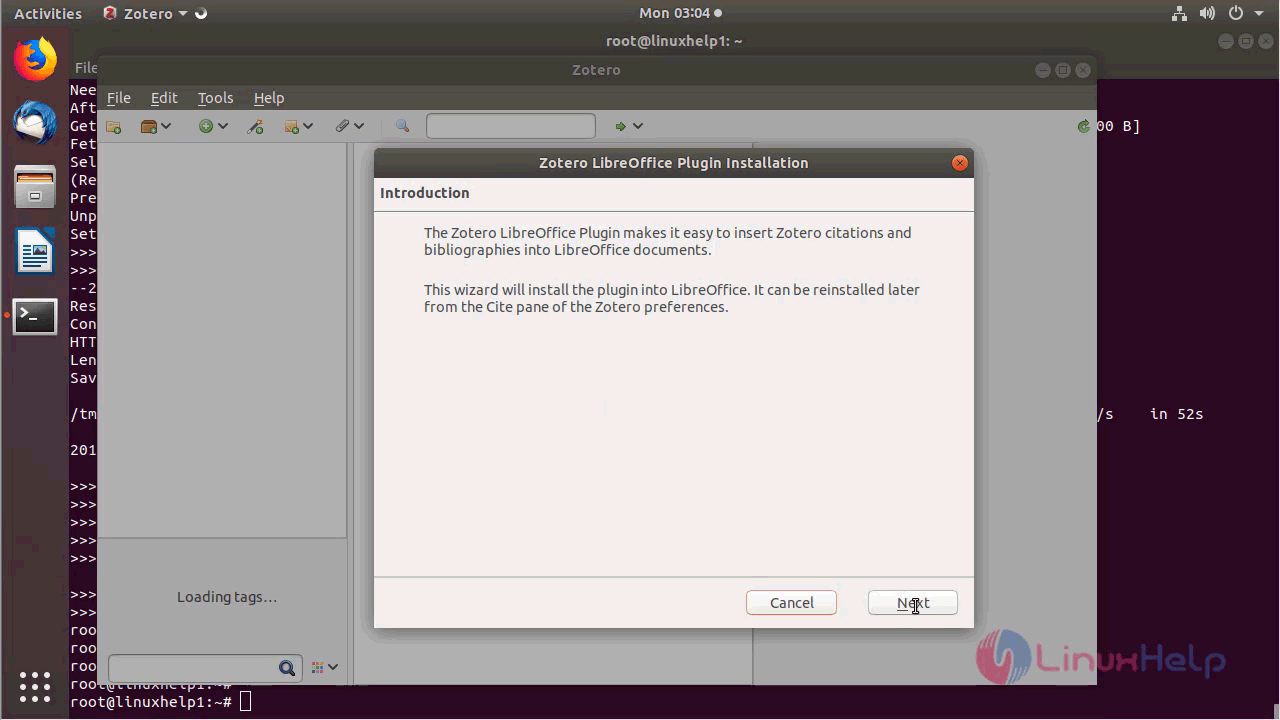
Choose next to install required components as follows
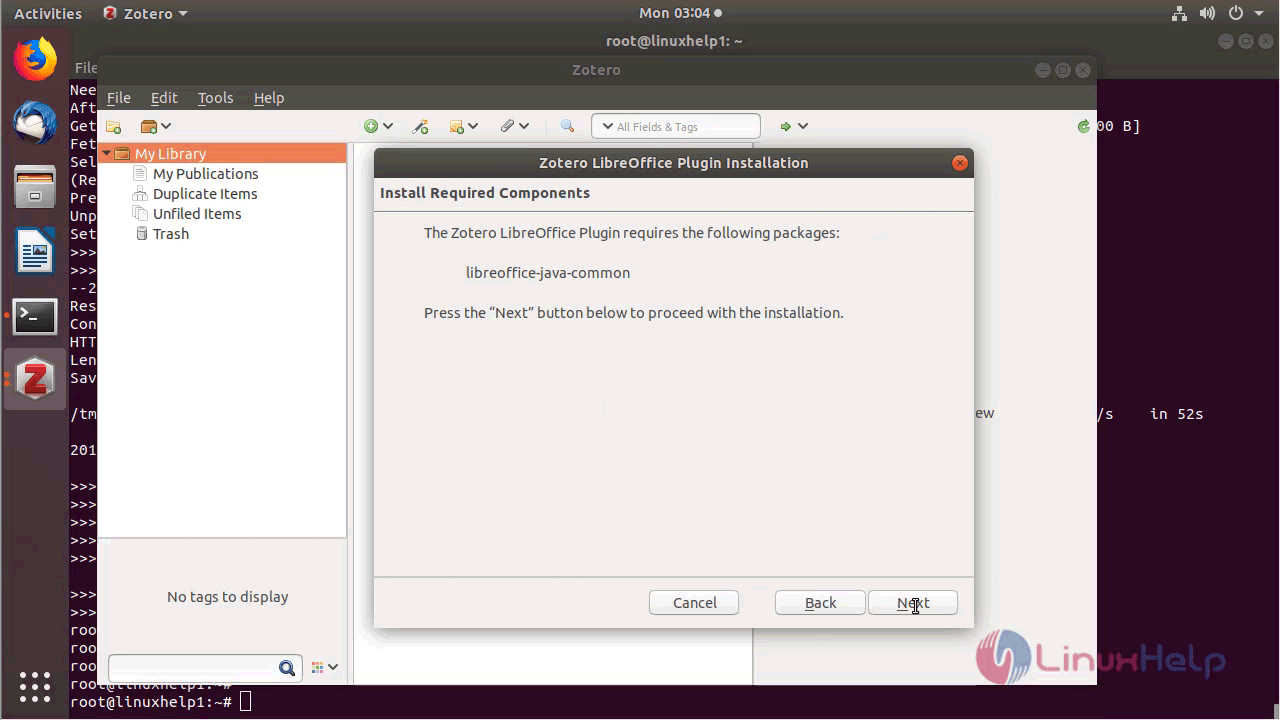
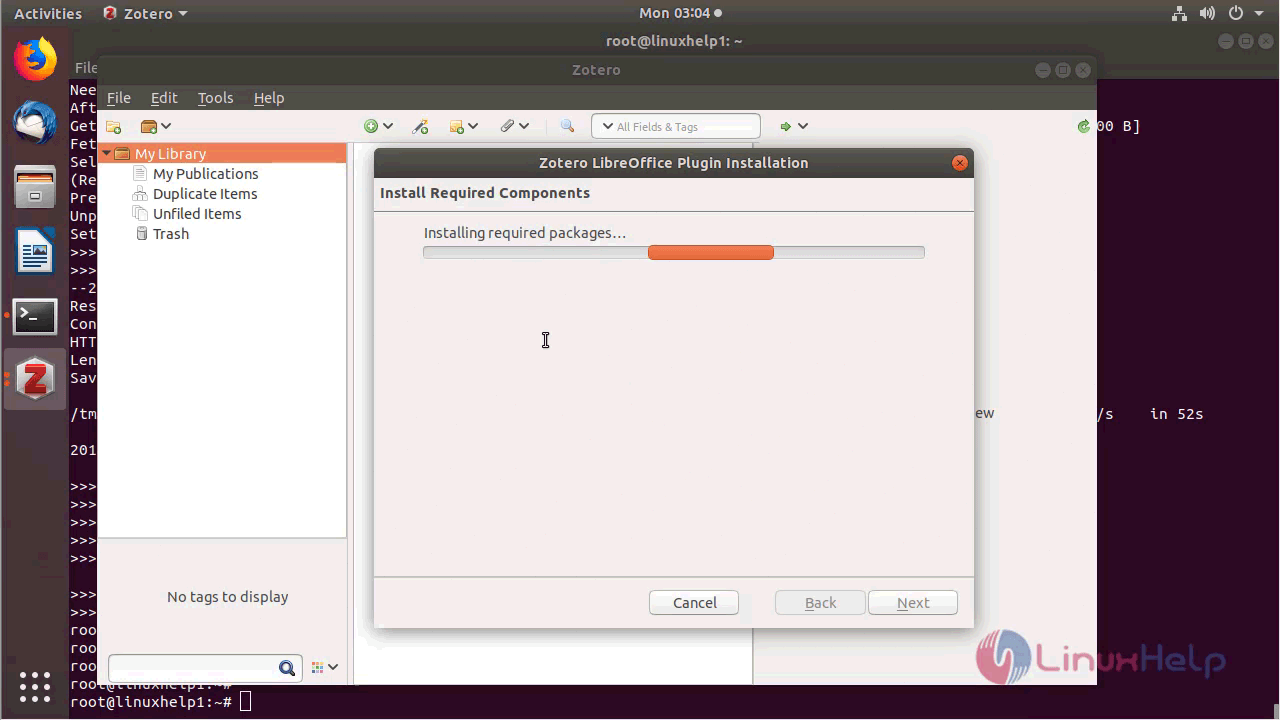
Click install
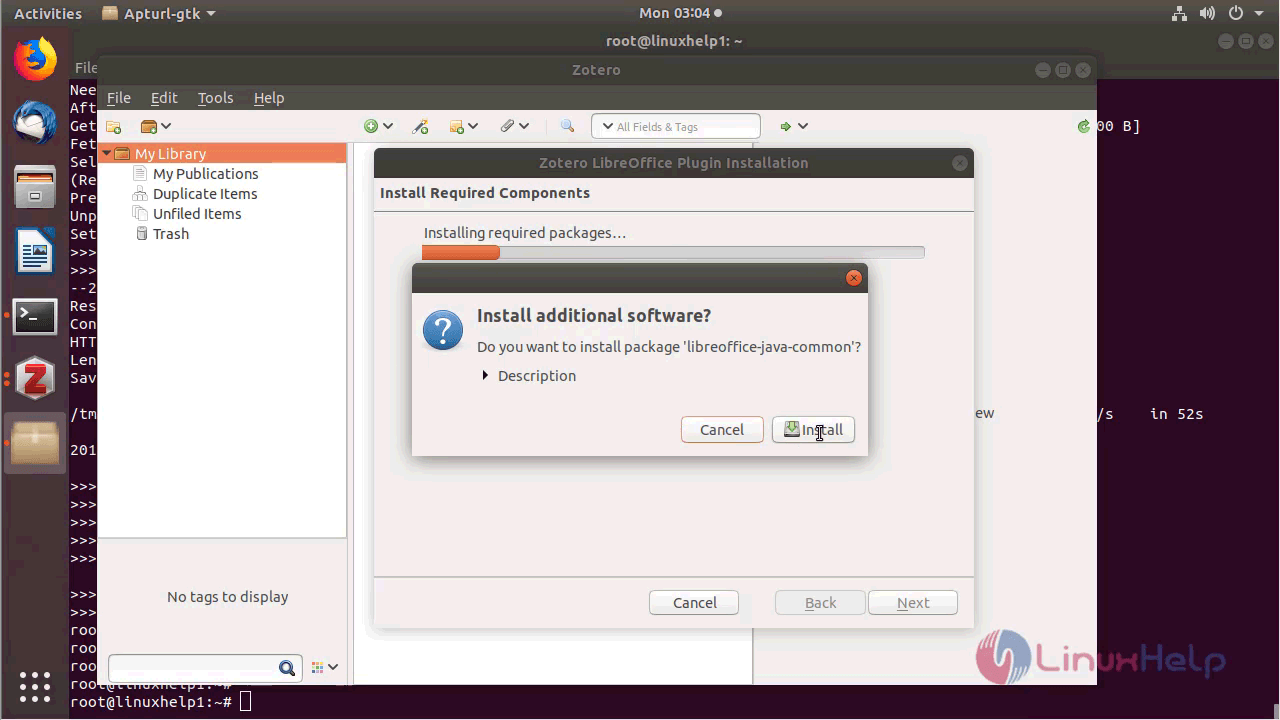
Give the password of current login’s user
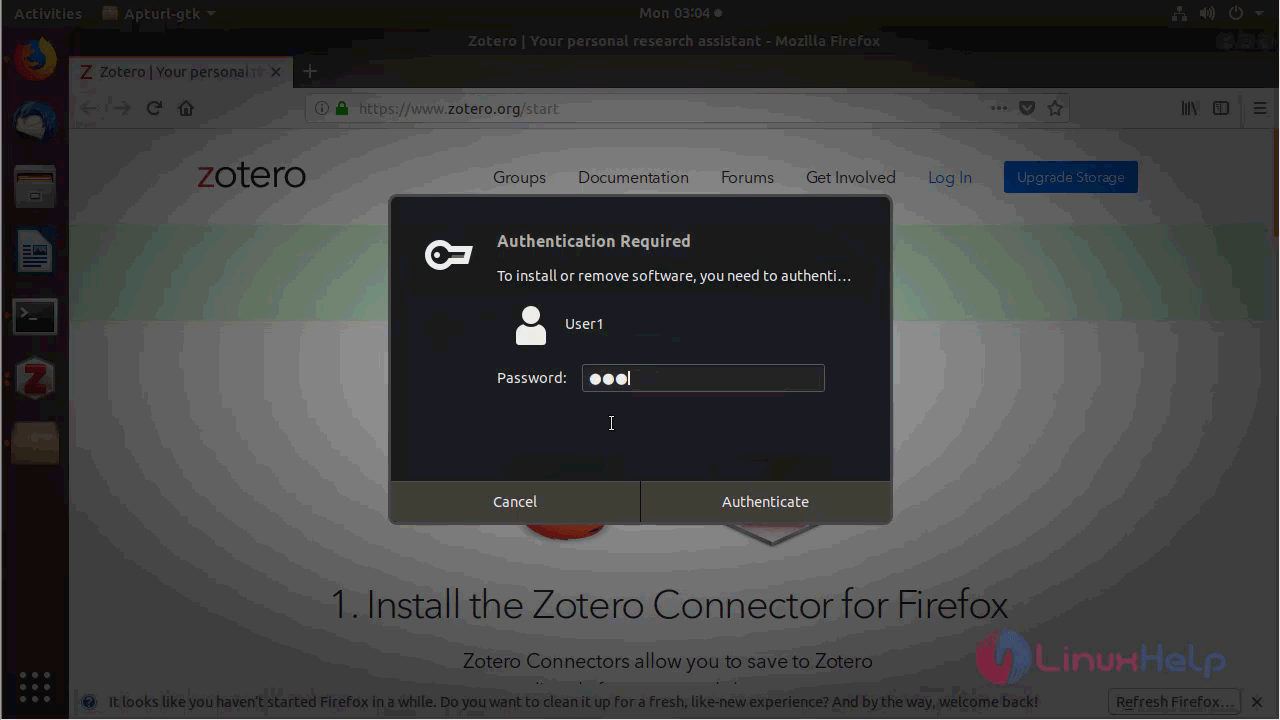
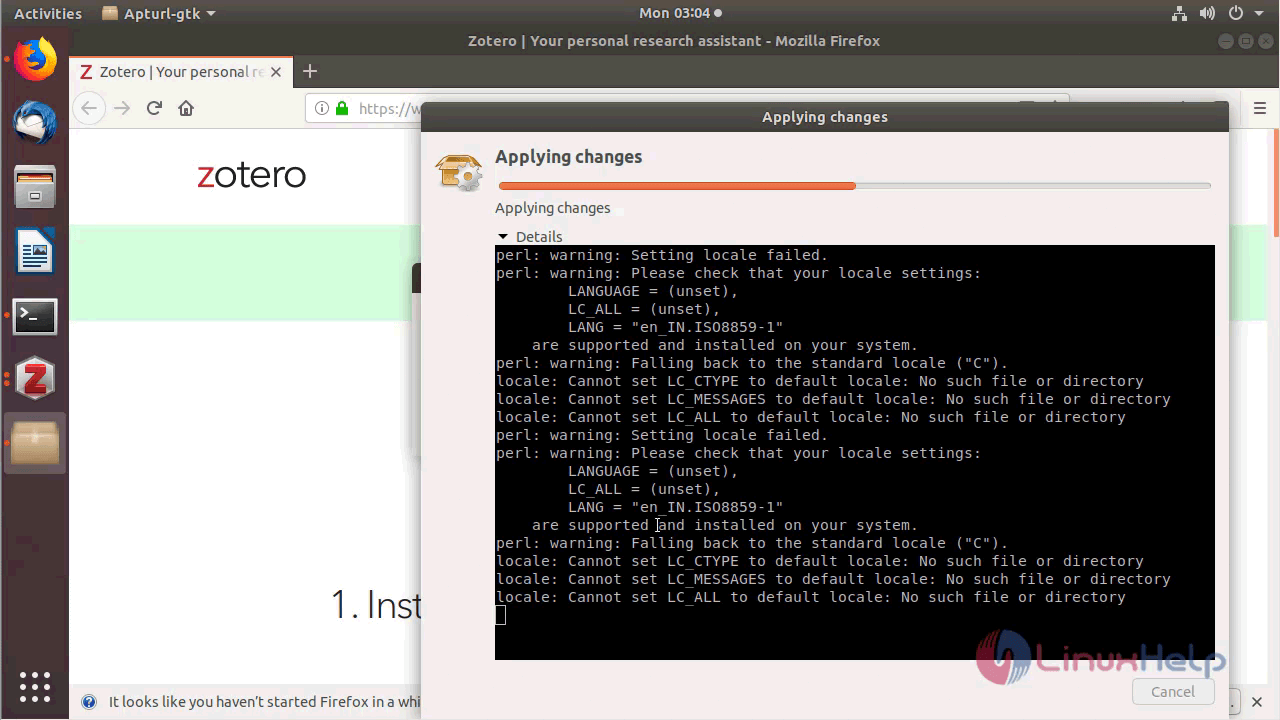
You will see the installation of components as shown below
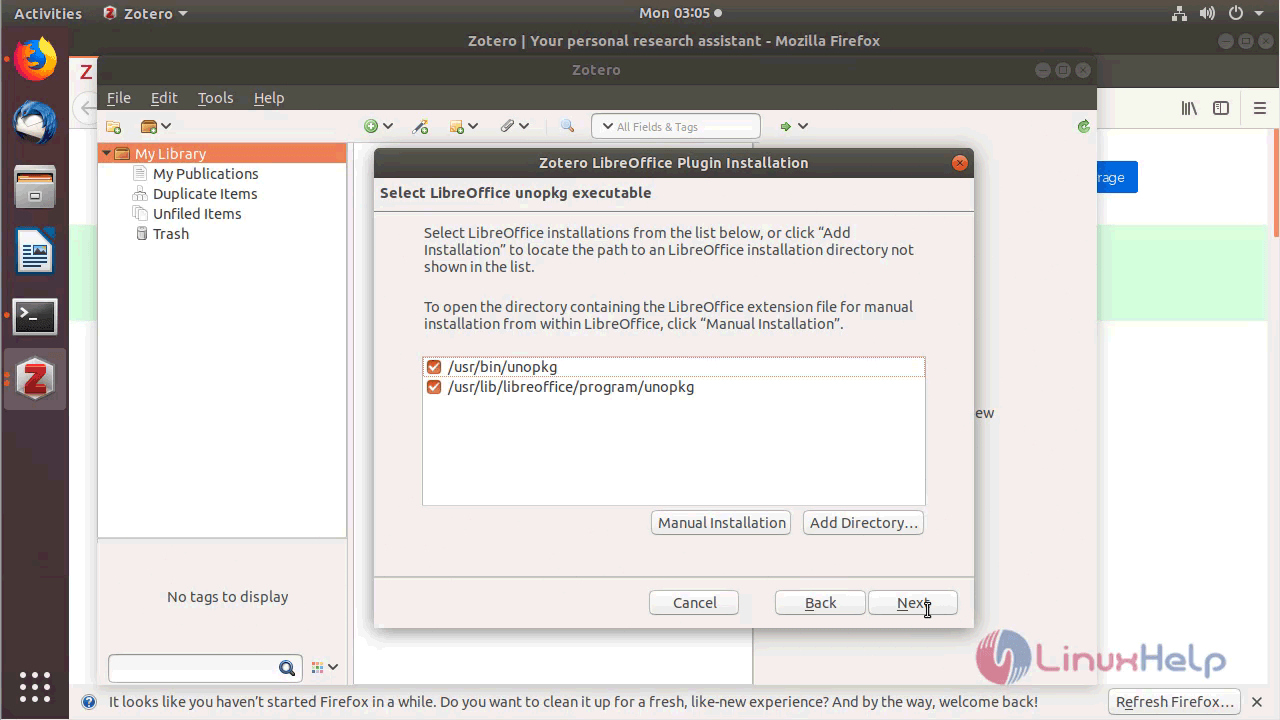
Choose location of binary files
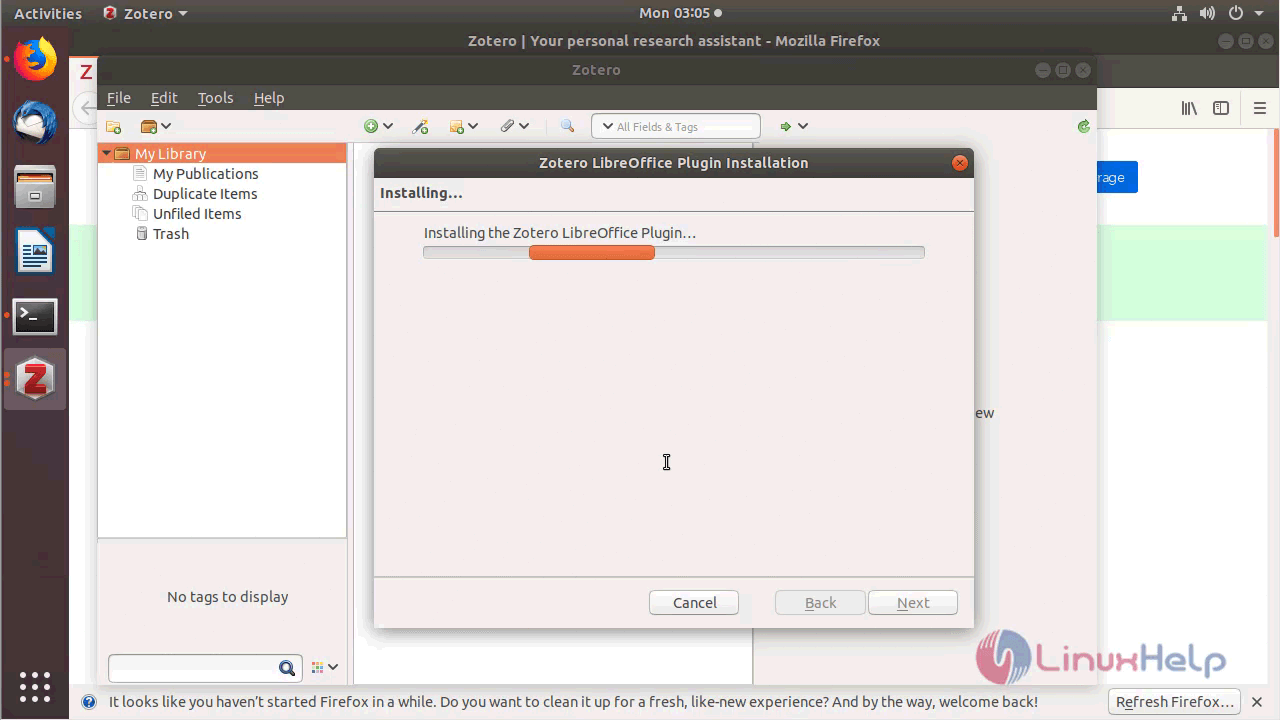
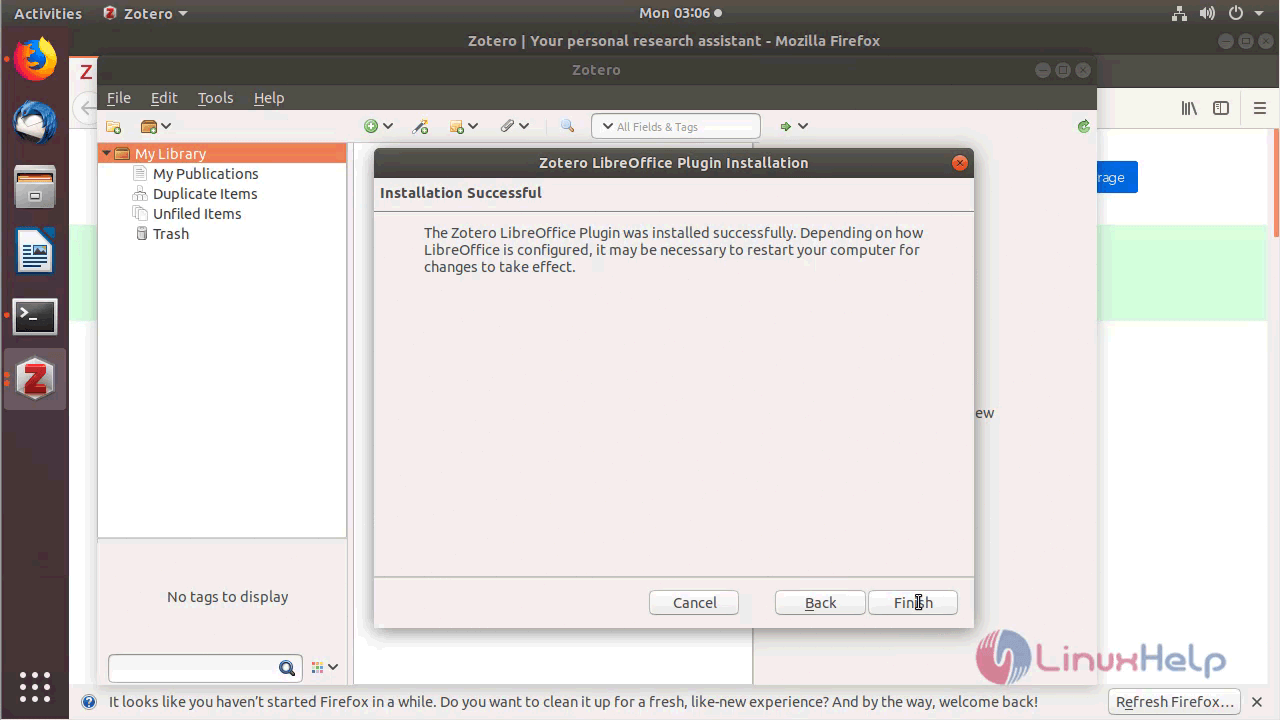
You will see the plugins installation as follow
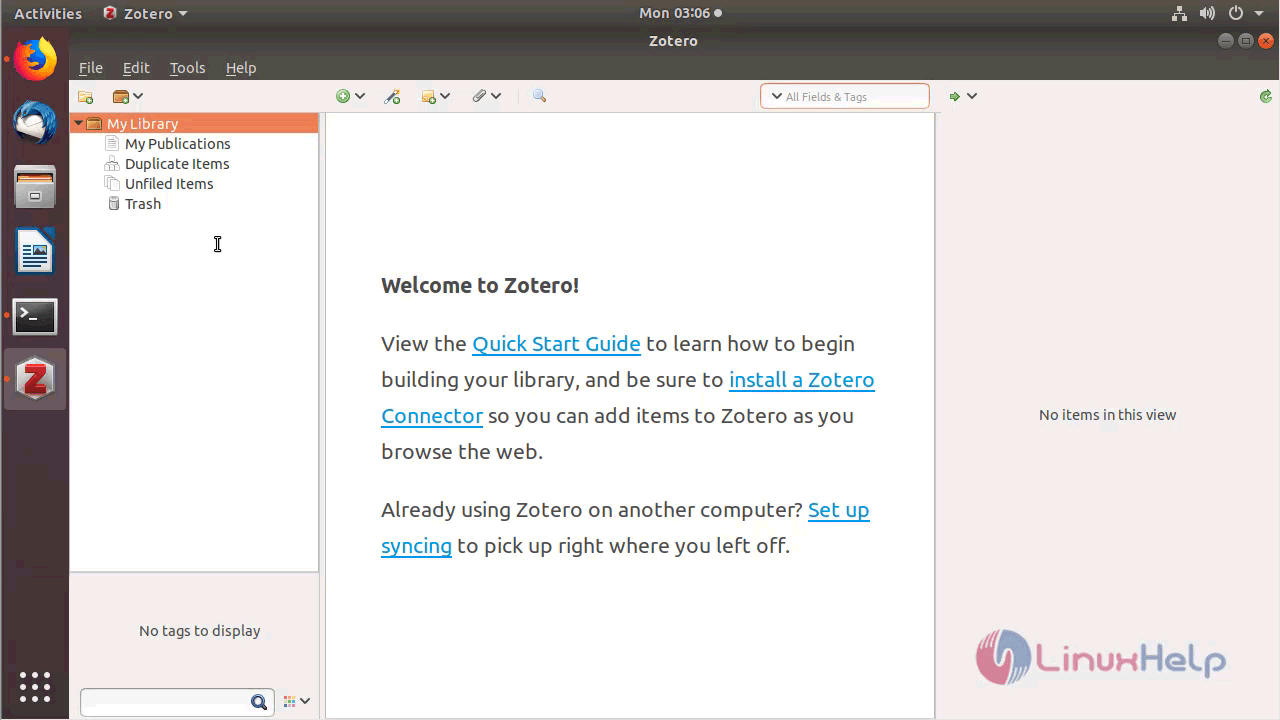
After the configuration, you will see the following page as shown below
Zotero application
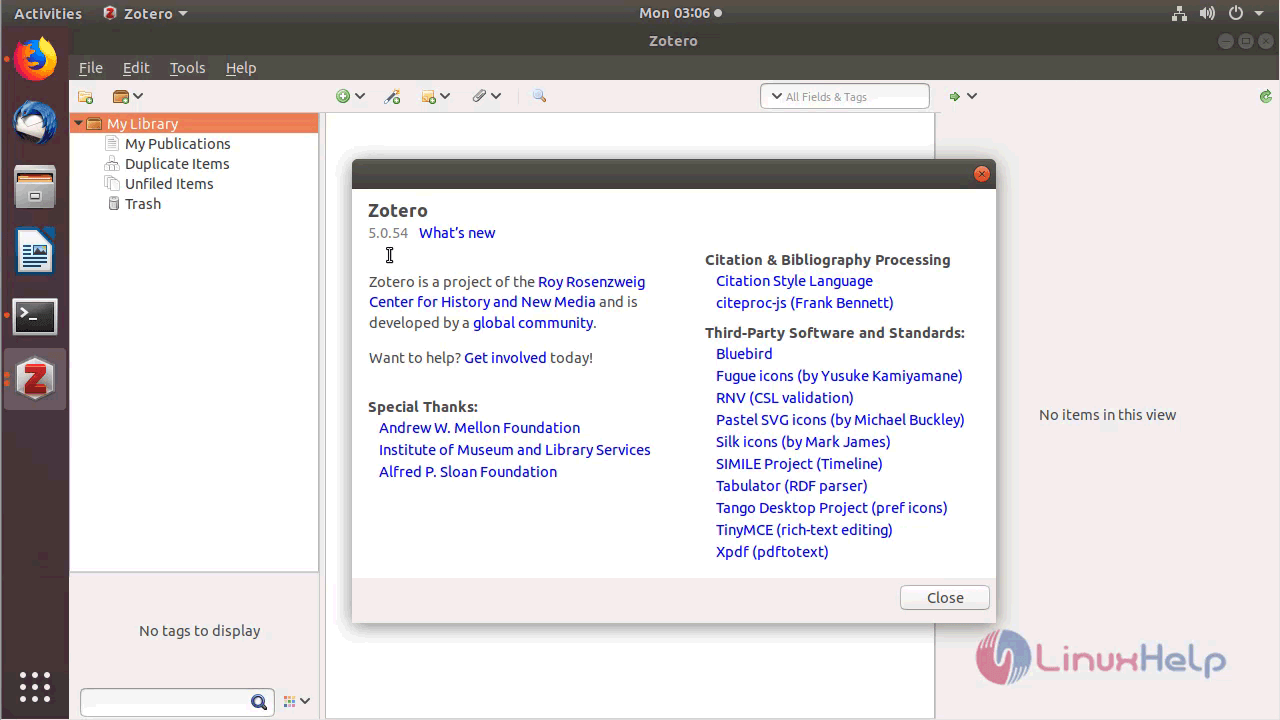
The version of Zotero can be found in Help-> About
With this, the method to install Zotero 5.0 on Ubuntu 18.04 comes to an end.
Comments ( 0 )
No comments available