How to install Zurmo CRM – 3.2.4 on Ubuntu – 17.04
To install Zurmo CRM &ndash 3.2.4 on Ubuntu &ndash 17.04
Zurmo CRM is a free and open-source CRM application. Zurmo consists of Activity management, Contact management, Reporting, Deal tracking, Product management, etc. It uses Gamification to engage and interact with users which leads to successful CRM implementation. This tutorial covers the installation of Zurmo CRM on Ubuntu &ndash 17.04
Prerequisites
Zurmo CRM requires a web server to functionally based on LAMP setup on your system and also with following required PHP modules
apt-get install php-mysql php-curl php-json php-cgi php libapache2-mod-php php-mcrypt php-xmlrpc php-gd php-mbstring php  php-common  php-xmlrpc php-soap  php-xml php-intl  php-cli  php-ldap php-zip php-readline
php-imap php-tidy php-recode php-sqlite3 php-xdebug php-gettext php-dev php-pear php-memcache php-memcached
Installation
Make sure you Update the system repository before you start the installation.
root@linuxhelp1:~# apt-get update
Hit:1 http://old-releases.ubuntu.com/ubuntu zesty InRelease
Hit:2 http://old-releases.ubuntu.com/ubuntu zesty-updates InRelease
Hit:3 http://old-releases.ubuntu.com/ubuntu zesty-backports InRelease
Hit:4 http://old-releases.ubuntu.com/ubuntu zesty-security InRelease
Reading package lists... Done
Installation
Let’ s create a database for zurmo and configure follows.
root@linuxhelp1:~# mysql -u root -p
Enter password:
Welcome to the MariaDB monitor.  Commands end with   or g.
Your MariaDB connection id is 10
Server version: 10.1.25-MariaDB- Ubuntu 17.04

Copyright (c) 2000, 2017, Oracle, MariaDB Corporation Ab and others.

Type ' help '  or ' h'  for help. Type ' c'  to clear the current input statement.

MariaDB [(none)]>  CREATE DATABASE zurmo
Query OK, 1 row affected (0.00 sec)

MariaDB [(none)]>  GRANT ALL PRIVILEGES ON zurmo.* TO ' zurmouser' @' localhost'  IDENTIFIED BY ' 123'
Query OK, 0 rows affected (0.01 sec)
MariaDB [(none)]>  FLUSH PRIVILEGES
Query OK, 0 rows affected (0.00 sec)

MariaDB [(none)]>  EXIT
Bye
Next switch to the zurmo package Download directory.
root@linuxhelp1:~# cd /home/user/Downloads/
Extract the package as follows.
root@linuxhelp1:/tmp# tar -zxvf zurmo-stable-3.2.4.01254e9117e1.tar.gz
zurmo/
zurmo/README.text
zurmo/index.php
zurmo/redbean/
zurmo/redbean/rb.php
zurmo/yii/
zurmo/yii/UPGRADE
zurmo/yii/LICENSE
zurmo/yii/framework/
zurmo/yii/framework/collections/
.
.
zurmo/app/themes/default/images/jqueryui/ui-bg_glass_75_dadada_1x400.png
zurmo/app/themes/default/images/jqueryui/ui-icons_222222_256x240.png
zurmo/app/themes/default/ico/
zurmo/app/themes/default/ico/favicon.ico
zurmo/app/version.php
zurmo/app/test.php
zurmo/app/index.php
zurmo/app/roots.php
zurmo/app/assets/
zurmo/app/assets/index.html
And then you need to move the file.
root@linuxhelp1: /home/user/Downloads/# mv zurmo /var/www/
Switch to the Apache document root Directory.
root@linuxhelp1: /home/user/Downloads/# cd /var/www/
Next, you need to change ownership and permission in the following manner.
root@linuxhelp1:/var/www# chown -R www-data.www-data zurmo
root@linuxhelp1:/var/www# chmod -R 775 zurmo
And also you need to make the changes in php.ini file as follows.
root@linuxhelp1:/var/www# vim /etc/php/7.0/apache2/php.ini
[..]
Date.timezone = Asia/Kolkata
Post_max_size = 32M
Upload_max_filesize = 32M
zend.assertions = 0
[..]
Next, create a virtual host file for zurmo as follows
root@linuxhelp1:/var/www# vim /etc/apache2/sites-available/zurmo.conf
< VirtualHost *:80>
ServerName www.linuxhelp1.com
DocumentRoot /var/www/zurmo/

< Directory /var/www/zurmo/>
ALlowOverride All
allow from all
< /Directory>

< /VirtualHost>
You need to enable the site access.
root@linuxhelp1:/var/www# a2ensite zurmo.conf
Enabling site zurmo.
To activate the new configuration, you need to run:
systemctl reload apache2
And then restart the apache2 to make the changes effect.
root@linuxhelp1:/var/www# systemctl restart apache2
Do not forget to disable the default site access.
root@linuxhelp1:/var/www# a2dissite 000-default.conf
Site 000-default disabled.
To activate the new configuration, you need to run:
systemctl reload apache2
Finally, restart the apache2 to make the changes effect.
root@linuxhelp1:/var/www# systemctl restart apache2
Enable the rewrite module.
root@linuxhelp1:/var/www# a2enmod rewrite
Enabling module rewrite.
To activate the new configuration, you need to run:
systemctl restart apache2
Restart the apache2 by running the following command.
root@linuxhelp1:/var/www# systemctl restart apache2
Now you can proceed the further installation and configuration from the browser by navigating to the following URL: http://< ipaddress or domain name.
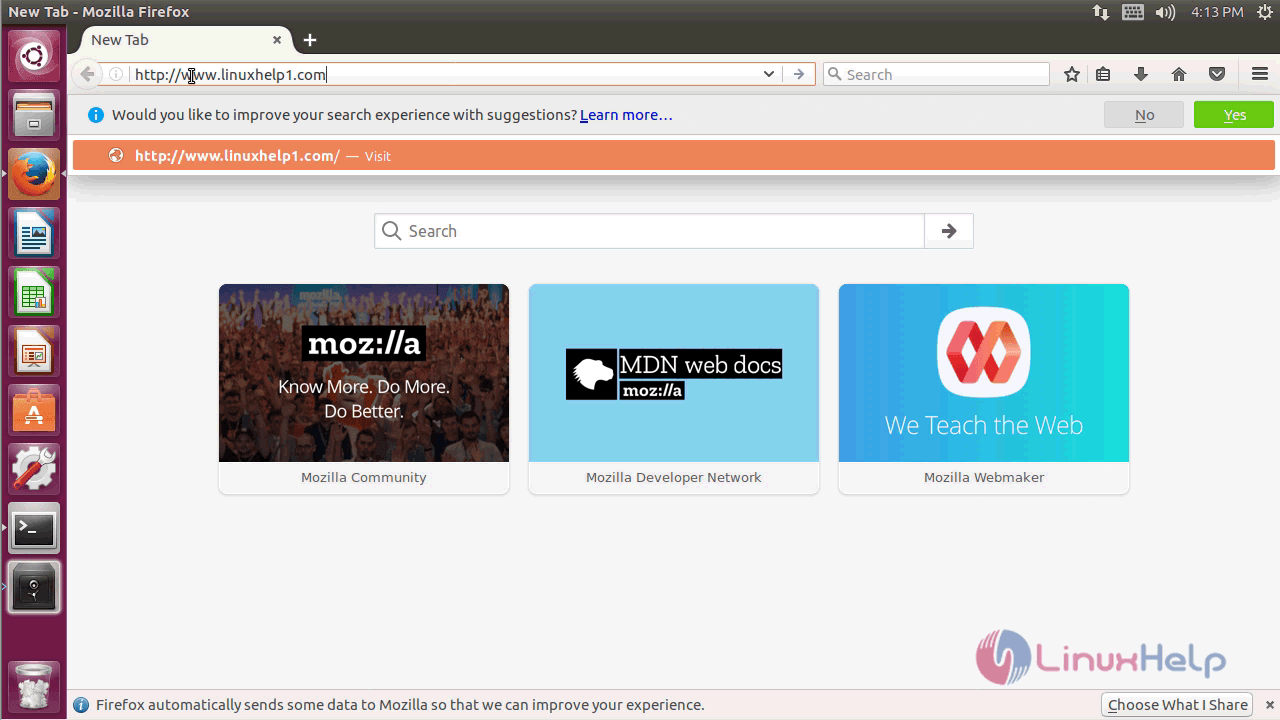
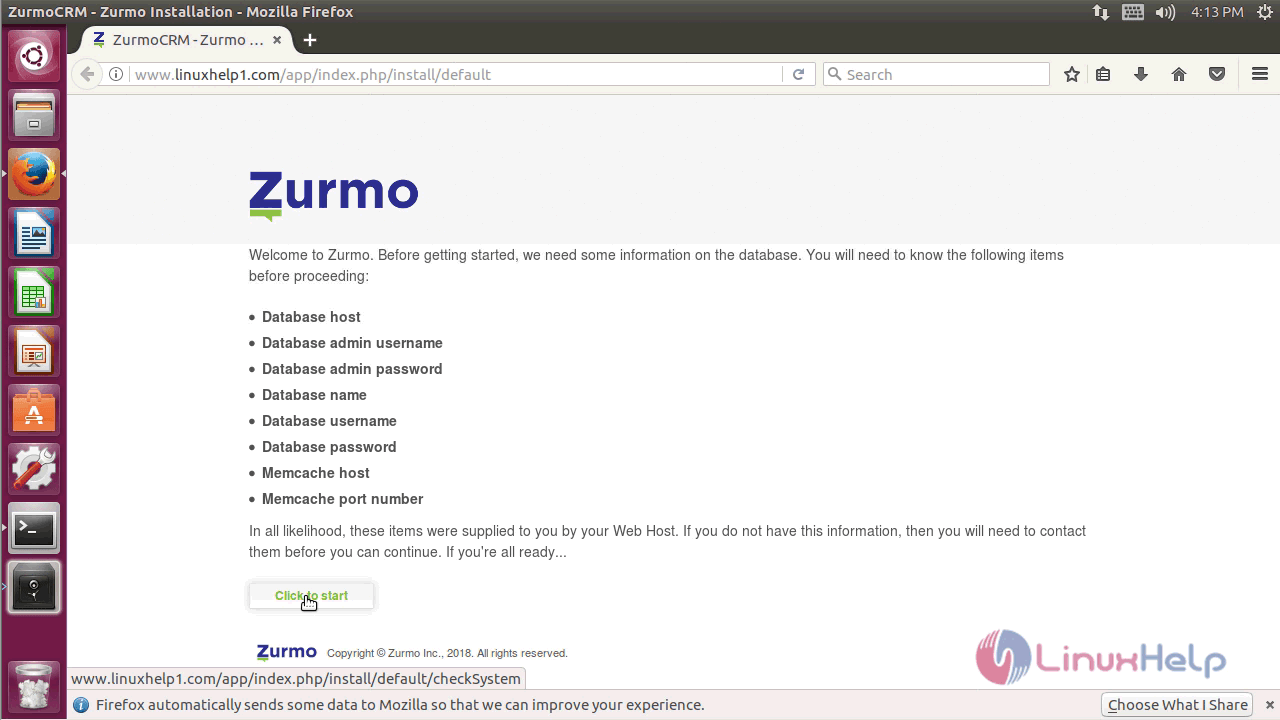
Configure the Zurmo configuration setup as follows.
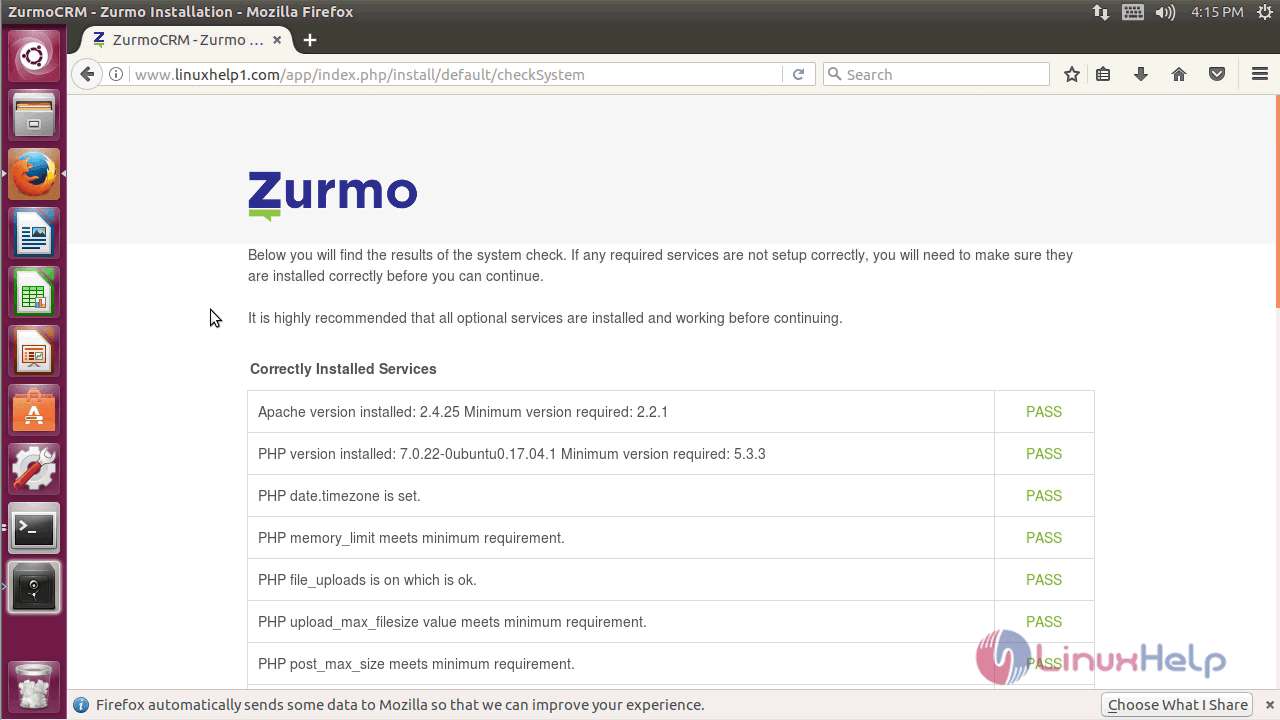
Verify, whether it meets all the PHP requirements and proceed.
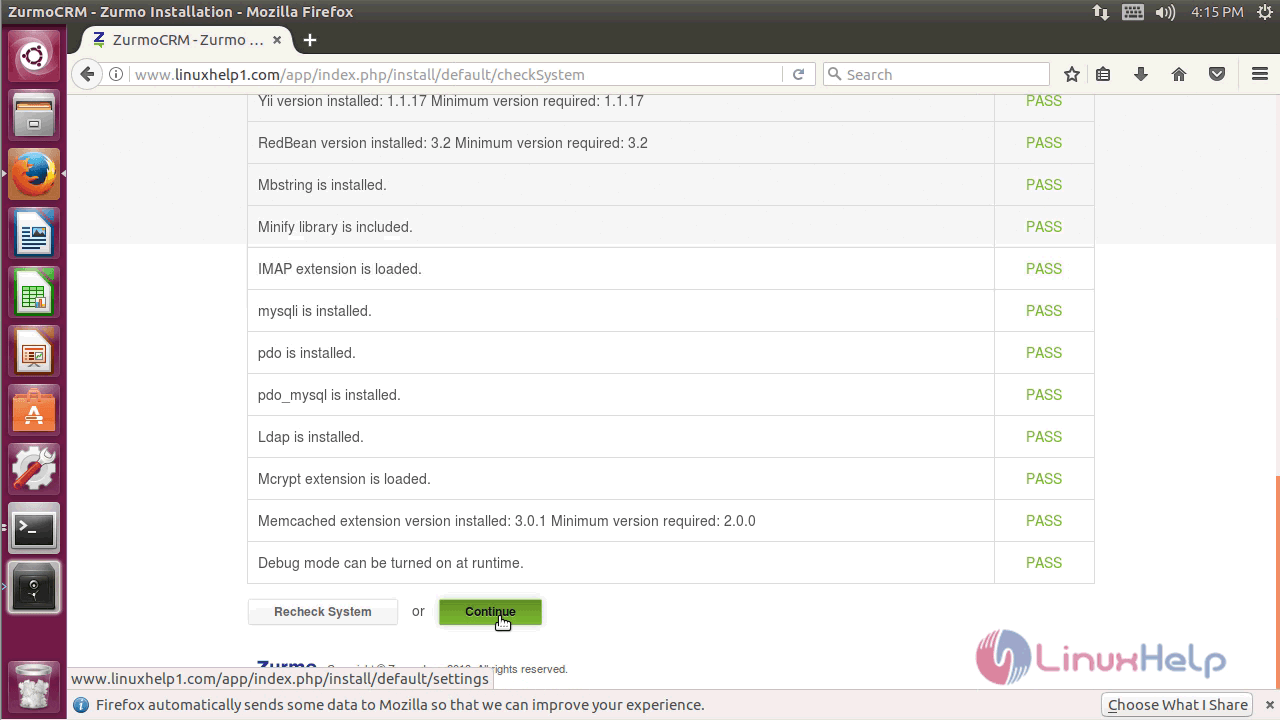
Configure the database setup and click on install once finished.
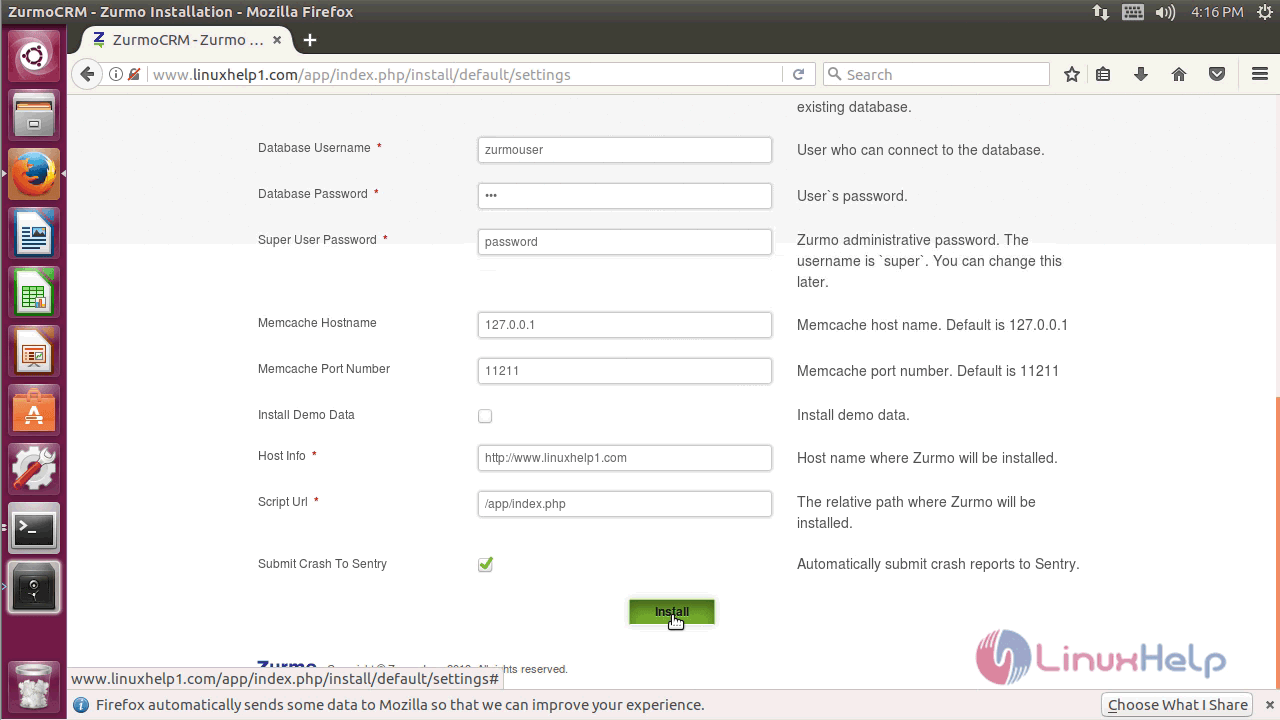
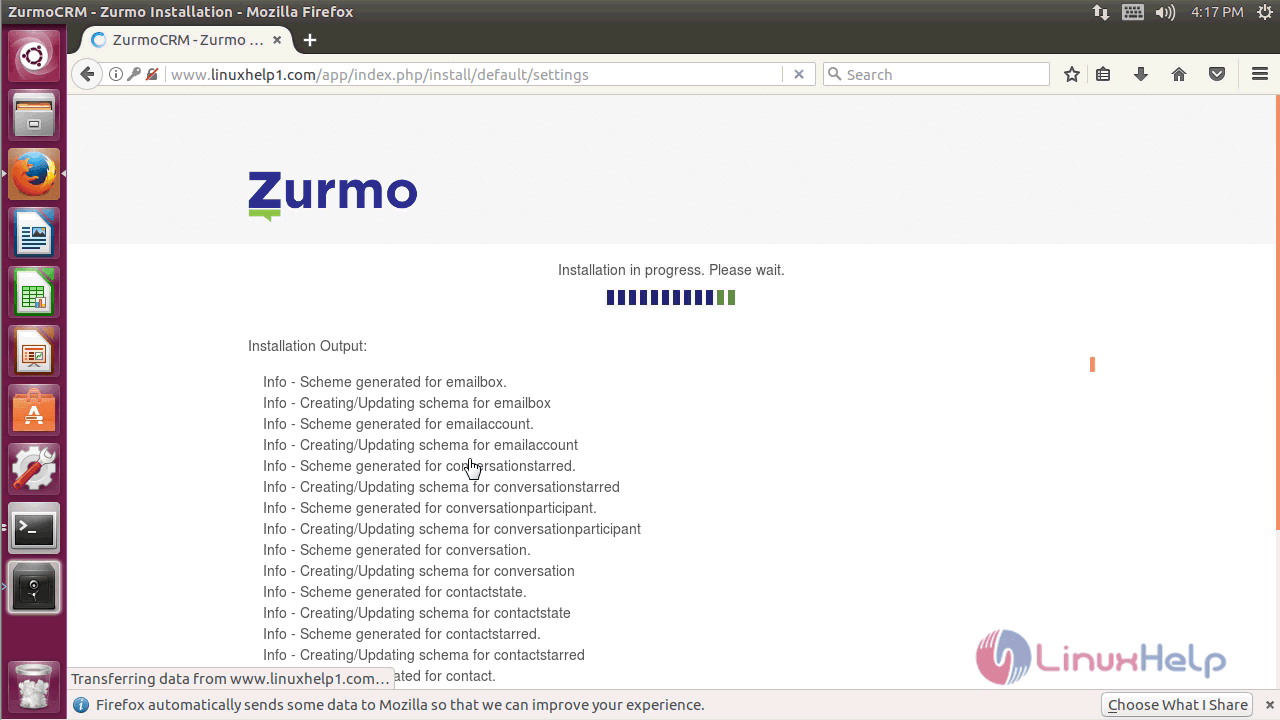
Now the installation takes place as you can see from the below image.
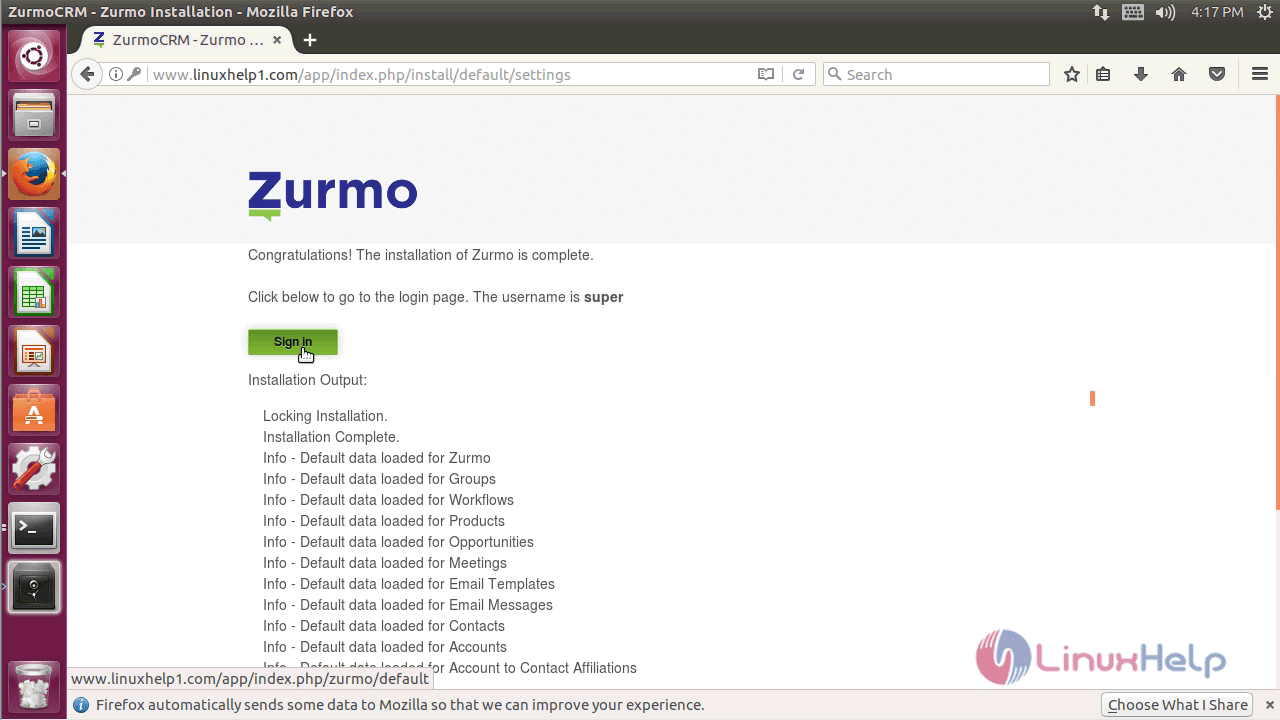
Once the installation is complete, click on sign in.
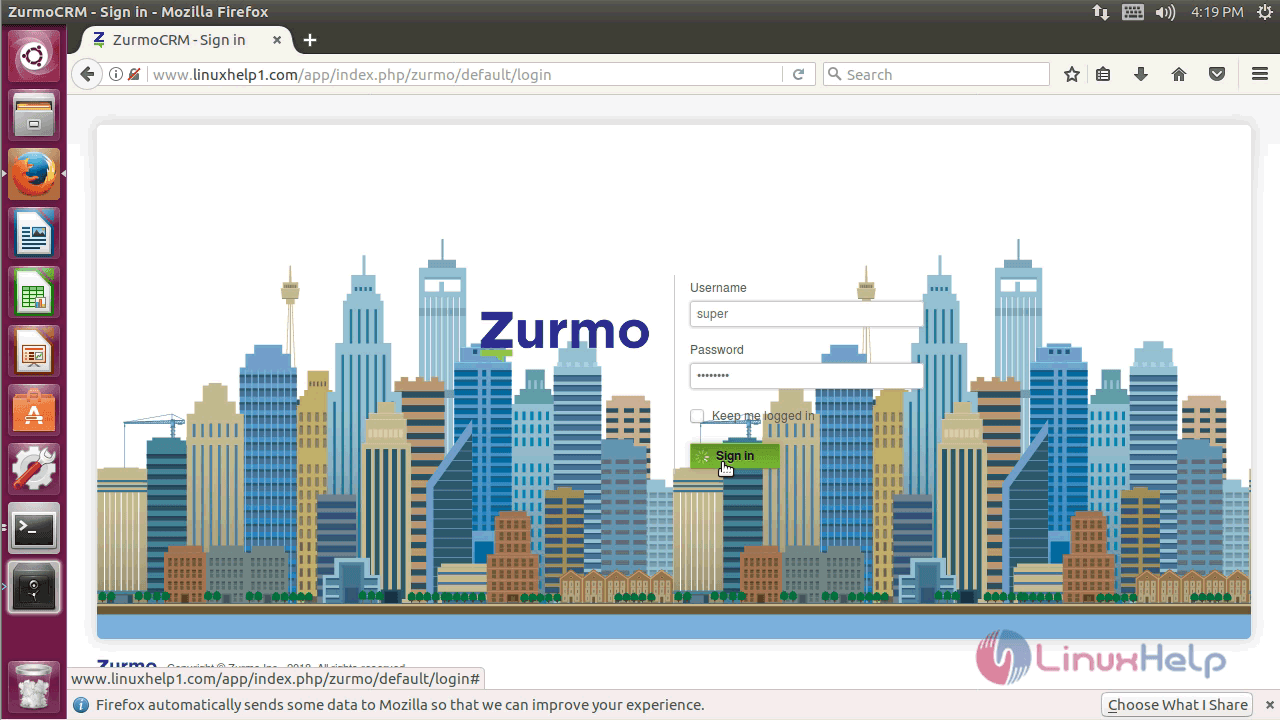
Log in using the credentials you created during the setup.
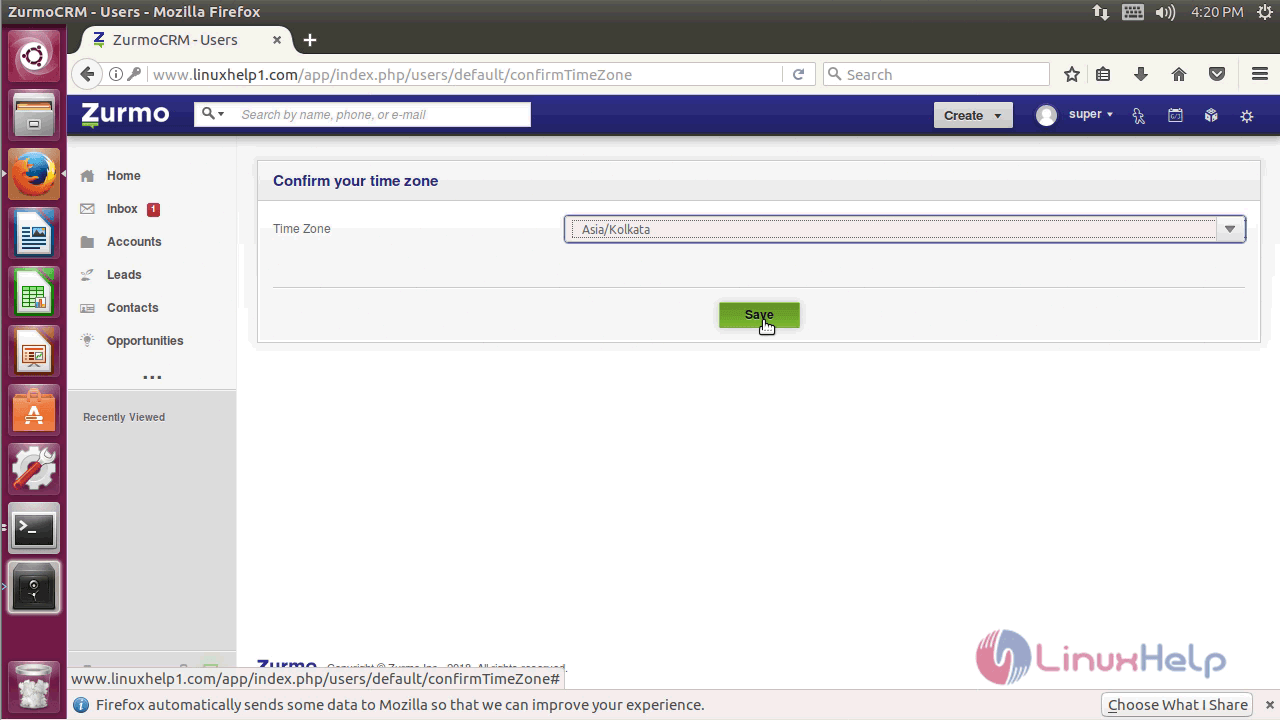
Once you log in, set up the time zone and save it.
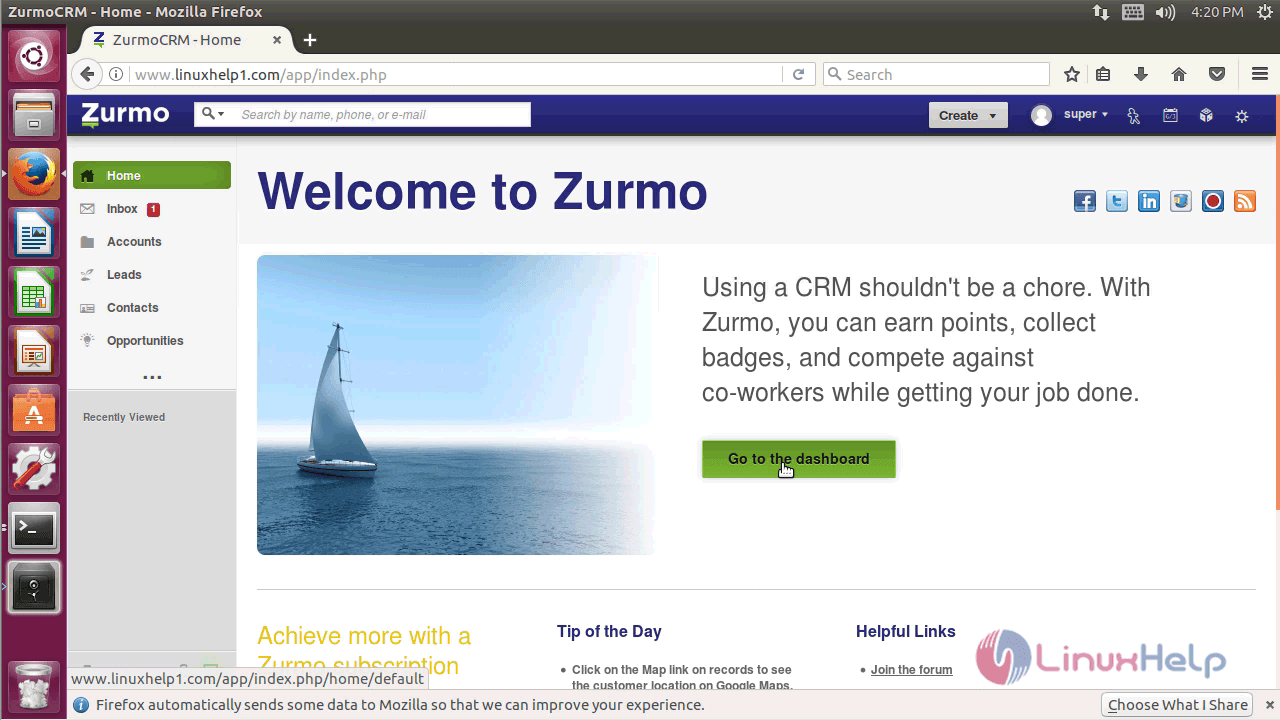
And then click on " Go to Dashboard" option.
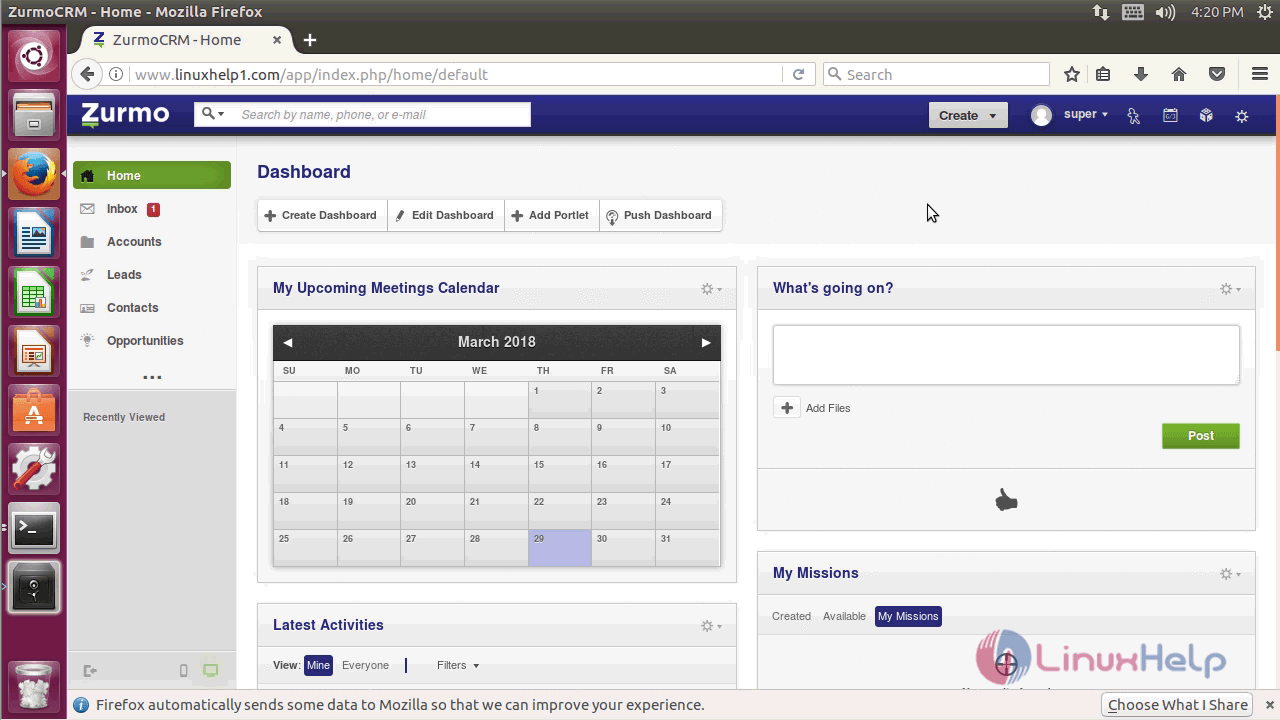
You will see the following screen once you log in Zurmo.
With this, the method to install zurmo CRM &ndash 3.2.4 on Ubuntu &ndash 17.04 comes to an end.
Comments ( 0 )
No comments available