How to login multiple users in windows SMB share on FreeNAS
To login multiple users in windows SMB share on FREENAS
Introduction:
SMB stands for “Server Message Block", a file-sharing protocol that was developed by IBM and has been around since the mid-eighties. This protocol was designed to support computers to read and write files to a remote host over a local area network (LAN).
Log into FreeNAS:
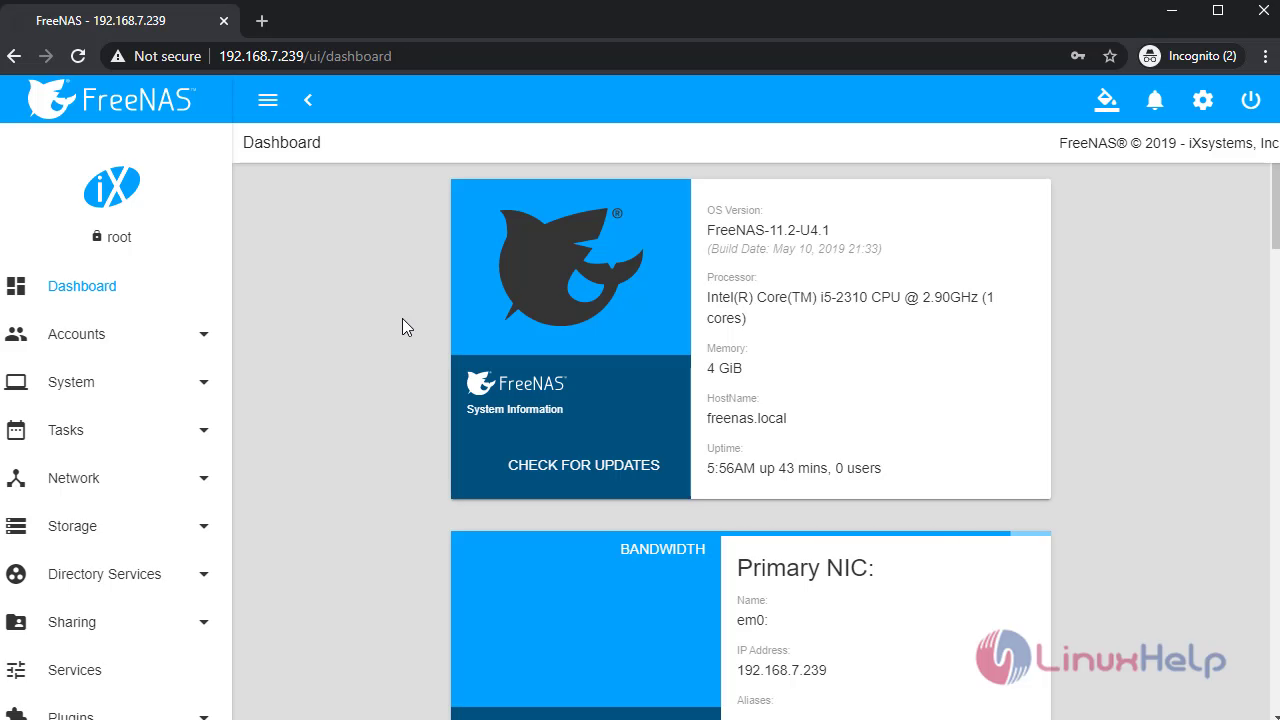
This the Dashboard page of FreeNAS:
 Go to users and create a new User:


 Once completed open pools and create a new dataset:


 After that go to SMB shares and create a new share:


 Once completed edit the permission for new dataset:


 Once completed restart the SMB service:
 Then open file explorer and type the SMB share ip address in address bar and login as homeuser:


 Then click the windowshare2 to open and login as homeuser2:
 It will not open, and give the error message permission denied. Because SMB share will allow only one user at a time. If we need to login as another user we must delete the credentials for existing user:
 To delete the credentials for existing user open command prompt and type the following command:
“net use * /delete”
 Once completed open windowshare2 and login as homeuser2:

 If again I am trying to open windowshare it will through the error permission denied, then we need to delete the credentials for windowshare2.


 Now, login as windowshare credentials:

 With this method login multiple users in windows SMB share on FreeNAS comes to an end.
Comments ( 0 )
No comments available