How To Manage Multiple Terminal using Terminator 0.97
To Manage Multiple Terminal using Terminator 0.97
Terminator 0.97 is an open-source terminal emulator programmed in Java. Terminator is licensed under the GNU General Public License. It allows you to use multiple splitted and resized terminals, all at once on a single screen. Installation of Terminator 0.97 is explained in this article.
Features
- Automatic Logging - Complete logs are automatically generated for all the user' s in the terminal sessions.
- Drag & Drop - Text and URLs, and even files from Finder/Nautilus/Windows Explorer can be dropped on Terminator to be inserted as text, with automatic quoting of filenames containing shell meta-characters.
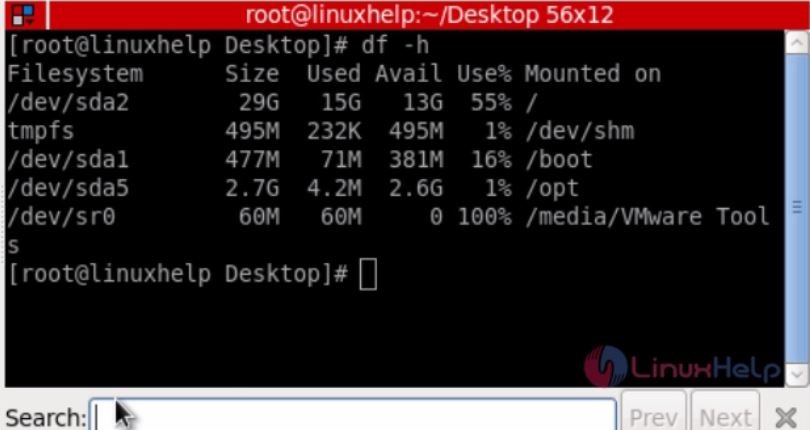
- Find - Terminator provides you with a find function so users can search for text and regular expressions within their terminal (including the scrollback), highlighting them all, in the style of less, and offering quick movement to the next or previous match.
- Horizontal Scrolling - Most terminal emulators wrap text when it intrudes upon the right margin. Terminator instead provides a horizontal scrollbar when necessary.
- Multiple Tabs - Like tabbed browsing, only with terminals, tabbed terminals.
- Safe Quit - Terminator knows when you still have processes running, and brings up a dialog rather than just letting those processes die.
- UTF-8 - Terminator does not mangle accented characters, and it copes well with languages such as Greek where there' s a mix of normal and wide glyphs.
- Unlimited Scrollback - Terminator does not throw away output when it scrolls off the top of the screen, nor when it reaches any arbitrary limit. The user must manually clear the scrollback.
- Intelligent Vertical Scrolling - Terminator' s scrollbar won' t keep jumping when there' s output if you' ve deliberately scrolled back to look at part of the history, but as soon as you scroll back to the bottom again, it will resume auto-scrolling.
Installation of Terminator emulator
Run the following command to install Terminator.
[root@linuxhelp Desktop]# yum install terminator
Loaded plugins: aliases, changelog, fastestmirror, kabi, presto, refresh-packagekit, security, tmprepo, verify,
: versionlock
Loading support for CentOS kernel ABI
Setting up Install Process
Loading mirror speeds from cached hostfile
epel/metalink | 3.7 kB 00:00
.
.
.
.
Installing : terminator-0.95-2.el6.noarch 1/1
Verifying : terminator-0.95-2.el6.noarch 1/1
Installed:
terminator.noarch 0:0.95-2.el6
Complete!
Open the terminator emulator using the below command.
[root@linuxhelp Desktop]#terminator
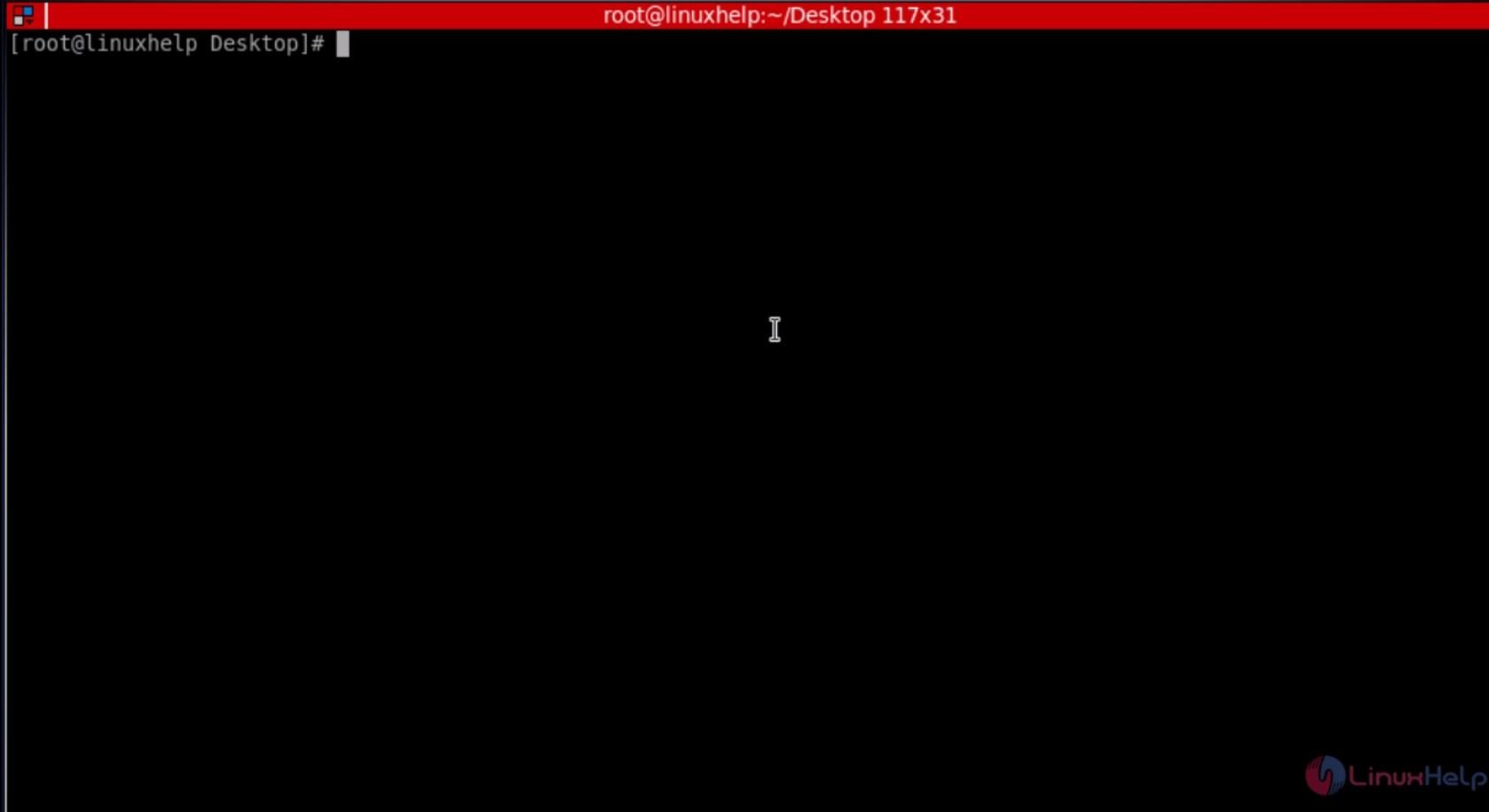
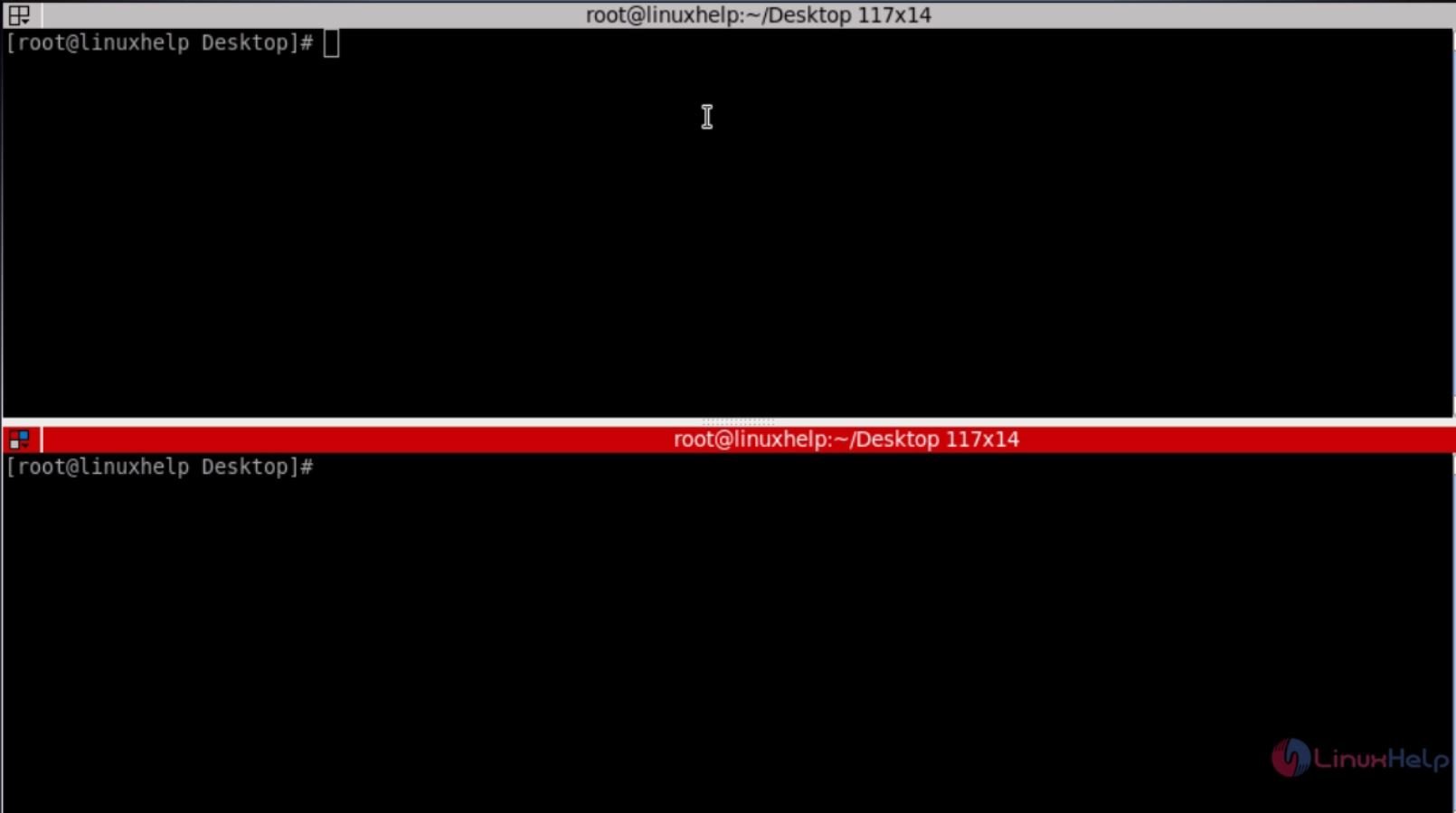
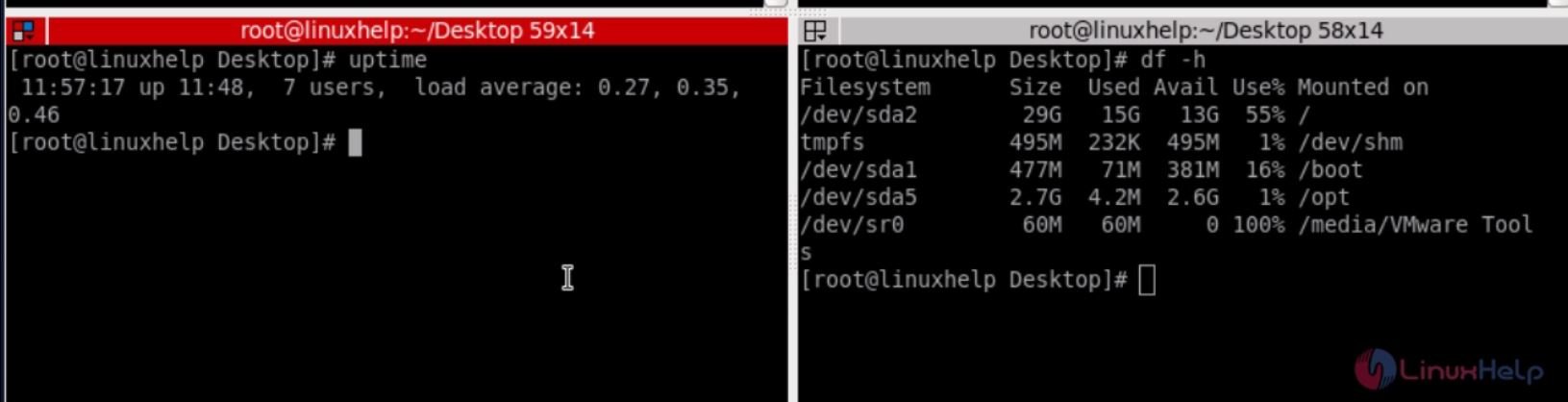
Press ' ctrl+shift+o' to split the terminal horizontally.
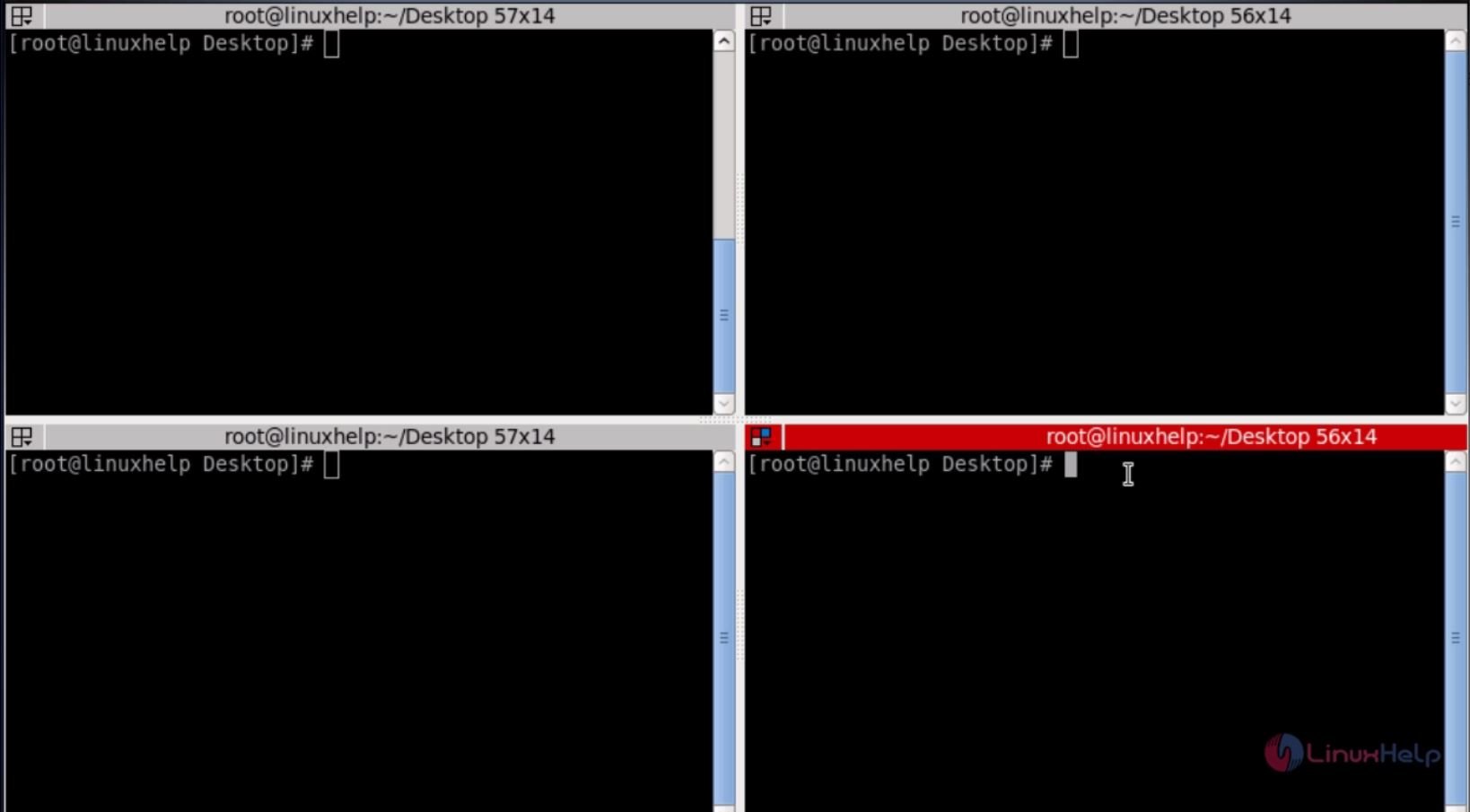
Press ' ctrl+shift+e' to split the terminal vertically
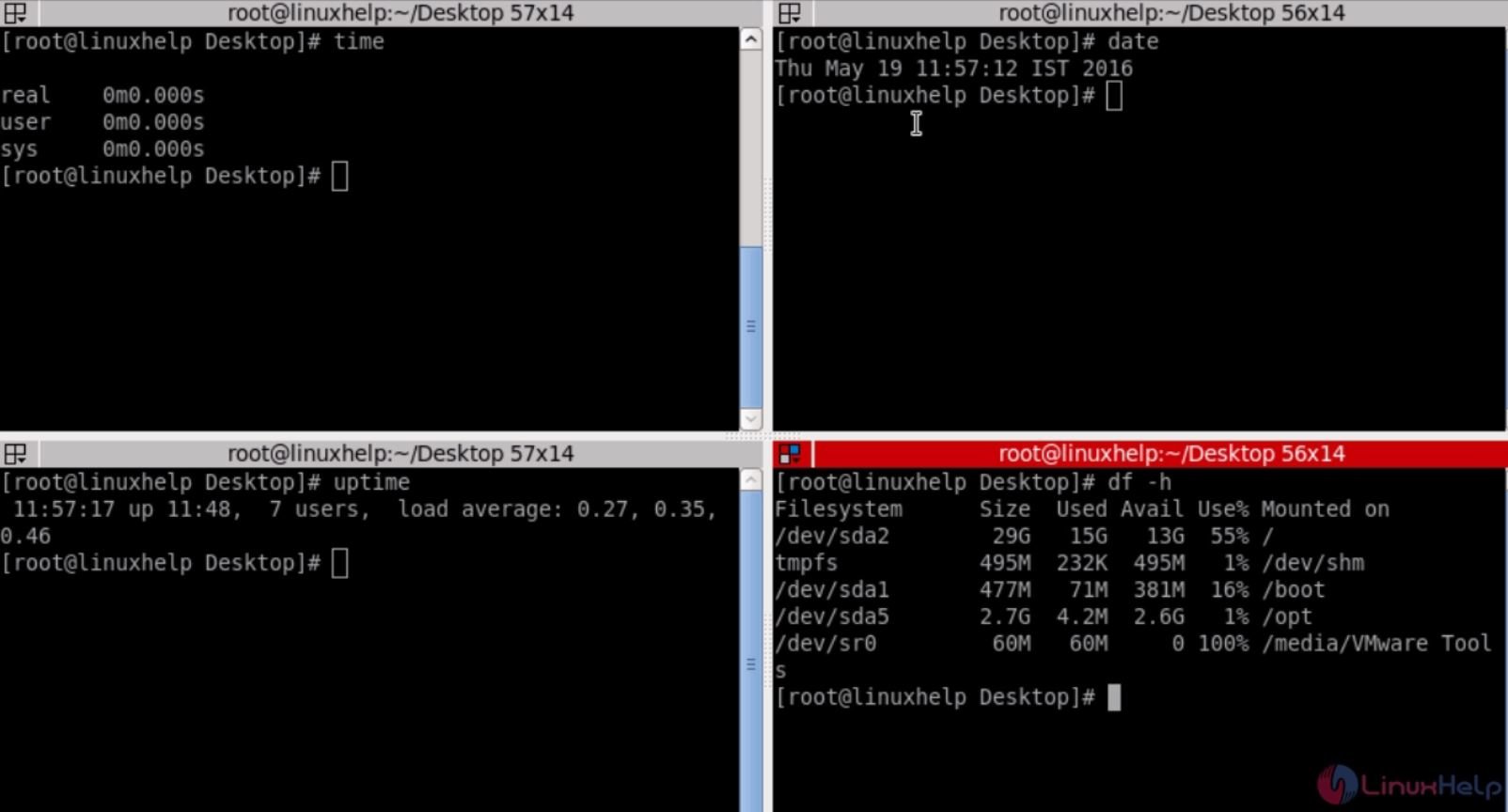
Now we can Work in all terminal separately.
Press ' ctrl+shift+s' to hide and replace the scroll ball.
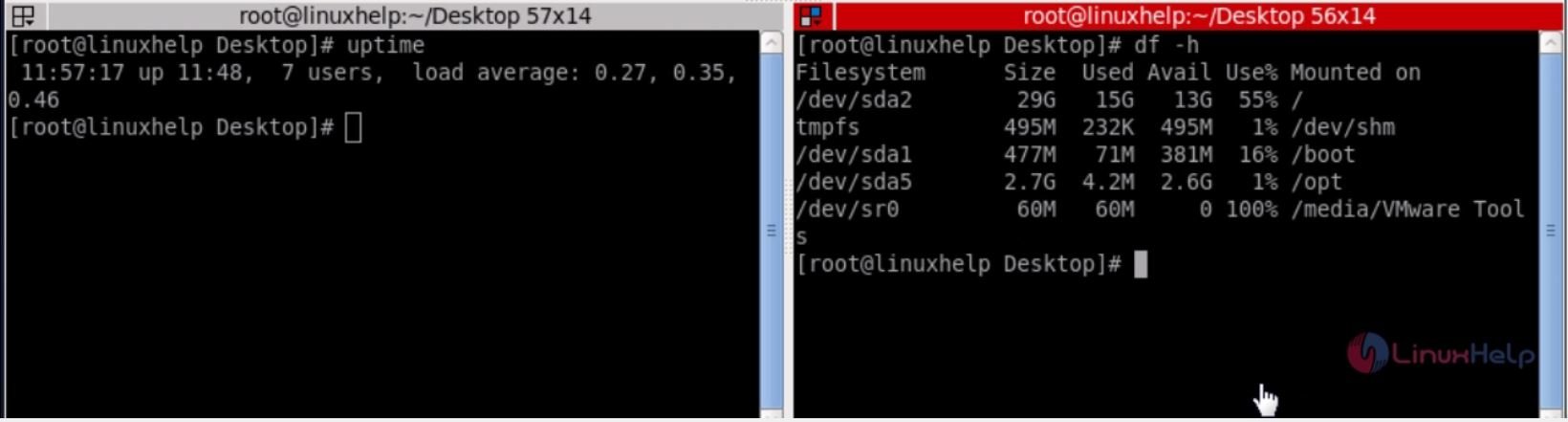
Press ' ctrl+shift+f' to find the command or keyword on the terminal.
Other useful options
Ctrl+Shift+Right_Arrow_key - Move Parent Dragbar Right.
Ctrl+Shift+Left_Arrow_key - Move Parent Dragbar Left.
Ctrl+Shift+Up_Arrow_key - Move Parent Dragbar Up.
Ctrl+Shift+Down_Arrow_key - Move Parent Dragbar Down.
Ctrl+Shift+N or Ctrl+Tab - Move to Next Terminal.
Ctrl+Shift+c - Copy a text to clipboard.
Ctrl+Shift+v - Paste a text from Clipboard.
Ctrl+Shift+w - Close the Current Terminal.
Ctrl+Shift+q - Quit the Terminator.
Ctrl+Shift+x - Toggle Between Terminals.
Ctrl+Shift+t - Open New Tab.
Ctrl+Shift+R - Reset Terminal.
Comments ( 0 )
No comments available