How to Print Account's PDF Template in SuiteCRM 7.11.7
How To Print Account's PDF Template In SuiteCRM 7.11.7
This video explains the method to print Accounts PDF Template In SuiteCRM 7.11.7.
Process:
Accounts:
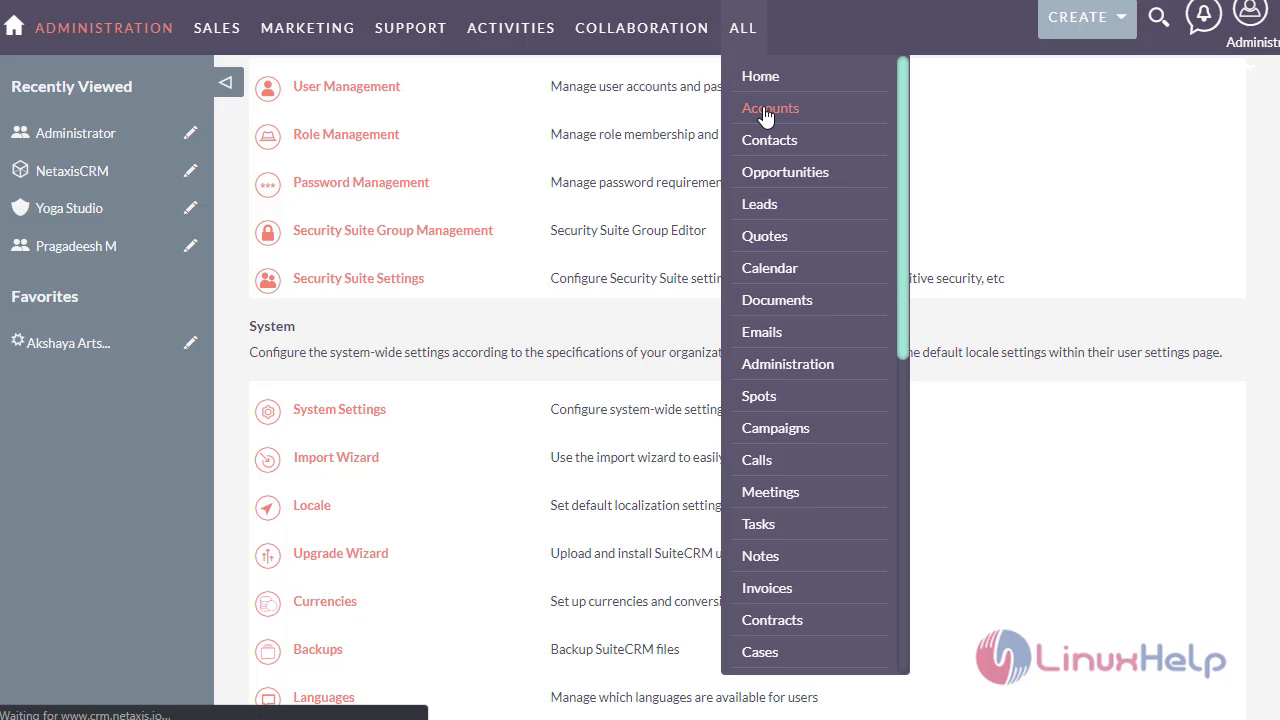
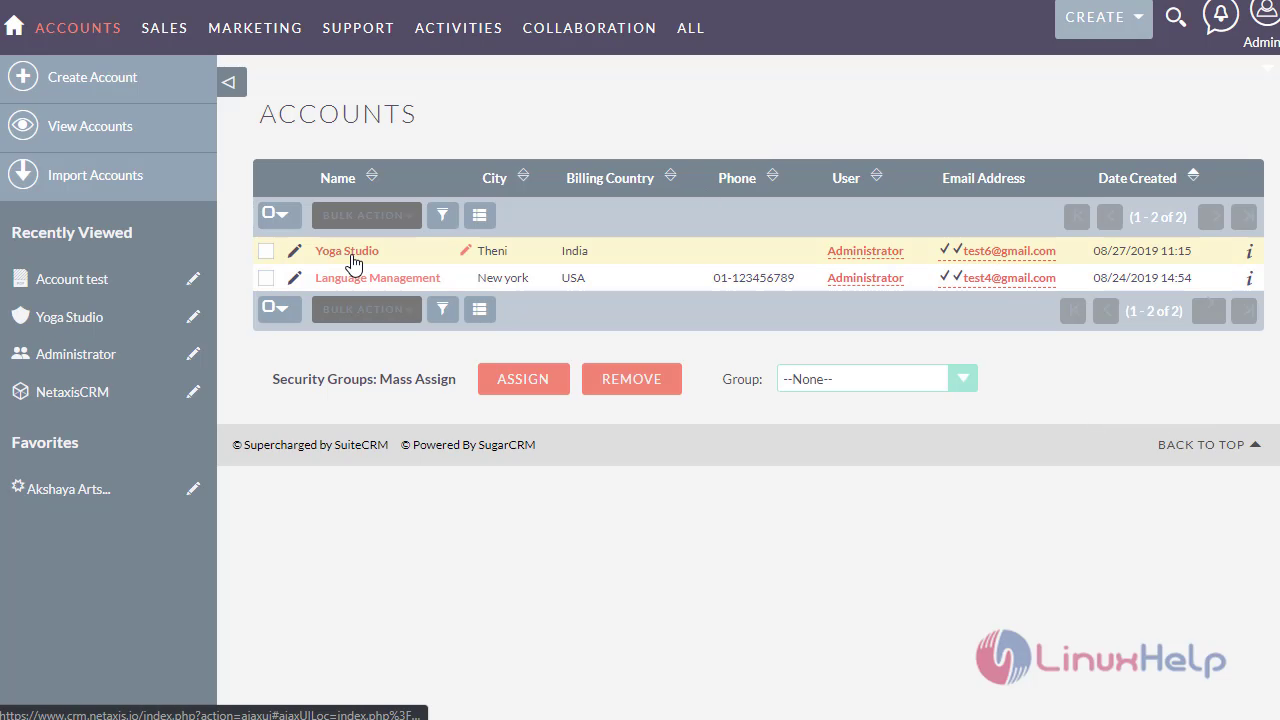
Navigate to Accounts Module.
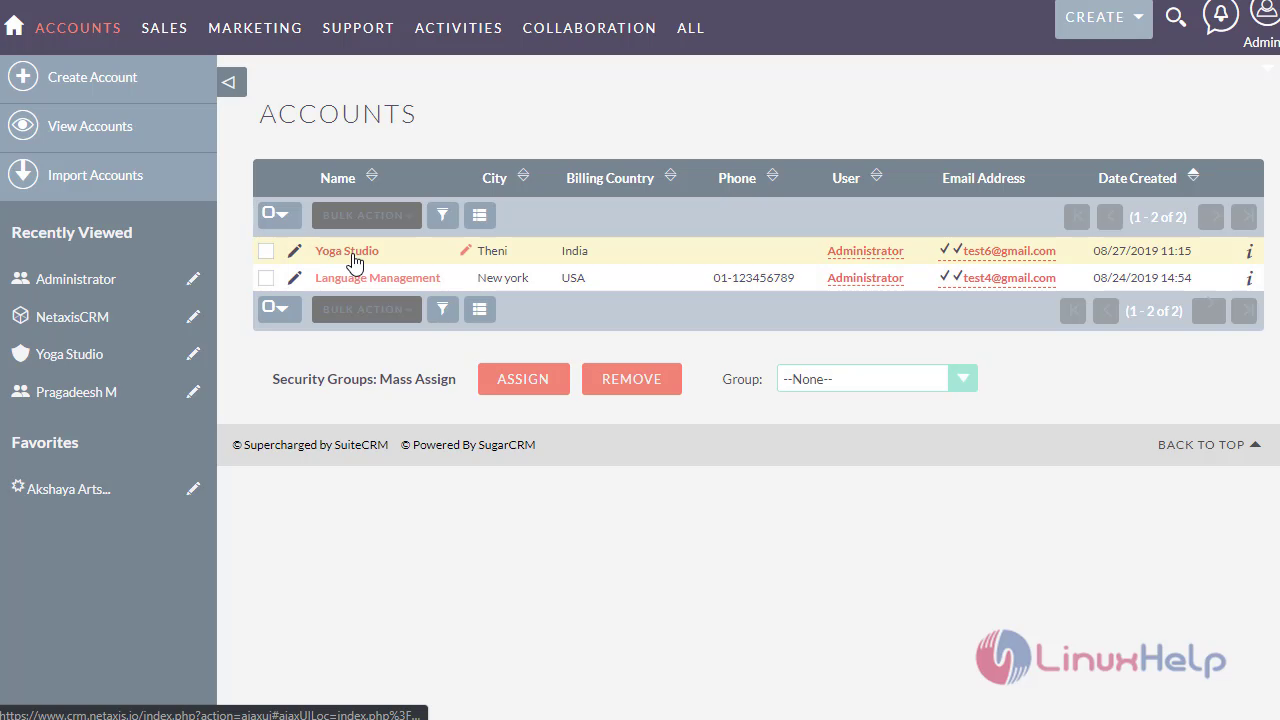
 Select the account that you would want to print the PDF Template.
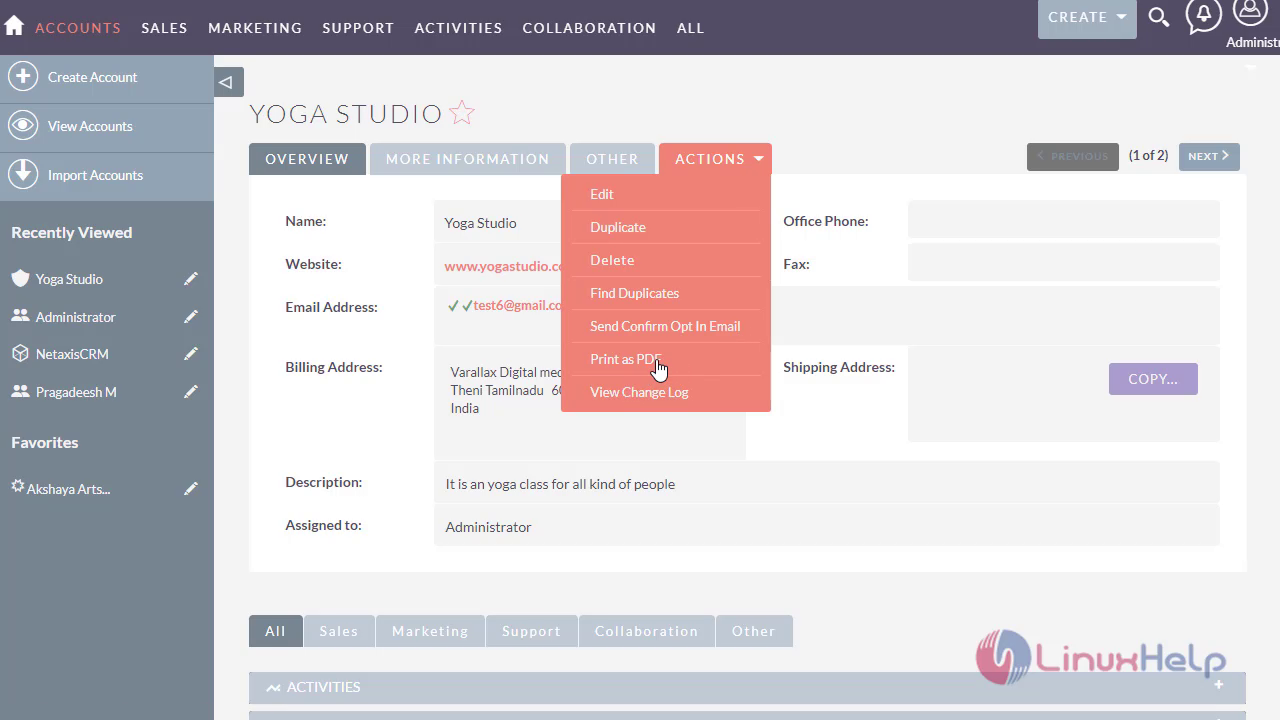
 Click On Print as PDF Template as you find no account templates
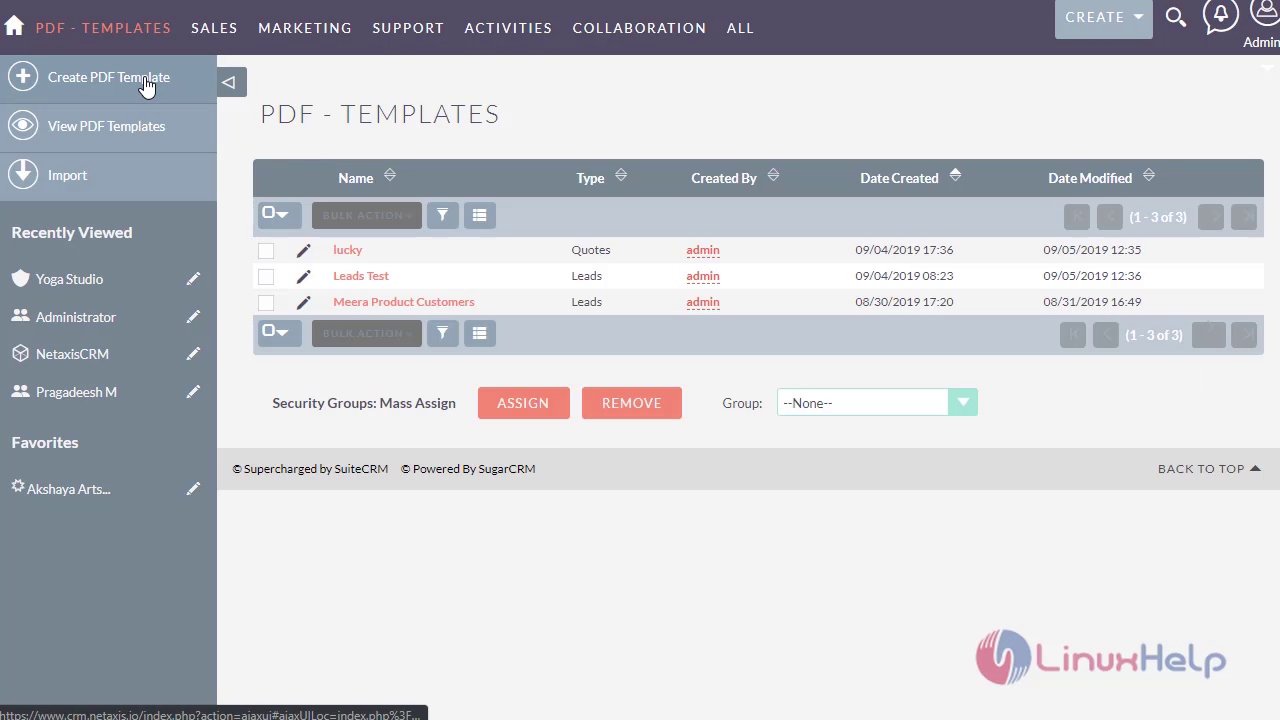
PDF-Templates:
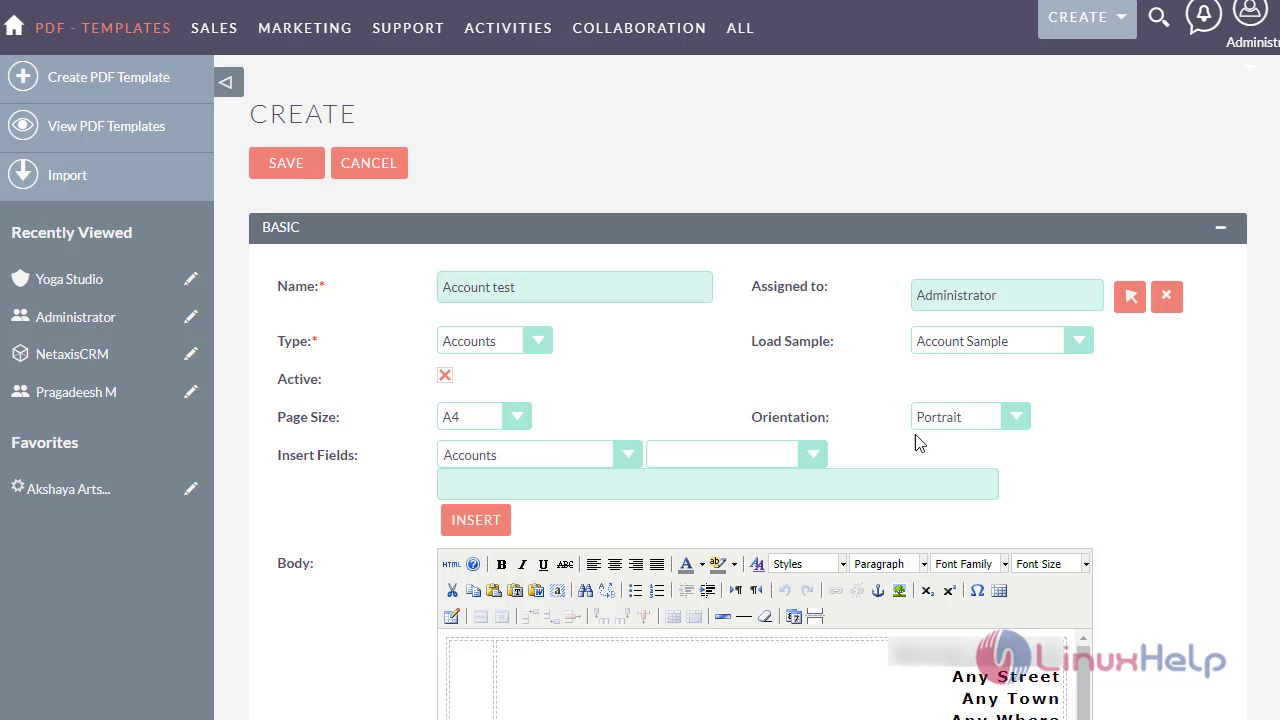
Naviagate to PDF templates and Click On Create PDF template.
Name :
Enter the name of the Template
Assigned to:
Assign the PDF Template record to the user or Administrator
Type:
Select the type pf the PDF template . As we are creating a PDF template for Accounts,Select the type as Accounts
Load Sample:
As we are working on Accounts Module,Select the Accounts sample PDF template.
Active :
By checking this option,it will list in the templates list, else template will not list.
Page Size:
Select the A4 page size
Orientation:
By default,Page orientation is portrait.
Insert Fields :
If you want to customise the fileds in the templates,you could insert the fields using the available drop down list.
Provide the required details as follows
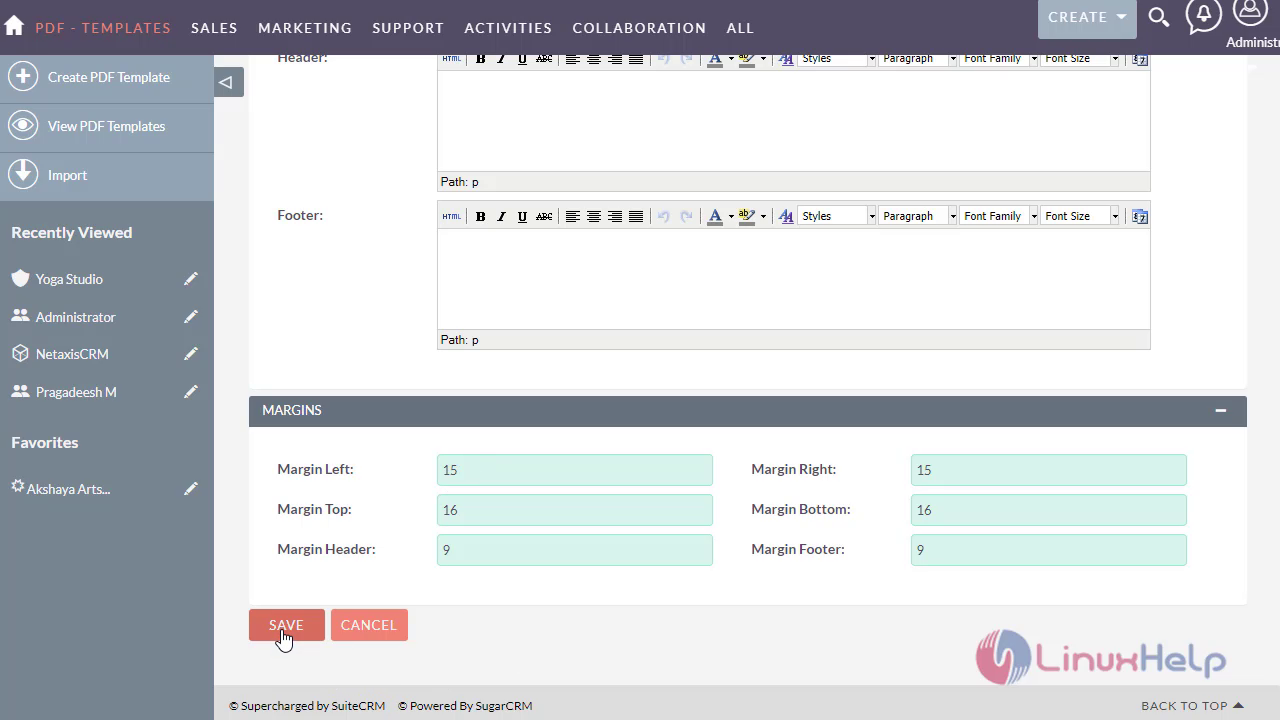
 Customise the Margins and save the Accounts PDF Template.
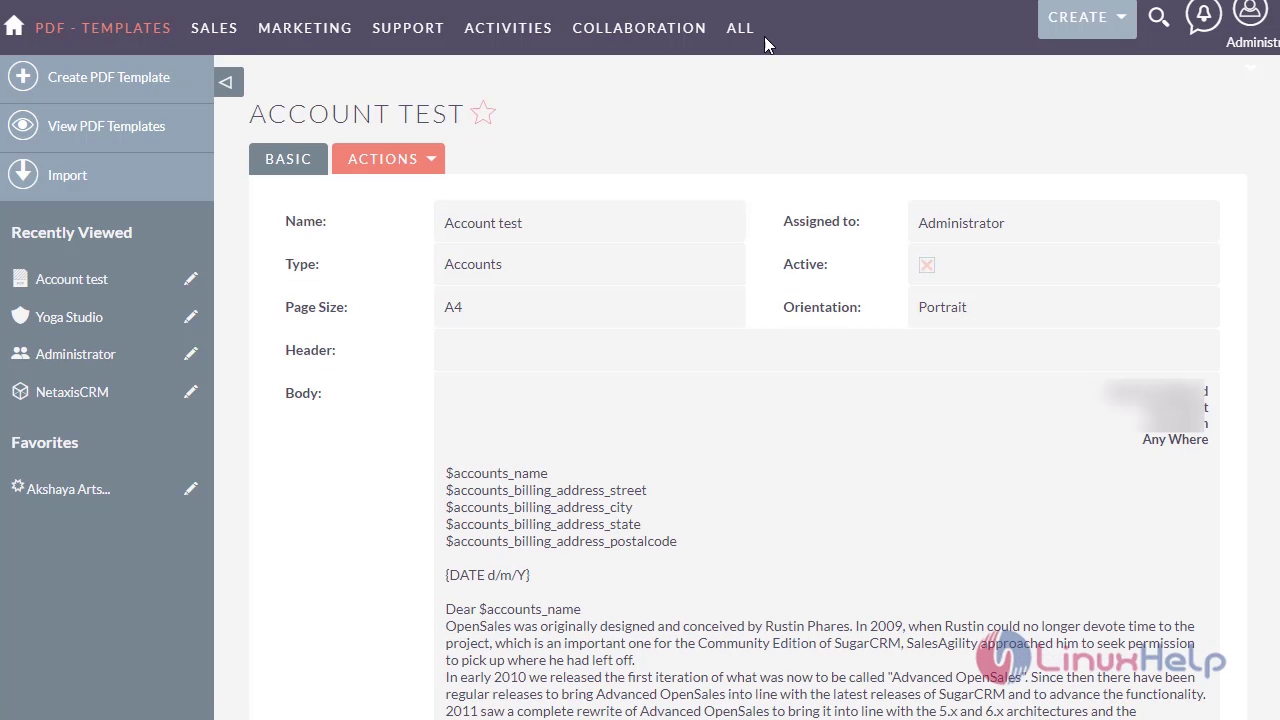
 View the Accounts template as follows
Accounts :
Navigate to Accounts module
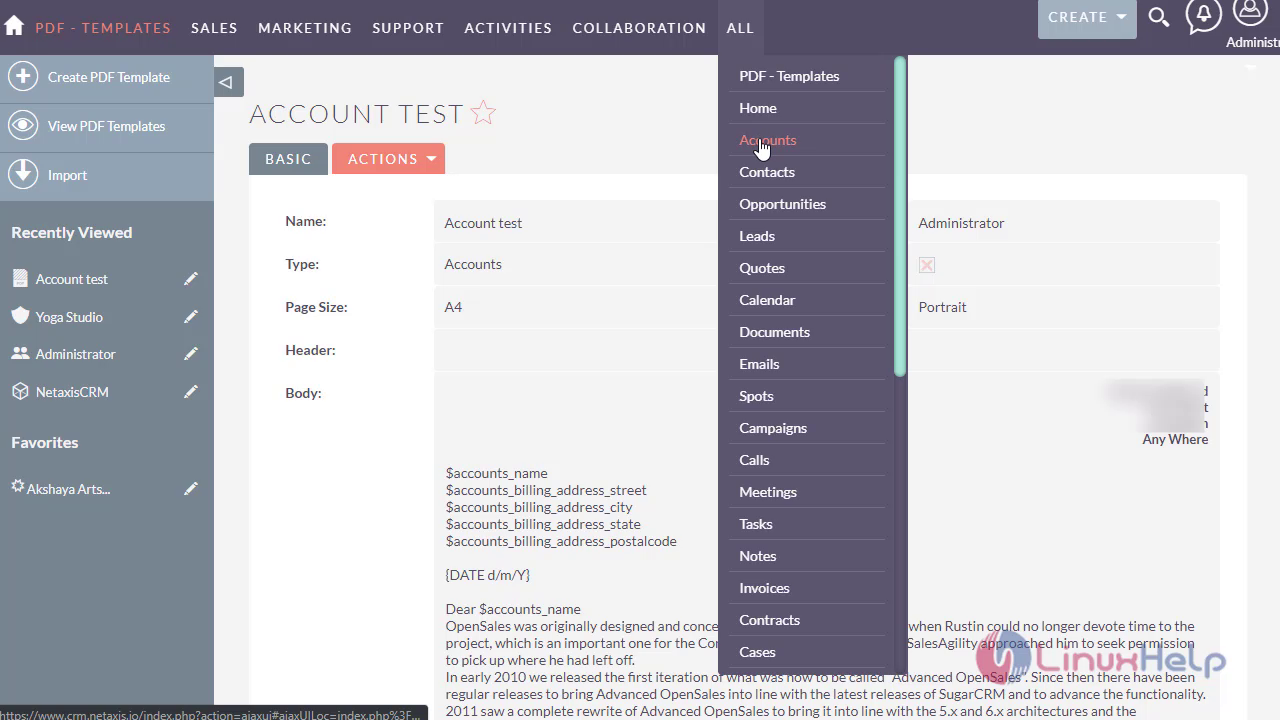 Select the Accounts Module as follows
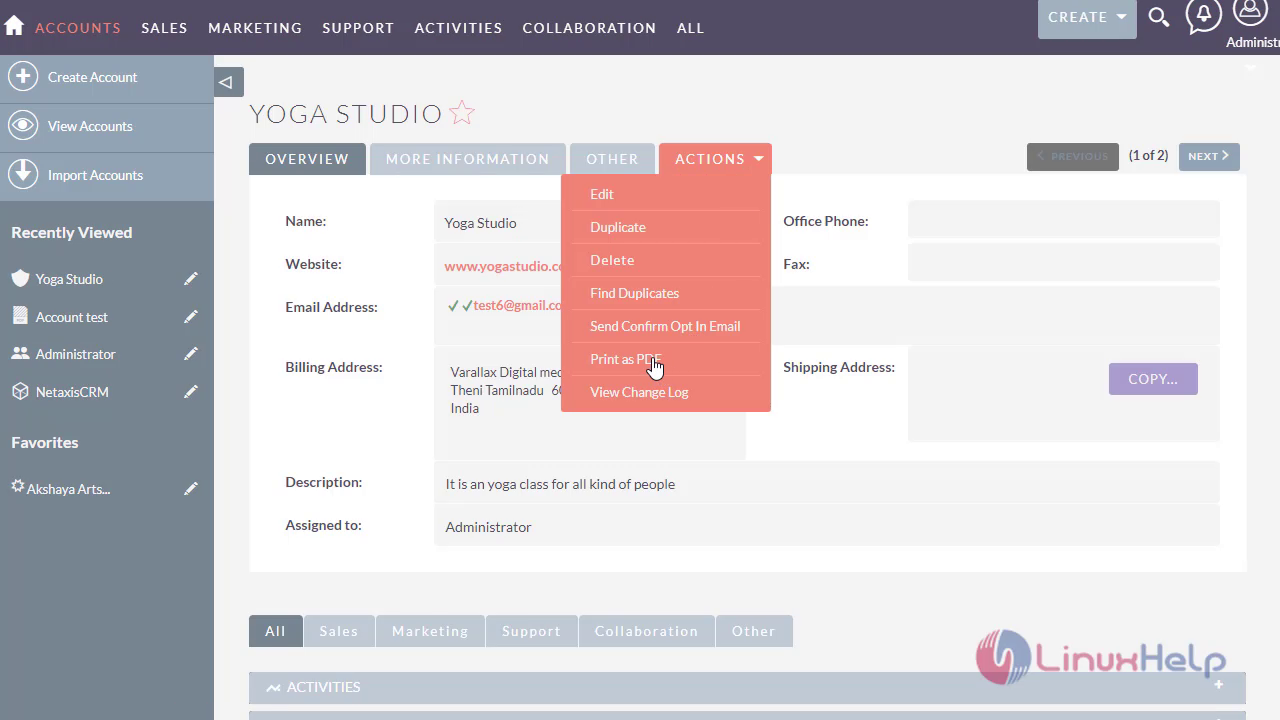
 Click On PDF as PDF as follows
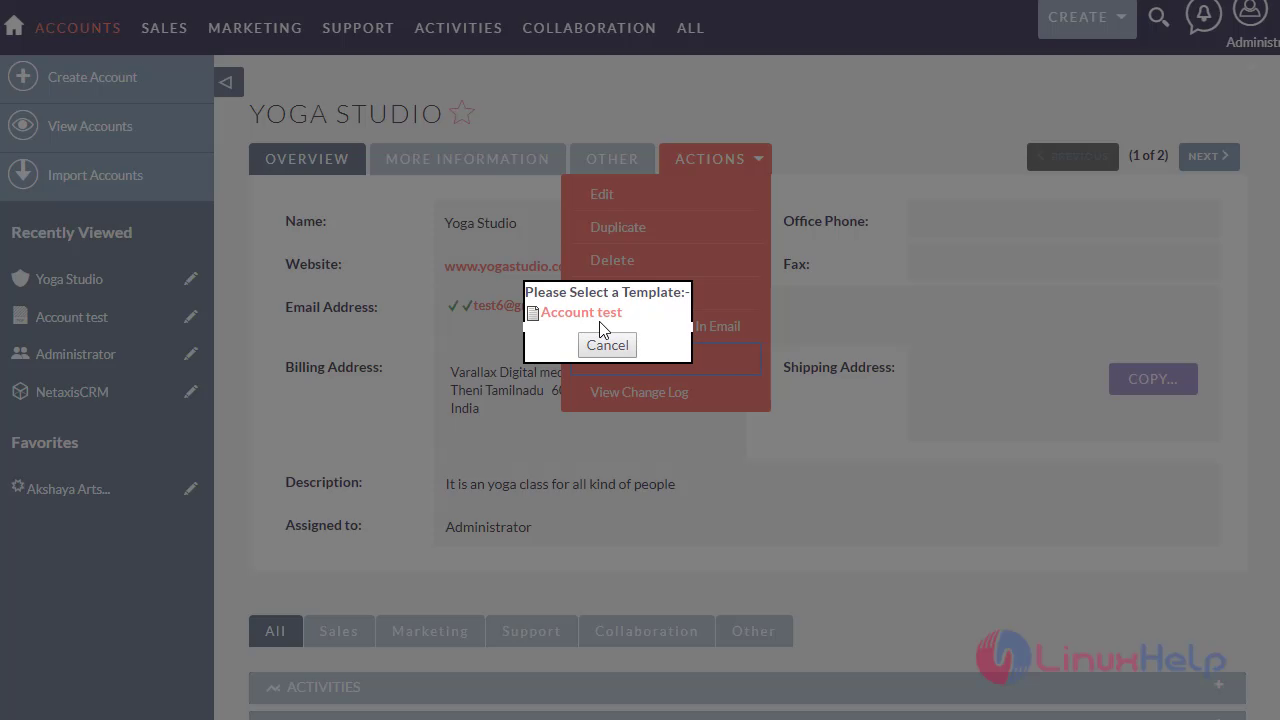
 Select the template that you have created
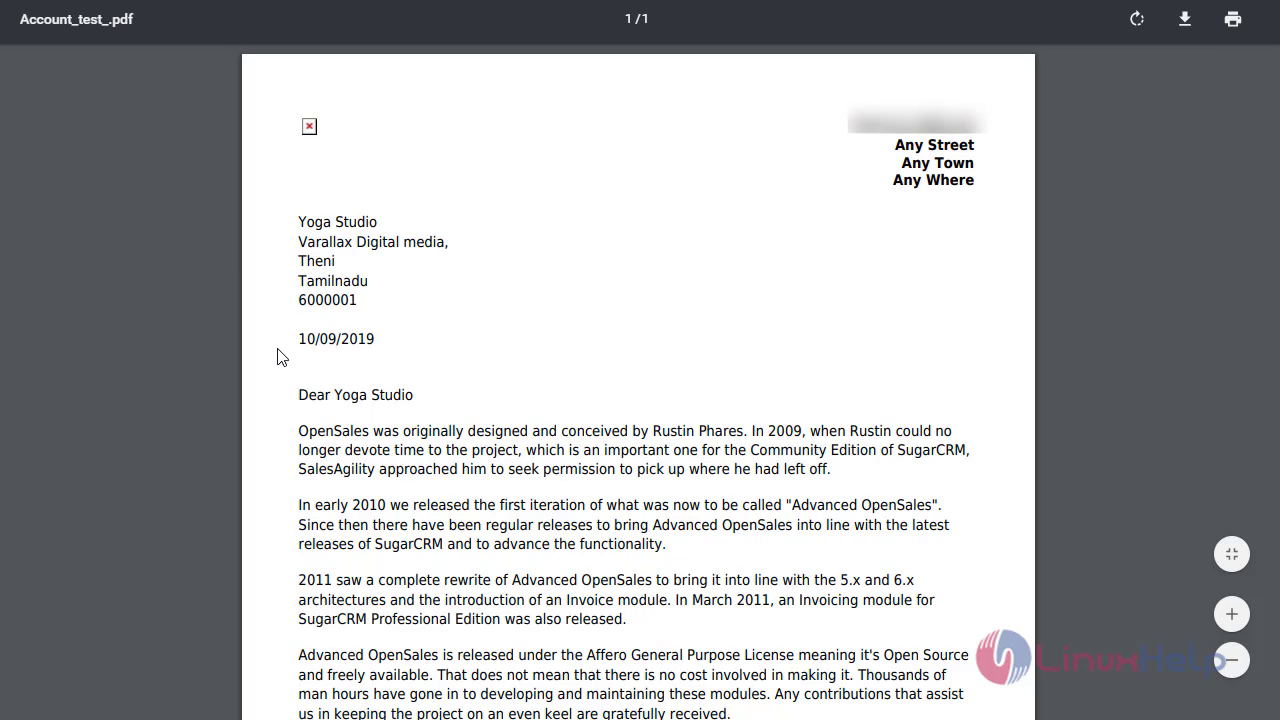
 The PDF Template has been downloaded
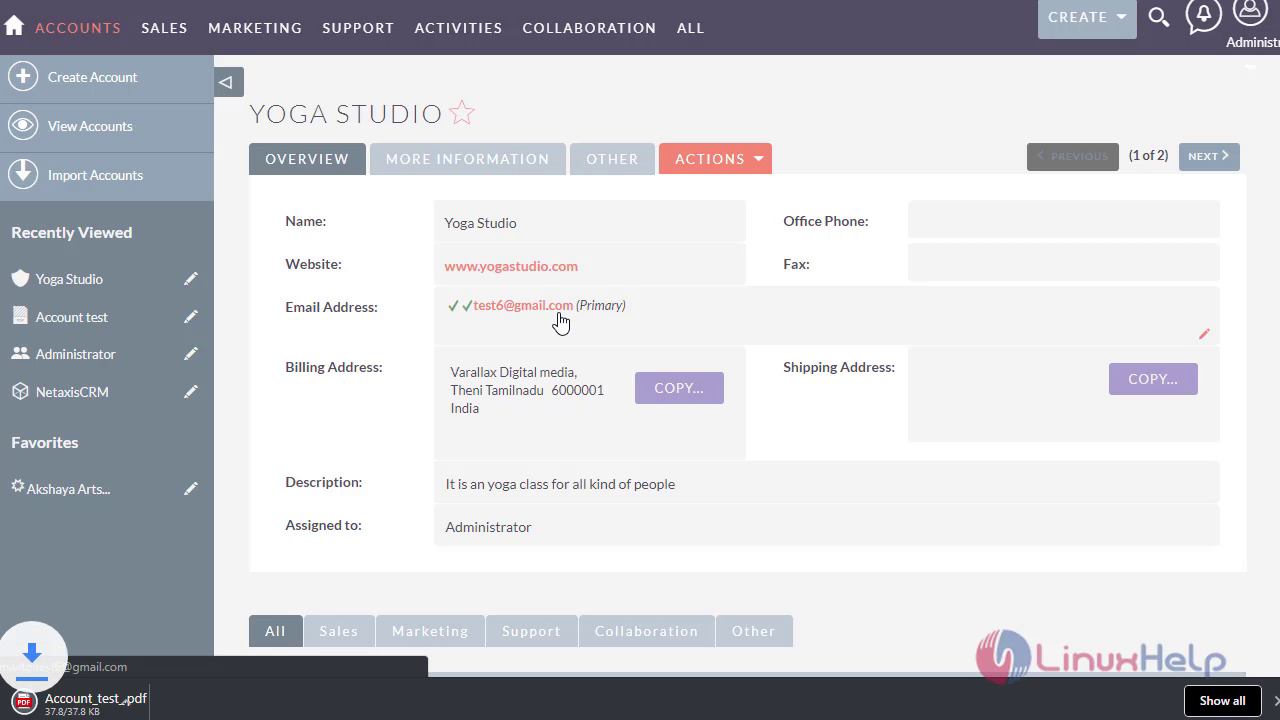 View the PDF template as Accounts data gets merged automatically in the template with ease.
With this, The method to print Accounts PDF template in SuiteCRM 7.11.7 comes to end.
Comments ( 0 )
No comments available