How to restore Gitlab backup on Ubuntu 21.04
- 00:37 gitlab-rake gitlab:env:info
- 01:17 gitlab-rake gitlab:env:info
- 02:57 gitlab-ctl stop unicorn
- 03:18 gitlab-ctl stop sidekiq
- 03:42 gitlab-ctl stop puma
- 04:10 gitlab-ctl status
- 04:40 ls /var/opt/gitlab/backups/
- 05:00 gitlab-rake gitlab:backup:restore BACKUP = 1637341145_2021_11_19_14.4.0
- 06:00 gitlab-ctl reconfigure
- 06:19 gitlab-ctl restart
To restore Gitlab backup on Ubuntu 21.04
Introduction:
GitLab is a web-based repository for managing Git repositories. GitLab provides the ability to back up and restore GitLab instances through Rake tasks. This is an application data backup that creates an archive file containing the database, all repositories, and all attachments.
Step 1: Check the OS version and Gitlab installed version by using the following command
root@linuxhelp:~# gitlab-rake gitlab:env:info
System information
System:		Ubuntu 21.04
Current User:	git
Using RVM:	no
Ruby Version:	2.7.4p191
Gem Version:	3.1.4
Bundler Version:2.1.4
Rake Version:	13.0.6
Redis Version:	6.0.14
Git Version:	2.33.0.
Sidekiq Version:6.2.2
Go Version:	unknown

GitLab information
Version:	14.4.0
Revision:	51b27ab5805
Directory:	/opt/gitlab/embedded/service/gitlab-rails
DB Adapter:	PostgreSQL
DB Version:	12.7
URL:		http://gitlab.example.com
HTTP Clone URL:	http://gitlab.example.com/some-group/some-project.git
SSH Clone URL:	git@gitlab.example.com:some-group/some-project.git
Using LDAP:	no
Using Omniauth:	yes
Omniauth Providers:
Step 2: Take Gitlab Backup to the default backup location
root@linuxhelp:~# gitlab-rake gitlab:backup:create
2021-11-19 22:28:58 +0530 -- Dumping database ...
Dumping PostgreSQL database gitlabhq_production ... [DONE]
2021-11-19 22:29:04 +0530 -- done
2021-11-19 22:29:04 +0530 -- Dumping repositories ...
time="2021-11-19T16:59:04.711Z" level=info msg="started create" command=create gl_project_path=root/test relative_path=@hashed/d4/73/d4735e3a265e16eee03f59718b9b5d03019c07d8b6c51f90da3a666eec13ab35.git storage_name=default
time="2021-11-19T16:59:04.712Z" level=info msg="started create" command=create gl_project_path=root/test.wiki relative_path=@hashed/d4/73/d4735e3a265e16eee03f59718b9b5d03019c07d8b6c51f90da3a666eec13ab35.wiki.git storage_name=default
time="2021-11-19T16:59:04.860Z" level=warning msg="skipped create" command=create error="manager: repository empty: repository skipped" gl_project_path=root/test.wiki relative_path=@hashed/d4/73/d4735e3a265e16eee03f59718b9b5d03019c07d8b6c51f90da3a666eec13ab35.wiki.git storage_name=default
time="2021-11-19T16:59:04.860Z" level=info msg="started create" command=create gl_project_path=root/test relative_path=@hashed/d4/73/d4735e3a265e16eee03f59718b9b5d03019c07d8b6c51f90da3a666eec13ab35.design.git storage_name=default
time="2021-11-19T16:59:04.863Z" level=warning msg="skipped create" command=create error="manager: repository empty: repository skipped" gl_project_path=root/test relative_path=@hashed/d4/73/d4735e3a265e16eee03f59718b9b5d03019c07d8b6c51f90da3a666eec13ab35.design.git storage_name=default
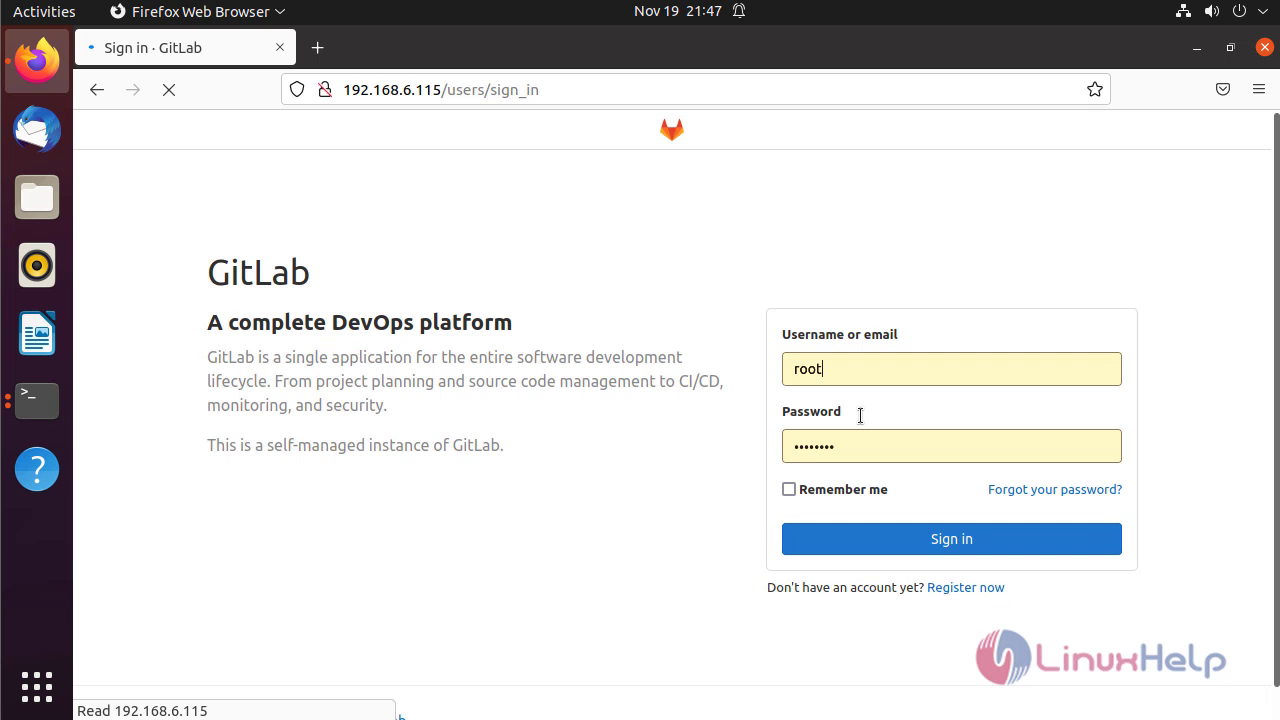
Step 3: Log in to Gitlab as an Administrator
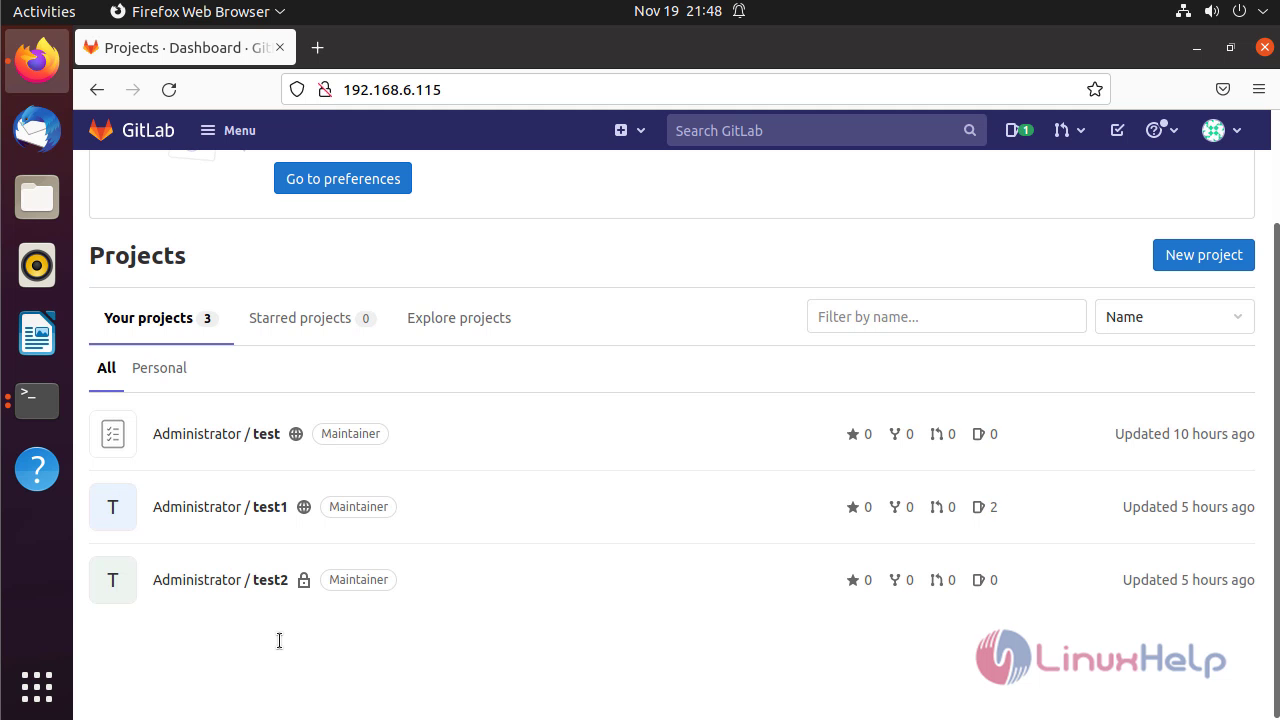
Step 4: Total Present projects in Gitlab
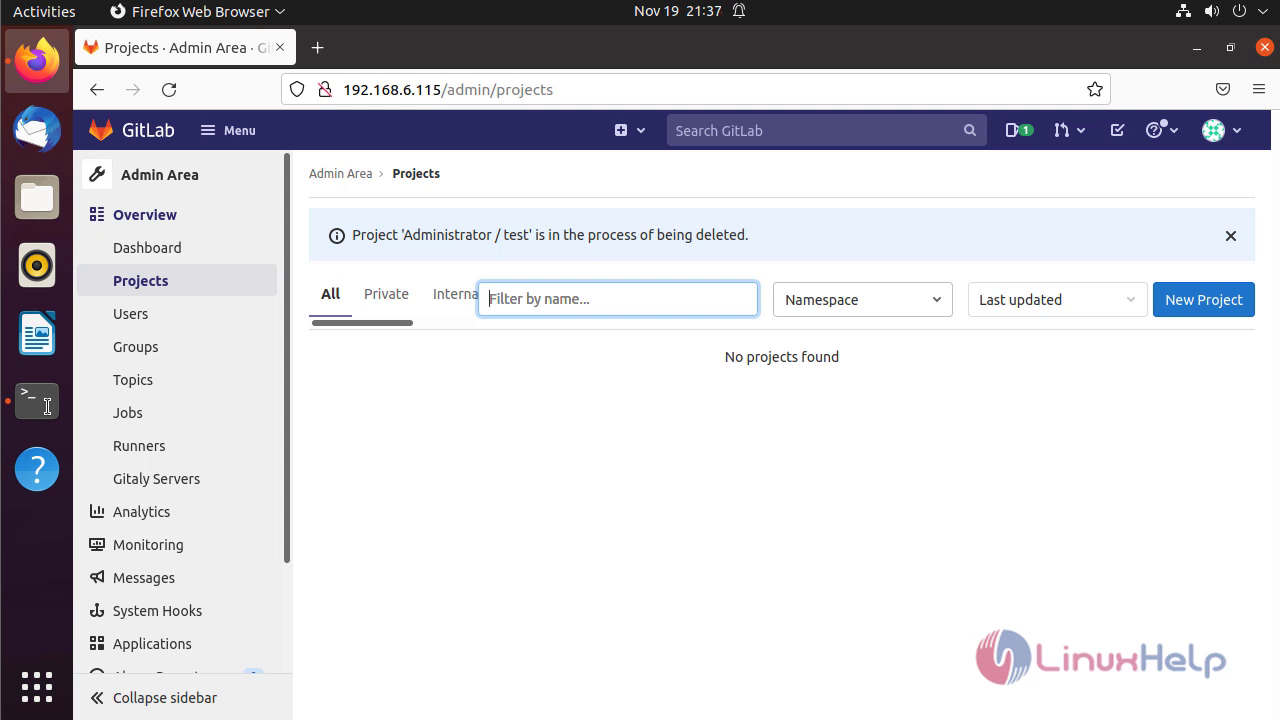
Step 5: Delete the all 3 present projects
Step 6: Stop the unicorn service before Restoring Backup
root@linuxhelp:~# gitlab-ctl stop unicorn
Step 7: Stop the sidekiq service before Restoring Backup
root@linuxhelp:~# gitlab-ctl stop sidekiq
ok: down: sidekiq: 0s, normally up
Step 8: Stop the puma service before Restoring Backup
root@linuxhelp:~# gitlab-ctl stop puma
ok: down: puma: 0s, normally up
Step 9: Check the status of the gitlab by using the following command
root@linuxhelp:~# gitlab-ctl status
Step 10: List the backed up file
root@linuxhelp:~# ls /var/opt/gitlab/backups/
1637341145_2021_11_19_14.4.0_gitlab_backup.tar
Step 11: Restore the Gitlab backup by using the following command
root@linuxhelp:~# gitlab-rake gitlab:backup:restore BACKUP = 1637341145_2021_11_19_14.4.0
Step 12: Restart all Gitlab components by using the following command
root@linuxhelp:~# gitlab-ctl reconfigure

   * link[/opt/gitlab/service/grafana] action create (up to date)
    * ruby_block[wait for grafana service socket] action run (skipped due to not_if)
     (up to date)
Recipe: gitlab::database_reindexing_disable
  * crond_job[database-reindexing] action delete
    * file[/var/opt/gitlab/crond/database-reindexing] action delete (up to date)
     (up to date)

Running handlers:
Running handlers complete
Chef Infra Client finished, 1/766 resources updated in 20 seconds

Warnings:
Environment variable LANG specifies a non-UTF-8 locale. GitLab requires UTF-8 encoding to function properly. Please check your locale settings.

gitlab Reconfigured!
Step 13: Restart all Gitlab service by using the following command
root@linuxhelp:~# gitlab-ctl restart
ok: run: alertmanager: (pid 71291) 0s
ok: run: gitaly: (pid 71299) 0s
ok: run: gitlab-exporter: (pid 71313) 0s
ok: run: gitlab-workhorse: (pid 71316) 1s
ok: run: grafana: (pid 71325) 0s
ok: run: logrotate: (pid 71334) 0s
ok: run: nginx: (pid 71342) 1s
ok: run: node-exporter: (pid 71348) 0s
ok: run: postgres-exporter: (pid 71353) 1s
ok: run: postgresql: (pid 71361) 0s
ok: run: prometheus: (pid 71370) 0s
ok: run: puma: (pid 71378) 0s
ok: run: redis: (pid 71383) 0s
ok: run: redis-exporter: (pid 71391) 0s
ok: run: sidekiq: (pid 71397) 1s
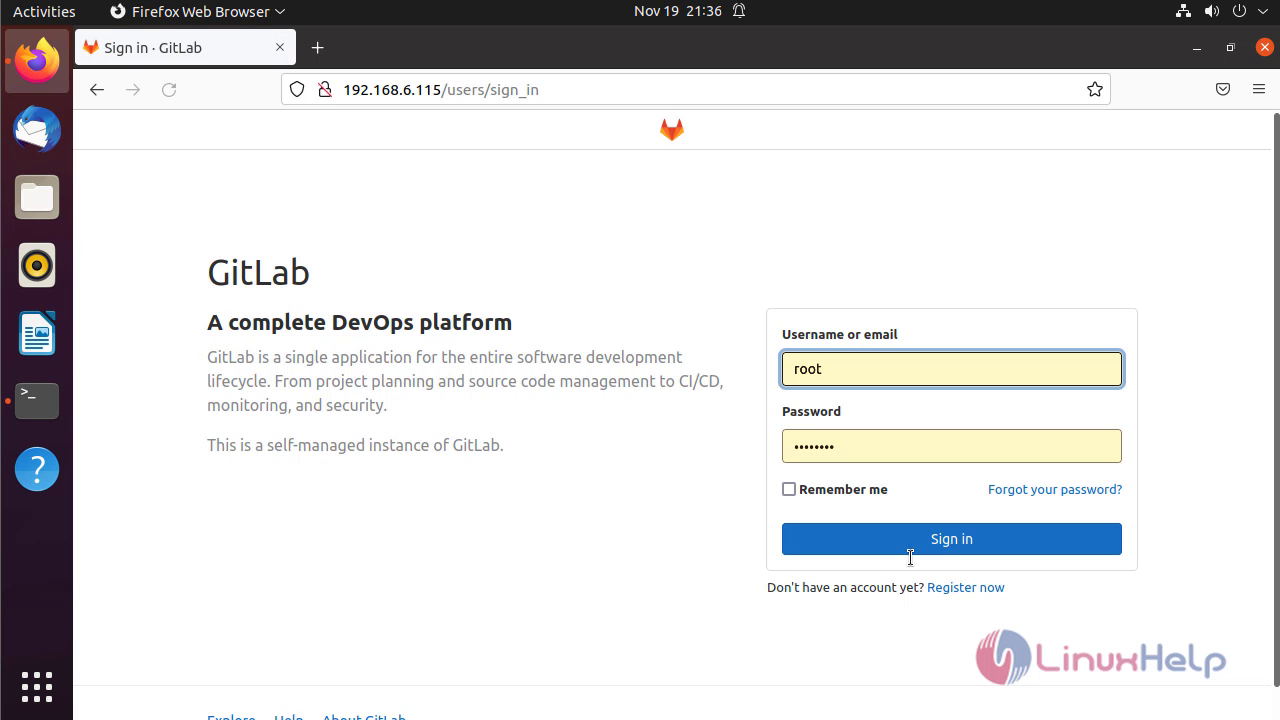
Step 14: Again Log in to Gitlab as an Administrator
Step 15: Retrieve all 3 projects deleted projects by restoring backup
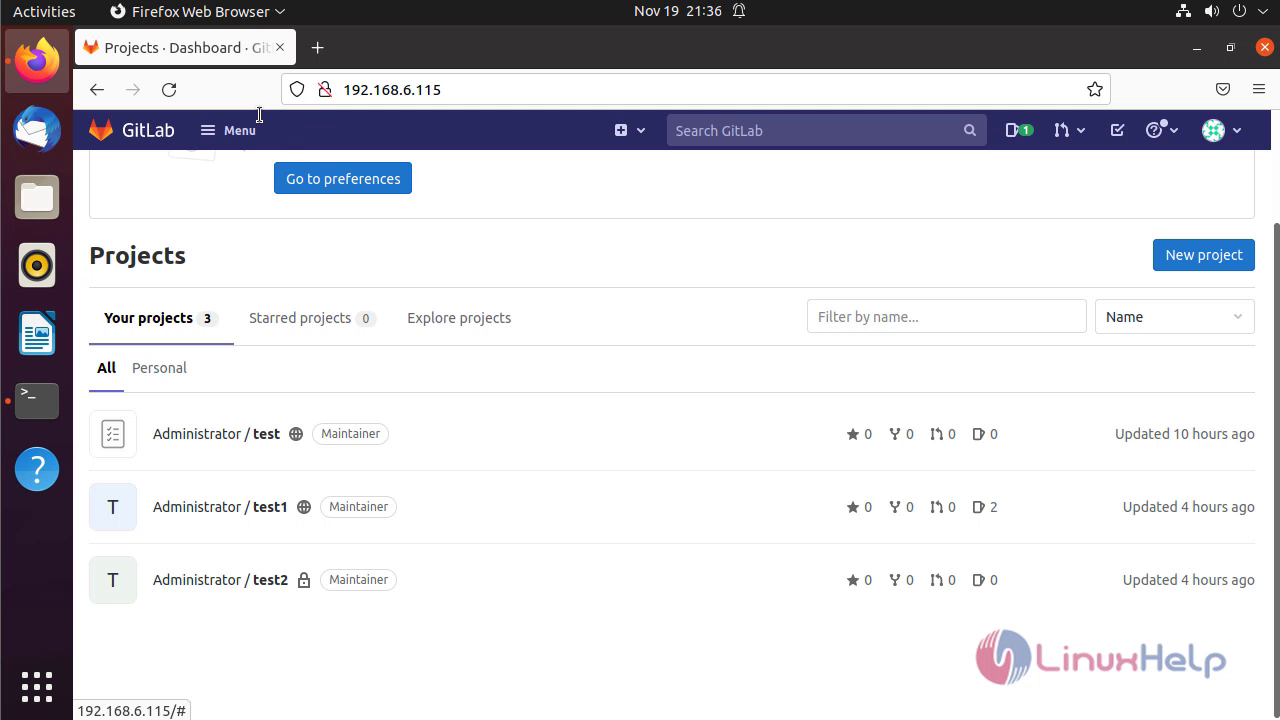
By this restoring Gitlab backup on Ubuntu 21.04 comes to an end.
Comments ( 0 )
No comments available