• Categories
    Category
    {{ postCtrl.tags }}
    • {{ category.tag_type }}

      • {{tag.tag_name}}
      • View more
  • Categories
    Category
    {{ postCtrl.tags }}
    • {{ category.tag_type }}

      • {{tag.tag_name}}
      • View more
  • News
  • Tutorials
  • Forums
  • Tags
  • Users
Tutorial News Comments FAQ Related Articles

How to use Credit Module on Invoice Ninja

{{postValue.id}}

How to use Credit Module on Invoice Ninja

In our preceding article, we have seen how to create Recurring Invoice in Invoice Ninja. Today you will be explained about how to use credit module on Invoice Ninja. Invoice Ninja is a free, open-source solution for invoicing and billing customers. The concerned clients can print the invoices, download them as PDF files, and even pay the vendor from online from within the system. It also supports 45 integrated payment gateways to send invoices to customers within seconds.

Credit Module procedure

To start with the Recurring Invoice procedure, log in to Invoice Ninja with your credentials. The dashboard appears on the screen with all the required options.
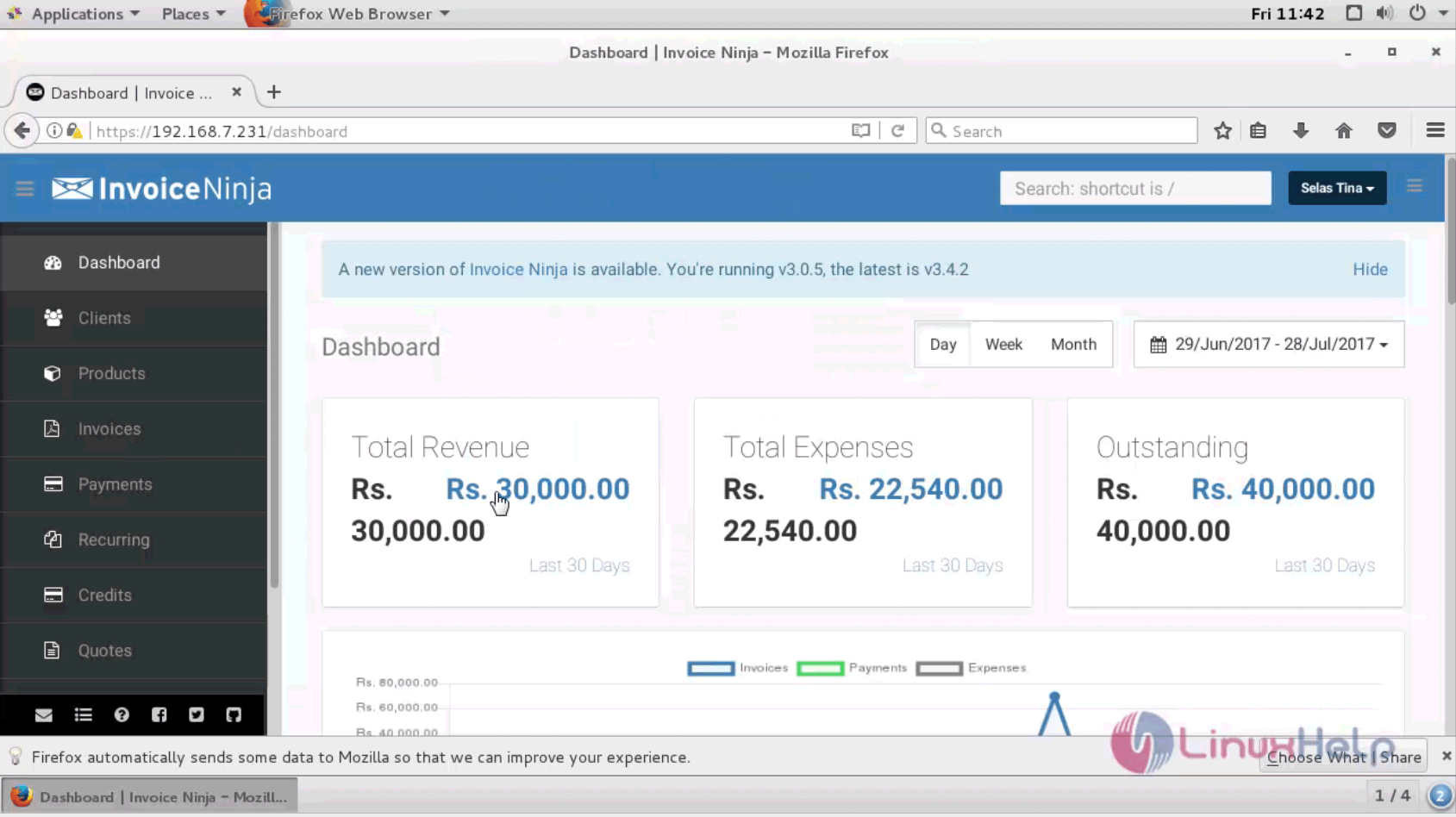
dashboard

Go to the Credit menu on the left pane of menu and select a client with all the balance and and amount details.
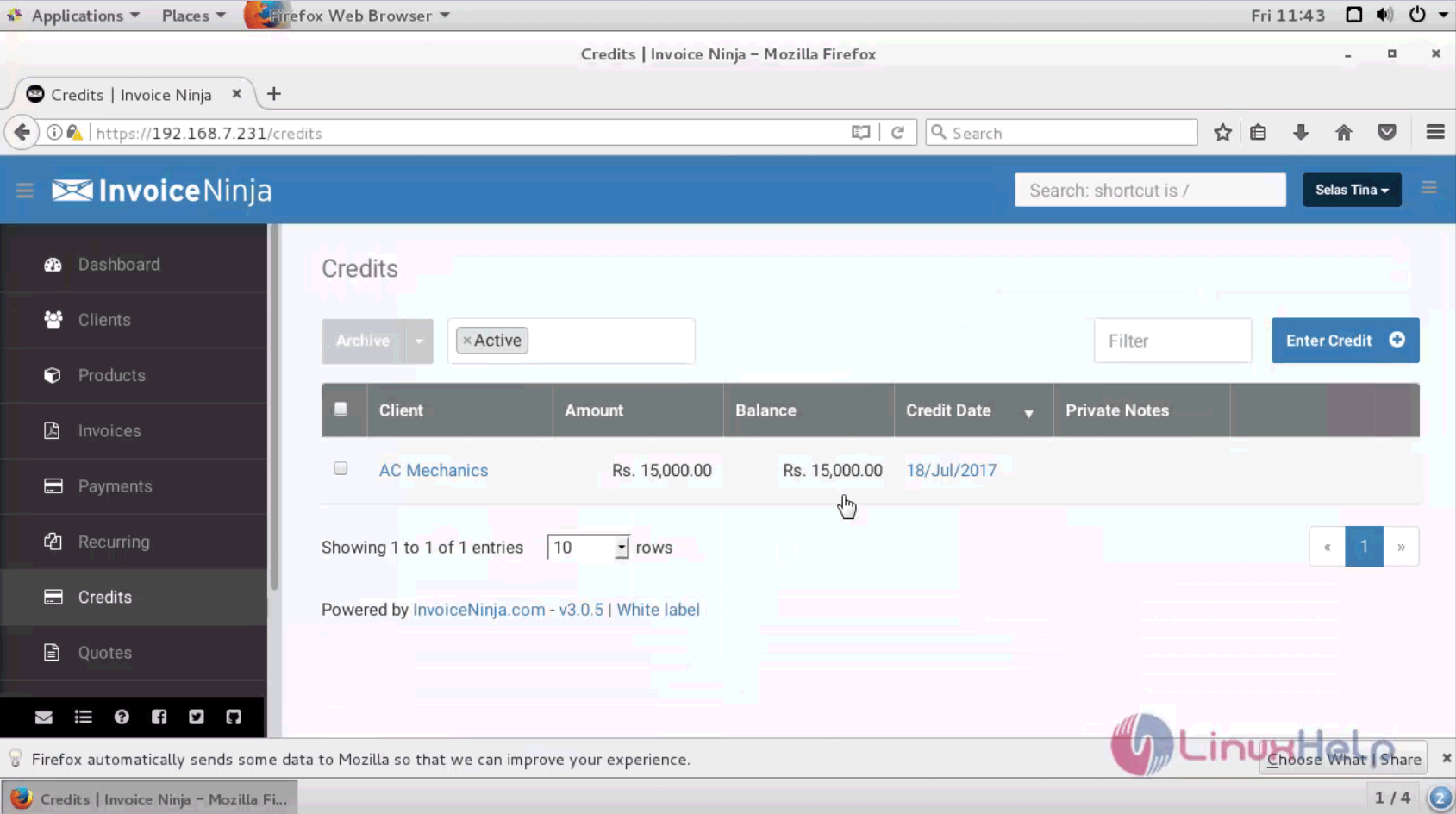
credit tab

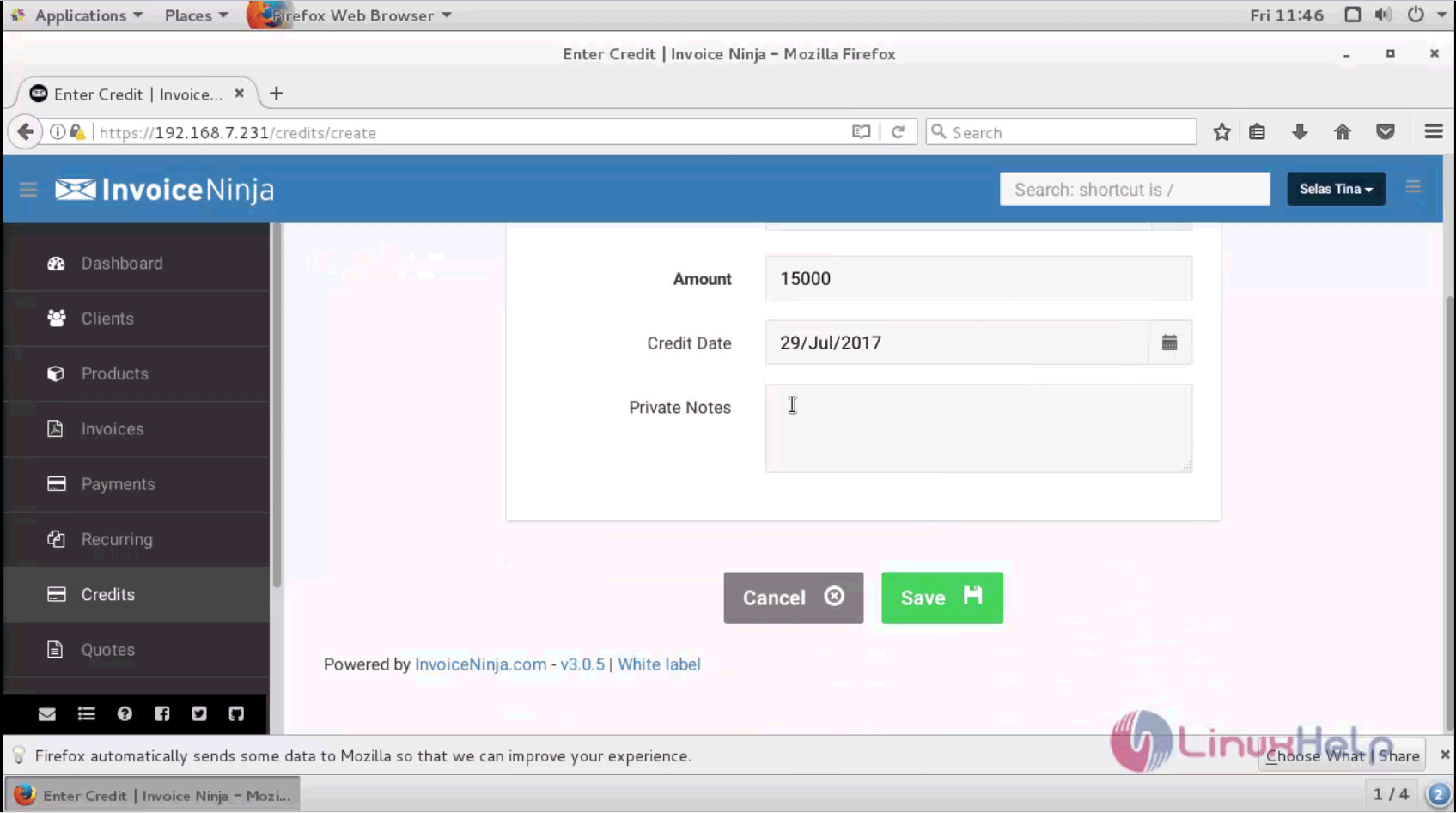
Provide the client name, amount, credit date and private notes and save your changes.
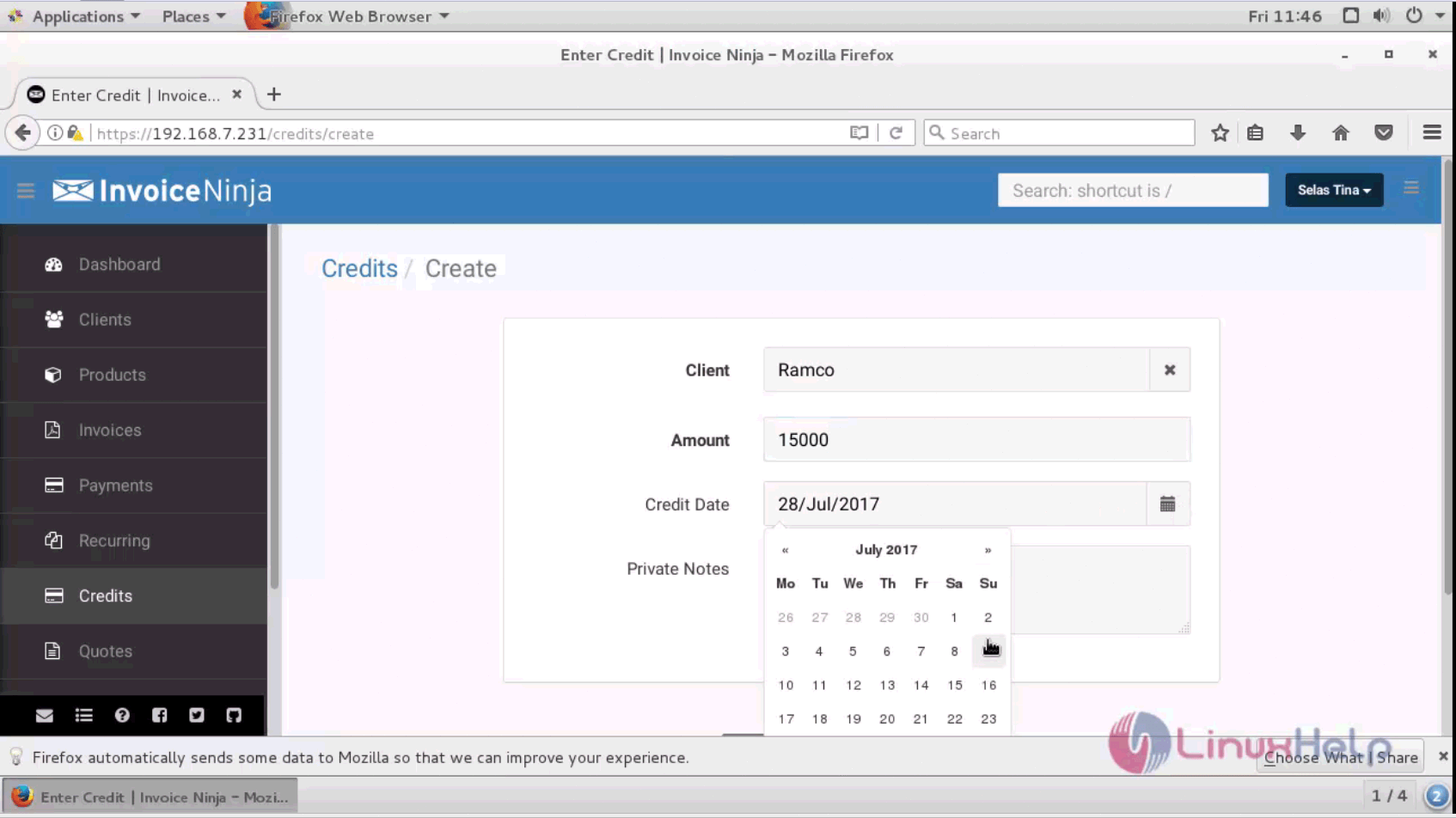
client name

details

The credit details summary is shown as below. The credit for a customer is successfully created.
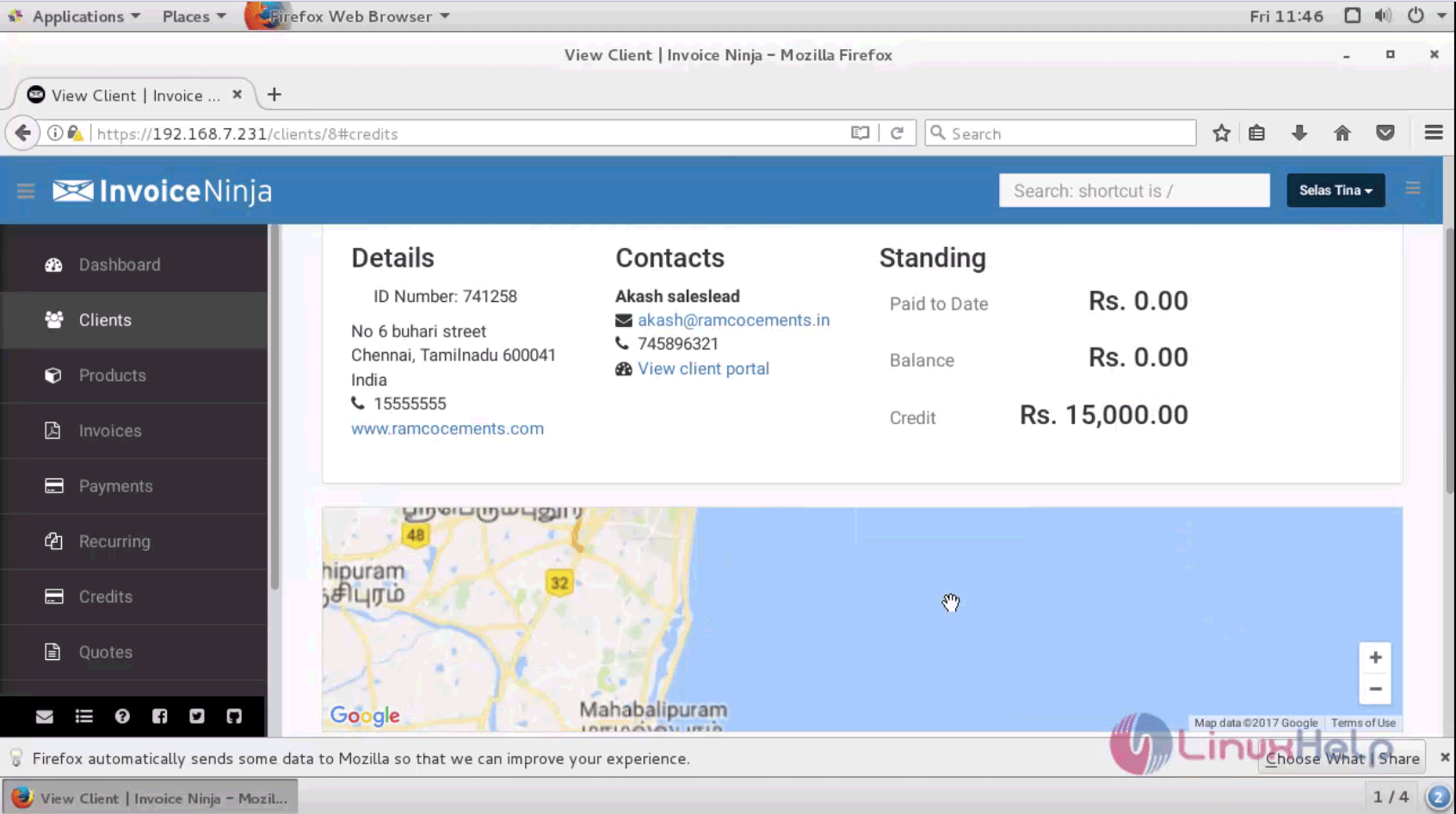
credit module

A new Credit is added successfully on Invoice Ninja. Stay tuned to know about how to use Quotes module in Invoice Ninja in our upcoming articles.

Tags:
sebastian
Author: 

Comments ( 0 )

No comments available

Add a comment
{{postCtrl.cmtErrMsg}}

Frequently asked questions ( 5 )

Q

How can I update a credit card that is already on file?

A

First you’ll need to delete the old credit card. Go to Advanced Settings > Credit Cards & Banks. Delete the old card from the list, and add the new one.

Q

Which payment gateways support auto billing?

A

Auto billing is available with WePay, Stripe and Braintree.

Q

How can I customize my invoicing URL?

A

If you are a Pro/Enterprise user, you can. Go to Advanced Settings > Email Settings

Q

Whether Is the Invoice Ninja app really free?

A

The mobile apps for Apple iOS and Android mirror the web-app, and they’re available for all accounts: Free, Pro and Enterprise.

Q

What are the main differences between the free, Pro and Enterprise versions?

A

The free version allows you to invoice up to 100 clients, while Pro and Enterprise give you unlimited clients

Back To Top!
Rank
User
Points

Top Contributers

userNamenaveelansari
135850

Top Contributers

userNameayanbhatti
92510

Top Contributers

userNamehamzaahmed
32150

Top Contributers

1
userNamelinuxhelp
31040

Top Contributers

userNamemuhammadali
24500
Can you help Sebastian ?
How to change non required to required field in SuiteCRM Custom/Default Modules

How to change not required to the required field in SuiteCRM Custom/Default Modules?

Networking
  • Routing
  • trunk
  • Netmask
  • Packet Capture
  • domain
  • HTTP Proxy
Server Setup
  • NFS
  • KVM
  • Memory
  • Sendmail
  • WebDAV
  • LXC
Shell Commands
  • Cloud commander
  • Command line archive tools
  • last command
  • Shell
  • terminal
  • Throttle
Desktop Application
  • Linux app
  • Pithos
  • Retrospect
  • Scribe
  • TortoiseHg
  • 4Images
Monitoring Tool
  • Monit
  • Apache Server Monitoring
  • EtherApe 
  • Arpwatch Tool
  • Auditd
  • Barman
Web Application
  • Nutch
  • Amazon VPC
  • FarmWarDeployer
  • Rukovoditel
  • Mirror site
  • Chef
Contact Us | Terms of Use| Privacy Policy| Disclaimer
© 2025 LinuxHelp.com All rights reserved. Linux™ is the registered trademark of Linus Torvalds. This site is not affiliated with linus torvalds in any way.