Light weight Text Editor tools in Linux
Light weight Text Editor tools
In this tutorial we will learn, how to install Light weight Text Editor tools.
Cherrytree
CherryTree is a note-taking editor tool that organises the notes into the hierarchical tree. It supports text formatting. It is written in GTK2 or Python language.
Features
- Supports the Rich text.
- Supports multi programming languages
- Saves images as png format
- Saves the embedded files to disk
- Multi-level lists handling is supported.
- Supports table creation and imports/expports tables as csv format.
To install Cherrytree
Add the cherrytree package into repository by using the following command.
root@linuxhelp:/home/user1# add-apt-repository ppa:giuspen/ppa

 More info: https://launchpad.net/~giuspen/+archive/ubuntu/ppa
Press [ENTER] to continue or ctrl-c to cancel adding it
.
.
.
gpg: Total number processed: 1
gpg:               imported: 1  (RSA: 1)
OK
Utilise the following command to update the system.
root@linuxhelp:/home/user1# apt-get update
Get:1 http://security.ubuntu.com/ubuntu xenial-security InRelease [94.5 kB]
Hit:2 http://in.archive.ubuntu.com/ubuntu xenial InRelease                                                                       .
.
.
.
Fetched 210 kB in 1s (118 kB/s)
Reading package lists... Done
Execute the following command to install the cherrytree.
root@linuxhelp:/home/user1# apt-get install cherrytree
Reading package lists... Done
Building dependency tree
Reading state information... Done
.
.
.
Setting up cherrytree (0.37.2-1) ...
Processing triggers for libc-bin (2.23-0ubuntu3) ...
To launch Cherrytree
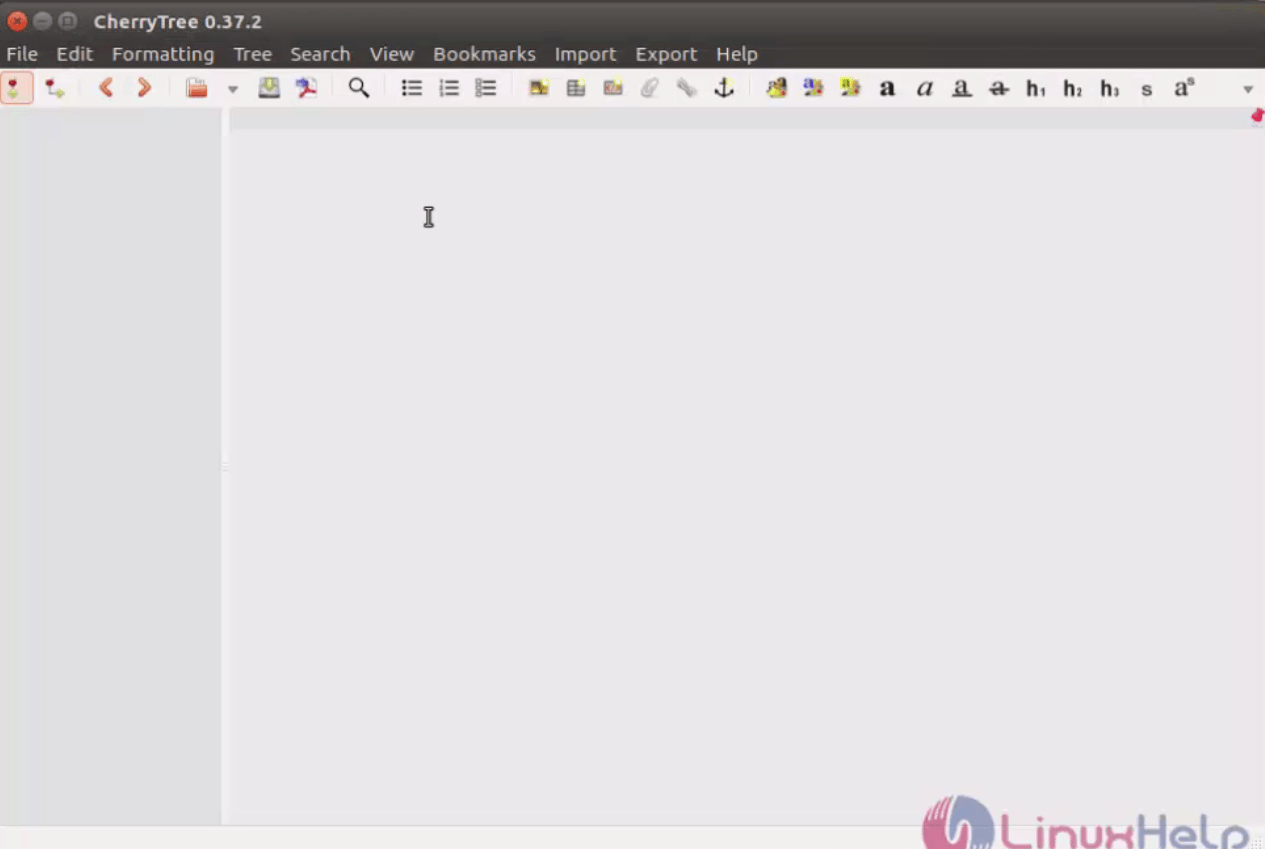
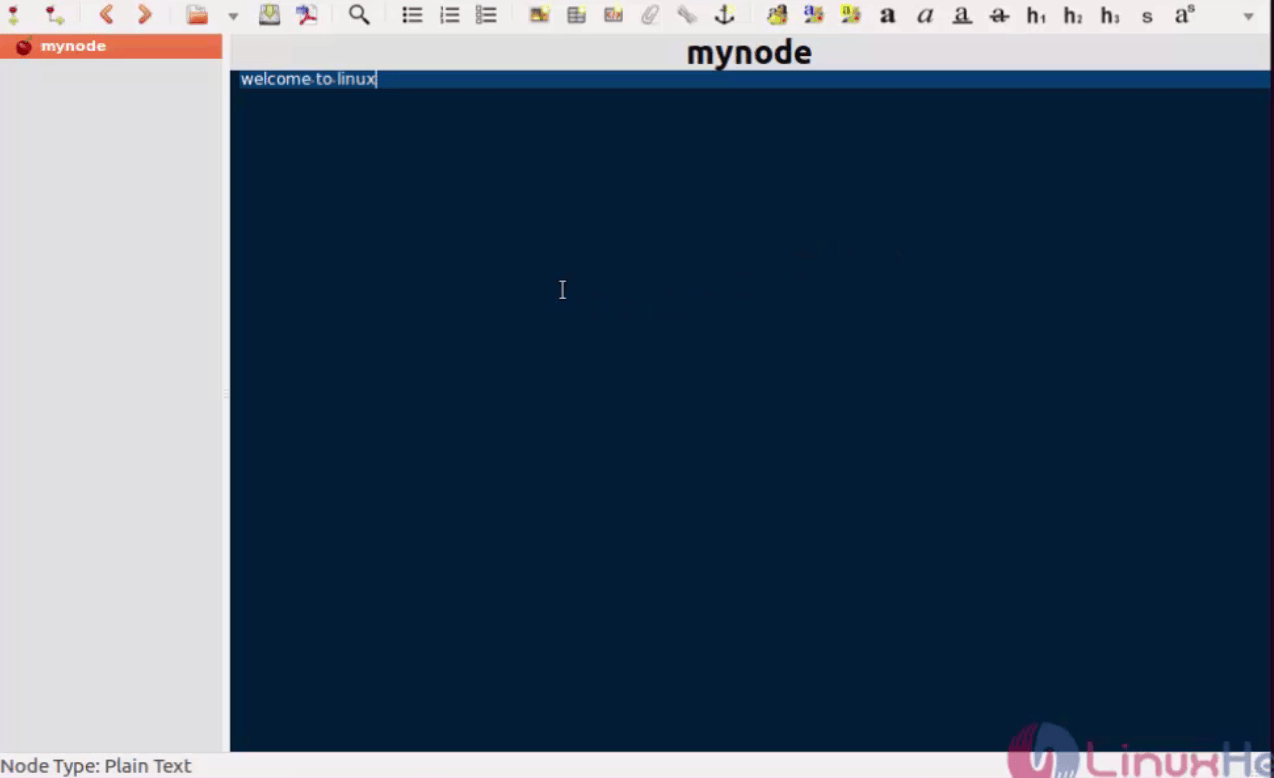
Run the following command to start using the cherrytree editor.
root@linuxhelp:/home/user1# cherrytree
Brackets
Brackets is an editor designed mainly for young developers engaged in CSS, HTML and JavaScript projects. This interface is very simple and user friendly.
Features
- Quick Edit
- Quick Docs
- Live Preview
To install brackets
Add the brackets package into the repository by using the following command.
root@linuxhelp:/home/user1# add-apt-repository ppa:webupd8team/brackets
 Brackets is an open-source editor for web design and development built on top of web technologies such as HTML, CSS and JavaScript. The project was created and is maintained by Adobe, and is released under a MIT License.

More info and PPA support @ http://www.webupd8.org/2013/11/install-brackets-in-ubuntu-via-ppa-open.html
 More info: https://launchpad.net/~webupd8team/+archive/ubuntu/brackets
Press [ENTER] to continue or ctrl-c to cancel adding it
.
.
.

gpg: Total number processed: 1
gpg:               imported: 1  (RSA: 1)
OK
Run the following command to update the system.
root@linuxhelp:/home/user1# apt-get update
Hit:1 http://security.ubuntu.com/ubuntu xenial-security InRelease
Hit:2 http://in.archive.ubuntu.com/ubuntu xenial InRelease
.
.
.
Fetched 19.4 kB in 1s (9,730 B/s)
Reading package lists... Done
Utilise the following command to install the brackets package.
root@linuxhelp:/home/user1# apt-get install brackets
Reading package lists... Done
Building dependency tree
Reading state information... Done
.
.
.
Processing triggers for hicolor-icon-theme (0.15-0ubuntu1) ...
Setting up brackets (1.7.0libgcrypt11+1-16898+1~webupd8~0) ...
To launch brackets
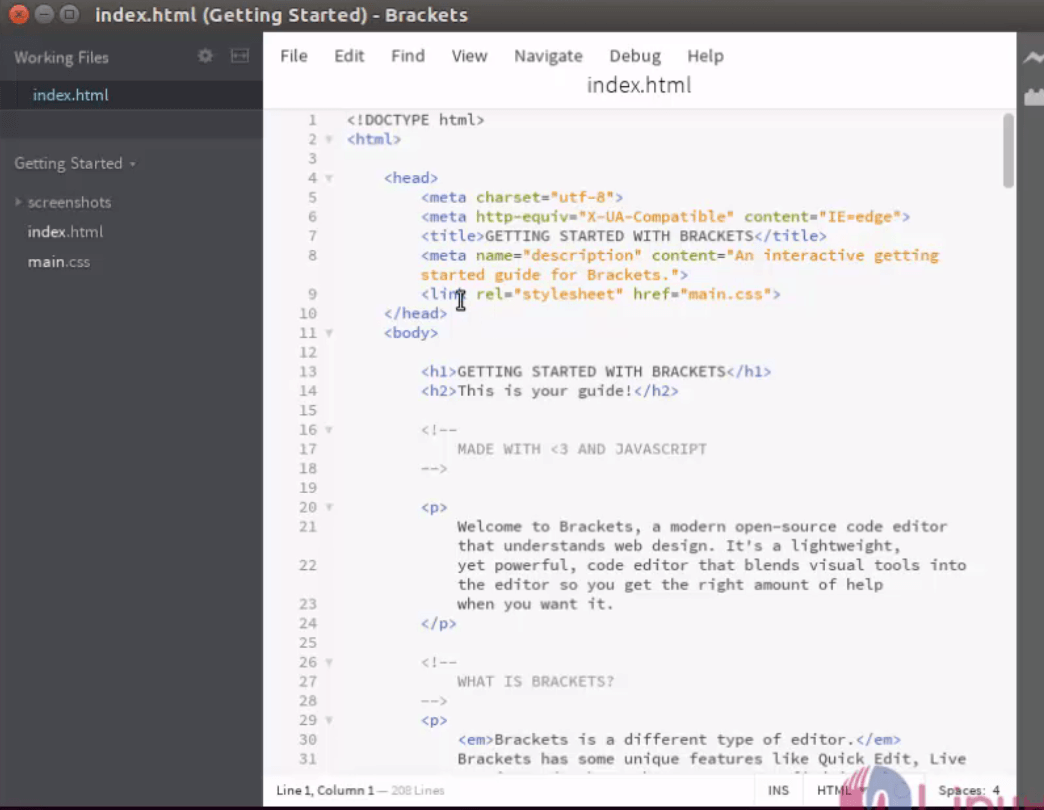
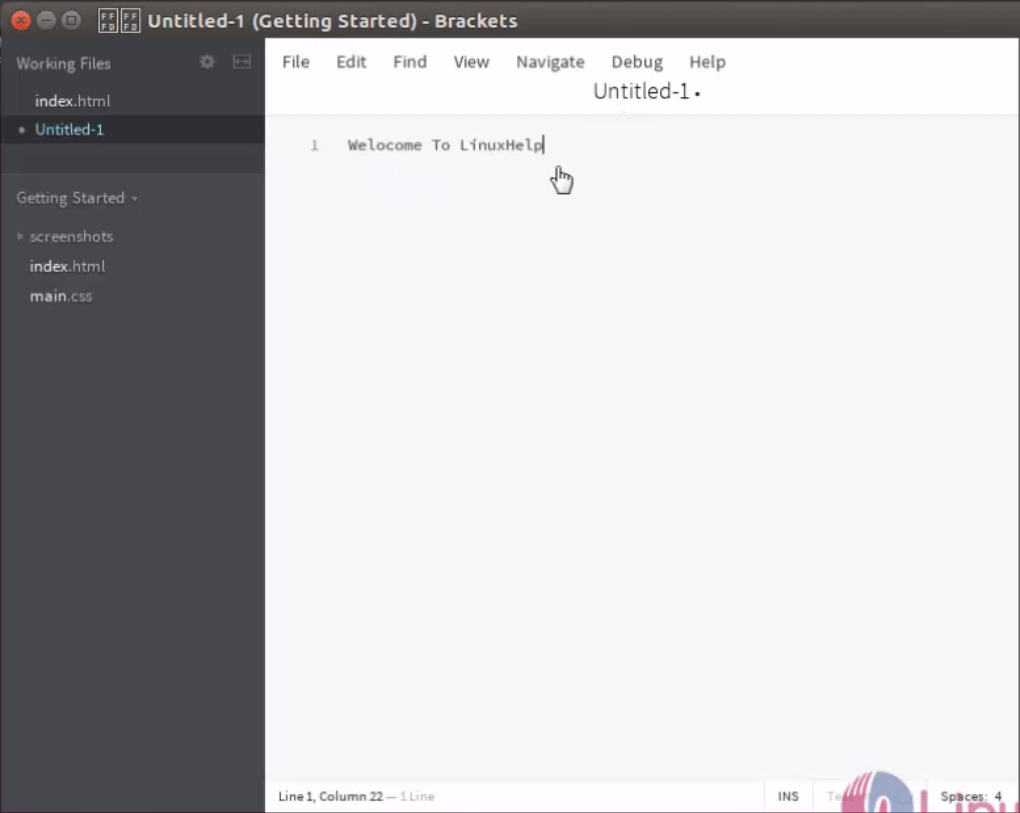
To open the brackets editor, run the following command.
root@linuxhelp:/home/user1# brackets
Komodo
Komodo is a free text editor designed mainly for dynamic programming languages.
To install Komodo
Add Komodo package into repository by running the following command.
root@linuxhelp:/home/user1# add-apt-repository ppa:mystic-mirage/komodo-edit
 Komodo Edit, based on the award-winning Komodo IDE, offers sophisticated support for all major scripting languages, including in-depth autocomplete and calltip
.
.
.
gpg:               imported: 1  (RSA: 1)
OK
Utilise the following command to update the system.
root@linuxhelp:/home/user1# apt-get update
Hit:1 http://security.ubuntu.com/ubuntu xenial-security InRelease
Hit:2 http://repository.spotify.com stable InRelease
.
.
.
Fetched 712 kB in 18s (39.0 kB/s)
Reading package lists... Done
Install komodo package by using the following command.
root@linuxhelp:/home/user1# apt-get install komodo-edit
Reading package lists... Done
Building dependency tree
.
.
.

Processing triggers for hicolor-icon-theme (0.15-0ubuntu1) ...
Setting up komodo-edit (10.0.1+17276~ubuntu1) ...
To Launch Komodo
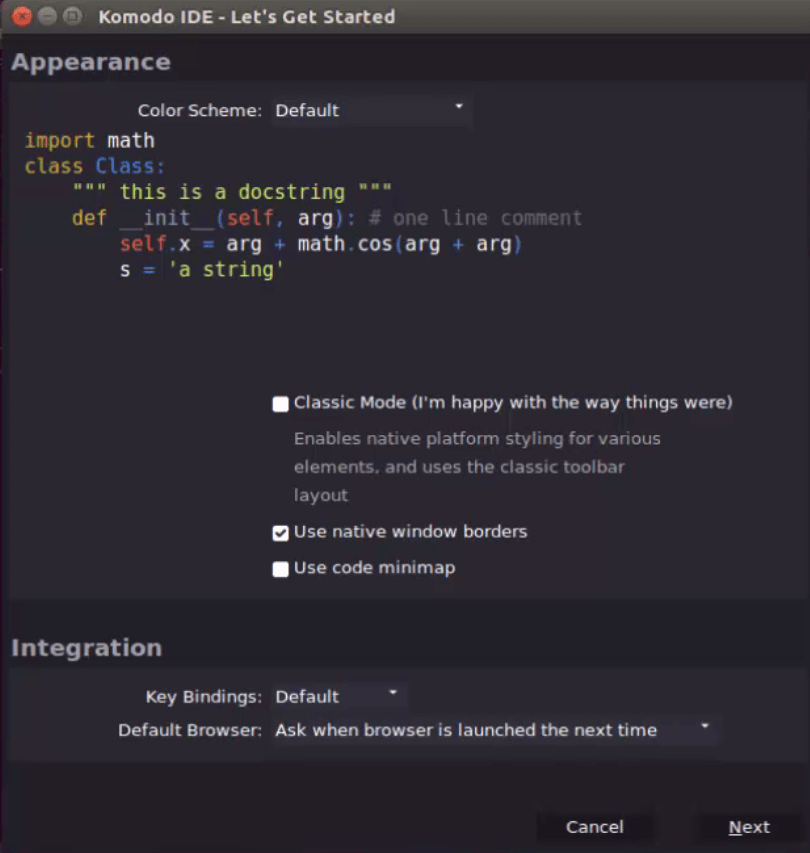
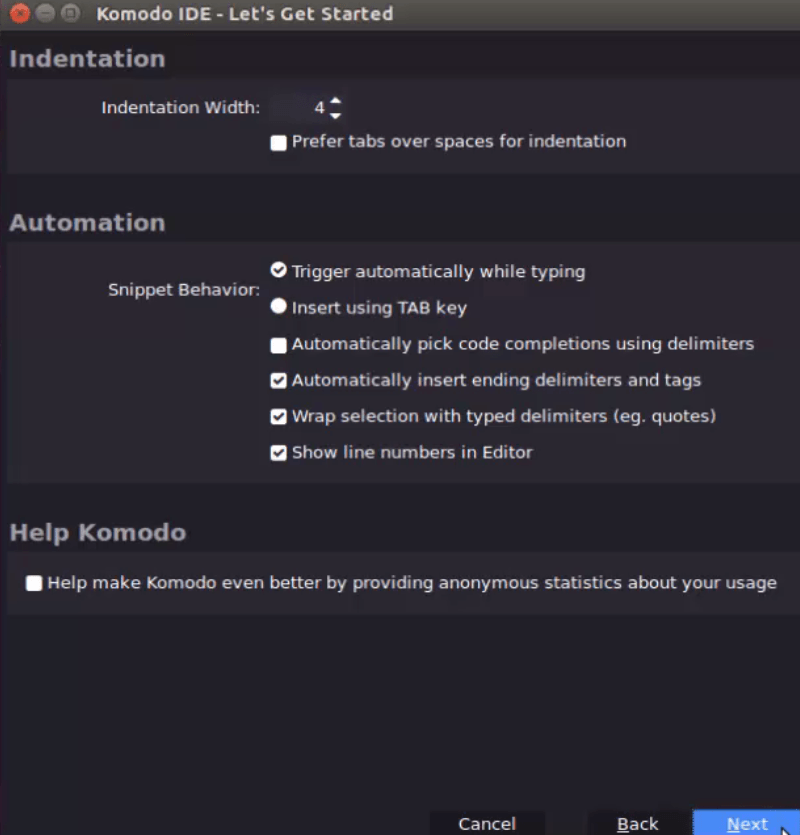
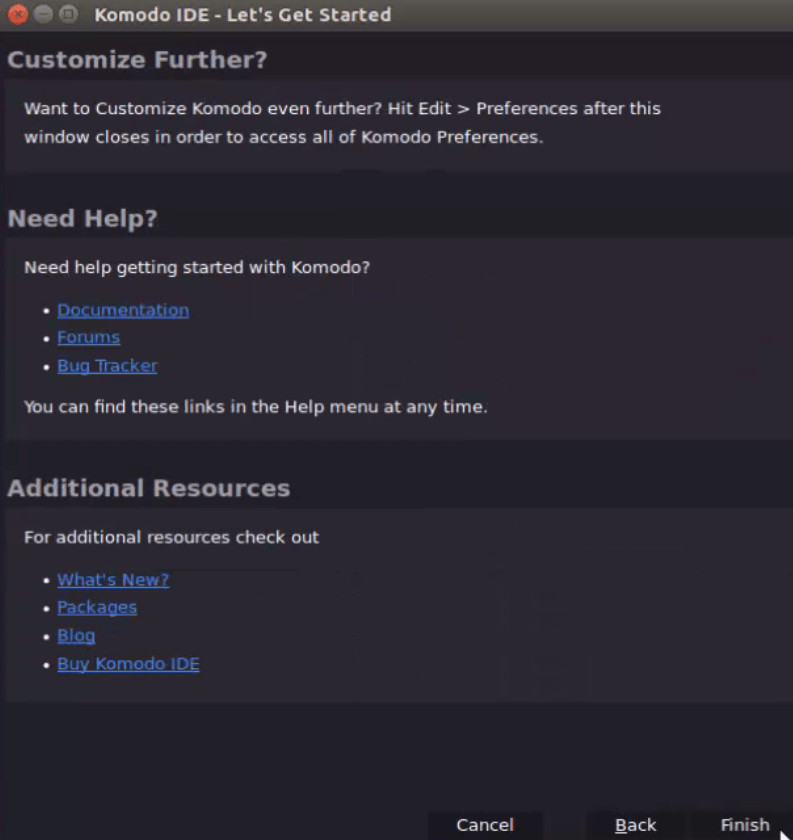
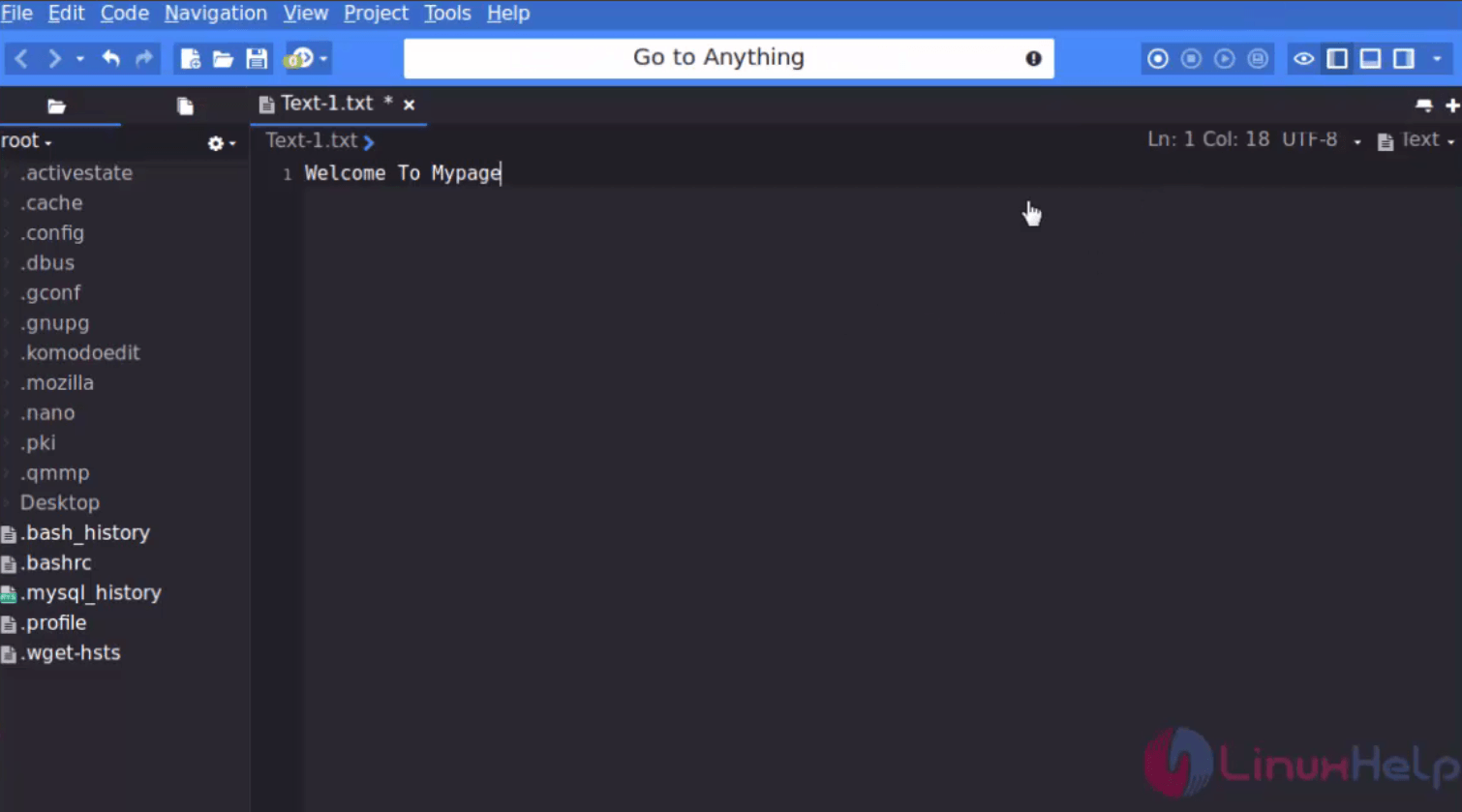
Open the komodo editor by executing the following command.
root@linuxhelp:/home/user1# komodo-edit
Comments ( 0 )
No comments available