Top Editor tools in Ubuntu
Top Editor Tools in Ubuntu Distribution
In this tutorial we are going to show some editor or source code tool for Ubuntu distribution.
Emacs
Emacs is the most popular code editors on Linux. It is a powerful, self-documenting editor, and customisable .
Installation of emac
root@linuxhelp:~# apt-get install emacs
Reading package lists... Done
Building dependency tree
Reading state information... Done
.
.
.
Setting up emacs (46.1) ...
Processing triggers for libc-bin (2.21-0ubuntu4) ...
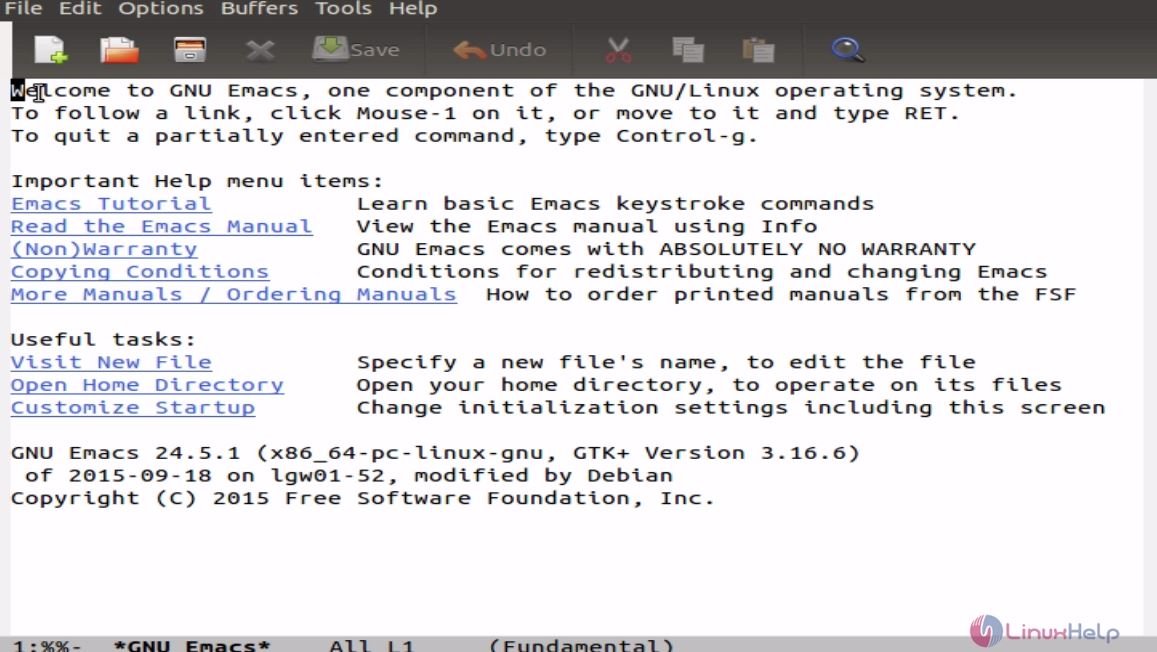
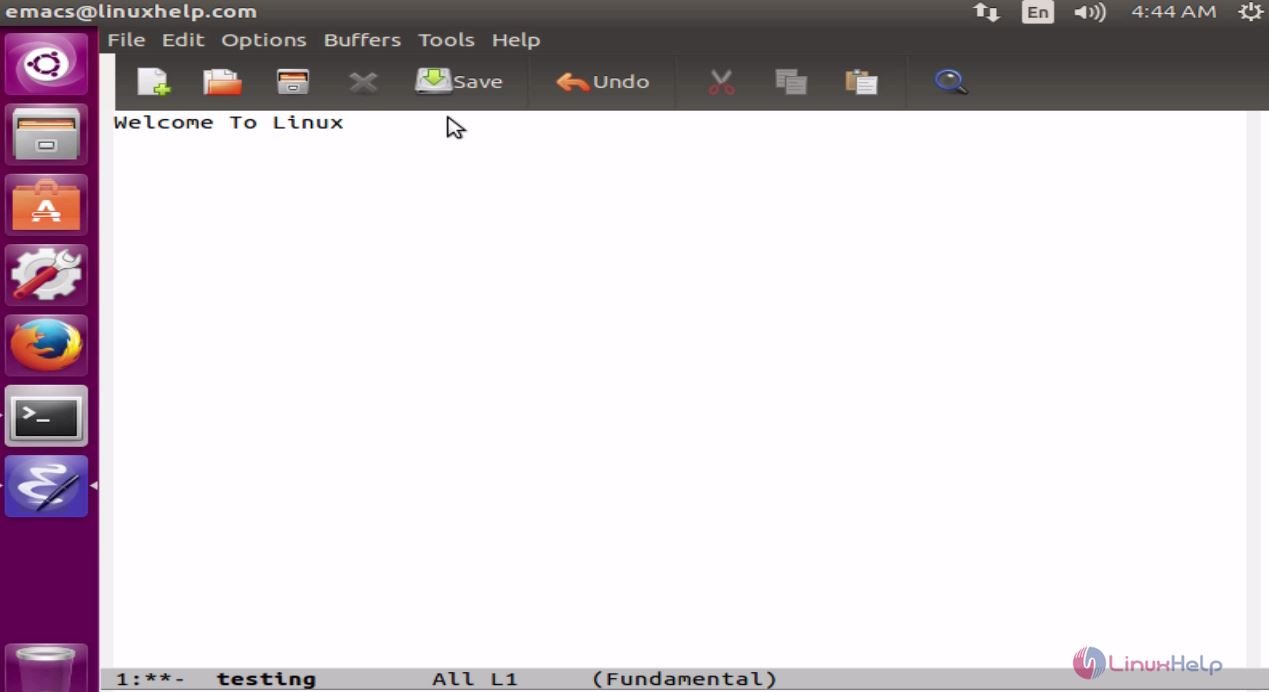
Open the emacs editor tool by using the following command.
root@linuxhelp:~# emacs
Geany
Geany is a text editor which uses the GTK+ toolkit in an integrated development environment. It facilitates a small and fast IDE, with few dependencies.
Features
- Auto-completion
- Multiple document support
- Project support
- Syntax highlighting
- Code folding (partially)
- Symbol lists
- Code navigation
Installation of geany
Run the following command to install Geany.
root@linuxhelp:/home/user1/Desktop# apt-get install geany
Reading package lists... Done
Building dependency tree
Reading state information... Done
.
.
.
Setting up geany (1.27-1~wily) ...
Processing triggers for libc-bin (2.21-0ubuntu4) ...
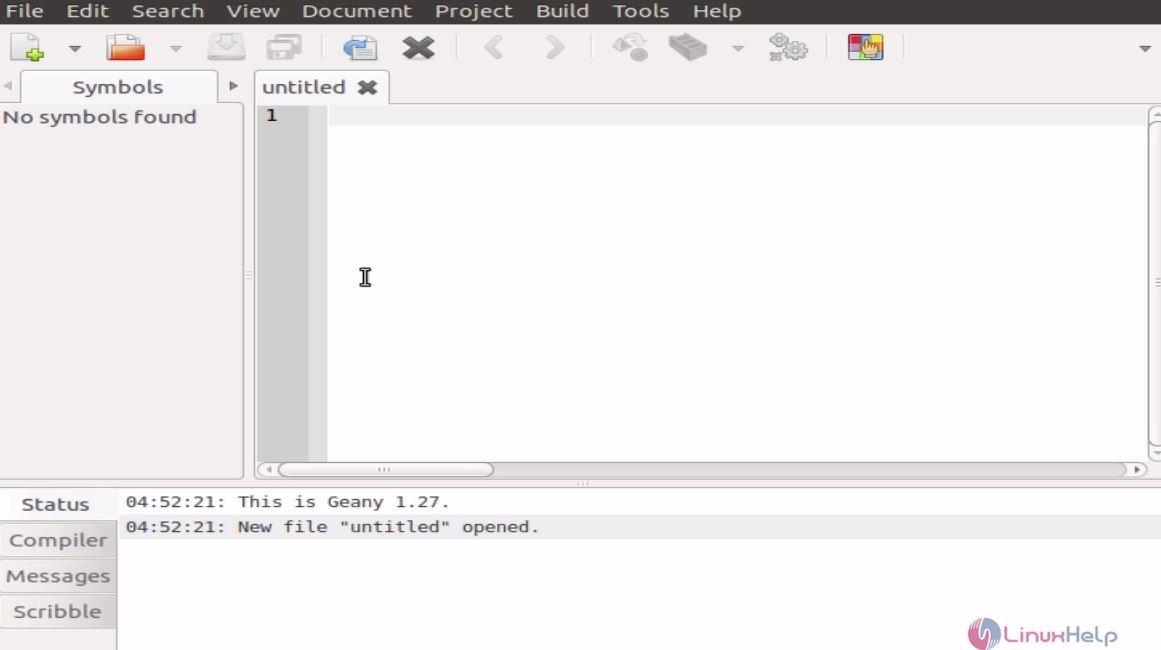
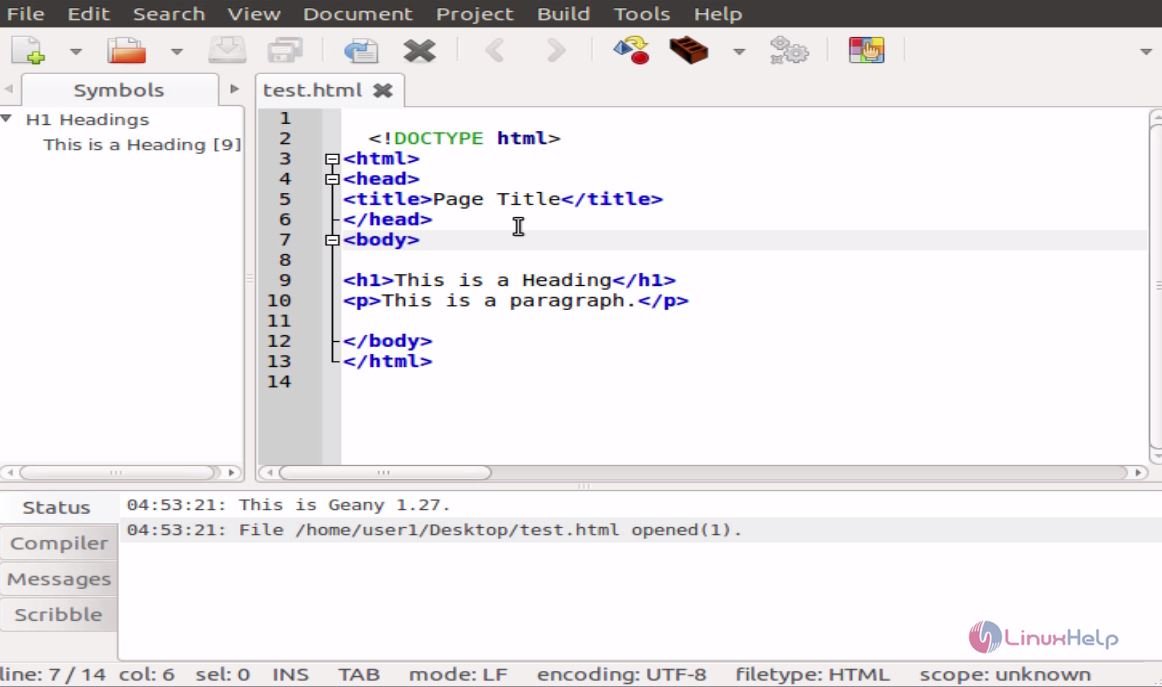
Utilise the following command to open the geany editor tool
root@linuxhelp:/home/user1/Desktop# geany
Brackets
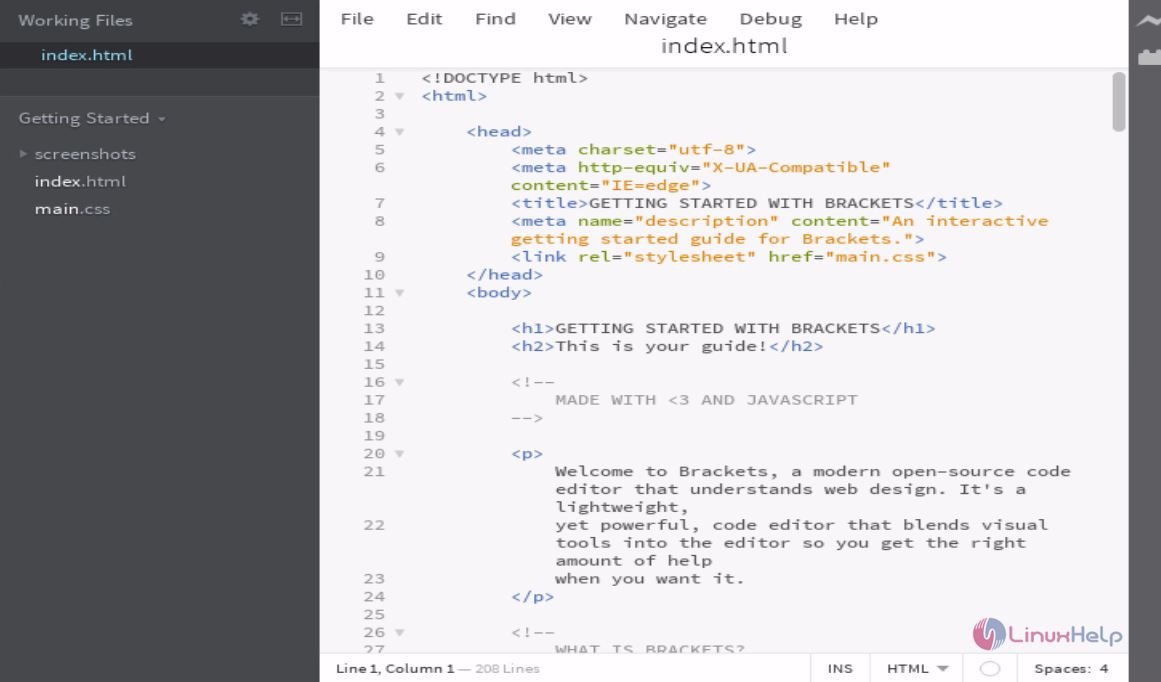
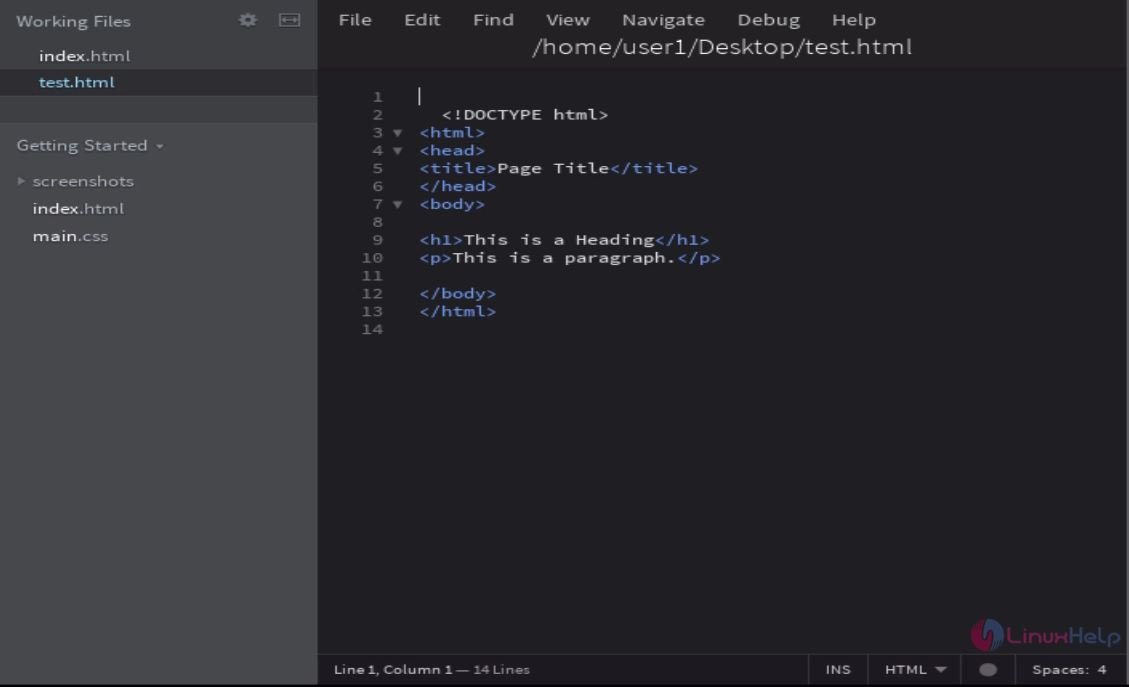
Brackets is a lightweight, powerful, and modern text editor. It supports GUI.
Features
- Quick Edit
- Quick Docs
- Live Preview
- JSLint
- LESS support
- Theseus integration
- Open source
- Extensibility
Install the brackets
Run the following command to add the following repos.
root@linuxhelp:~# add-apt-repository ppa:webupd8team/brackets
Brackets is an open-source editor for web design and development built on top of web technologies such as HTML, CSS and JavaScript. The project was created and is maintained by Adobe, and is released under a MIT License.
.
.
.
gpg: Total number processed: 1
gpg:               imported: 1  (RSA: 1)
OK
Update your machine by using the following command.
root@linuxhelp:~# apt-get update
Hit http://security.ubuntu.com wily-security InRelease
Hit http://in.archive.ubuntu.com wily InRelease
Hit http://ppa.launchpad.net wily InRelease
.
.
.
Hit http://in.archive.ubuntu.com wily-backports/restricted Translation-en
Hit http://in.archive.ubuntu.com wily-backports/universe Translation-en
Reading package lists... Done
Utilise the following command to install the brackets package.
root@linuxhelp:~# apt-get install brackets
Reading package lists... Done
Building dependency tree
Reading state information... Done
.
.
.
Processing triggers for hicolor-icon-theme (0.15-0ubuntu1) ...
Setting up brackets (1.7.0libgcrypt11+1-16898+1~webupd8~0) ...
Use the following command to open the brackets editor tool.
root@linuxhelp:~# brackets
Atom
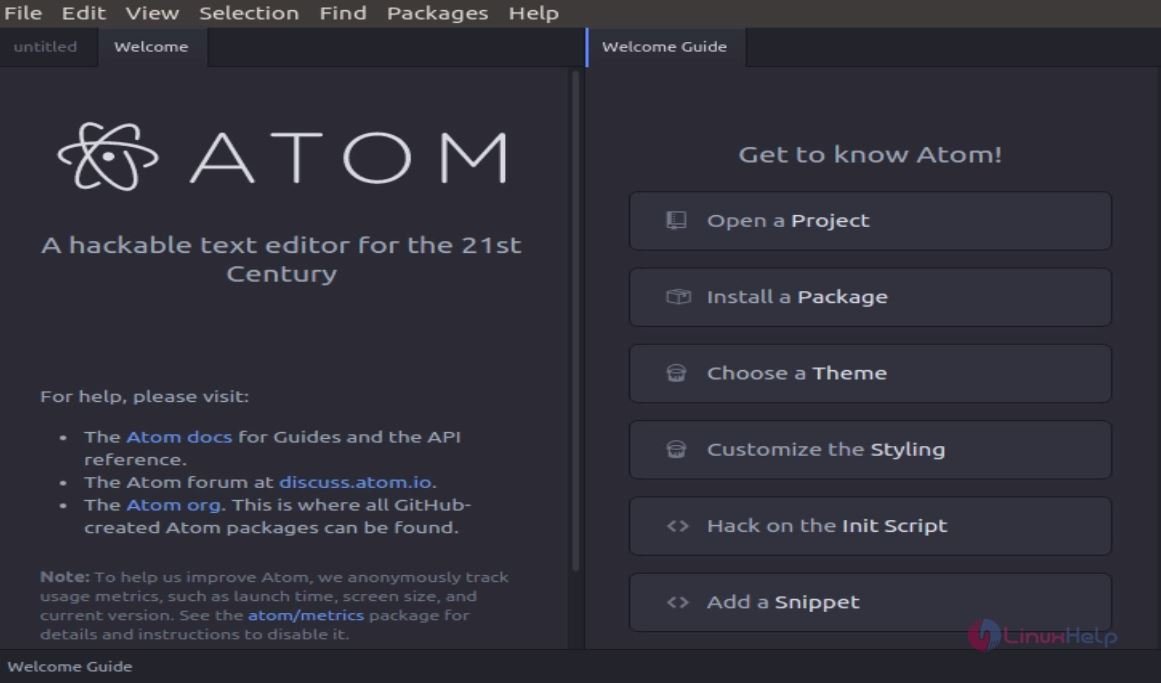
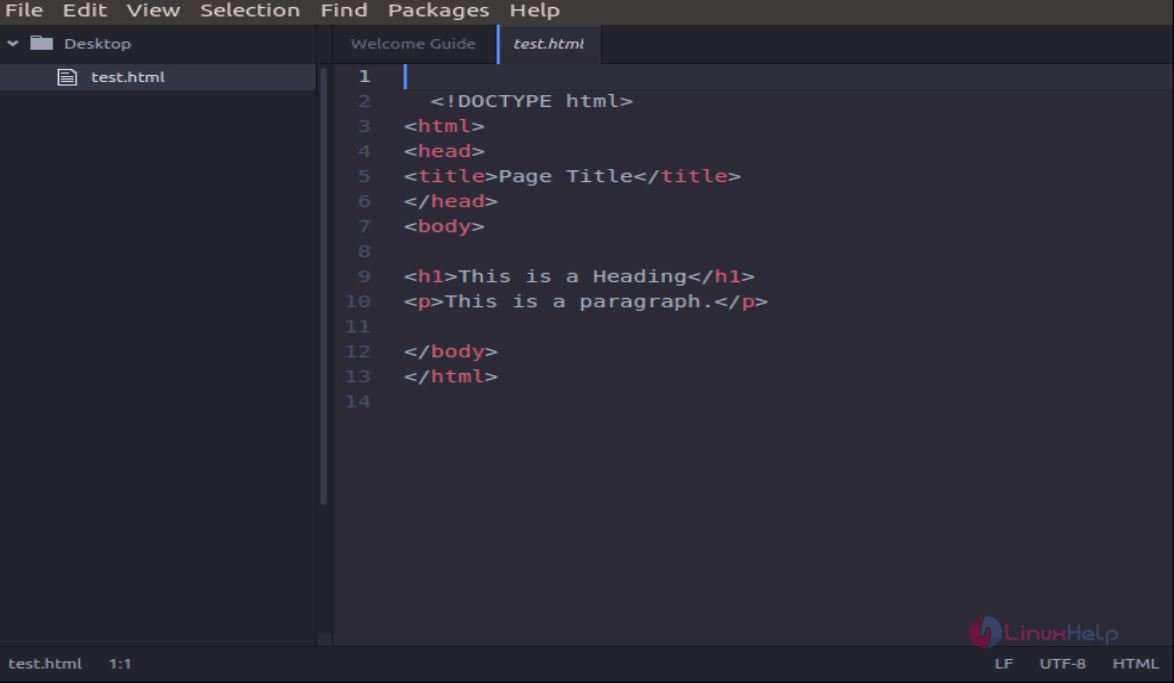
Atom is an open-source text editor developed by GitHub. It is a desktop application built using web technologies.
Install the atom package
Download the atom package by using wget command.
root@linuxhelp:~# wget https://atom.io/download/deb -O atom.deb
--2016-07-14 05:36:03--  https://atom.io/download/deb
Resolving atom.io (atom.io)... 23.23.162.51, 54.235.138.91, 23.21.87.228
.
.
.
atom.deb            100%[=====================> ]  75.42M   453KB/s   in 3m 45s
2016-07-14 05:39:50 (344 KB/s) - ‘ atom.deb’  saved [79083138/79083138]
Install the atom package by using the following command.
root@linuxhelp:~# dpkg -i atom.deb
Selecting previously unselected package atom.
(Reading database ... 189230 files and directories currently installed.)
Preparing to unpack atom.deb ...
.
.
Rebuilding /usr/share/applications/bamf-2.index...
Processing triggers for mime-support (3.58ubuntu1) ...
Utilise the following command to open the atom editor tool.
root@linuxhelp:~# atom
Comments ( 0 )
No comments available