Top Open source video players for Linux
Top Open source video players
This article is about the top video players for Linux. Audio and video is the common sources through which we share information. Now let us see about top 10 open source video players in Linux.
VLC media player
VLC is an open source available for OS like android, iPad, i Phone etc. It supports file formats like audio and video streaming protocols. It is written in C, C++. It is available in 48 languages and released under the license of GNU Lesser General Public License v2.1+. VLC media player plays HD recordings and has add in plugin support in Mozilla, Google Chrome, etc.
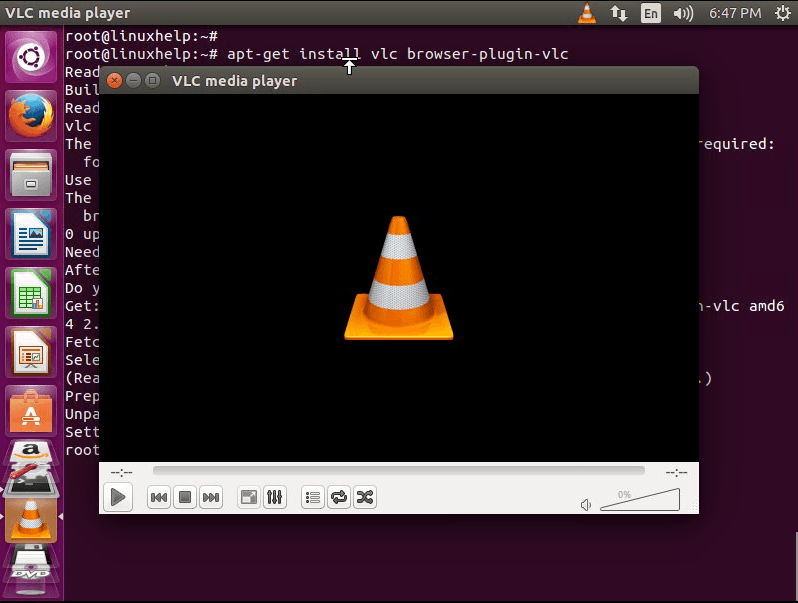
XBMC &ndash Kodi Media Center
Xbox Media Center is written in C++. It is released under GNU General Public License and it is available in 69+ languages. It has lots of features like audio and video streaming plugins, screensavers, visualizations, themes etc. XBMC supports formats MIDI, MP2, MP3, Vorbis etc.
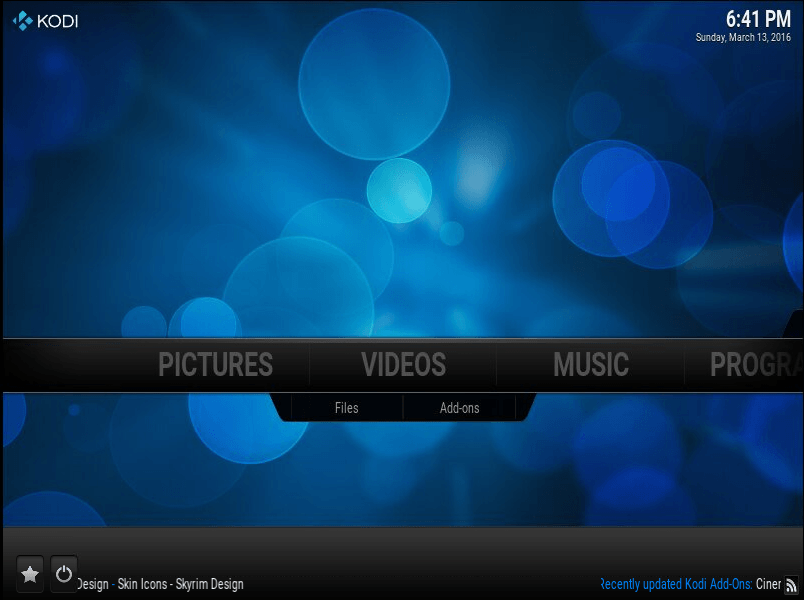
SMPlayer
SMPlayer is written in C++ and it is available in multiple languages. SMP is released under GNU General Public License. It supports all the formats of different media players.

MPV Player
MPV Player is free open source media player. It is written in C and objective -c. It is released under GPLv2. It supports OS like BSD, Linux, Mac OS and Microsoft Windows. It has a technique called smooth motion.
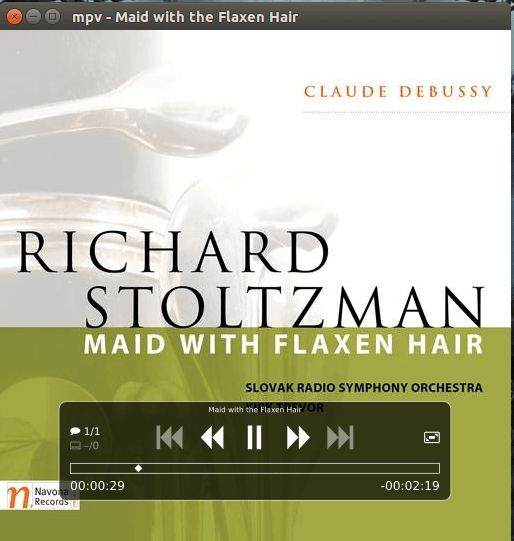
Miro Music and Video Player
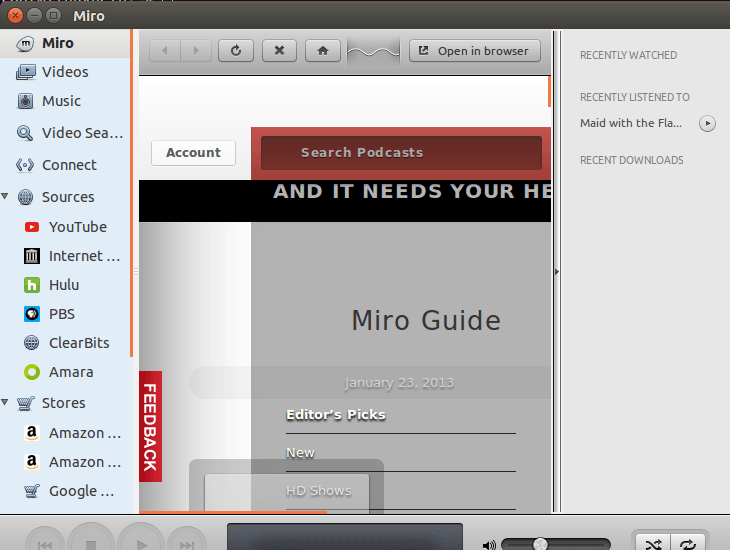
Miro Music and Video Player developed by the Participatory Culture Foundation. It support Microsoft Windows, Mac OS X, FreeBSD and Linux. It is released under the terms of the GNU General Public License. It is available in 40 languages. It is written in Python using GTK. It plays several file formats like MPEG files, Audio Video Interface, Quick Time, WMV.

Gnome Videos
Gnome videos otherwise called Totem is an open source software. It is released under GNU General Public License. It utilizes the GStreamer framework for playback. It supports Unix like operating systems. It is written in C language. It supports formats like: SHOUTcast, M3U, SMIL, Windows Media Player format, and Real Audio format.
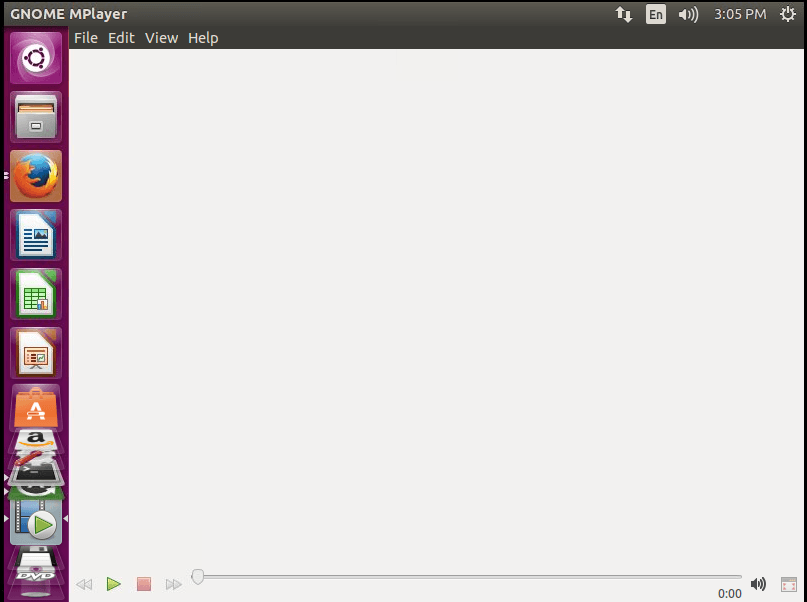
Bomi (CMPlayer)
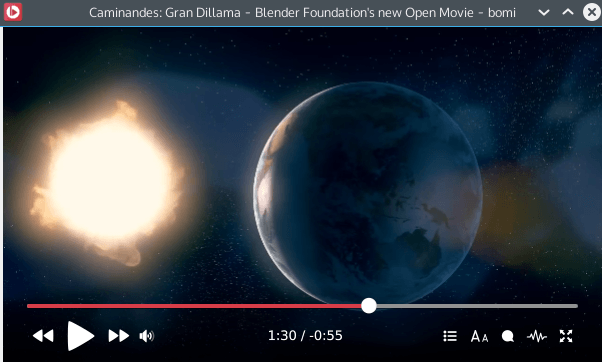
Bomi is based on the MPV player. It has a user friendly GUI, recording, resume playback. It has features like audio and video streaming plugins, screensavers, visualizations, themes etc.
Banshee Music and Video Player
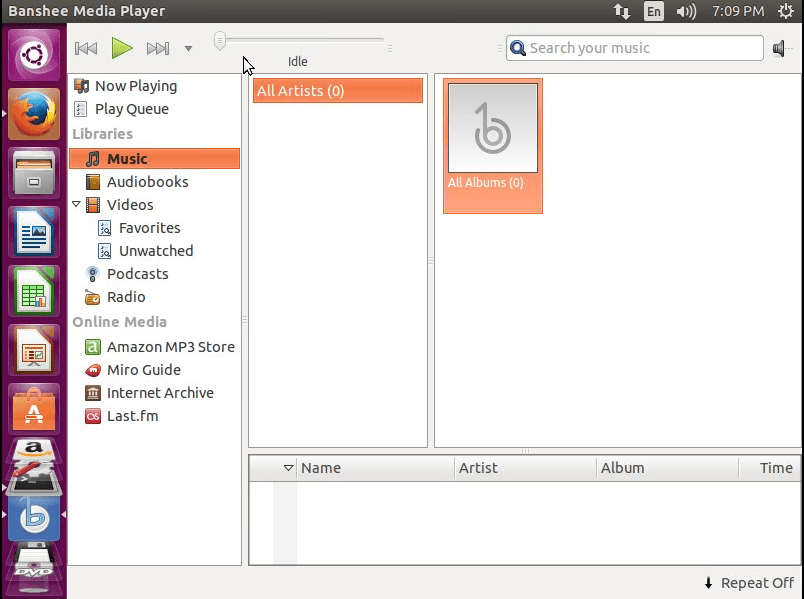
Banshee Music and Video Player is also called Sonance. It is a open source media player. It is released under MIT License. It has features has Multimedia keys support, iPod manager which allows transfer of audio and video between system and iPod etc.
MPlayer
MPlayer is released under GNU General Public License. It is written in C language. It has features like X video extension, DirectX, VESA, Framebuffer, SDL etc. It supports Operating Systems i.e. Linux, Mac, Windows.
Xine Multimedia Player
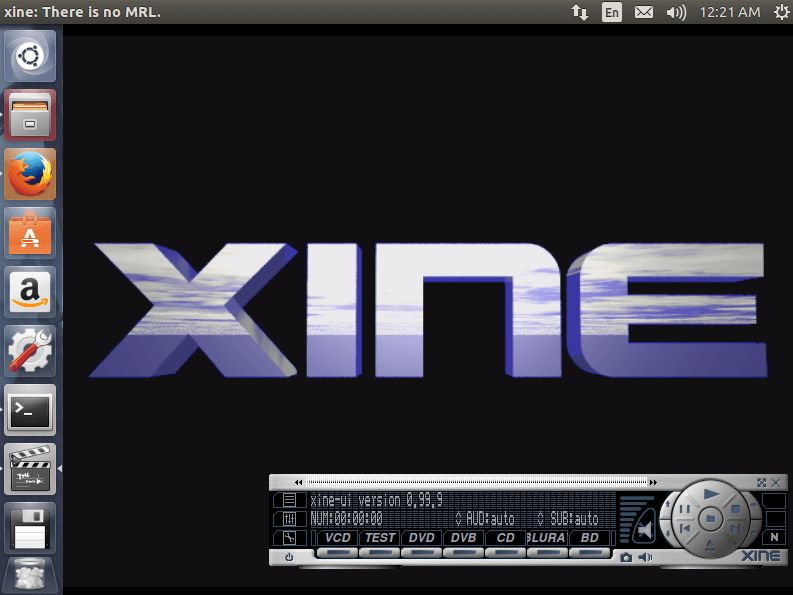
Xine Multimedia Player is written in C language and it is released under GNU General Public License. It supports formats like 3gp, Matroska, MOV, Mp4, Audio formats. It has an ability to manually correct audio and video streams synchronization.
Comments ( 0 )
No comments available