Top Terminal Emulator in Linux – Part 2
Top Terminal Emulator in Linux
Tilda
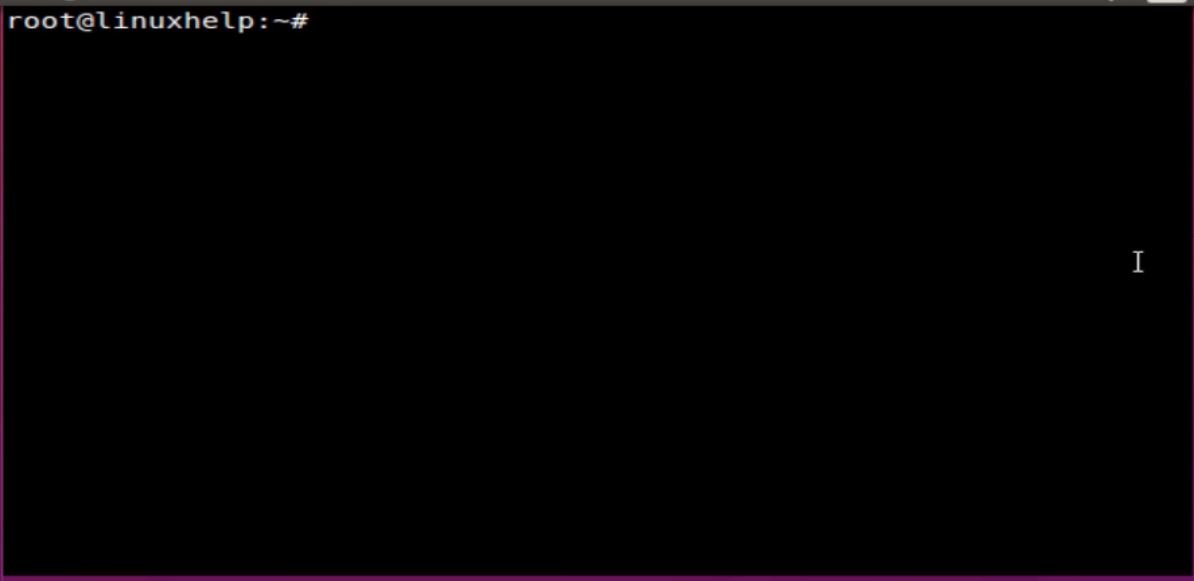
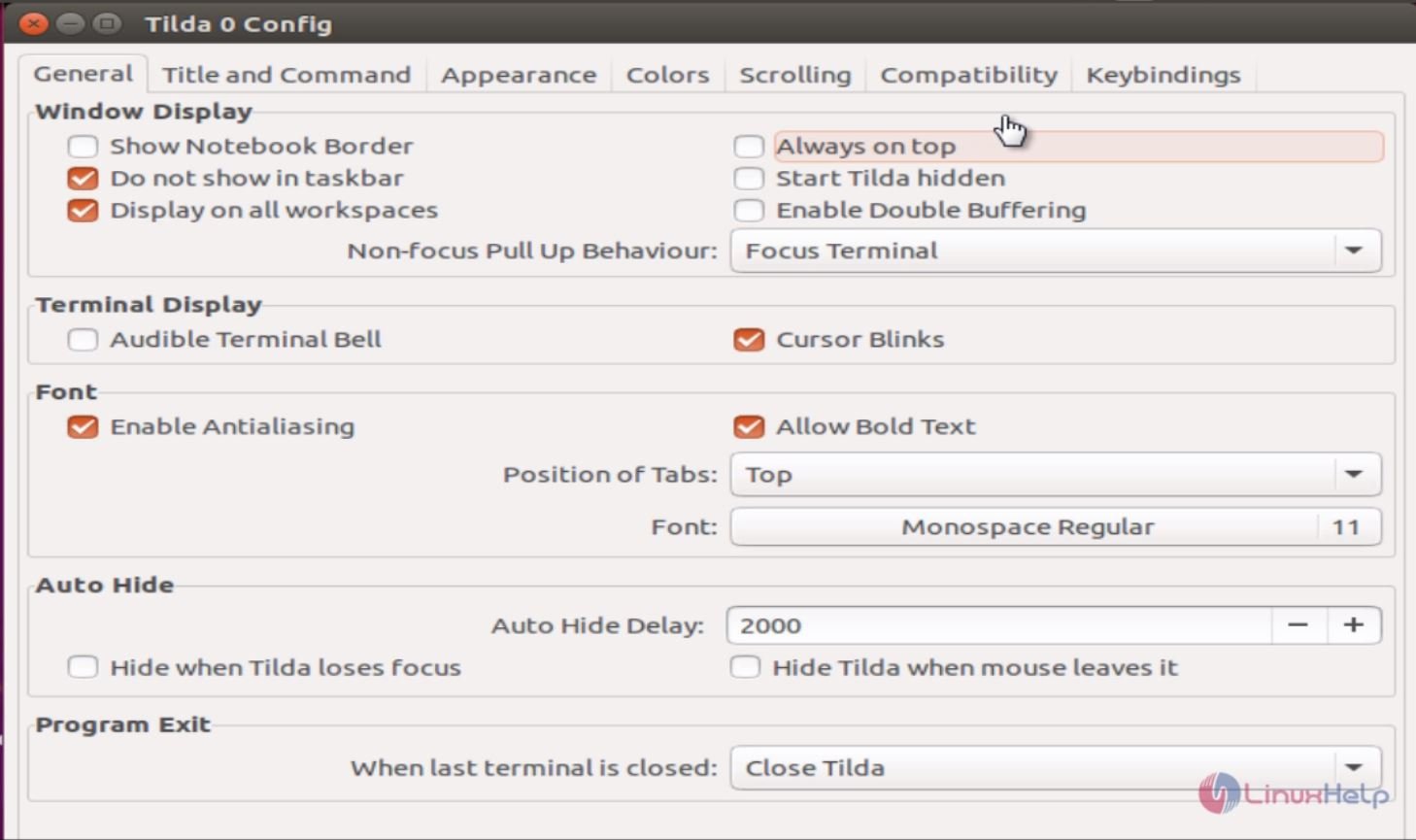
Tilda is a terminal emulator similar to normal terminals like gnome-terminal (gnome) or konsole (kde), with the difference that it drops down from the edge of a screen when a certain configurable hotkey is pressed. This is similar to the build-in consoles in games such as quake or half-live. tilda is highly configurable through a graphical wizard.
Installation of Tilda terminal emulator
root@linuxhelp:~# apt-get install tilda
Reading package lists... Done
Building dependency tree
Reading state information... Done
The following package was automatically installed and is no longer required:
  gnome-terminal-data
.
.
.
Setting up libvte-2.90-common (1:0.36.3-1ubuntu2) ...
Setting up libvte-2.90-9 (1:0.36.3-1ubuntu2) ...
Setting up tilda (1.2.4-1) ...
Processing triggers for libc-bin (2.21-0ubuntu4.1) ...
Run the Tilda Terminal Emulator.
root@linuxhelp:~# tilda
Konsole
Konsole is an free and open-source terminal emulator which is part of KDE Applications. Konsole was originally written by Lars Doelle.
Features
- Supports Bi-directional text display
- Multiple Tabbed terminals.
- Translucent backgrounds.
- Customizable color schemes.
- Customizable key bindings.
Installation of konsole
root@linuxhelp:~# apt-get install konsole
Reading package lists... Done
Building dependency tree
Reading state information... Done
.
.
.
Setting up kde-baseapps-bin (4:15.08.2-0ubuntu1) ...
Setting up ntrack-module-libnl-0 (016-1.3) ...
Processing triggers for libc-bin (2.21-0ubuntu4.1) ...
Processing triggers for dbus (1.10.0-1ubuntu1) ...
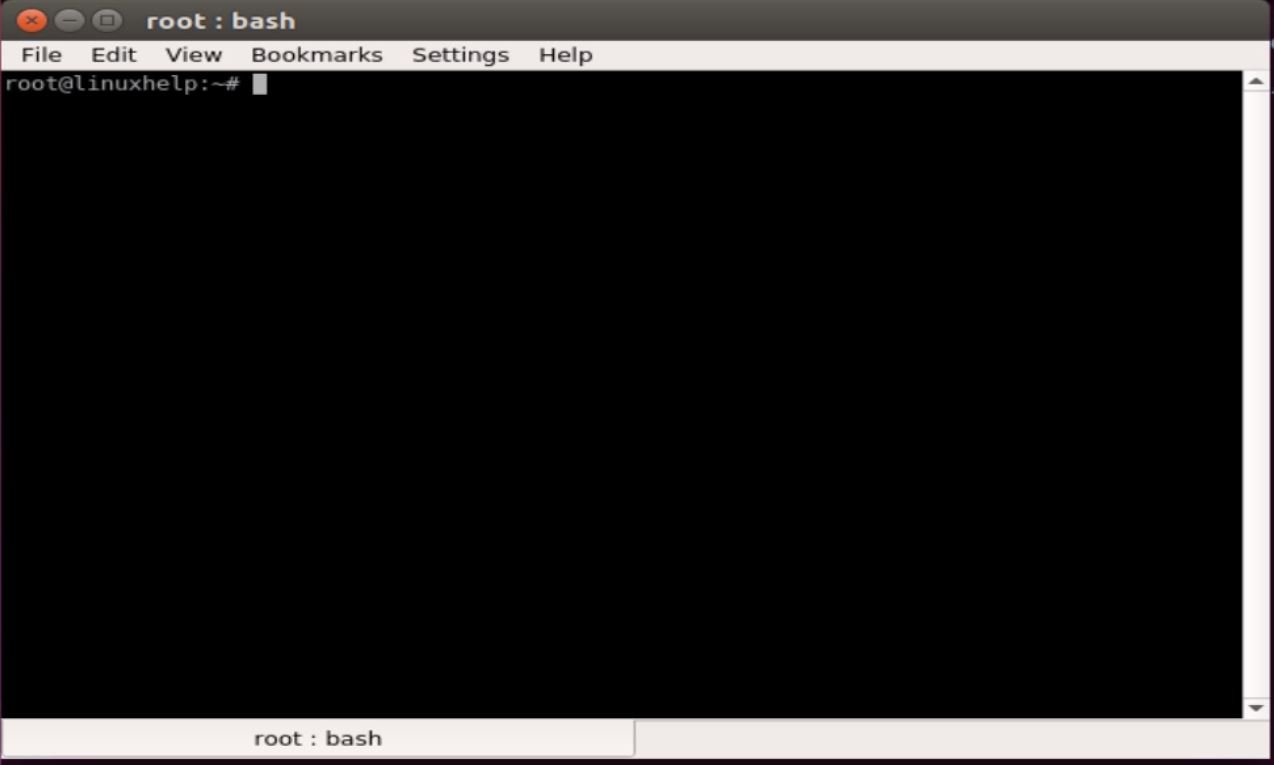
Run the konsole terminal emulator
root@linuxhelp:~# konsole
Rxvt-unicode
Rxvt-unicode terminal emulator is otherwise called as urxvt. It is a customizable terminal emulator forked from rxvt. Features of rxvt-unicode include international language support through Unicode, the ability to display multiple font types and support for Perl extensions.
Installation of rxvt-unicode emulator
root@linuxhelp:~# apt-get install rxvt-unicode
Reading package lists... Done
Building dependency tree
Reading state information... Done
.
.
.
Setting up fonts-dejavu (2.35-1) ...
Setting up rxvt-unicode (9.21-1) ...
Setting up ttf-dejavu-extra (2.35-1) ...
Setting up ttf-dejavu (2.35-1) ...
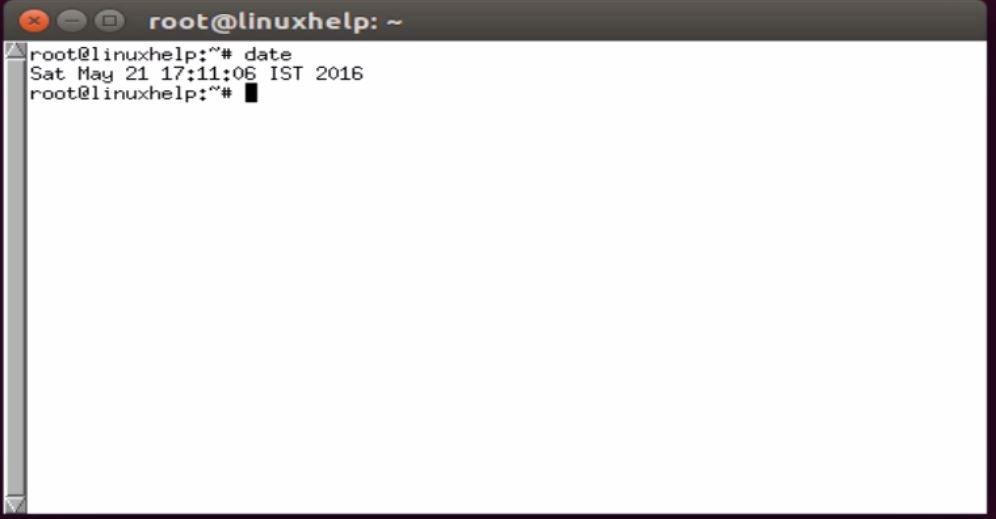
Run the rxvt-unicode emulator.
root@linuxhelp:~# rxvt-unicode
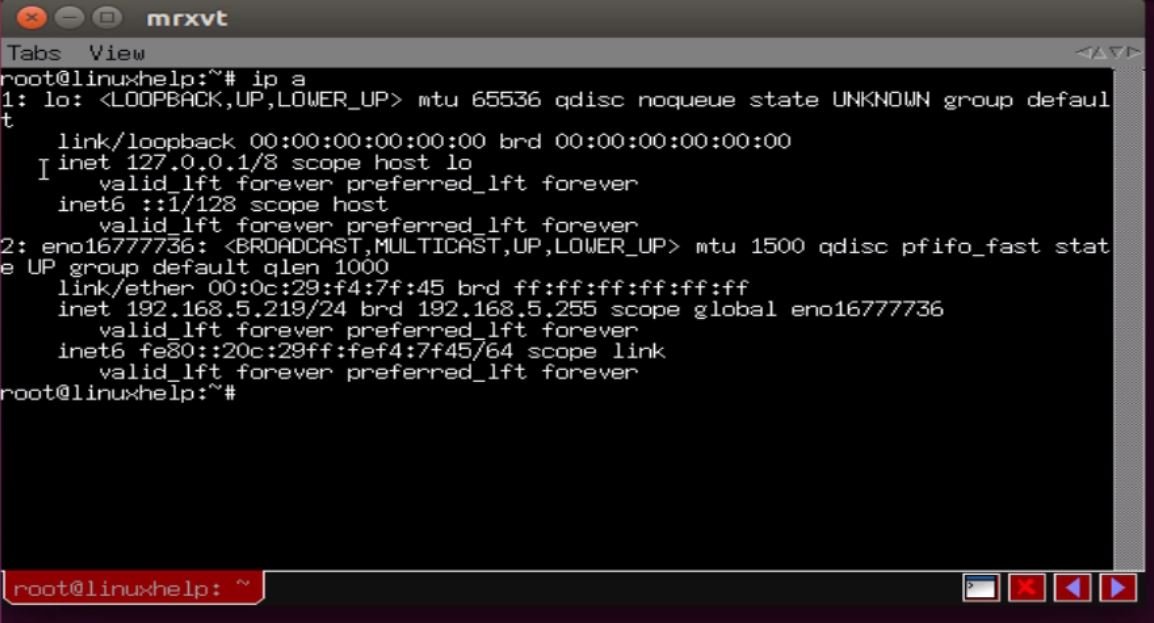
Mrxvt
Mrxvt is a lightweight, powerful multi-tabbed terminal emulator for the X window system. mrxvt is based on rxvt version 2.7.11 CVS and aterm.
Features
- Multi-tab support
- Session support for each tab
- Input broadcasting to all tabs
- Customizable keyboard shortcuts
- Translucency and pseudo transparency support
Installation of mrxvt emulator
root@linuxhelp:~# apt-get install mrxvt
Reading package lists... Done
Building dependency tree
Reading state information... Done
.
.
.
Setting up mrxvt-common (0.5.4-1.1) ...
Setting up mrxvt (0.5.4-1.1) ...
Run the mrxvt terminal emulator.
root@linuxhelp:~# mrxvt
Lxterminal
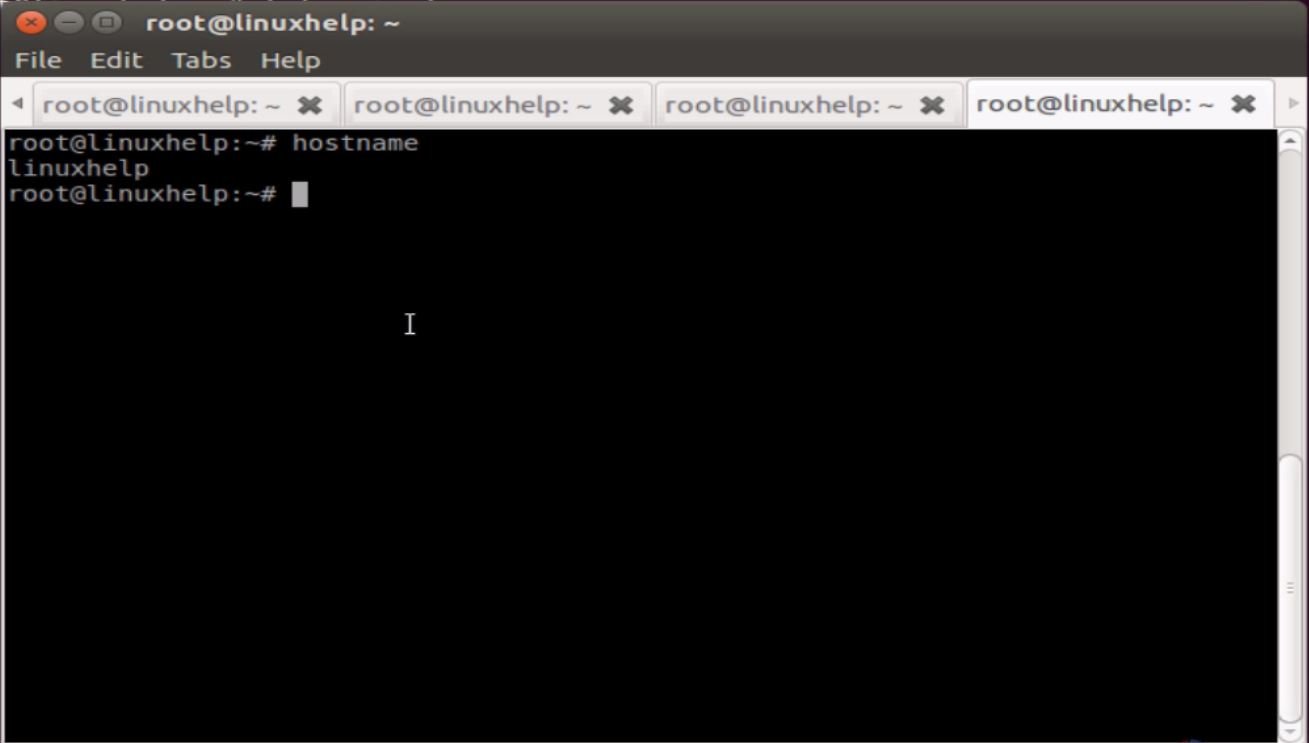
LXTerminal is the standard terminal emulator of LXDE. The terminal is a desktop-independent VTE-based terminal emulator for LXDE without any unnecessary dependency. LXTerminal supports multiple tabs. All instances of program share the same process to reduce memory usage.
Features
- Supports common operations like cp, mv, cd, dir, mkdir
- Option to hide the menu bar for saving space
- Set the buffer size (the number of lines that you can scroll back)
- Change the color scheme
- Multiple tabs support
Installation of Lxterminal emulator
root@linuxhelp:~# apt-get install lxterminal
Reading package lists... Done
Building dependency tree
Reading state information... Done
.
.
.
Setting up libvte-common (1:0.28.2-5ubuntu2) ...
Setting up libvte9 (1:0.28.2-5ubuntu2) ...
Setting up lxterminal (0.2.0-1) ...
Processing triggers for libc-bin (2.21-0ubuntu4.1) ...
Run the lxterminal
root@linuxhelp:~# lxterminal
aterm
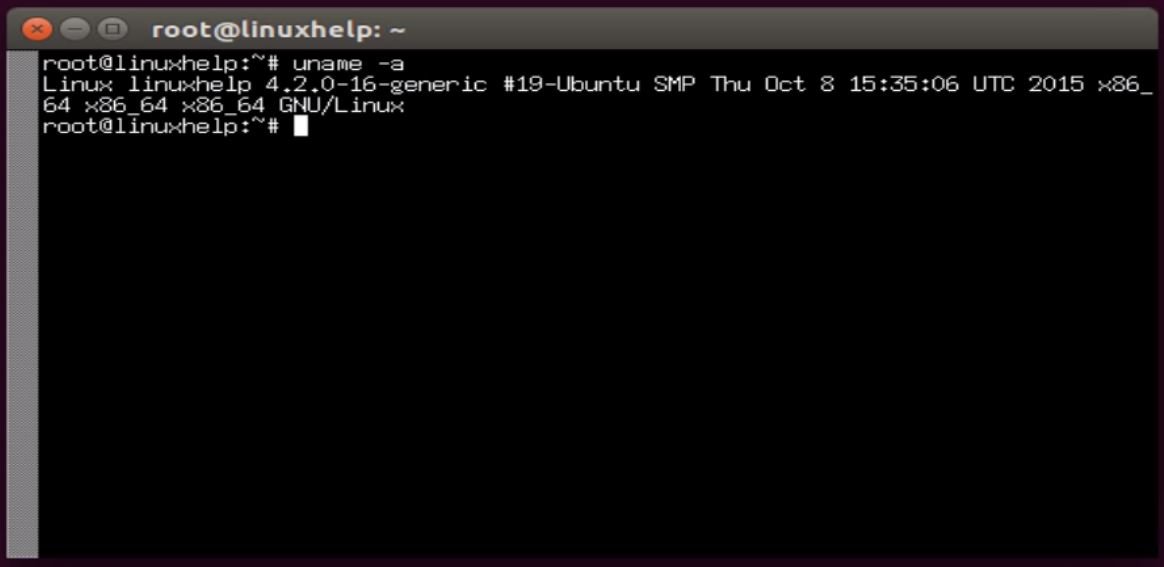
aterm is the AfterStep terminal emulator for the X Window System. Based on rxvt 2.4.8 aterm is a color VT100 terminal emulator that supports basic pseudo-transparency.
Installation of aterm terminal emulator
root@linuxhelp:~# apt-get install aterm
Reading package lists... Done
Building dependency tree
Reading state information... Done
.
.
.
Setting up libafterimage0 (2.2.12-6) ...
Setting up aterm (1.0.1-8) ...
Processing triggers for libc-bin (2.21-0ubuntu4.1) ...
Run the aterm terminal emulator
root@linuxhelp:~# aterm
kterm
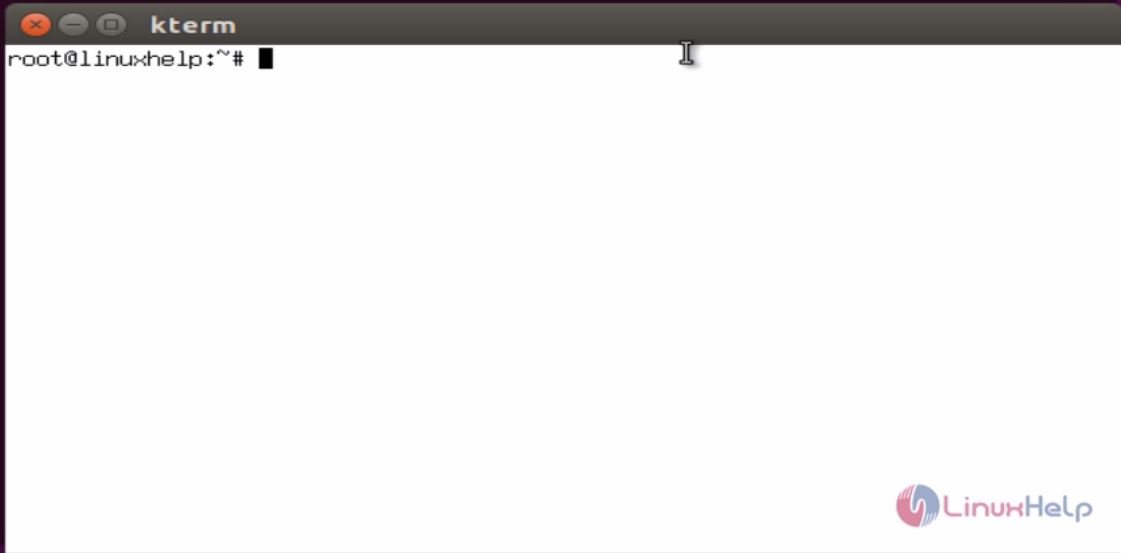
The kterm utility launches a multi-lingual terminal emulator based on xterm. The major difference between the two terminal emulators is that kterm can handle multi-lingual text encoded in ISO2022, can display colored text, and has the statusline function. To input multi-lingual text, both X Input Method (XIM) protocol and kinput2 protocol can be used.
Installation of kterm terminal emulator
root@linuxhelp:~# apt-get install kterm
Reading package lists... Done
Building dependency tree
Reading state information... Done
The following extra packages will be installed:
  ncurses-term
Suggested packages:
  xfonts-shinonome xfonts-a12k12
.
.
.
Processing triggers for man-db (2.7.4-1) ...
Setting up ncurses-term (5.9+20150516-2ubuntu1) ...
Setting up kterm (6.2.0-46.1) ...
Run the kterm terminal emulator
root@linuxhelp:~# kterm
Comments ( 0 )
No comments available