Top Terminal Emulator in Linux – Part 3
Top Terminal Emulator in Linux
Terminology
Terminology is a relatively new terminal emulator written for the Enlightenment desktop, but it can be used in other desktop environments. This application comes with many cool features, some of which do not exist in any other terminal emulator.
Features
- Custom background support and transparency (and each tab or slip can have its own background supported backgrounds: bitmap, scalable/vector, animated gif, videos).
- Text / links drag and drop.
- Themes for the layout and design.
- URL, file path and email address detection and link-handling.
- Inline display of link content.
- Installation of Terminology emulator
root@linuxhelp:~# apt-get install terminology
Reading package lists... Done
Building dependency tree
Reading state information... Done
.
.
.
Setting up terminology-data (0.7.0-1) ...
Setting up terminology (0.7.0-1) ...
Processing triggers for libc-bin (2.21-0ubuntu4.1) ...
Run the Terminology emulator
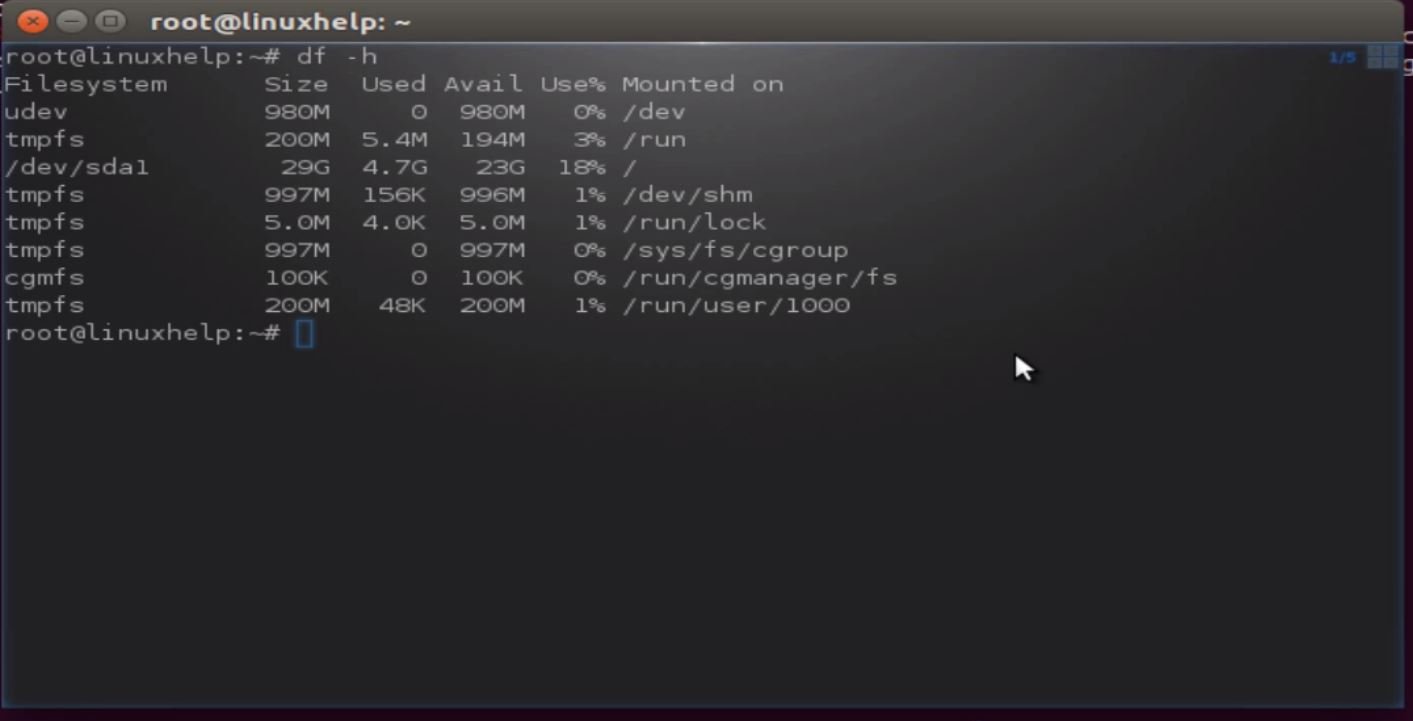
root@linuxhelp:~# terminology
Sakura
Sakura is a terminal emulator based on gtk and libvte. It has few dependencies, so there' s no need of a full GNOME desktop installed to have a powerful terminal emulator. Sakura uses a gtk notebook to provide tabbed terminals in one window and has a contextual menu for configuration it was designed without a menu bar.
Installation of Sakura emulator
root@linuxhelp:~# apt-get install sakura
Reading package lists... Done
Building dependency tree
Reading state information... Done
.
.
.
Rebuilding /usr/share/applications/bamf-2.index...
Processing triggers for mime-support (3.58ubuntu1) ...
Setting up sakura (3.2.0-1) ...
Run the Sakura terminal emulator
root@linuxhelp:~# sakura

Termit
Termit is a terminal emulator based on the vte library. It includes tabs, bookmarks, the ability to switch encodings, and Lua-scripting.
Installation of Termit emulator
root@linuxhelp:~# apt-get install termit
Reading package lists... Done
Building dependency tree
Reading state information... Done
.
.
.
Processing triggers for mime-support (3.58ubuntu1) ...
Processing triggers for man-db (2.7.4-1) ...
Setting up termit (2.10.0-2-gb8280ed-1) ...
Run the Termit emulator
root@linuxhelp:~# termit

LilyTerm
LilyTerm is a light and easy to use libvte based X Terminal Emulator with a lot of features.
Features
- Supports multiple tabs, reorderable tabs and hides the tab tray when there is only one tab.
- Add, close, switch, move, rename tabs with function keys.
- Support for transparent background and background saturation.
- Several customization options for profiles.
Installation of Lily Term emulator
root@linuxhelp:~# apt-get install lilyterm
Reading package lists... Done
Building dependency tree
Reading state information... Done
.
.
.
re/applications/bamf-2.index...
Processing triggers for mime-support (3.58ubuntu1) ...
Setting up lilyterm (0.9.9.4-4) ...
Run the LilyTerm emulator.
root@linuxhelp:~# lilyterm

Evilvte
It is VTE based, highly customizable terminal emulator
Features
- Right click to switch encoding
- Build-time configuration
- tabbar autohide
Installation of Evilvte emulator
root@linuxhelp:~# apt-get install evilvte
Reading package lists... Done
Building dependency tree
Reading state information... Done
.
.
.
Processing triggers for bamfdaemon (0.5.2~bzr0+15.10.20150627.1-0ubuntu1) ...
Rebuilding /usr/share/applications/bamf-2.index...
Processing triggers for mime-support (3.58ubuntu1) ...
Setting up evilvte (0.5.1-1) ...
Run the Evilvte terminal emulator
root@linuxhelp:~# evilvte

pterm
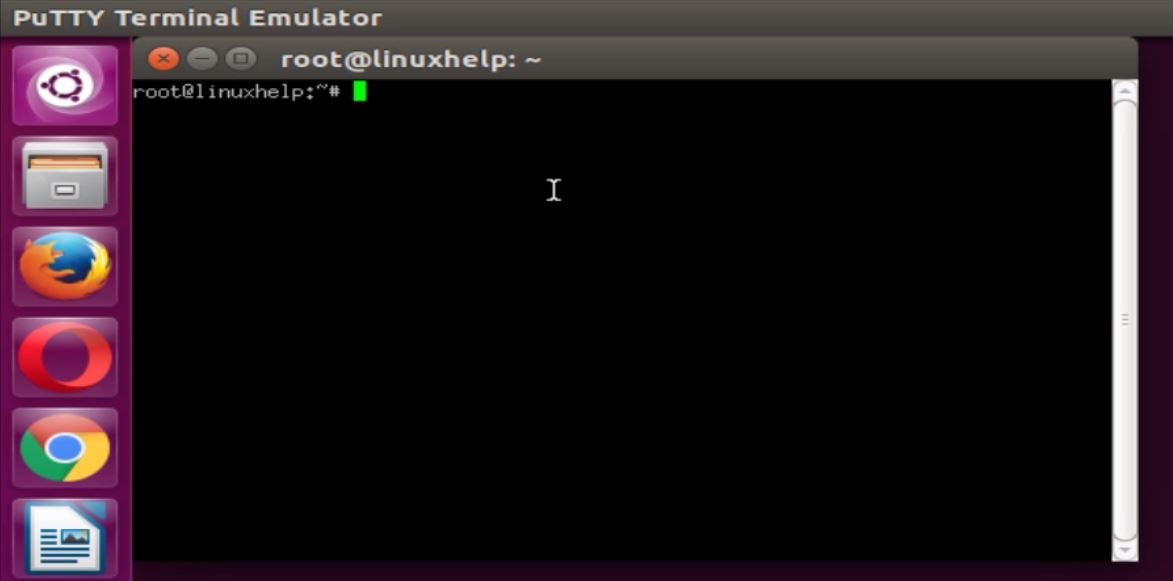
It is an X terminal emulator based on the popular Windows ssh client, PuTTY. It supports xterm escape sequences, plus some Linux console sequences for color palette configuration and some DECterm sequences for title bar control, and with an appropriate font it supports the UTF-8encoding of Unicode. It also has some nifty features like rectangular selection and NetHack keypad mode.
Installation of pterm emulator
root@linuxhelp:~# apt-get install pterm
Reading package lists... Done
Building dependency tree
Reading state information... Done
.
.
.
Rebuilding /usr/share/applications/bamf-2.index...
Processing triggers for mime-support (3.58ubuntu1) ...
Setting up pterm (0.65-2) ...
Run the pterm terminal emulator
root@linuxhelp:~# pterm
Mlterm
Mlterm is a multilingual terminal emulator on X11. Mlterm unlike many other terminal have support for variants of languages that including RTL languages (Arabic, Farsi, Urdu and Hebrew).
Installation of Mlterm emulator
root@linuxhelp:~# apt-get install mlterm
Reading package lists... Done
Building dependency tree
Reading state information... Done
.
.
.
Setting up mlterm (3.5.0-1build1) ...
Setting up mlterm-tools (3.5.0-1build1) ...
Processing triggers for libc-bin (2.21-0ubuntu4.1) ...
Run the Mlterm terminal emulator
root@linuxhelp:~# mlterm

Stterm
Stterm is a bare bones terminal emulator developed with a focus on simplicity and clarity as the primary goals. It is very lightweight consuming only approximately (2+25 reserved+virtual) MiB memory. The suckless software projects philosophy is about keeping things simple, minimal and usable.
Installation of Stterm emulator
root@linuxhelp:~# apt-get install stterm
Reading package lists... Done
Building dependency tree
Reading state information... Done
.
.
.
Unpacking stterm (0.5+20140606+gitc2fd275-1) ...
Processing triggers for man-db (2.7.4-1) ...
Setting up stterm (0.5+20140606+gitc2fd275-1) ...
Run the stterm terminal emulator
root@linuxhelp:~# stterm

Comments ( 0 )
No comments available