How to Restrict Websites for squid proxy user at specific time
To Restrict Websites for a Squid Proxy user at a specific time
Squid is a proxy caching server which is used for caching internet content that is closer to a requester rather than its original point of origin. With Squid, you can cache different kinds of web content, even the ones that are accessed through HTTP and FTP. Through our previous tutorials, you must have become accustomed with the method to install Squid Proxy server on CentOS, now here let us use the Squid Proxy server to restrict certain Websites for a Squid Proxy user at a specific time. But before proceeding with this tutorial, make sure you know how to configure Squid Proxy Server Authentication.
Restricting Website for Squid Proxy user
Lets begin the process by checking the status of the Squid server as follows.
[root@server1 ~]# systemctl status squid
squid.service - Squid caching proxy
   Loaded: loaded (/usr/lib/systemd/system/squid.service  enabled)
   Active: active (running) since Fri 2017-10-13 01:58:15 IST  4h 21min ago
  Process: 44888 ExecStop=/usr/sbin/squid -k shutdown -f $SQUID_CONF (code=exited, status=0/SUCCESS)
  Process: 44895 ExecStart=/usr/sbin/squid $SQUID_OPTS -f $SQUID_CONF (code=exited, status=0/SUCCESS)
  Process: 44890 ExecStartPre=/usr/libexec/squid/cache_swap.sh (code=exited, status=0/SUCCESS)
 Main PID: 44898 (squid)
   CGroup: /system.slice/squid.service
           ??44898 /usr/sbin/squid -f /etc/squid/squid.conf
           ??44902 (squid-1) -f /etc/squid/squid.conf
           ??44904 (logfile-daemon) /var/log/squid/access.log
           ??44913 (basic_ncsa_auth) /etc/squid/passwd
Once the status is checked, open the Squid configuration file and make a few modifications by adding the ACL rule as follows.
[root@server1 ~]# vim /etc/squid/squid.conf
auth_param basic program /usr/lib64/squid/basic_ncsa_auth /etc/squid/passwd
acl ncsa1 proxy_auth user1 user2
acl block1 dstdomain .facebook.com .youtube.com
acl break time 01:59-02:01
http_access deny ncsa1 block1 break
http_access allow ncsa1 block1
Now you should restart the Squid server, that can be done with the help of the following command.
[root@server1 ~]# systemctl restart squid
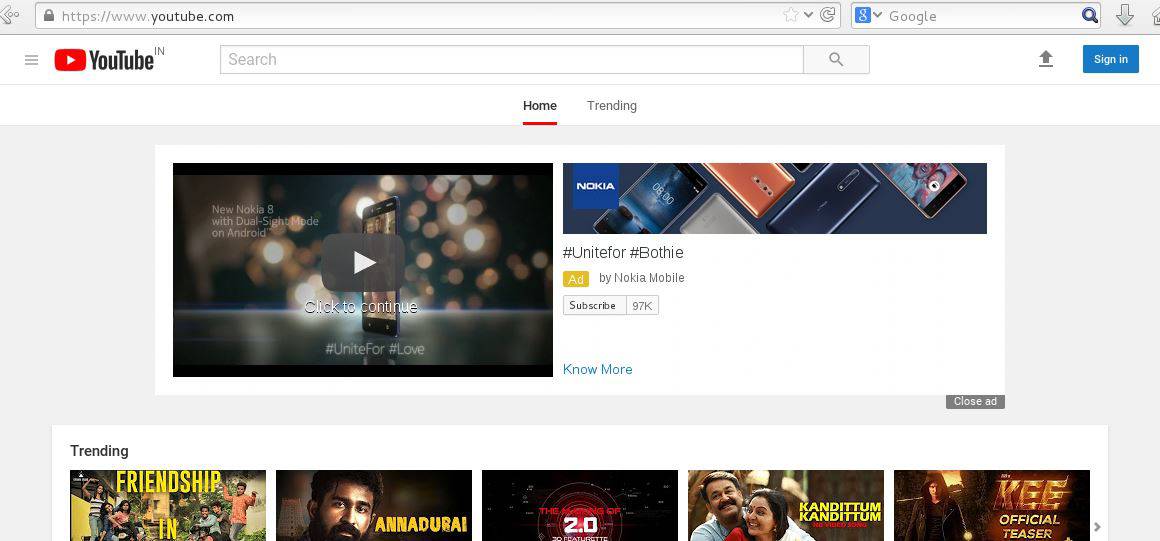
The configuration is now over, let us test it. Open your browser and go to Facebook and YouTube which are now allowed for the Squid Proxy user.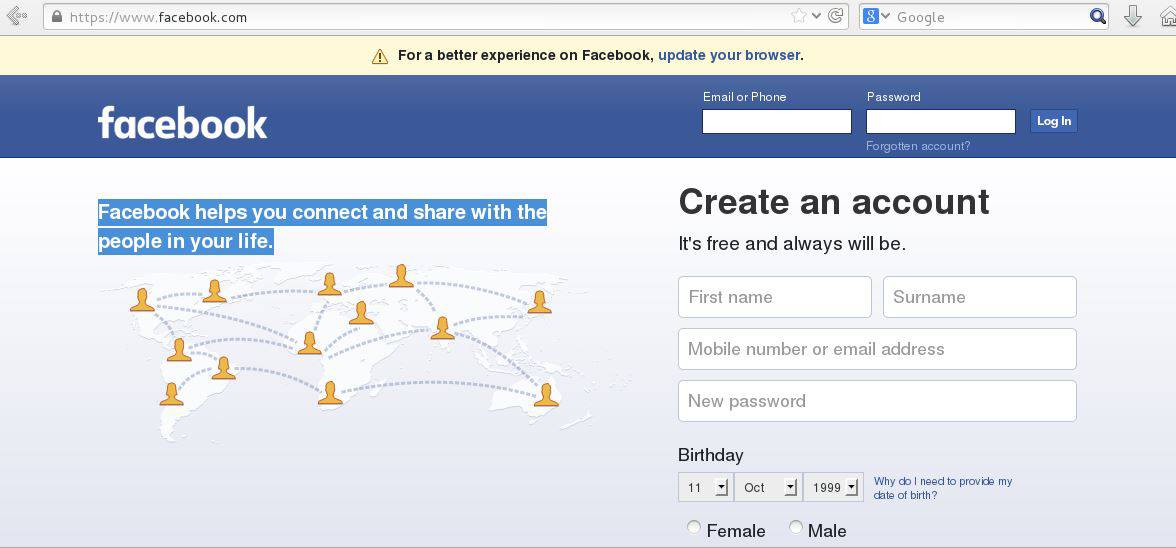
These sites are now accessable.
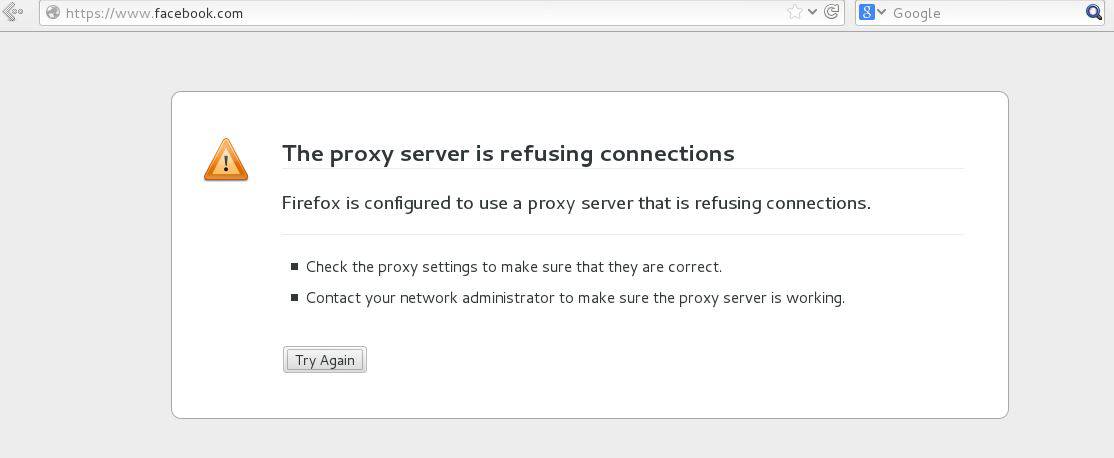
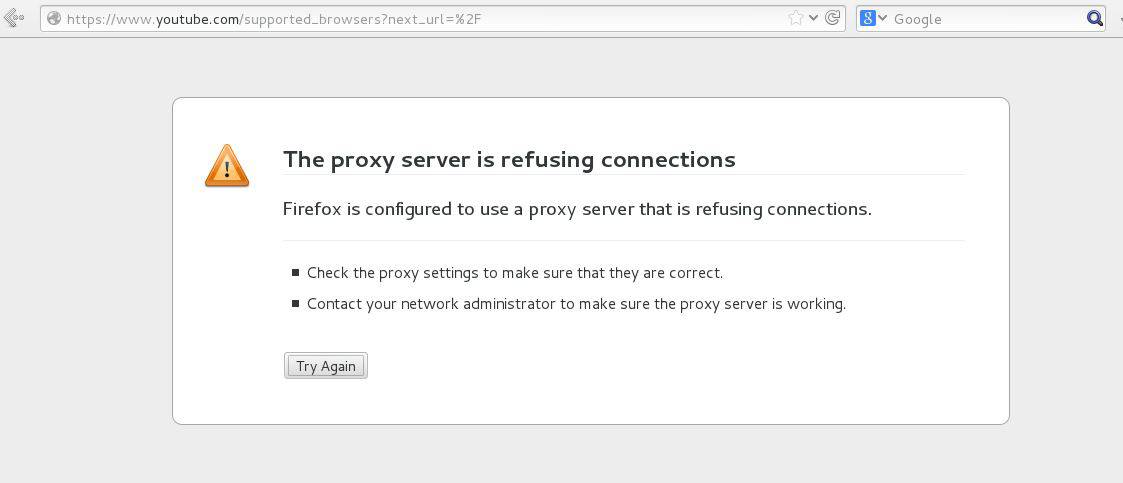
But after the allowed time is up, access to Facebook and YouTube are now denied by proxy server for the user.
With this, the coverage of Restricting Websites for a Squid Proxy user at a specific time comes to an end. If you want to know how to allow users to access the caches at specific times using Squid Proxy Server, click here.
Comments ( 0 )
No comments available