How to install Openshot on Fedora 34
To Install Openshot on Fedora 34
Introduction:
The open-source OpenShot video editor supports the FFmpeg codecs WebM (VP9), AVCHD (libx264), HEVC (libx265), and audio codecs like mp3 and aac.
Installation procedure:
Step 1: Check the OS version by using the below command
[root@linuxhelp ~]# cat /etc/os-release
NAME=Fedora
VERSION="34 (Workstation Edition)"
ID=fedora
VERSION_ID=34
VERSION_CODENAME=""
PLATFORM_ID="platform:f34"
PRETTY_NAME="Fedora 34 (Workstation Edition)"
Installed: rpmfusion-free-release-34-1.noarch rpmfusion-nonfree-release-34-1.noarch
Complete!
**Step 3: Now use dnf command to install OpenShot.**
[root@linuxhelp ~]# dnf install openshot
RPM Fusion for Fedora 34 - Free - Updates 263 kB/s | 421 kB 00:01
RPM Fusion for Fedora 34 - Free 702 kB/s | 941 kB 00:01
RPM Fusion for Fedora 34 - Nonfree - Updates 83 kB/s | 82 kB 00:00
RPM Fusion for Fedora 34 - Nonfree 248 kB/s | 246 kB 00:00
Dependencies resolved.
Complete!
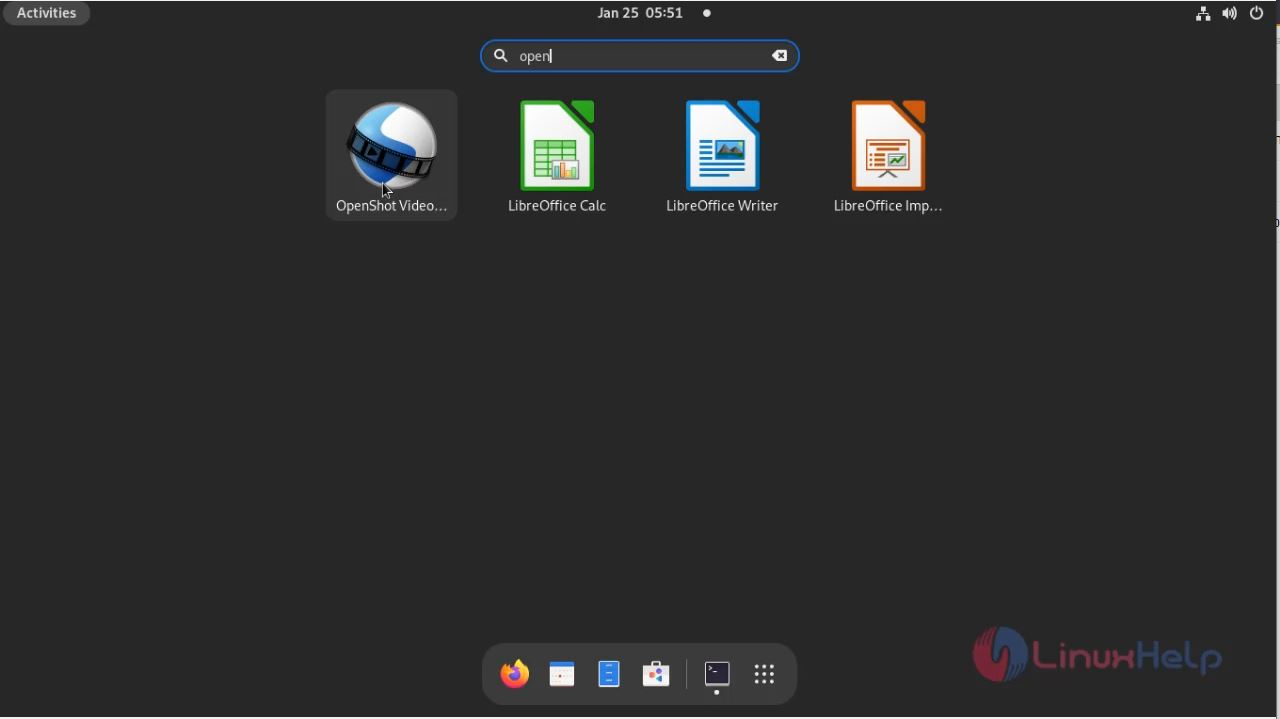
**Step 4: Now Search the menu bar to verify whether the OpenShot is installed.**
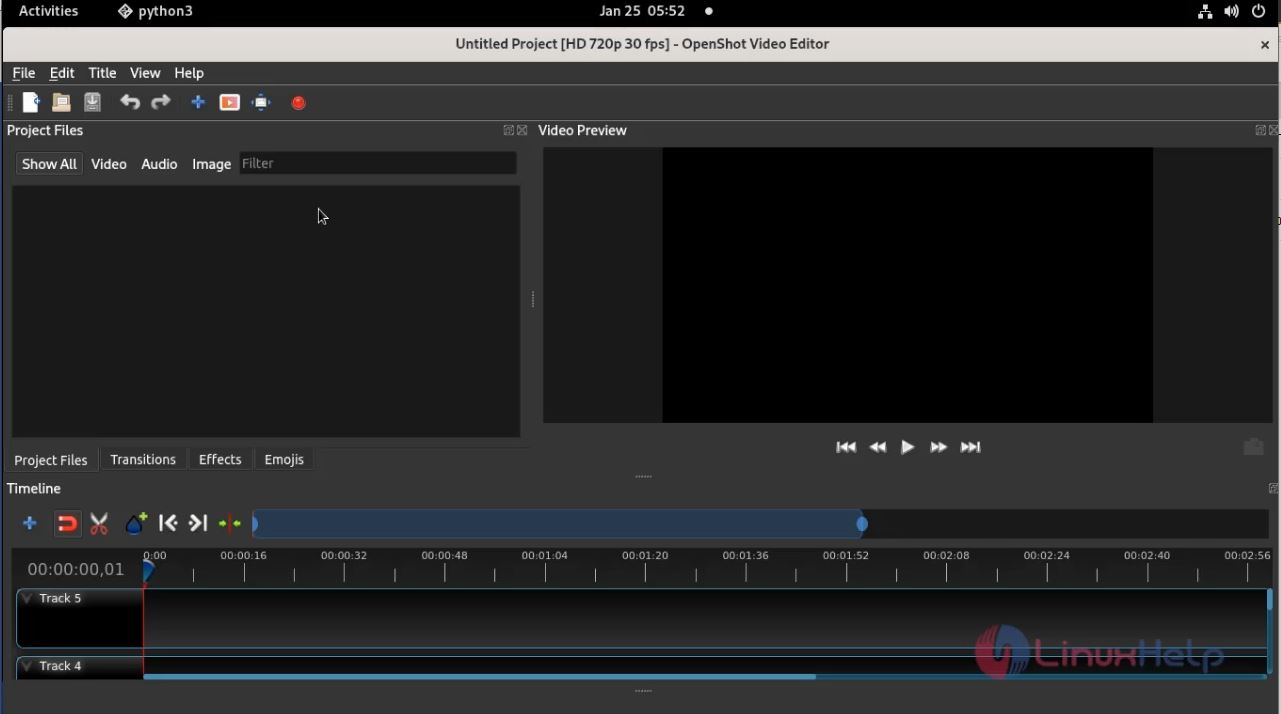
**With this process the installing Openshot video editor on Fedora 34 comes to an end**
FAQ
Q
What is an OpenShot?
A
An OpenShot is a free and cross-platform video editor. It supports several codecs by FFmpeg like WebM (VP9), AVCHD (libx264), HEVC (libx265), and audio codecs like mp3 and aac.
Q
What are the features of OpenShot?
A
The features of OpenShot is
- Transform Tool &ndash A new transform tool, which allows real-time transformations in the video preview window.
- Zooming Improvements &ndash Zooming in and out of the timeline, in order to increase the precision of your edits, has been greatly improved. When zooming the timeline, it now centers on your mouse position, similar to image editing applications.
- New Preview Window &ndash Previewing files now have their own dedicated video player, which allows for multiple video preview windows at the same time. Also, audio files render a waveform by default. The speed of previewing files is also improved.
Q
What files do OpenShot support?
A
OpenShot Supports all sorts of audio, video, and image formats, Key Frame animation, Digital zooming of video clips, and so on
Q
Where do we get stable releases of PPA for OpenShot?
A
To get stable releases of PPA use the following link "https://www.openshot.org/ppa/"
Joyoshare Media Cutter
Filmora Video Editor
Avidemux
Kdenlive
iMovie